
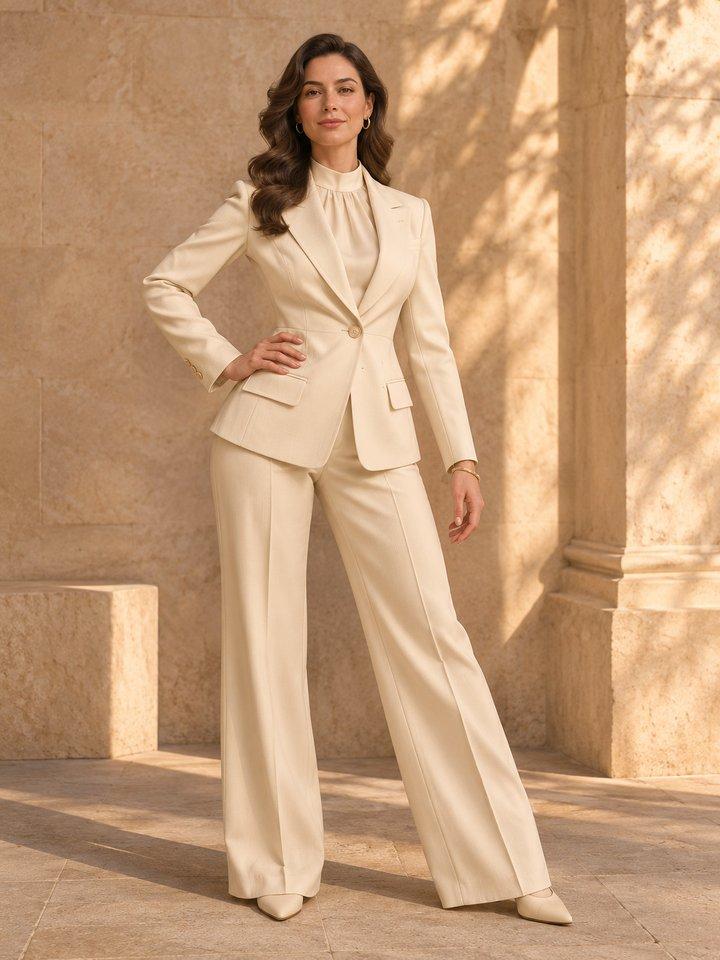
 AI concept
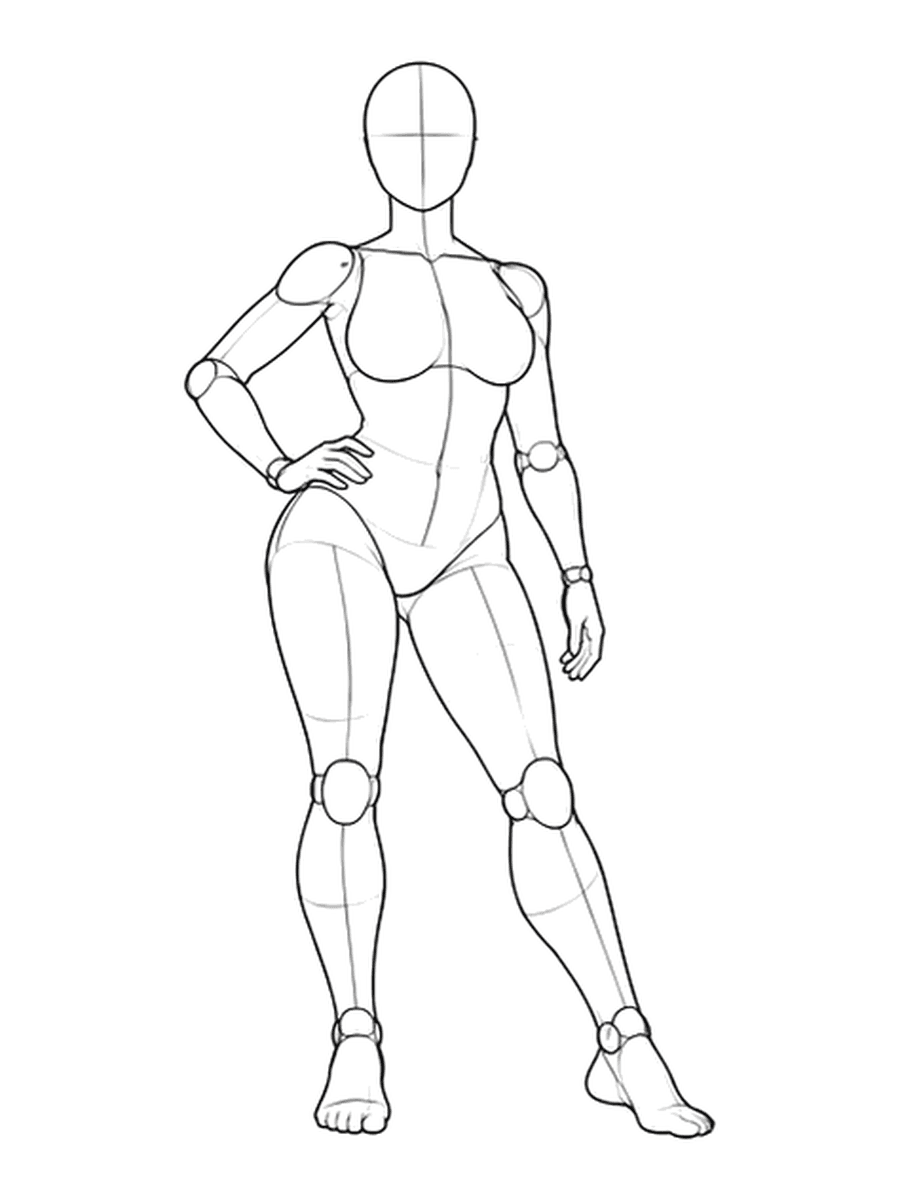
Pose reference
Fashion editorials
Explore tailoring, warm architecture and editorial lighting.
An adult fashion model in a cream suit, warm architectural setting, editorial photography.
Try this scenePose inspiration
A pose reference is just the beginning. Explore fashion editorials, anime characters and sports campaigns with AI.
Browse these references without signing in.
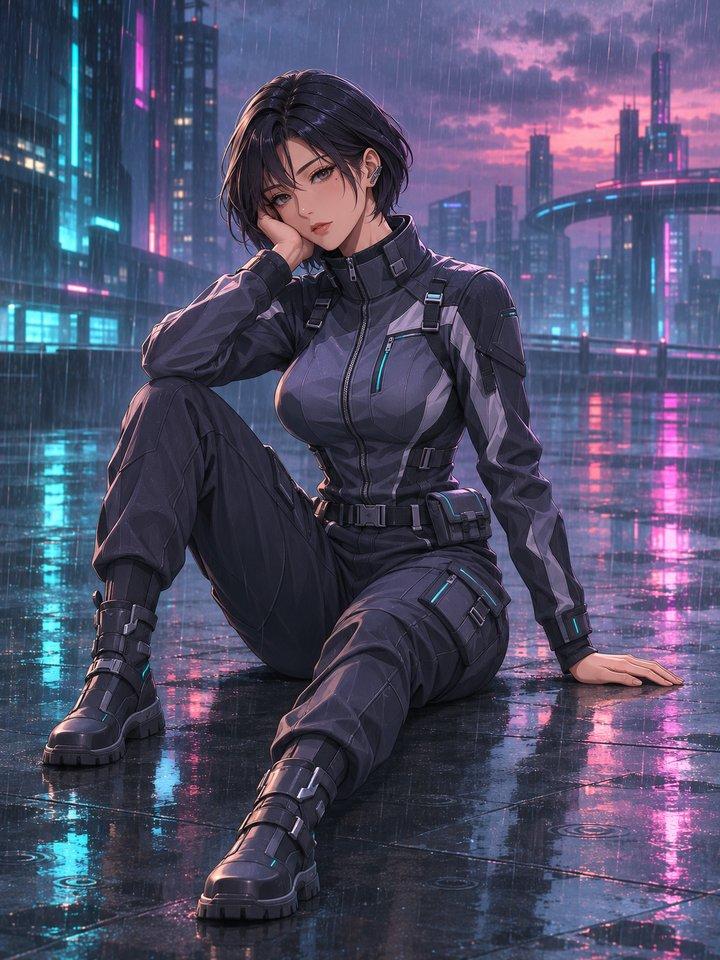
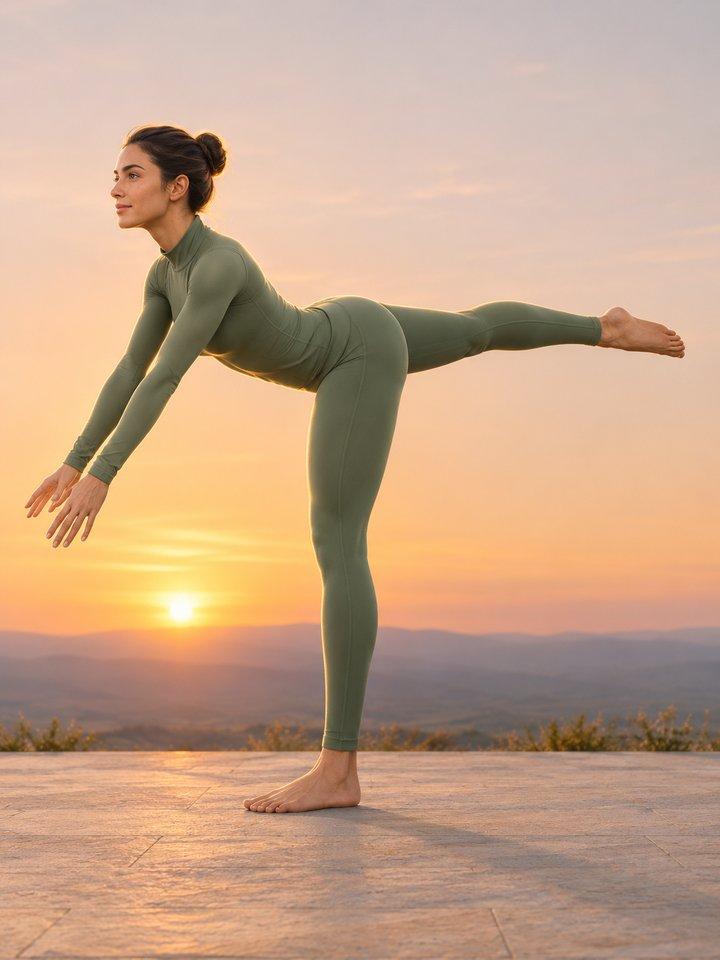
AI-generated concept examples. Results vary by model and prompt.
See how a pose reference can inspire different subjects, styles and settings.
AI conceptPose reference
Explore tailoring, warm architecture and editorial lighting.
An adult fashion model in a cream suit, warm architectural setting, editorial photography.
Try this sceneAI concept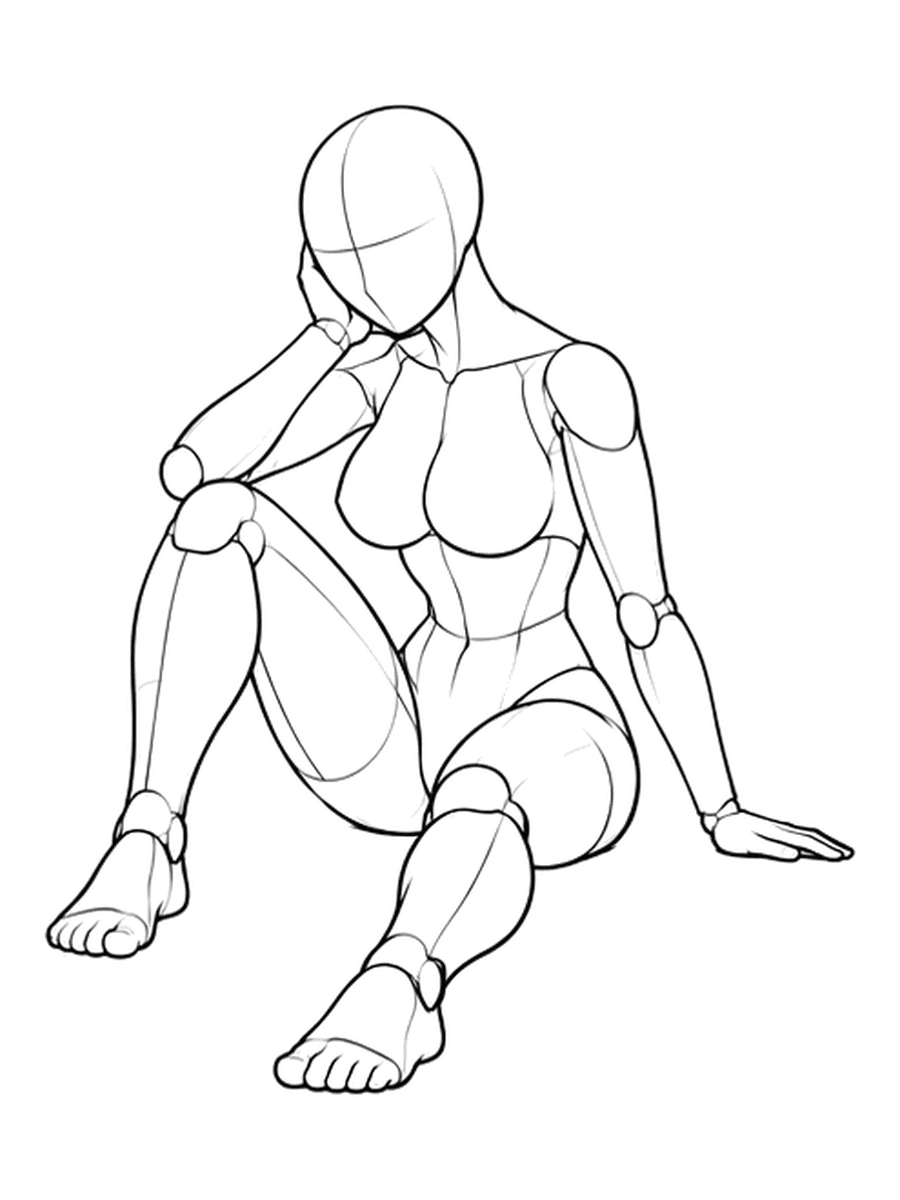
Pose reference
Imagine a character through costume, atmosphere and a new visual world.
An adult anime character with short hair and futuristic technical clothing, neon reflections on a rainy night.
Try this sceneAI concept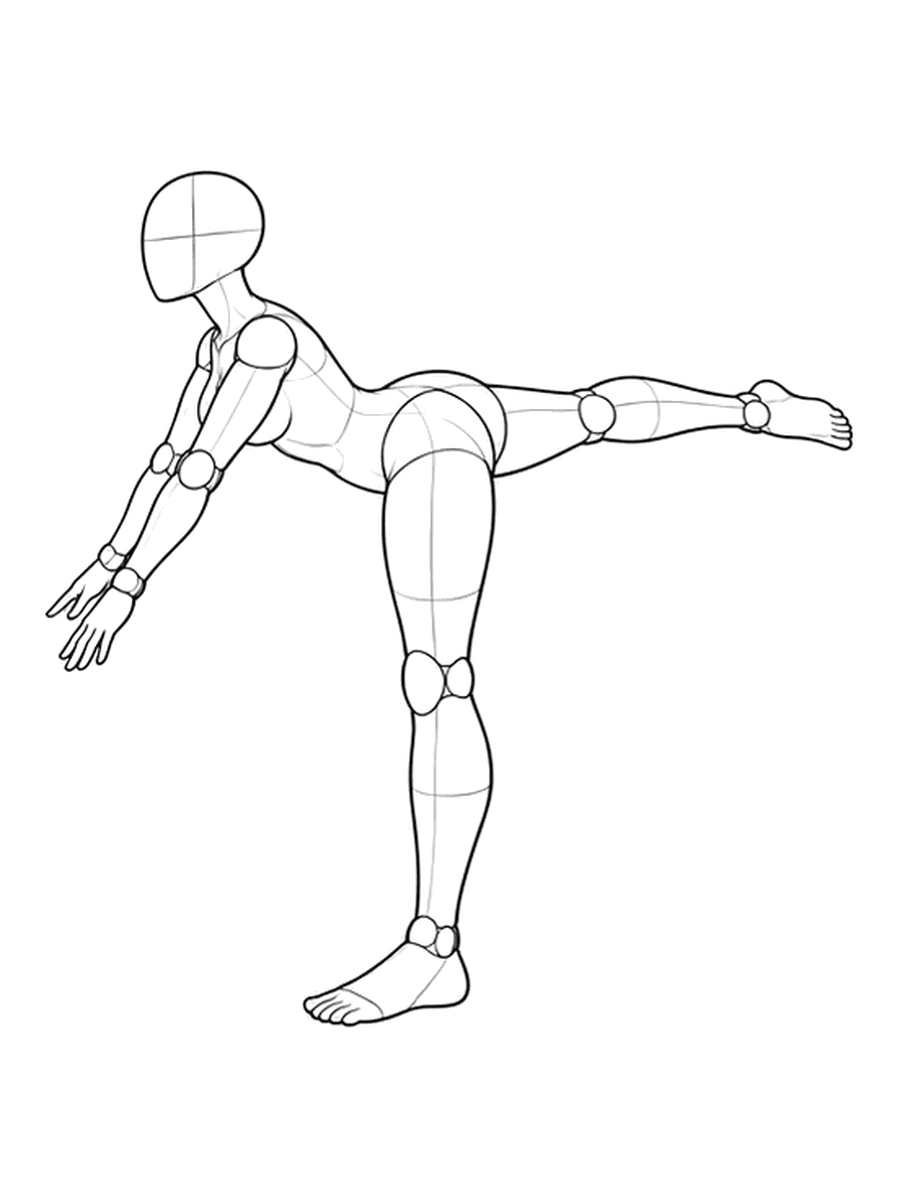
Pose reference
Explore balance, athletic styling and the energy of a campaign.
An adult athlete in full sportswear balancing on one leg, sunset sports campaign.
Try this sceneAI-generated concept examples. Results vary by model and prompt.
Start with a reference
Explore eight selected poses. Switch between original and depth views, then choose a reference to open in the editor.
Browse these references without signing in.
Choose an original or depth reference from the selected poses.
Describe the subject, outfit, setting and style in the image editor.
Select a model, review the result and adjust your idea for another variation.
A pose reference helps you explore body position and composition. Use it as a starting point for your own image idea.
Yes. The selected pose references and concept examples on this page are public. You can browse them without signing in.
An exact match is not guaranteed. The model, prompt and reference can all affect the final pose and composition.
Choose a pose, open the editor and describe your idea. Follow the editor's sign-in and account steps when you are ready to generate.
Choose a pose reference, add your idea and keep exploring in the image editor.
Start with a pose

