AI Prompts
GPT Image 2.5 Prompts
Browse GPT Image 2.5 prompts for studio fashion, travel posters and reference-based compositions, then adapt the original wording.
GPT Image 2.5 prompt library, updated daily
1:1
1K
All Prompts
Prompts on this page: 21
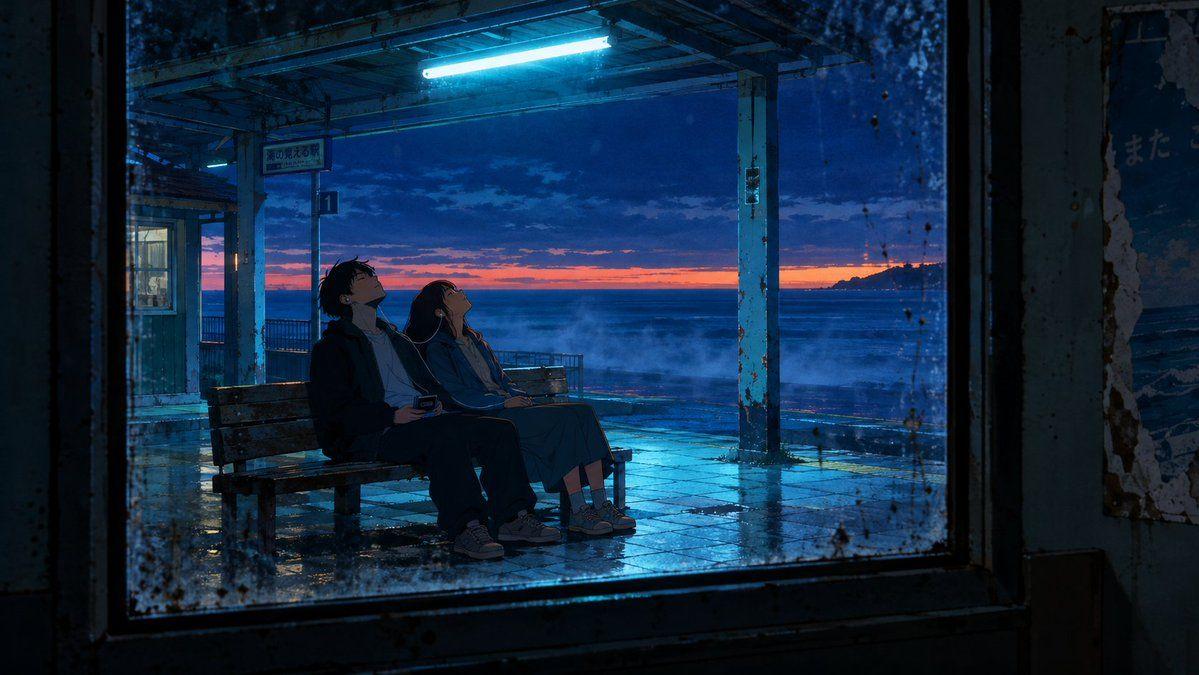
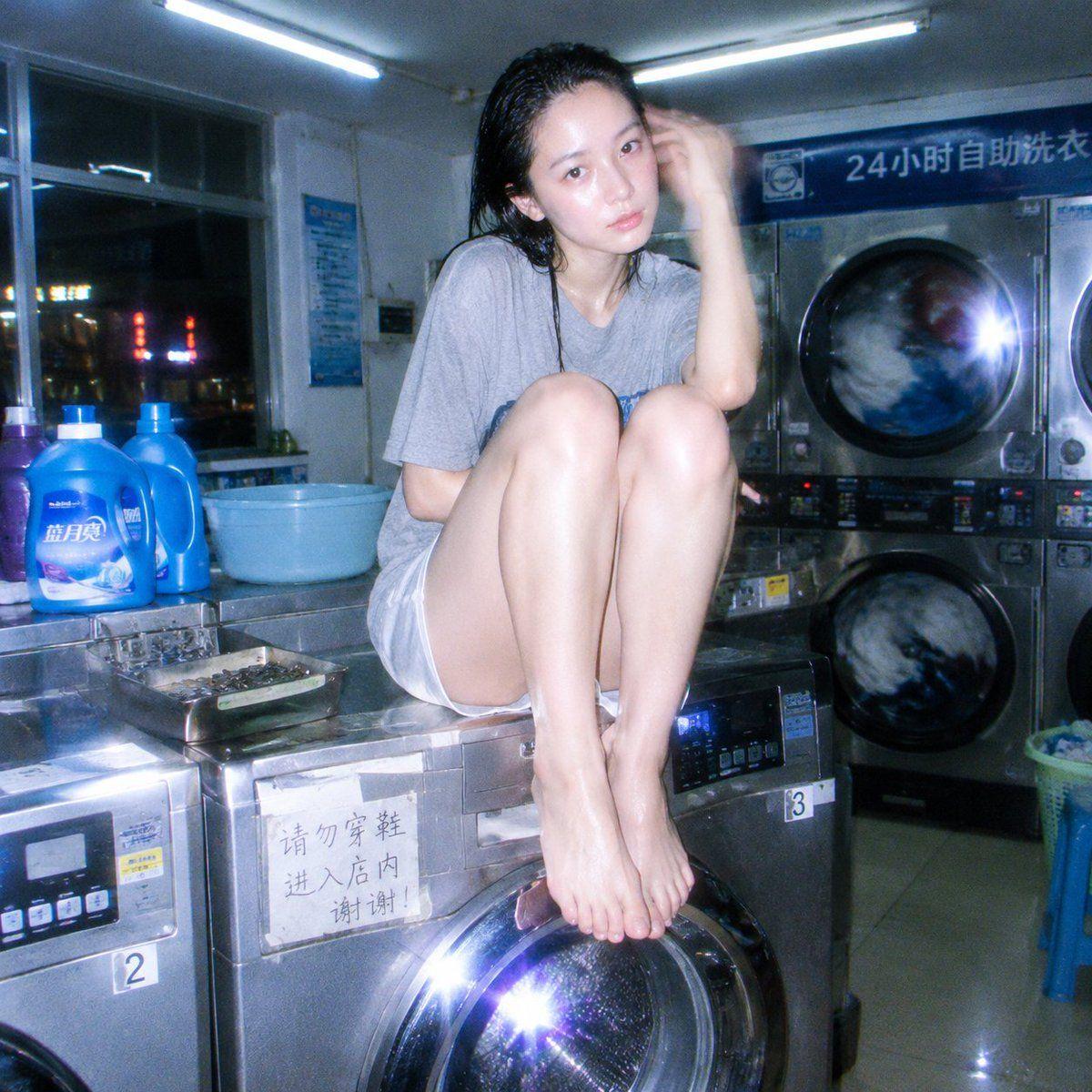
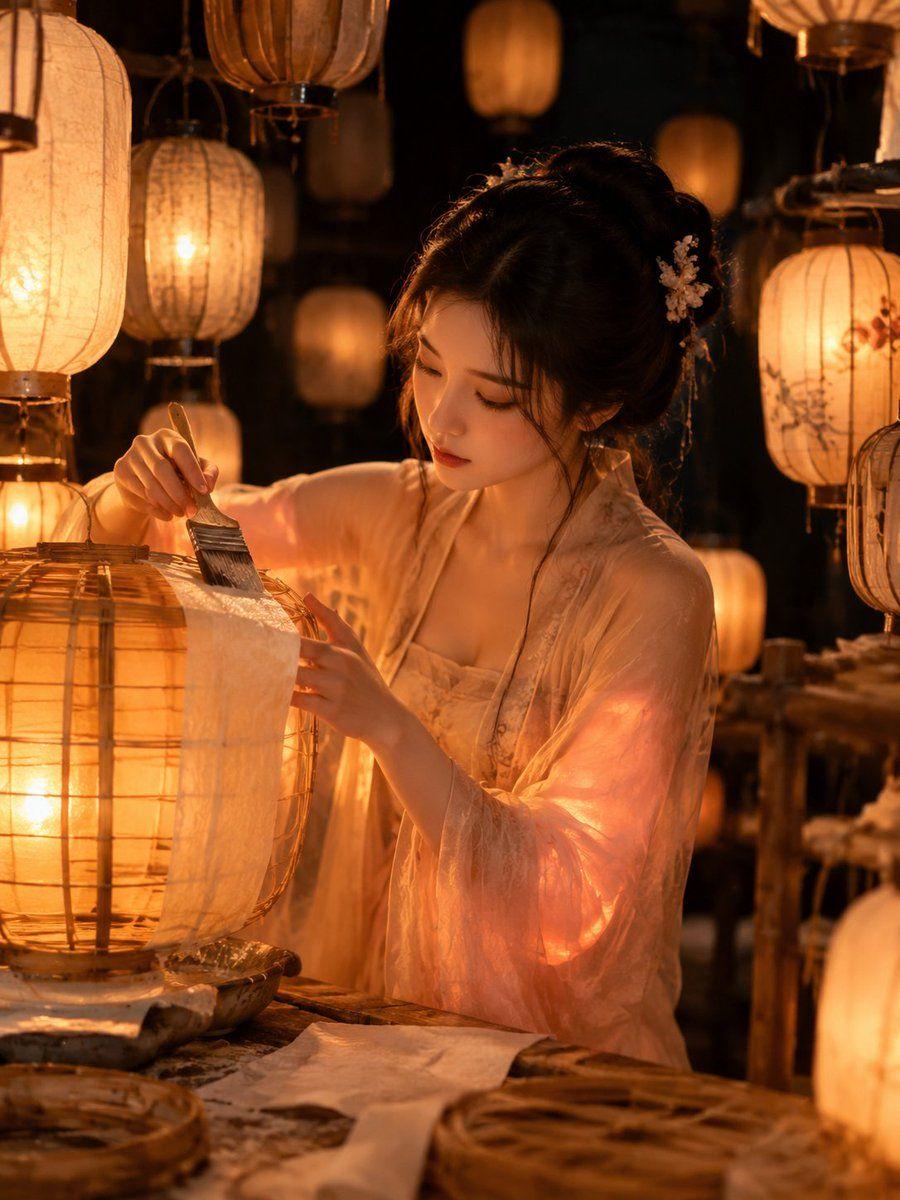
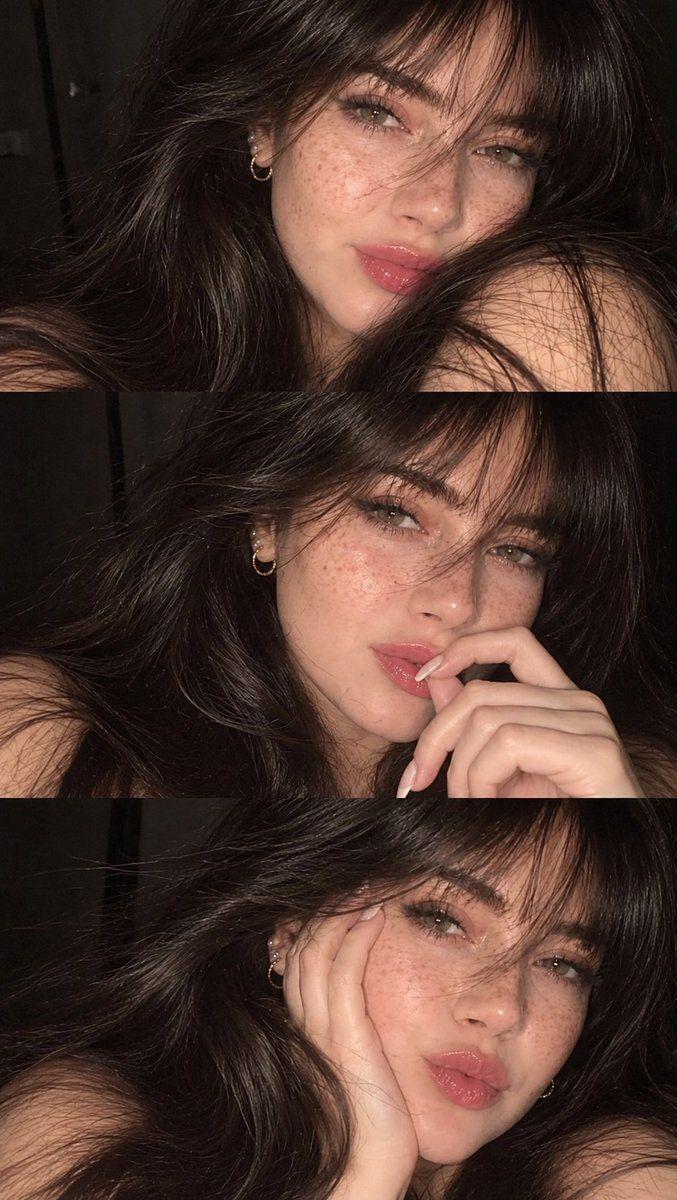
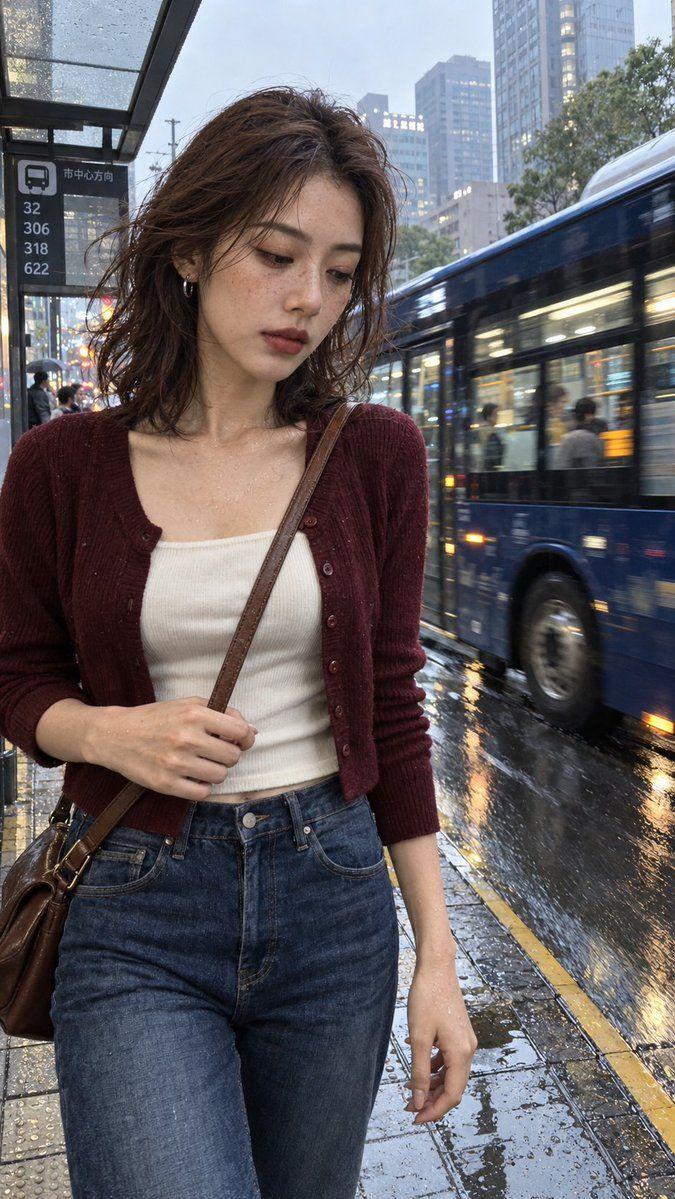
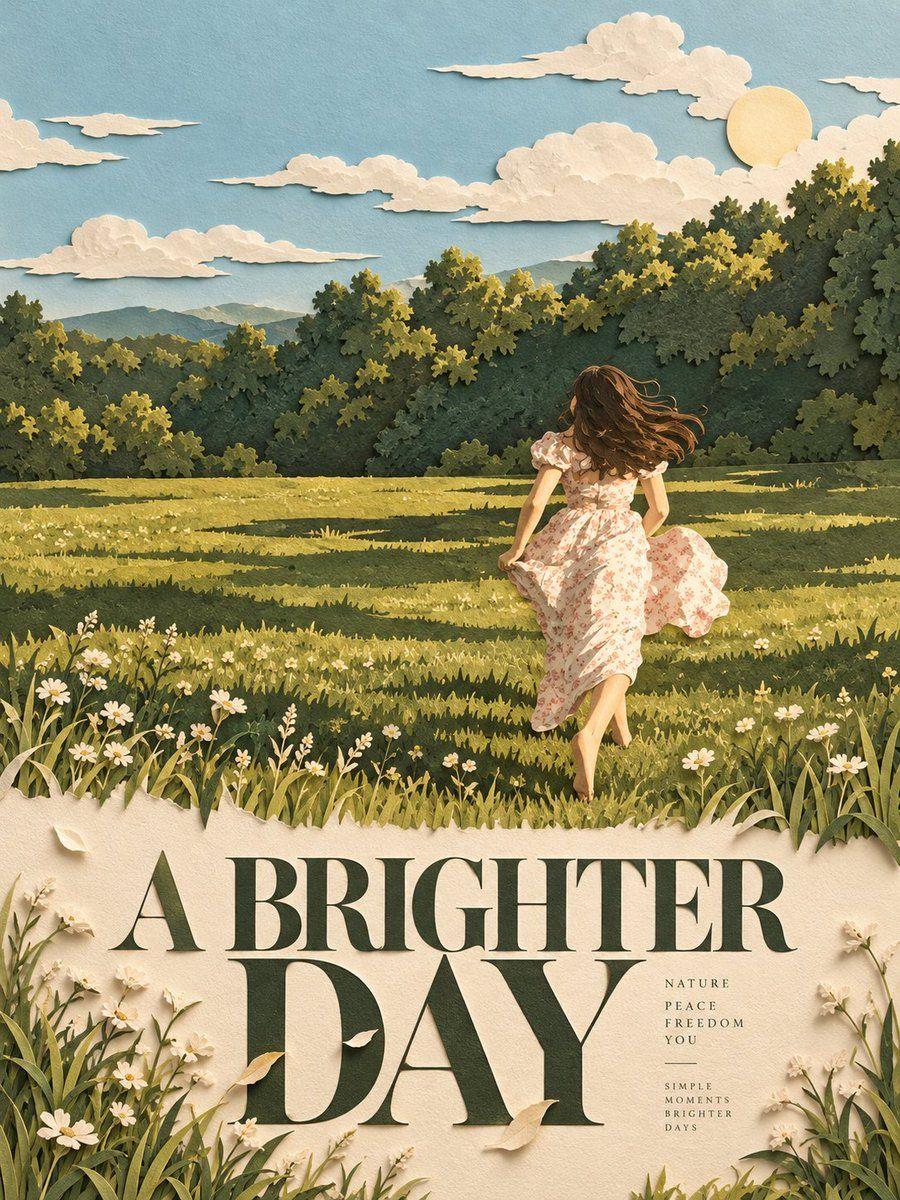
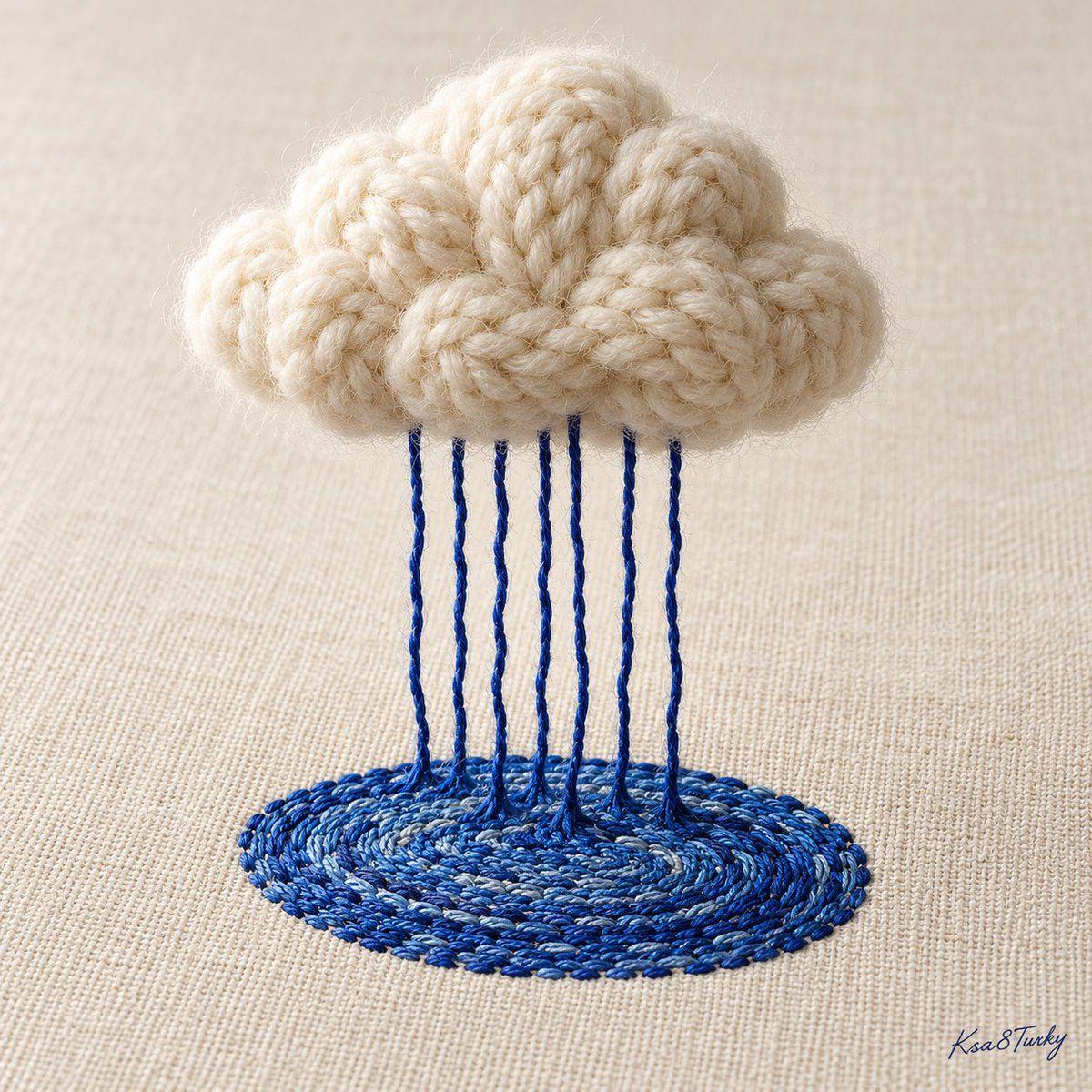
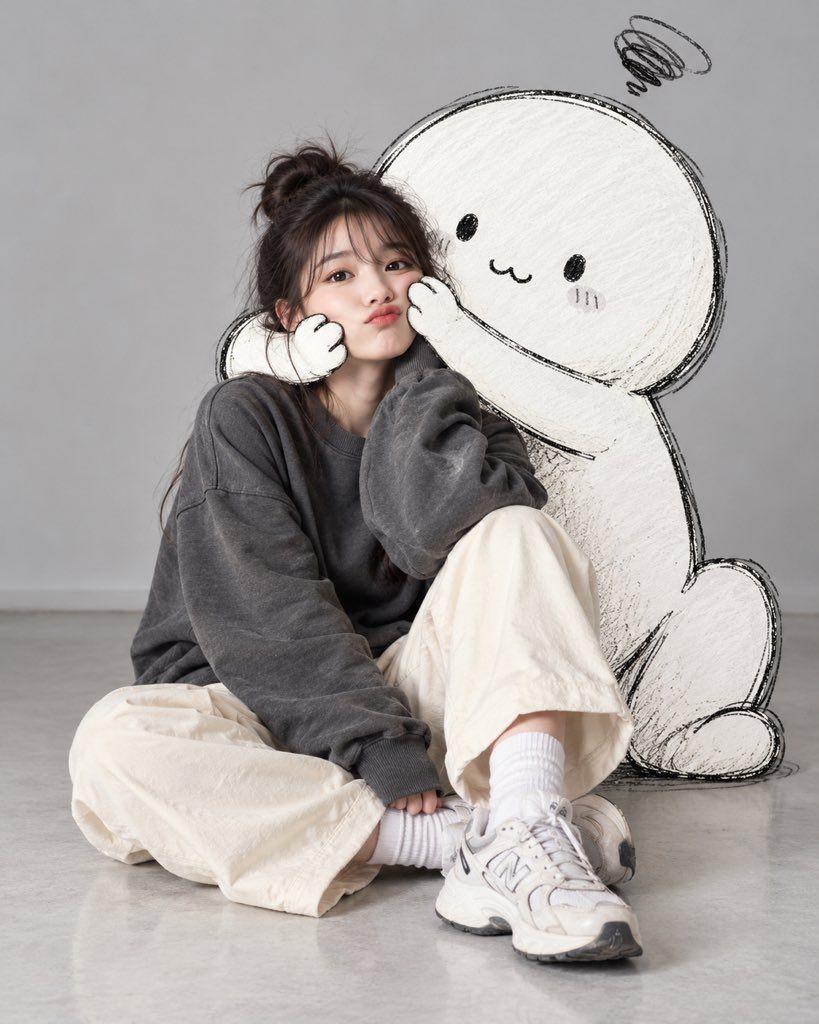
![Prompt preview: A surreal high-fashion editorial artwork where {argument name="city" default="[CITY/LANDMARK]"} is f…](/_next/image?url=https%3A%2F%2Fcollart.nyc3.cdn.digitaloceanspaces.com%2Fmedia-processor%2Fauto%2Fimages%2F329a28da25a2649746391aa5071be139.jpg&w=2048&q=75)
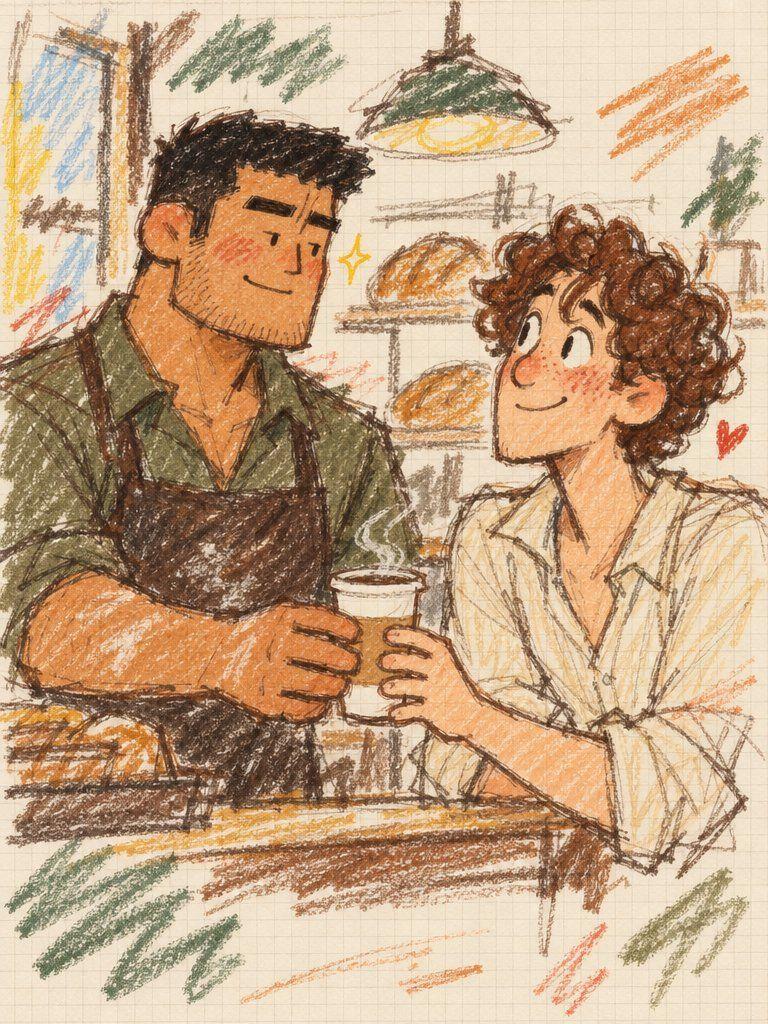
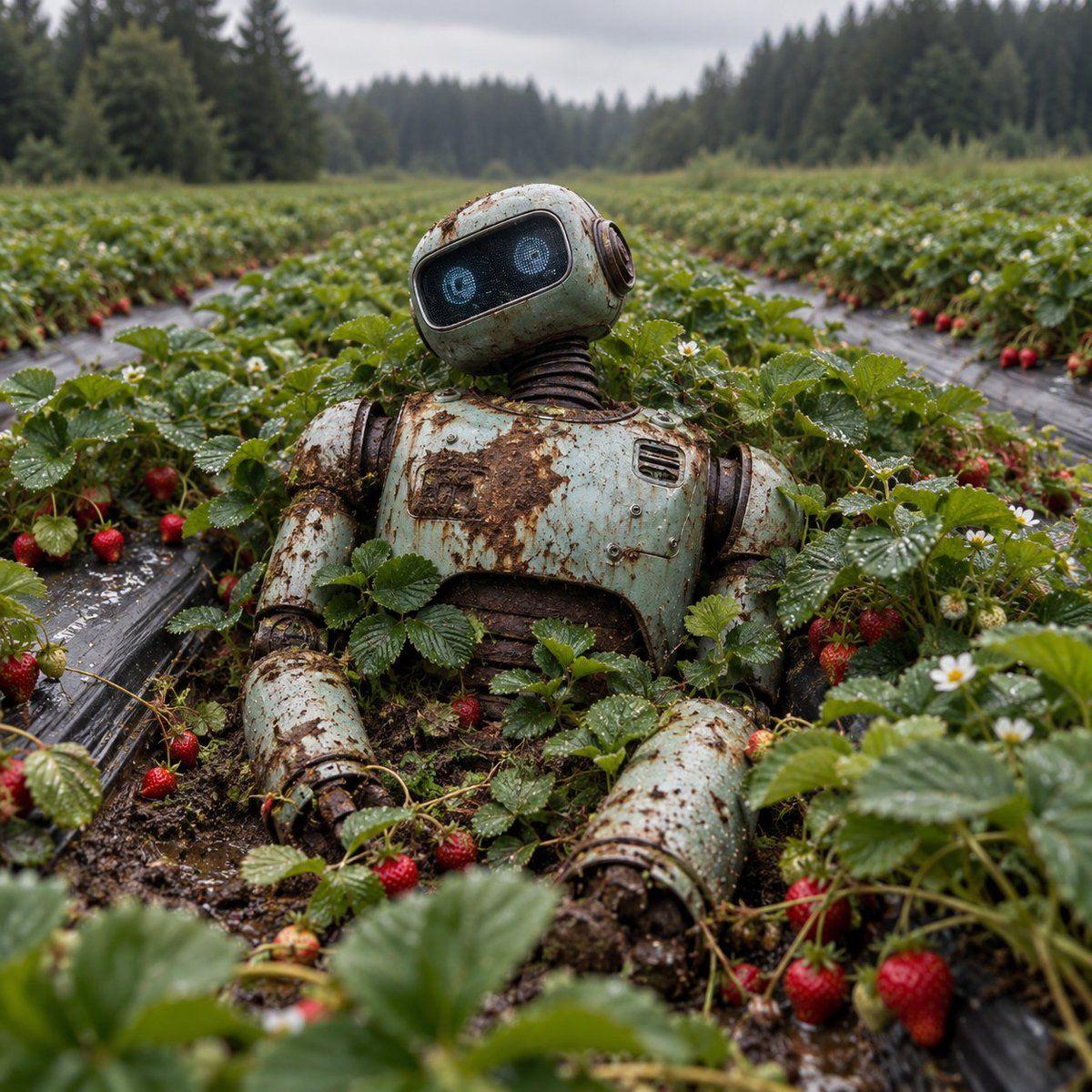
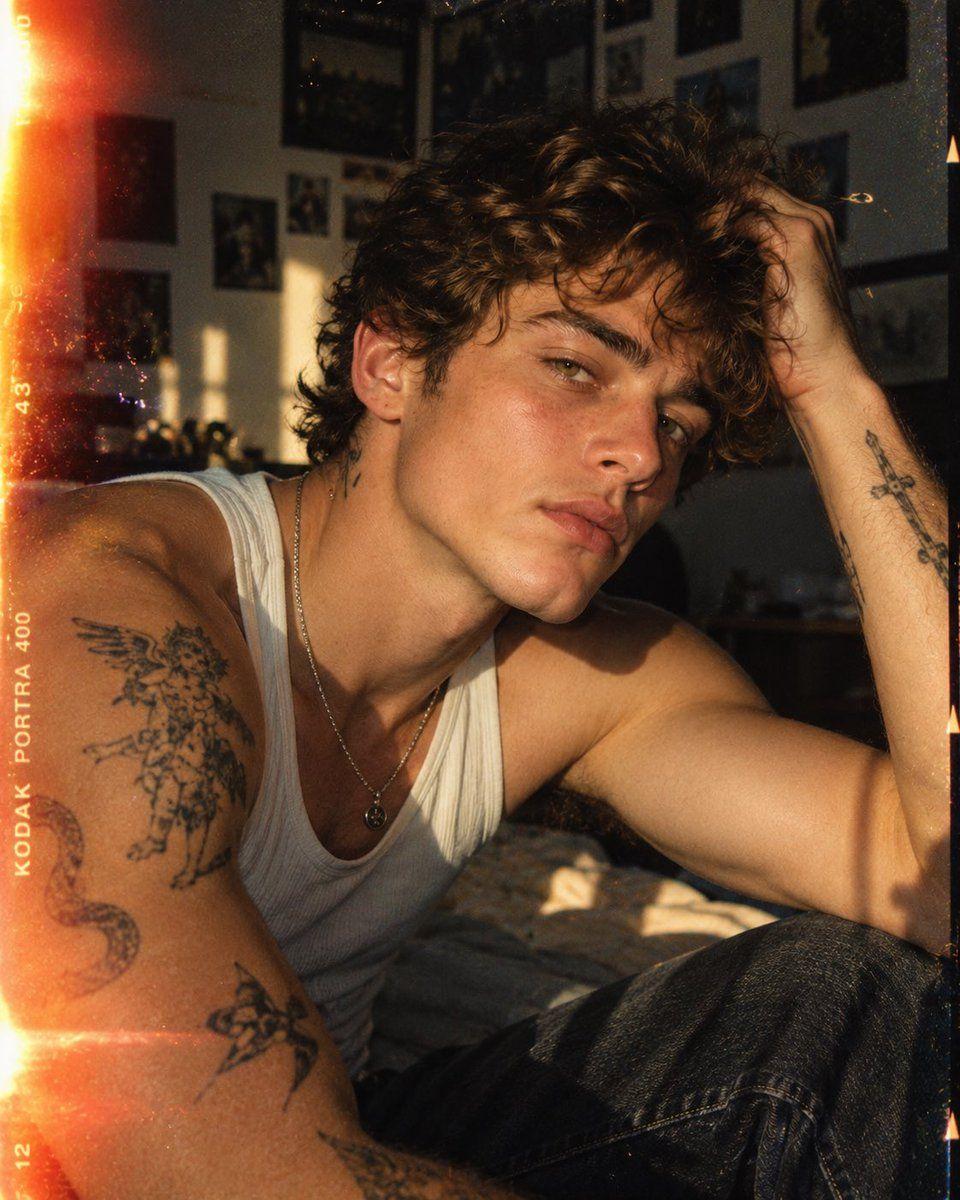
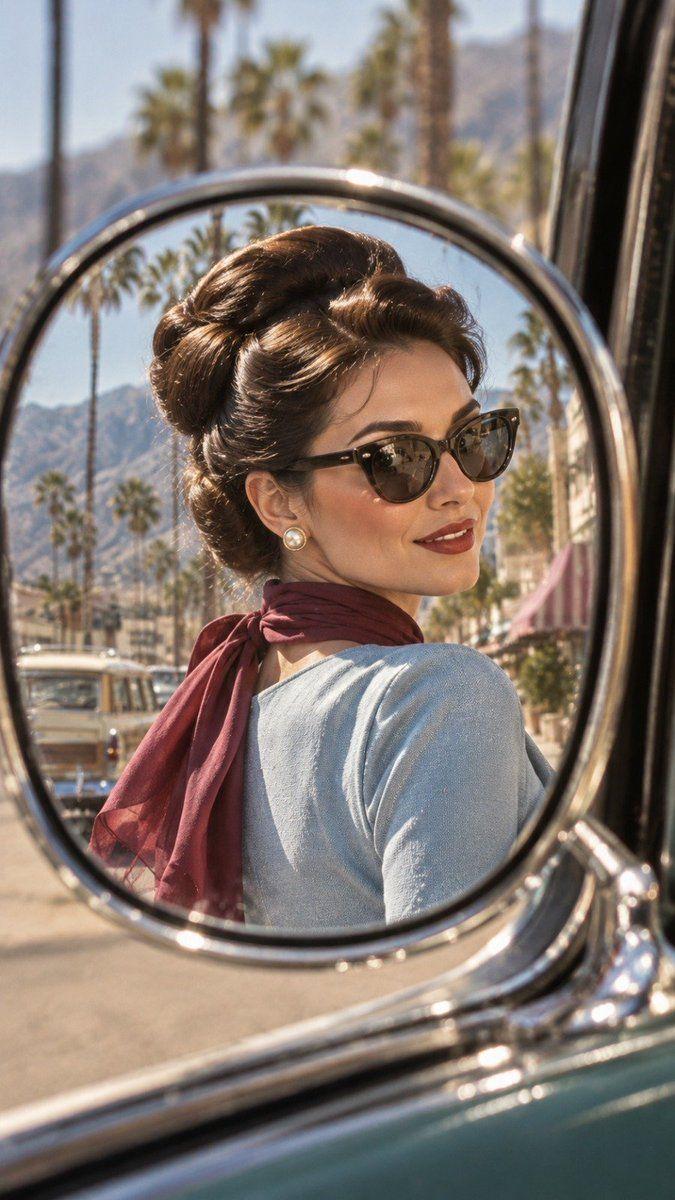
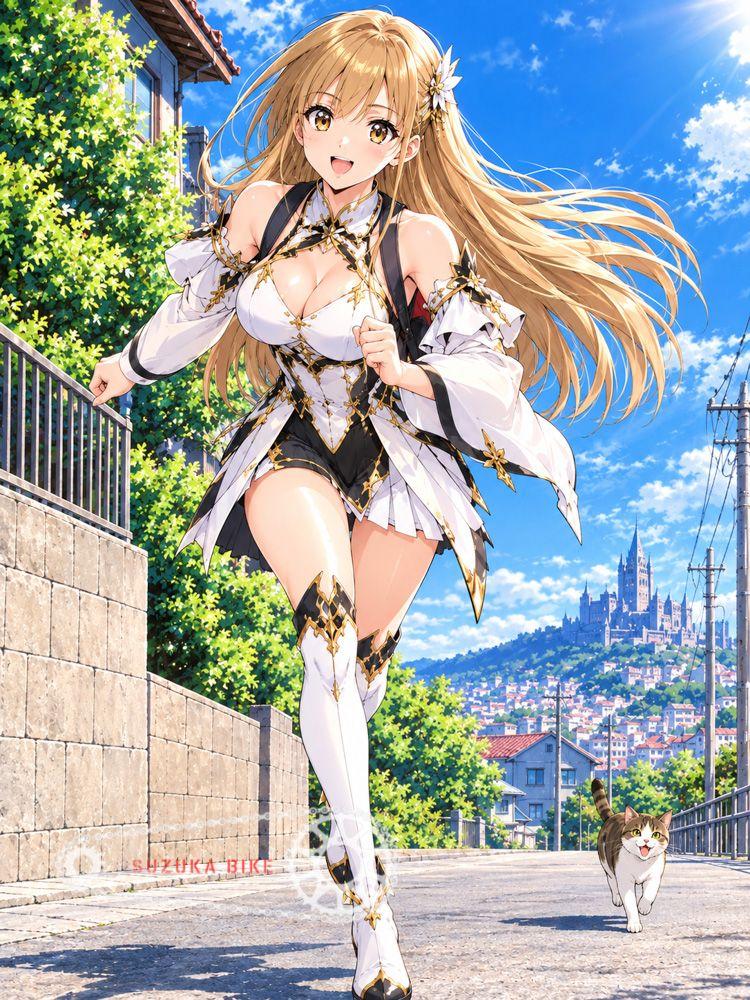
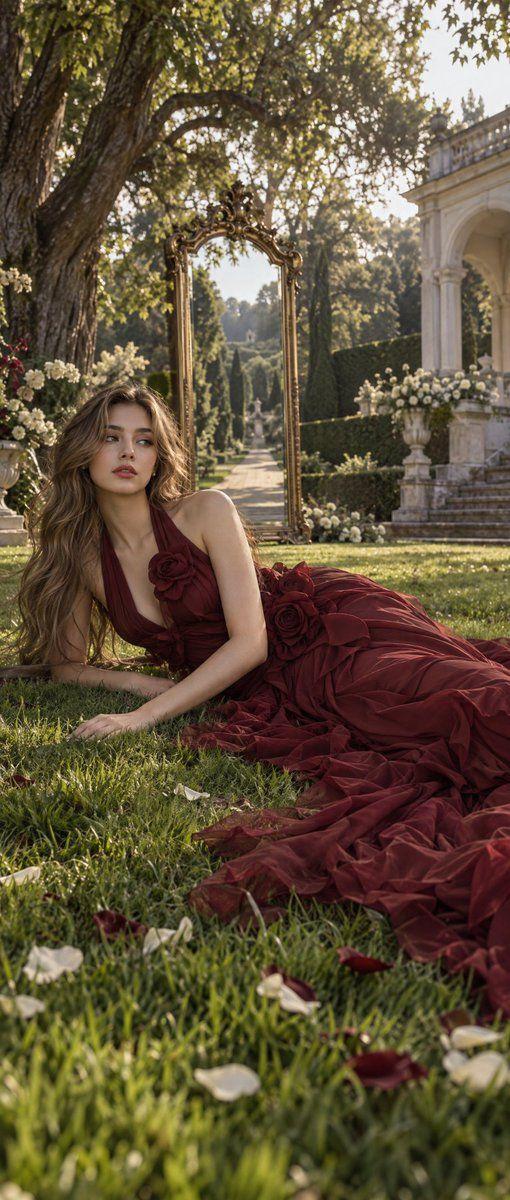
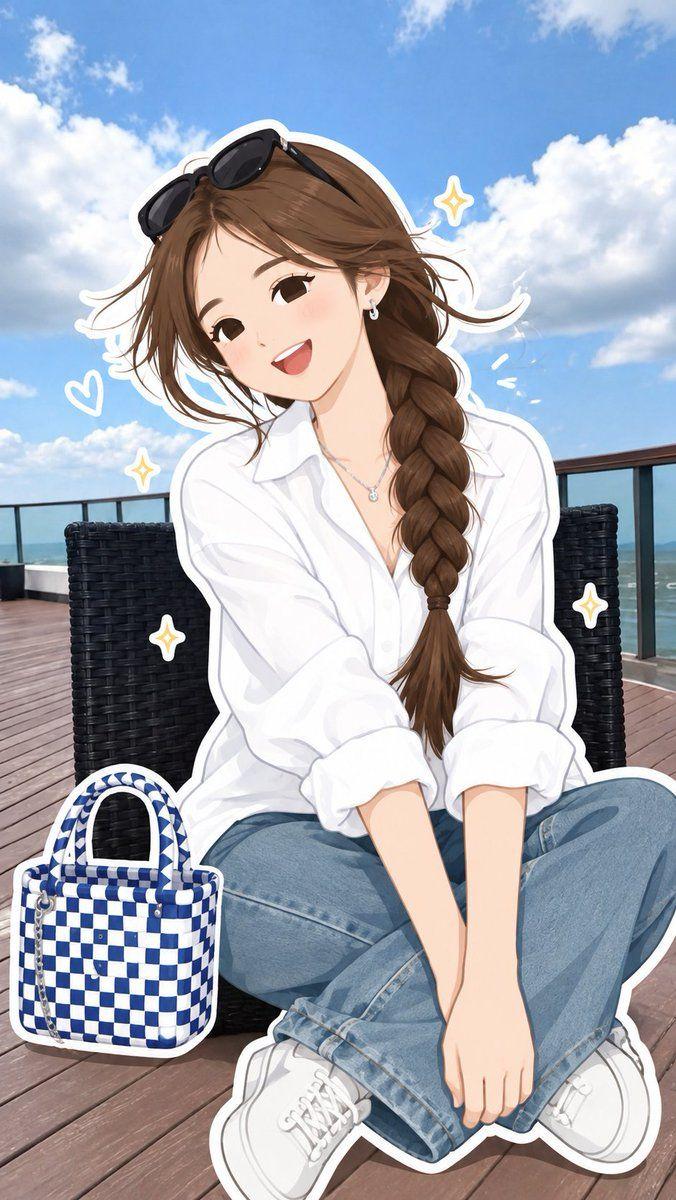
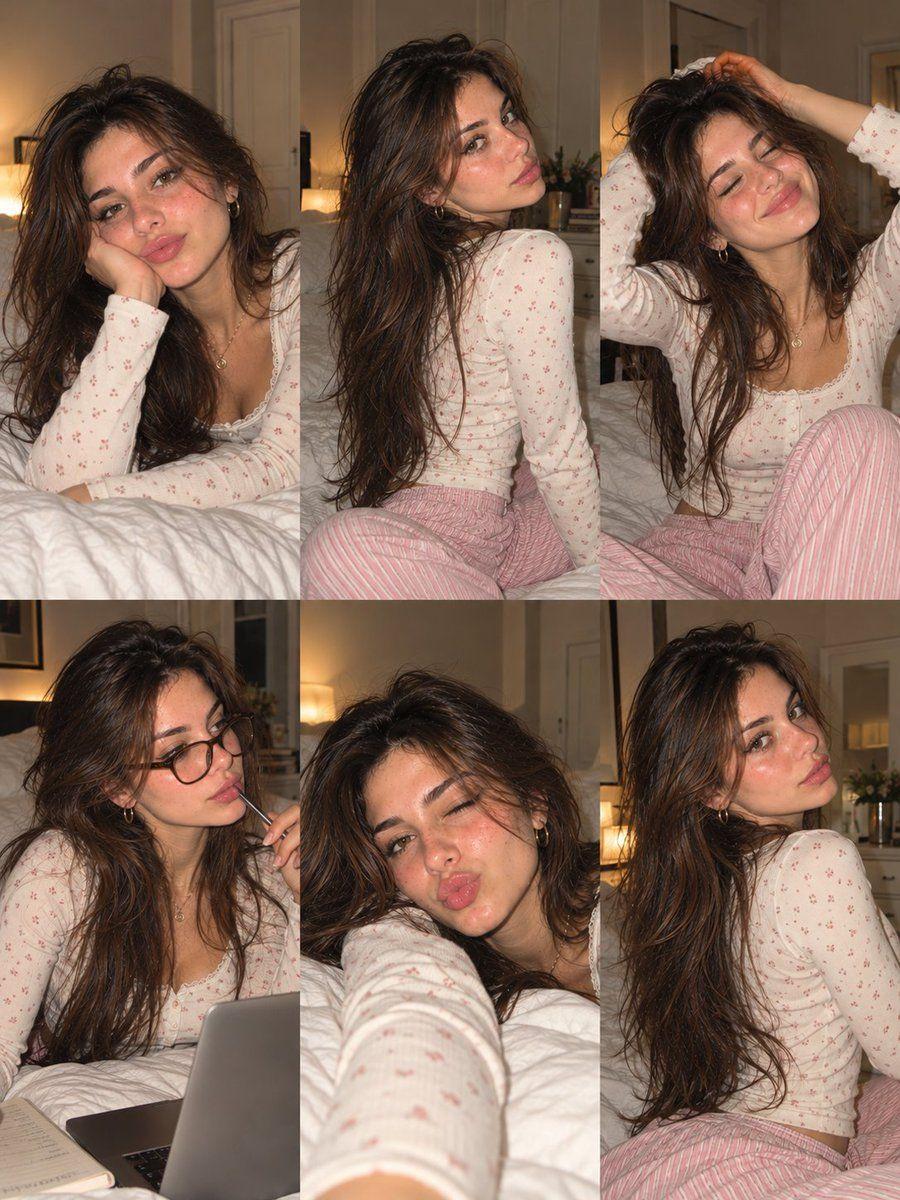
GPT Image 2.5 prompt examples and writing tips
Explore original writing examples with a complete prompt, suggested setup and practical ways to adapt it. Use them as starting points and refine the result for your own project.
Product ad with controlled packaging and copy
- Complete prompt
- Use the uploaded bottle photo as the product reference. Create a clean studio advertisement with one bottle centered on a pale green pedestal. Preserve its silhouette, cap and label placement. Light it from the upper left with a soft reflection along the glass. Leave the upper third empty for the exact headline "FRESH START". Place two mint leaves beside the base, without covering the label. No extra bottles, badges or invented packaging text.
- Why this wording helps
- Separating fixed product details from the new background makes the edit specific. A single headline and two props establish a clear visual hierarchy.
- What to change
- Replace the bottle reference, headline, pedestal color and two props. Keep the instructions about label visibility and the number of products.
- Reference images and settings
- Use Image to Image with GPT Image 2.5 and one sharp product photo. Start at 1K; select the final ad ratio in the editor before refining the composition.
- If the result needs work
- If the label changes, crop the reference closer to the product and simplify reflections. For production artwork, check every letter and add final brand typography in a design editor if needed.
Three-step illustrated explainer
- Complete prompt
- Create a clean horizontal infographic explaining how to pot a small herb plant. Use exactly three equal panels from left to right. Panel 1 shows a pot and soil with the heading "PREPARE". Panel 2 shows the plant being placed in the pot with the heading "PLANT". Panel 3 shows a watering can above the finished pot with the heading "WATER". Use consistent flat illustrations, cream backgrounds, green accents and generous spacing. No additional captions or decorative charts.
- Why this wording helps
- Panel count, reading order and exact headings turn a broad infographic request into a layout brief. Repeating the illustration style keeps the sequence coherent.
- What to change
- Replace the three steps and their headings together. Keep each heading short and give every panel one clearly visible action.
- Reference images and settings
- Use Text to Image with GPT Image 2.5. No reference is required. Select a landscape ratio and inspect the three panels at the starting resolution.
- If the result needs work
- If steps merge, ask for wider gutters and one object group per panel. If text becomes dense, remove captions instead of shrinking the headings.
About GPT Image 2.5 prompts
These examples combine detailed subject descriptions with layout instructions. When a prompt mentions reference images, supply your own suitable images in an editor that supports them.
Using GPT Image 2.5 in Collart
Separate what should stay from what should change: framing, subject, clothing, background and lighting.
GPT Image 2.5OpenAIImage prompts
Try nowFrequently Asked Questions
Can I reuse a prompt that mentions reference images?+-
Yes, but text alone does not include the references. Add your images through the image-input workflow and review the result.
Can I use these prompts directly?+-
Yes. Treat them as starting points and refine them for your reference images, aspect ratio, and target visual result.
Collart