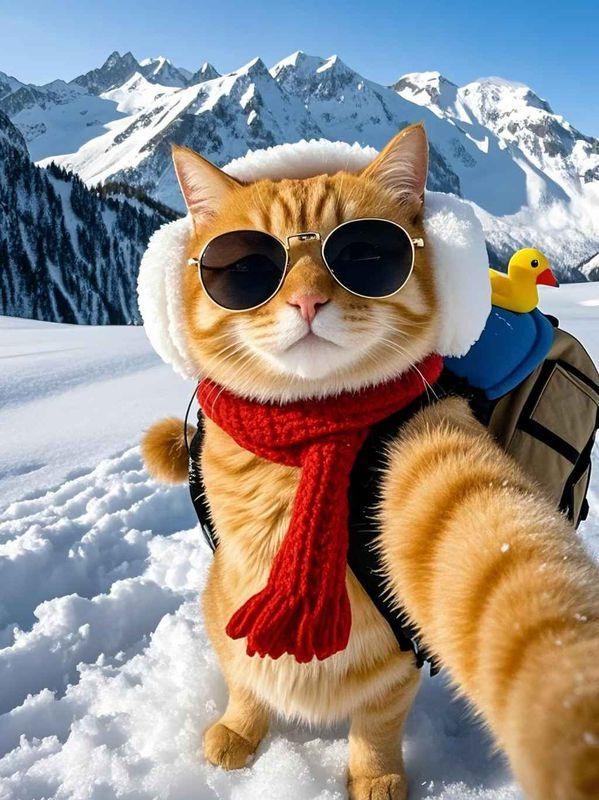
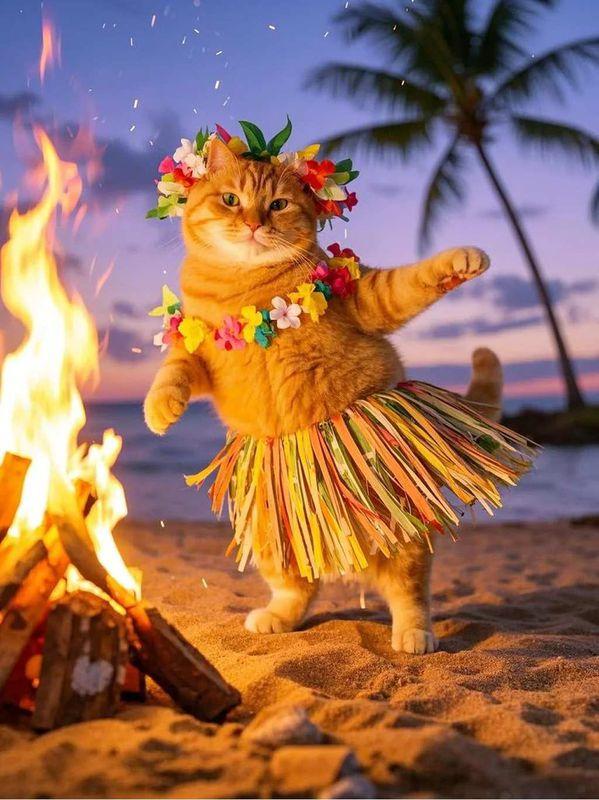
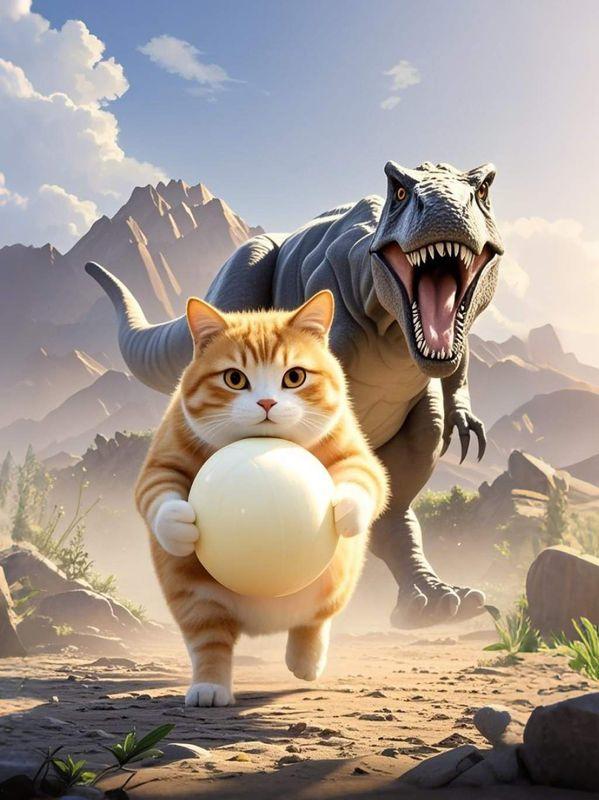
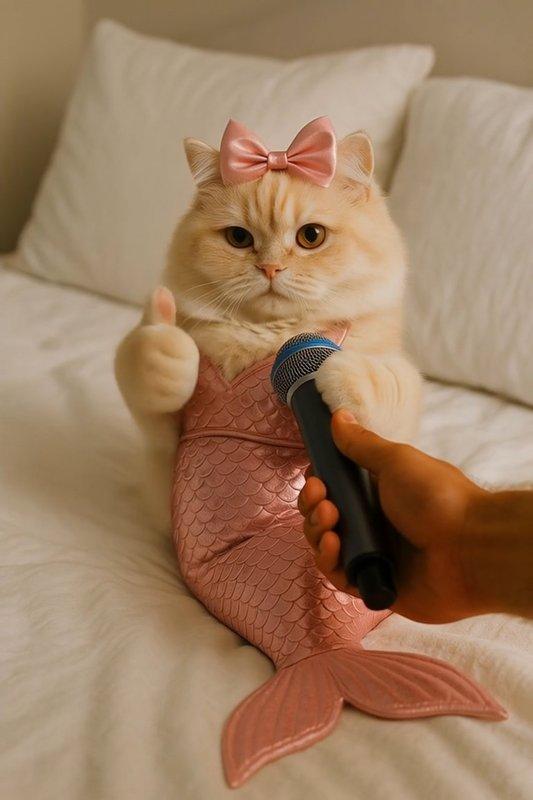
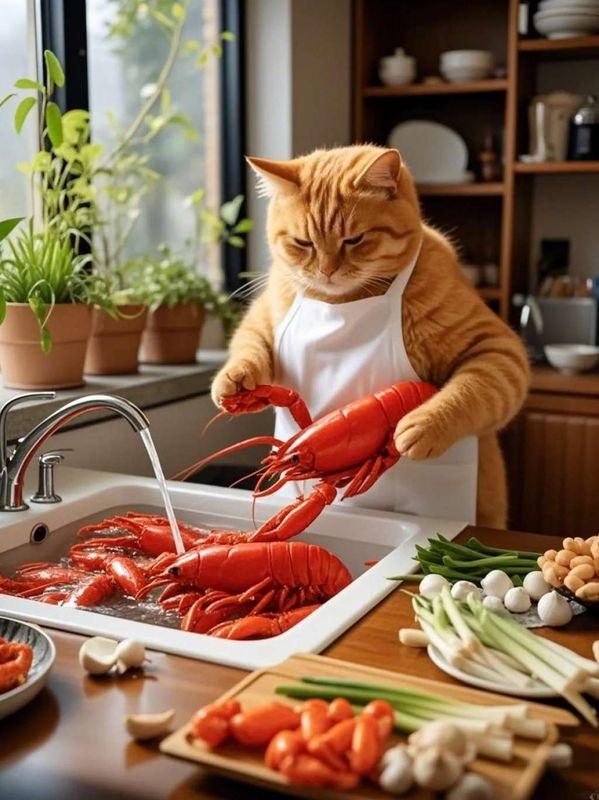
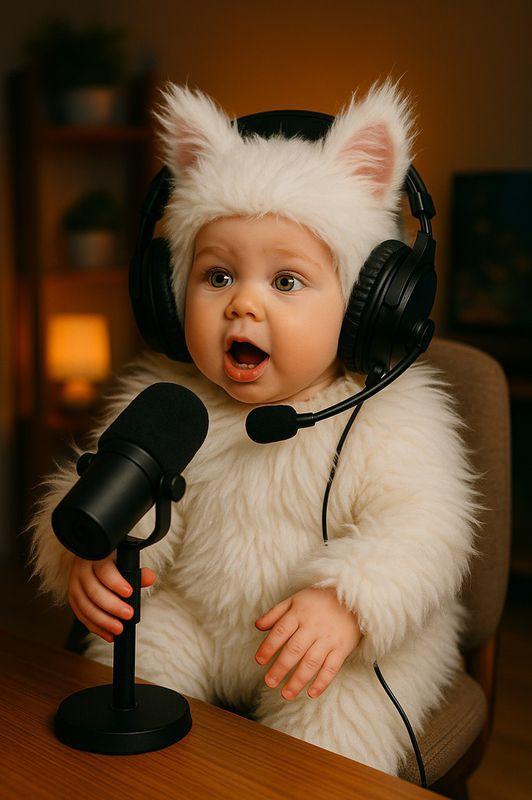
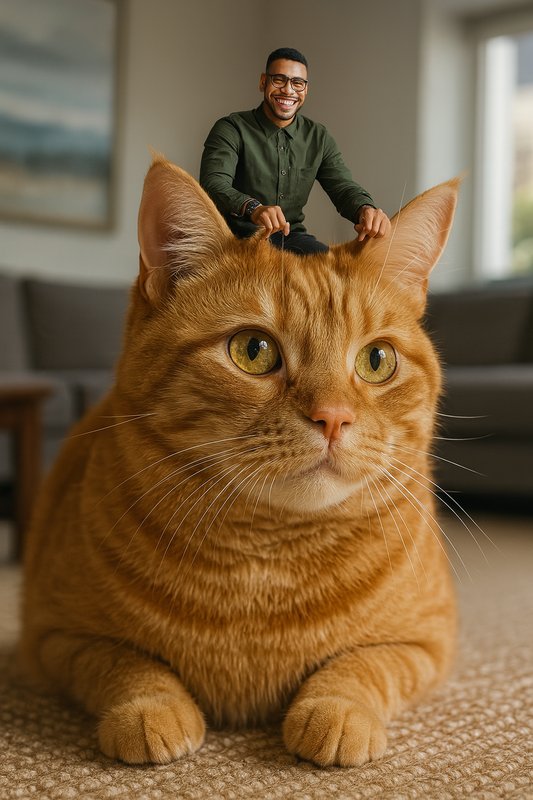
For photo animation, use a clear image with one visible cat and room around the body for motion. A simple background and a sharp face usually give the model a cleaner starting point.
AI Cat Video Generator
AI Cat Video Generator from Photo or Text
Turn a cat photo or a written idea into a playful short video. Choose a cat template, guide the motion, and create a clip for social posts, memes, or stories.
Upload one cat photo
Choose a motion or write a prompt
Generate a short cat video
Try AI Cat Video Templates
Preview dancing, escaping, interview, and imaginative cat effects. Pick a template to open Collart with its motion and compatible settings ready to customize.
What Is an AI Cat Video Generator?
An AI cat video generator turns a still cat image or a written scene into a moving clip. Collart combines image-to-video templates with prompt-based generation, so you can make funny cat videos without animating every frame by hand.
Choose a template or describe one main action, such as dancing, looking into the camera, running away, or reacting to an interview. Add camera direction only when it changes the shot.
No cat photo? Start with Text to Video and describe the cat, setting, action, framing, and visual style. Keep the first version focused, then change one detail at a time when you iterate.
Use only photos, characters, audio, and other material you own or are allowed to use. Review every generated result before publishing, especially for branded or commercial work.
How to Use the AI Cat Video Generator
Start from a curated cat template and your own photo, or switch to Text to Video when you want to build the whole scene from a prompt.
Choose a cat template
Preview the cat video examples and select the motion or transformation that best matches your idea.
Add your photo and direction
Upload a permitted cat image, review the preset prompt, and adjust the model settings that are currently available.
Generate, review, and refine
Create the clip, check the cat's identity, movement, background, and framing, then revise one setting if another version is needed.
AI Cat Video Generator FAQ
What is an AI cat video generator?
It is a tool that uses a photo, a text prompt, or both to create a short moving cat scene. Collart offers image-to-video templates for guided effects and Text to Video for scenes made from a written idea.
How do I make a cat video with an AI generator?
Choose a template on this page, open it in Collart, upload a cat photo you may use, and review the preset prompt and settings. Generate the video, inspect the result, and refine one detail at a time.
Can I make an AI cat video from a photo?
Yes. Image to Video can animate a clear cat photo with a selected template or motion prompt. Images with one visible subject, a sharp face, and enough space around the body are usually easier to guide.
Can I generate a cat video from text?
Yes. Open Text to Video and describe the cat, environment, main action, camera framing, and style. A focused prompt with one clear sequence is easier to refine than several unrelated events.
What cat video ideas work well?
Simple, readable actions are a good start: a cat dancing, answering an interview, making a surprised reaction, escaping from a room, or entering an imaginative oversized scene.
Can I use an AI-generated cat video commercially?
Usage depends on your Collart plan, the applicable terms, and the rights attached to every input. Make sure you have permission for source photos, characters, music, and other assets before commercial publication.
AI results can vary between generations. Use material you have the right to use, and review the finished video for visual errors, third-party rights, and platform requirements before publishing.