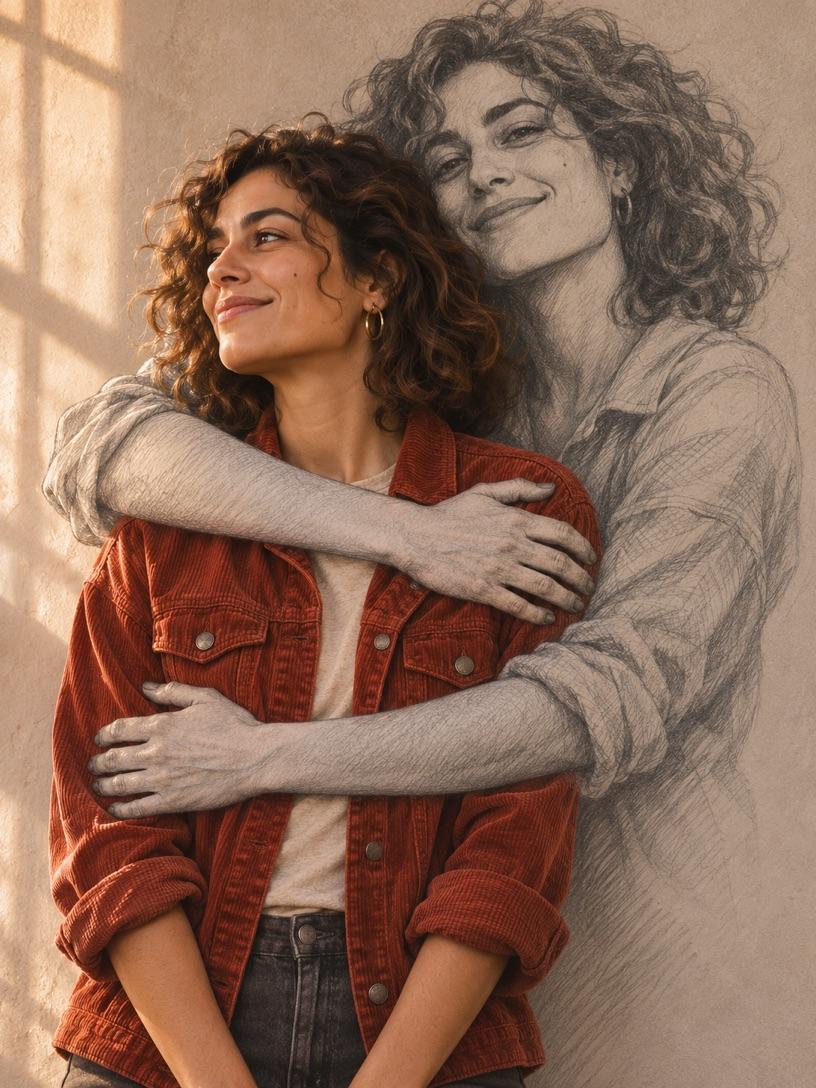
Warm window light
Warm window light works well on colorful clothes. In Self Hug Sketch AI, the contrast helps the drawn hands stand out against the jacket.
Turn one portrait into a Self Hug Sketch AI photo. Your face and outfit stay in color while a pencil sketch of you reaches off the wall to give you a hug.
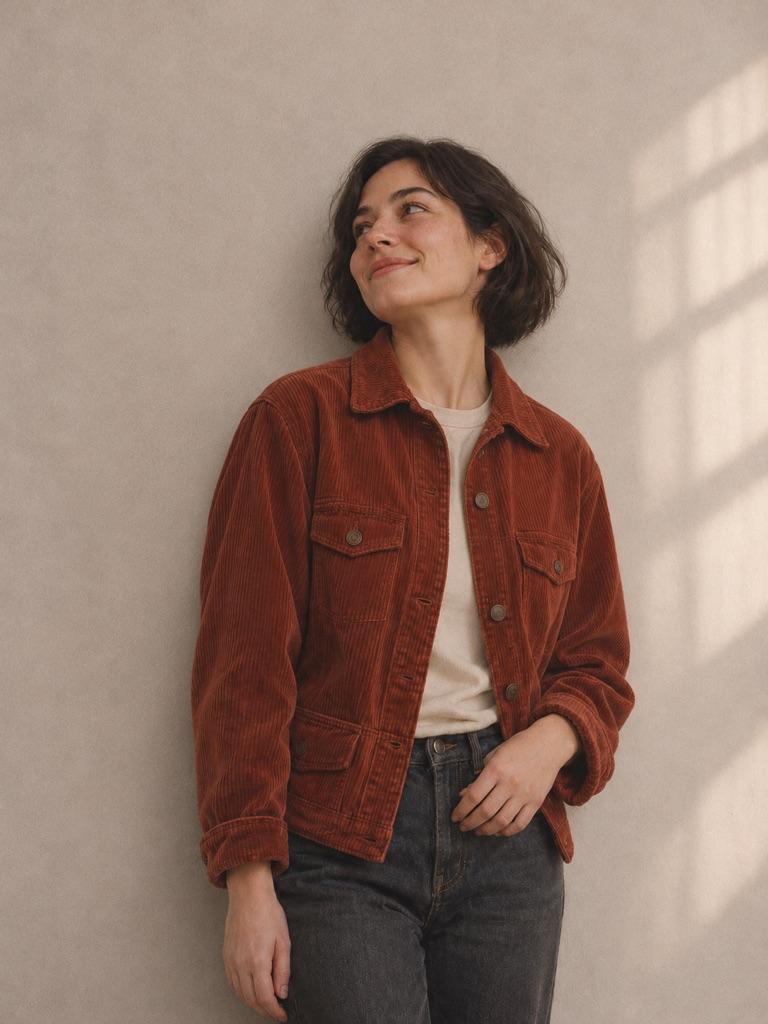
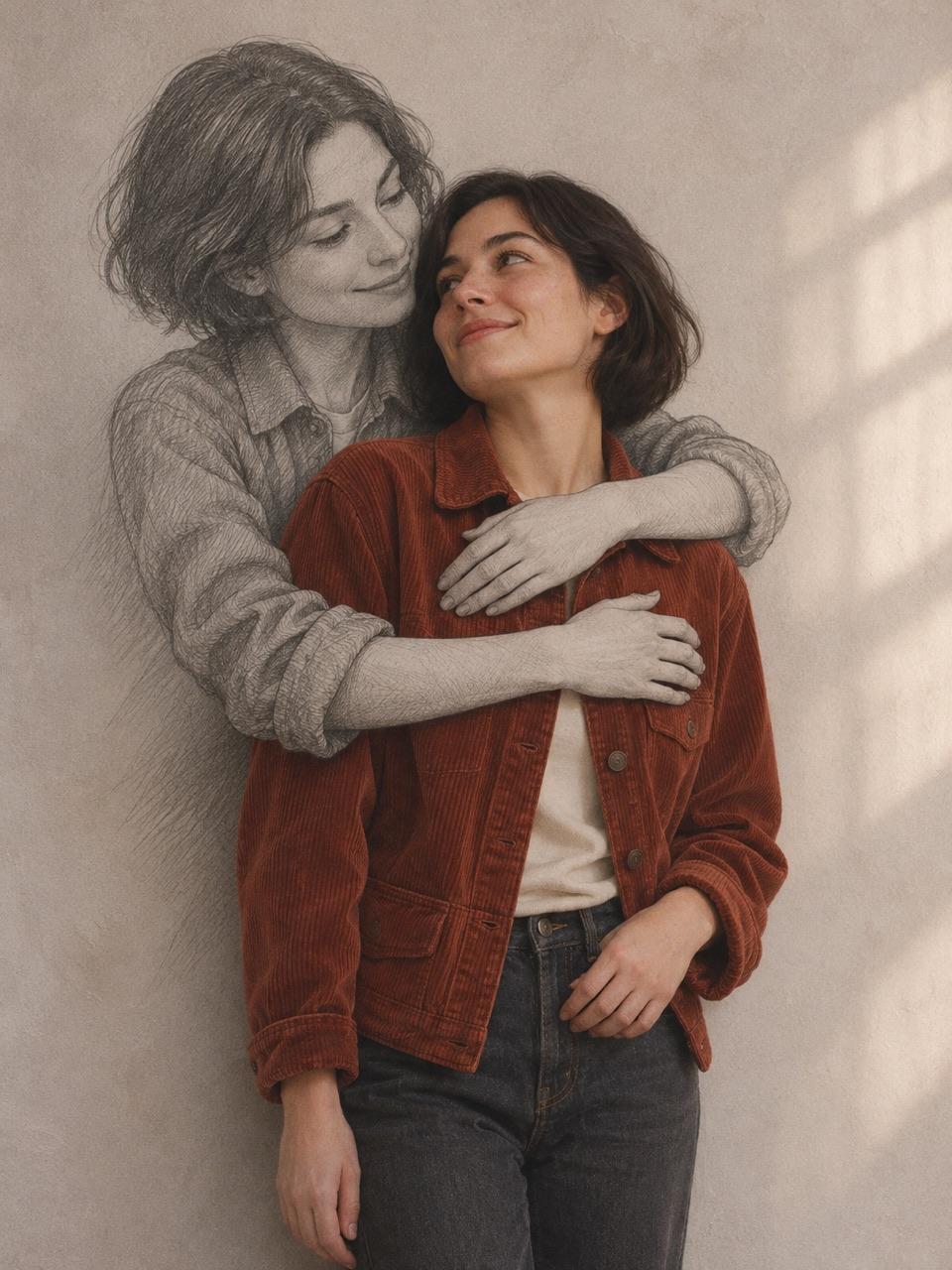
Self Hug Sketch AI is also known as Hug From My Own Self or Embrace of My Own Self. The same embrace can look like a quiet pencil study or a bold studio portrait. Try one of these prompts with your photo.
Warm window light works well on colorful clothes. In Self Hug Sketch AI, the contrast helps the drawn hands stand out against the jacket.
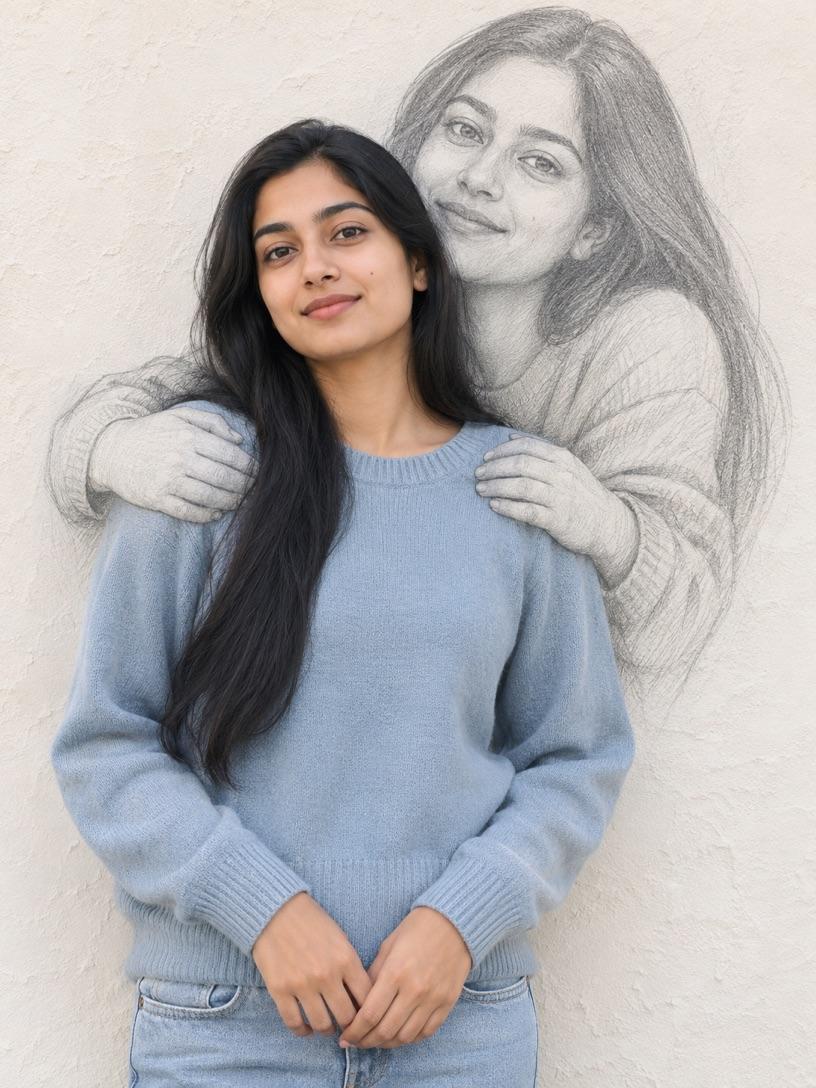
For a soft Self Hug Sketch AI image, use a light wall and fine shading. Keep the face and wrists defined.
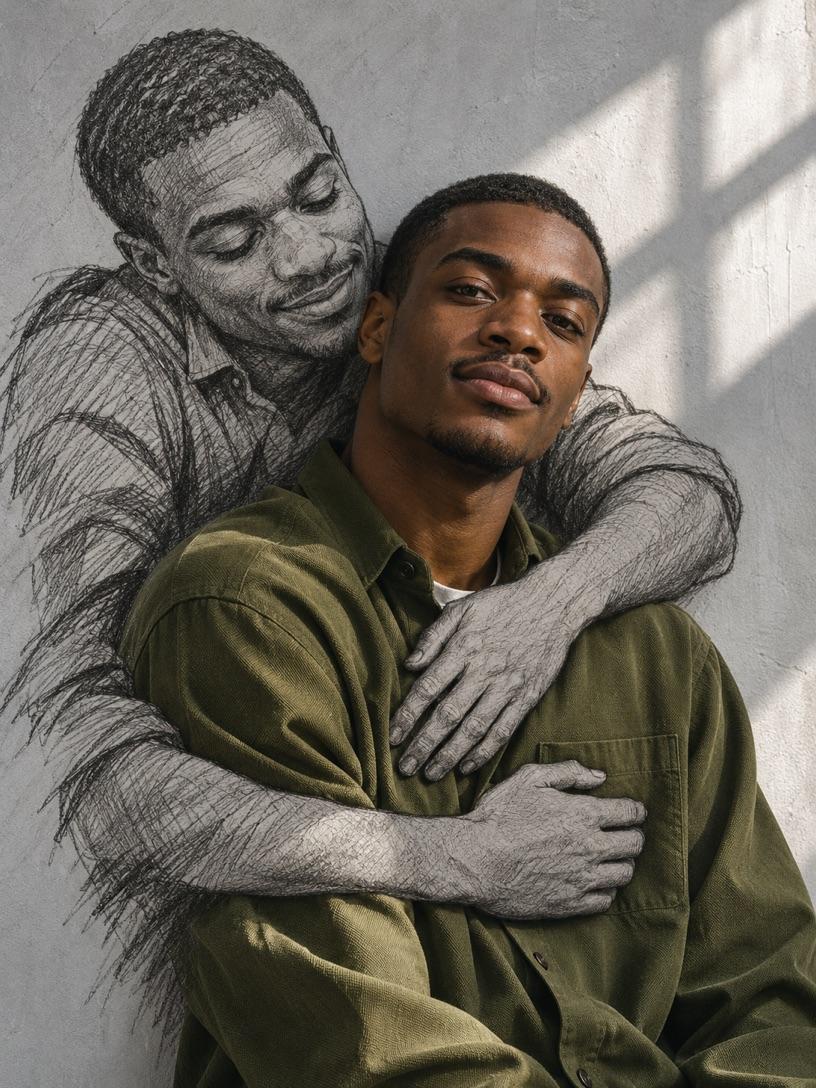
Use strong graphite outlines and heavier hatching. Darker shadows on the sketch help distinguish both faces in Self Hug Sketch AI.
Choose a clear portrait with both shoulders visible. A little space beside your head and a simple background give the sketch room to appear without covering your face.
A Self Hug Sketch AI image works best with three clear layers. The wall is the background, the graphite face belongs to the sketch, and your face and clothes stay in the foreground in color. Let the sketch be a little larger than life so both faces are easy to see.
Start Self Hug Sketch AI with one sharp photo of yourself from the waist up. Keep your face and both shoulders in frame. A plain wall and soft light help, but you can ask for a new background. Leave some space above and beside your head for the graphite face and enough room at either side for the drawn arms.
Open the Collart editor below to start Self Hug Sketch AI with the prompt filled in. Add your portrait as the image reference. Keep the lines about your face, hairstyle and outfit if you want the result to look like you. Change the wall color or crop to match the photo you plan to share.
Check your Self Hug Sketch AI photo at both full size and phone size. Follow each drawn arm back to the same graphite figure. If a drawn hand covers your face or looks like a third real hand, ask for the two pencil hands to rest lower, over the fabric at your shoulders.
This Self Hug Sketch AI prompt keeps the color portrait and the drawing separate. Use it with a single photo in the image-to-image editor. The wall tone, pencil strokes and placement of the hands are all details you can edit.
Use my photo as the identity reference for a Self Hug Sketch AI portrait. Keep my face, haircut, outfit and skin tone. Show one real person in color against a plain warm gray plaster wall. Behind me, draw one larger version of me flat on the wall in black-and-white graphite. Place its face above and to one side of mine. Its two drawn arms curve around my shoulders and overlap my clothes. Keep the arms and hands visibly drawn in pencil, with fine hatching and simple open hands. Keep both faces clear. Use soft window light, a waist-up portrait crop and a quiet mood. Leave the wall blank.
If the effect feels off, change one instruction at a time. Start with the part that breaks the illusion and keep the rest of the Self Hug Sketch AI prompt steady so you can tell which change helped.
For Self Hug Sketch AI, give the drawing a few traits you can spot at a glance. Mention your parting, glasses or the outline of your jaw. If your face is hidden in the source photo, choose a clearer portrait first.
Ask Self Hug Sketch AI for flat graphite lines, visible pencil hatching and a little wall texture showing through. Keep the lighting instructions for the color portrait. The difference between pencil and skin helps the eye read the two layers.
Simplify the Self Hug Sketch AI pose. Ask for one hand drawn in pencil to rest on each shoulder, with both wrists in view. Relax your own arms and leave some space at the sides. This makes it easier to see where each hand belongs.
Give Self Hug Sketch AI more headroom. Try a taller crop and ask for both faces to fit comfortably inside the frame. If you plan to put a caption over the image, leave a strip of wall at the bottom.
Yes. Use one photo as the reference for both the color portrait and the drawn face. A single-person photo gives Self Hug Sketch AI a clear subject. Pick a source with enough room to show both shoulders.
Yes. Try a pale stone wall for a softer Self Hug Sketch AI image, or ask for rougher pencil strokes against light gray plaster. Keep your face in color and the sketch in graphite so the hug stays easy to read.
Export your Self Hug Sketch AI image with a blank wall, then add “Embrace of My Own Self” or your own line in a photo editor. That gives you control over spelling, line breaks and placement. Leave breathing room between the words and the drawn face.
Bring a clear portrait to Collart and try the pencil embrace. Keep the Self Hug Sketch AI prompt as written for your first pass, then change one detail to make it your own.