Upload Image
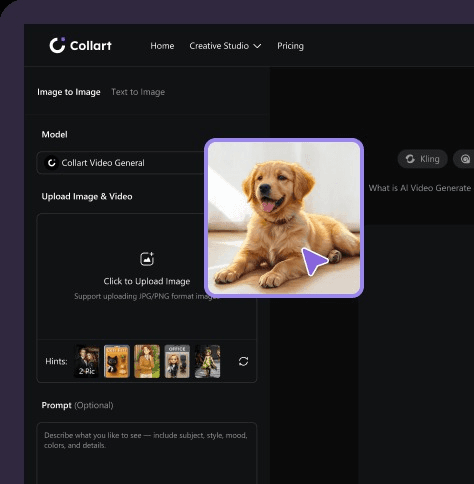
Upload a main photo.
 Flux
Flux Ideogram 3.0
 Recraft
 Nano Banana
 Seedream
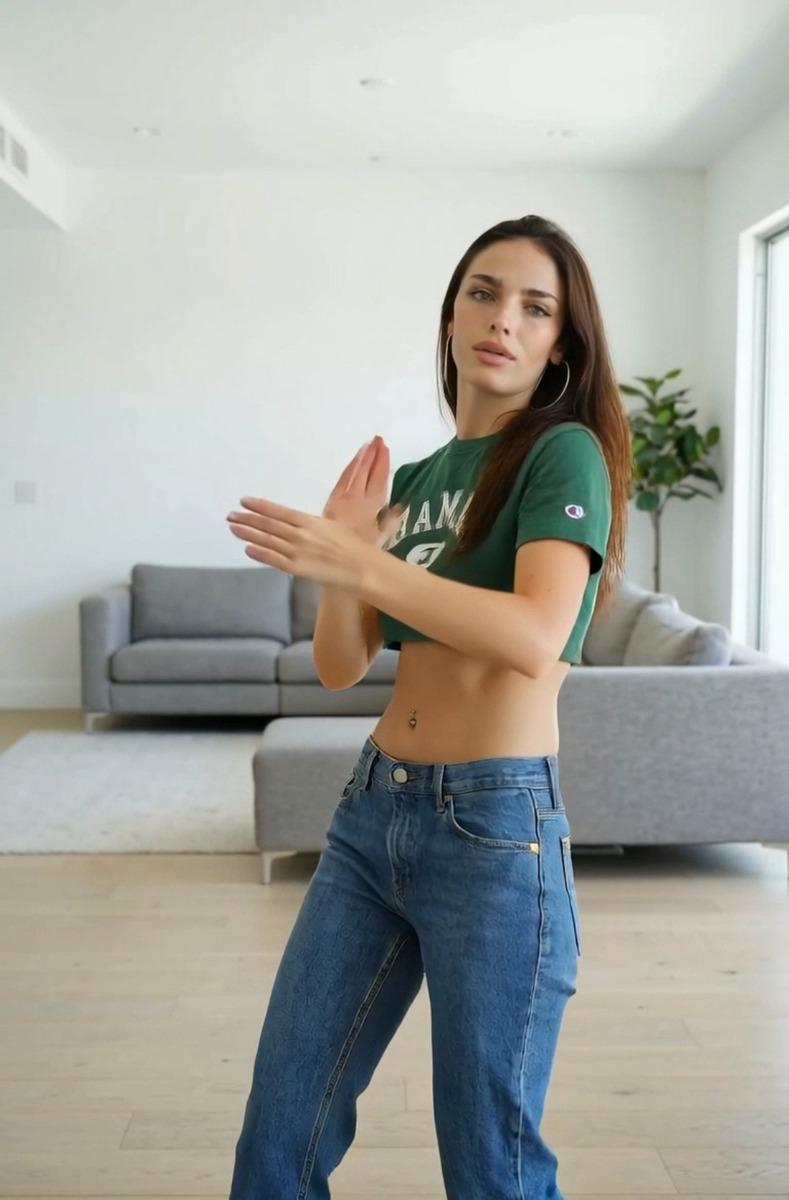
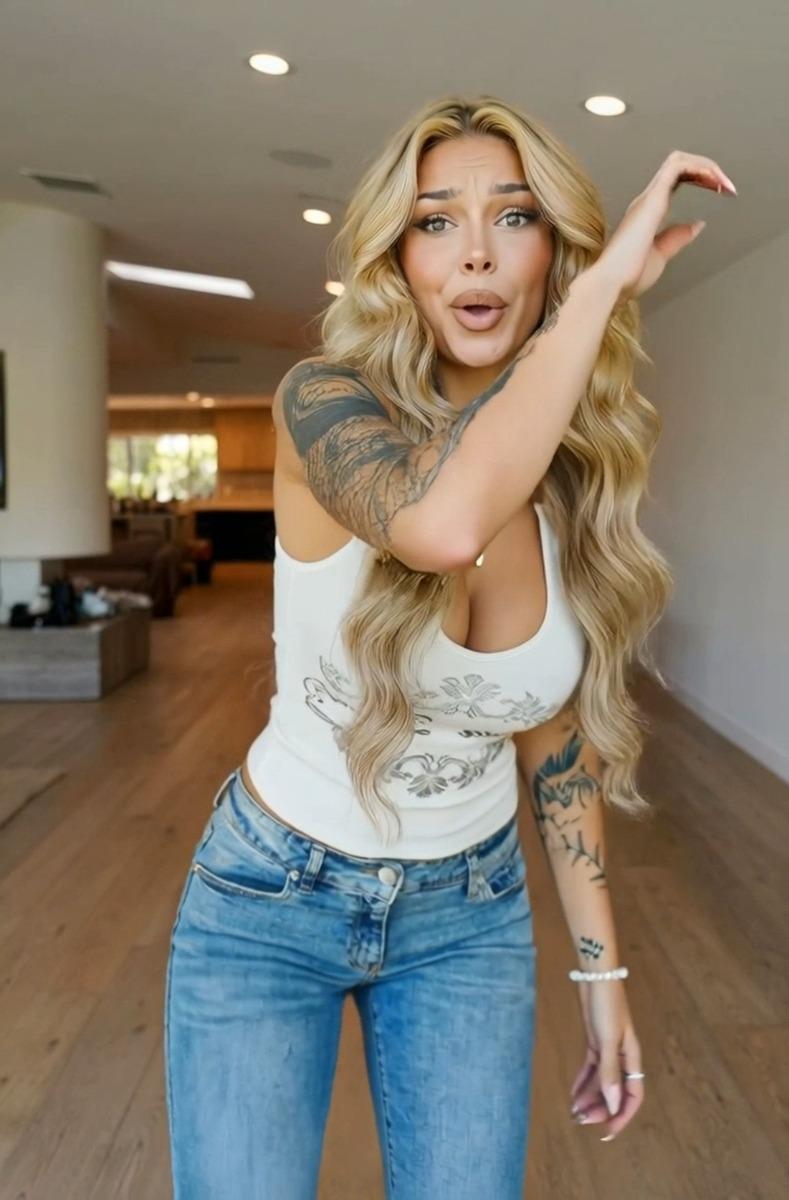
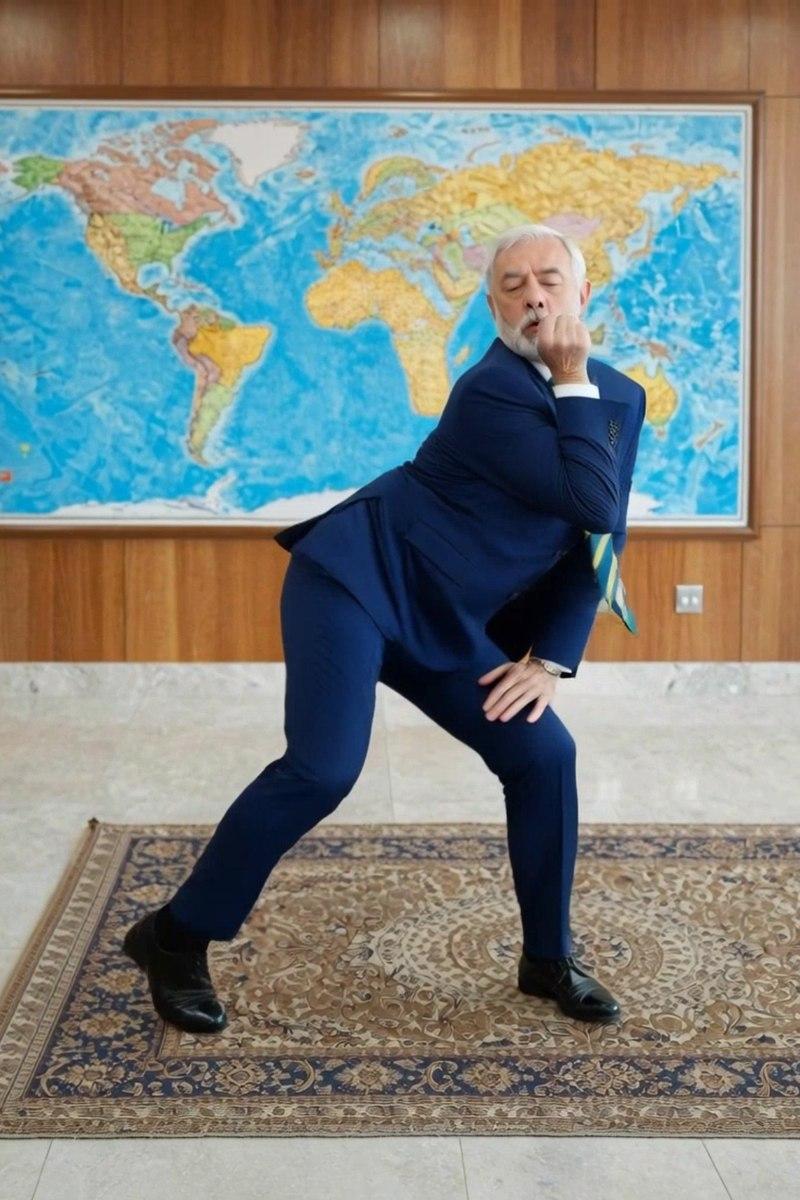
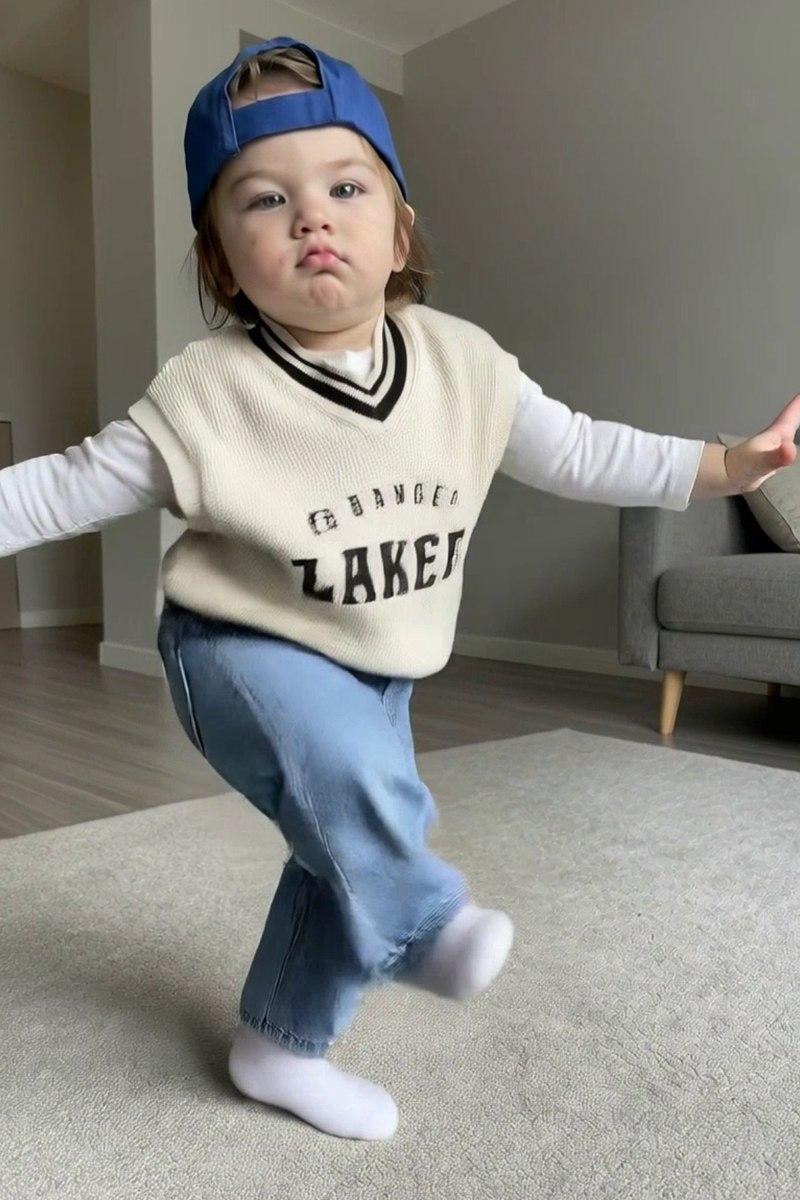
Turn any image into something completely new with Collart AI. Reimagine your photos with endless styles, effects, and creative variations—one upload, infinite possibilities.
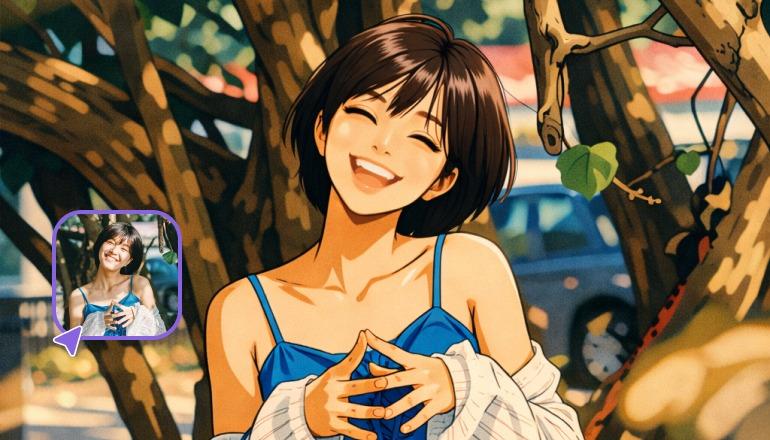
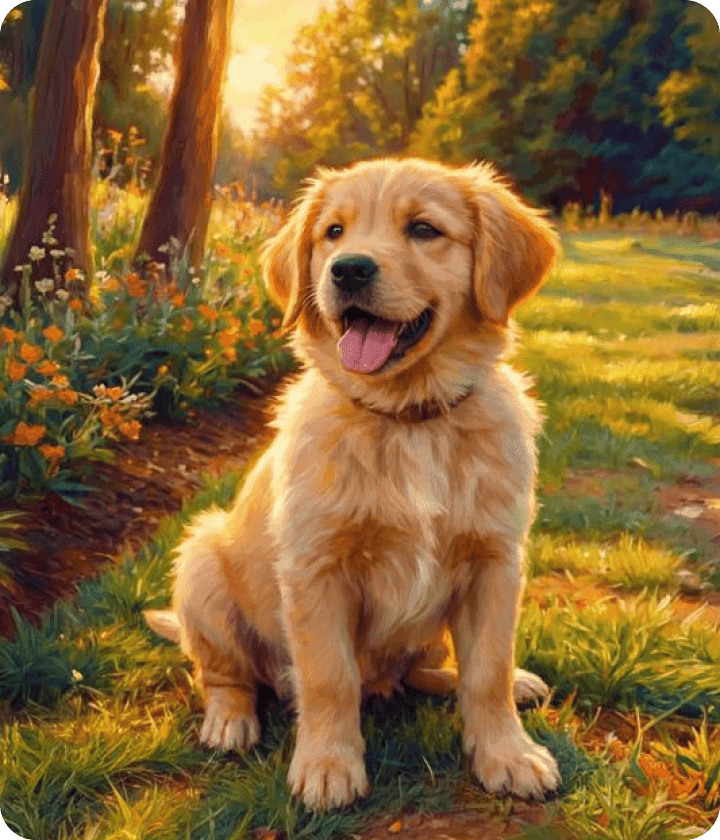
Turn any image into something completely new with Collart AI. Reimagine your photos with endless styles, effects, and creative variations—one upload, infinite possibilities.
Turn simple text prompts into jaw-dropping, high-quality images with Collart AI. Powered by multiple leading AI models, it helps you create stunning visuals in seconds from just a few words.
Upload a main photo.
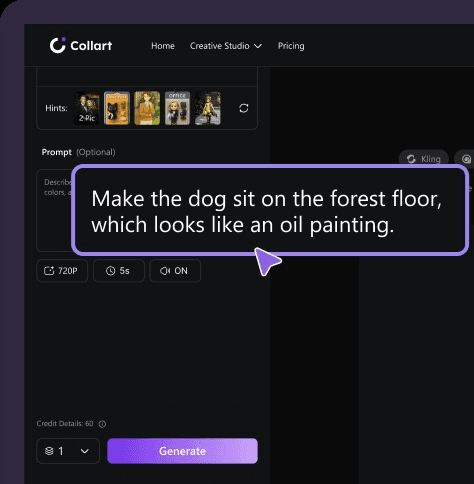
Input your text prompt and set the additional customization settings.
Download your transformed image and share it anywhere in seconds.
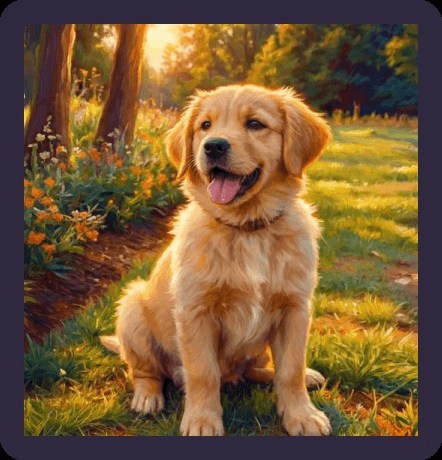
Use Collart AI Image to Image to restyle photos, create product variations, explore new compositions, and turn reference images into polished visual concepts.
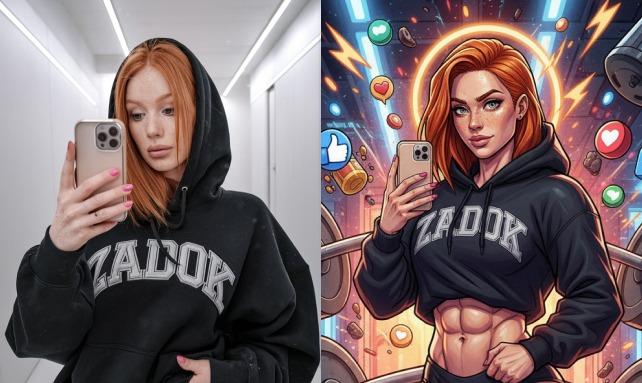
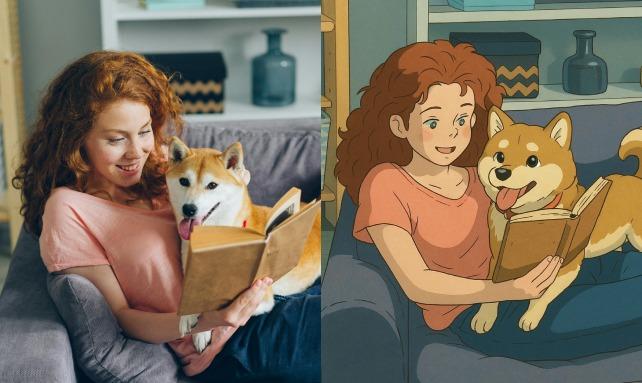
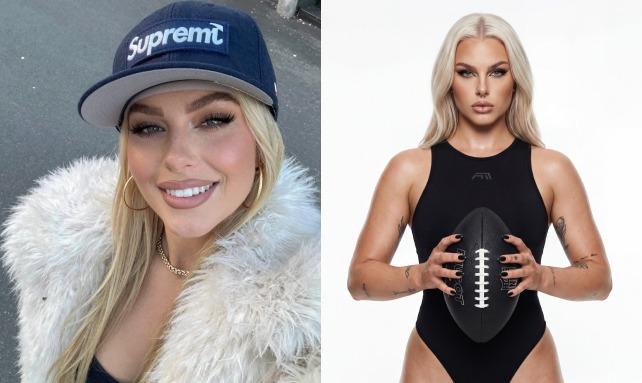
Collart AI Image to Image combines your source image with prompt-based controls, helping you create consistent variations, new styles, and refined visuals without starting from scratch.
Speed
Create polished image variations in seconds.
AI-Powered
Transform reference images with precise prompt and style controls.
Impact
Make content that stands out and go viral.
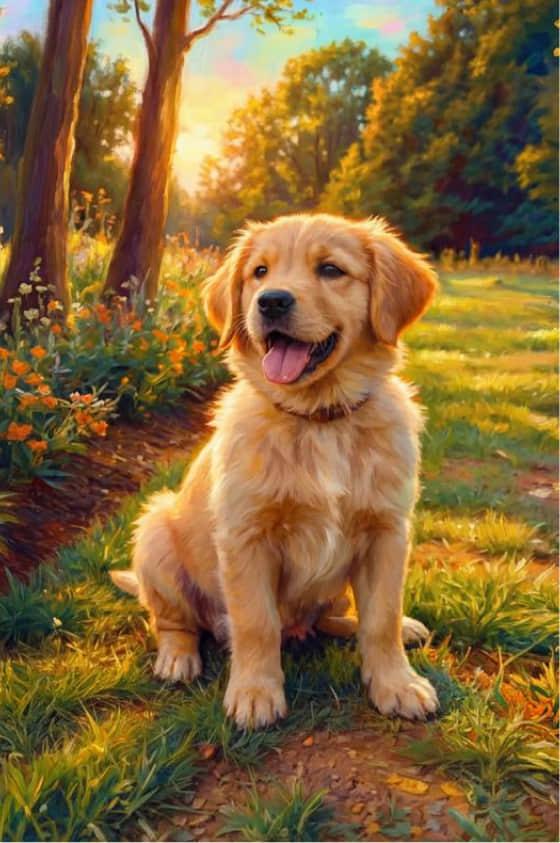
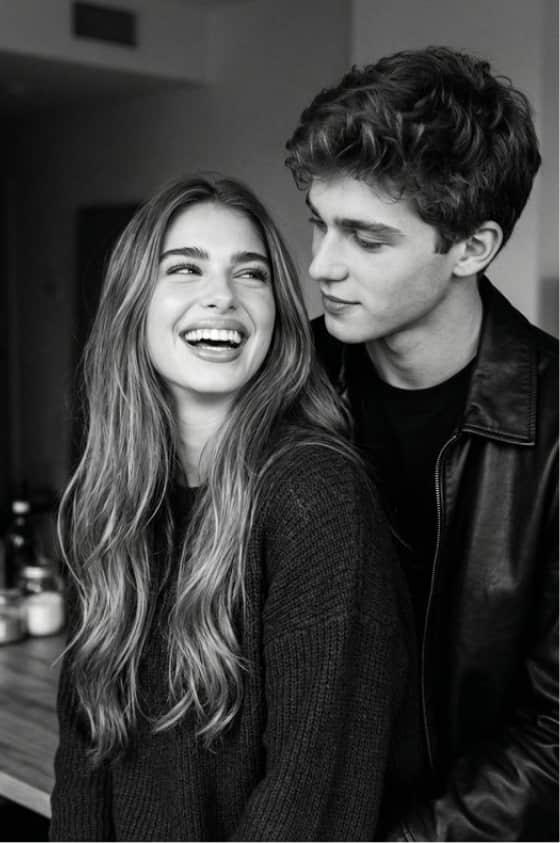
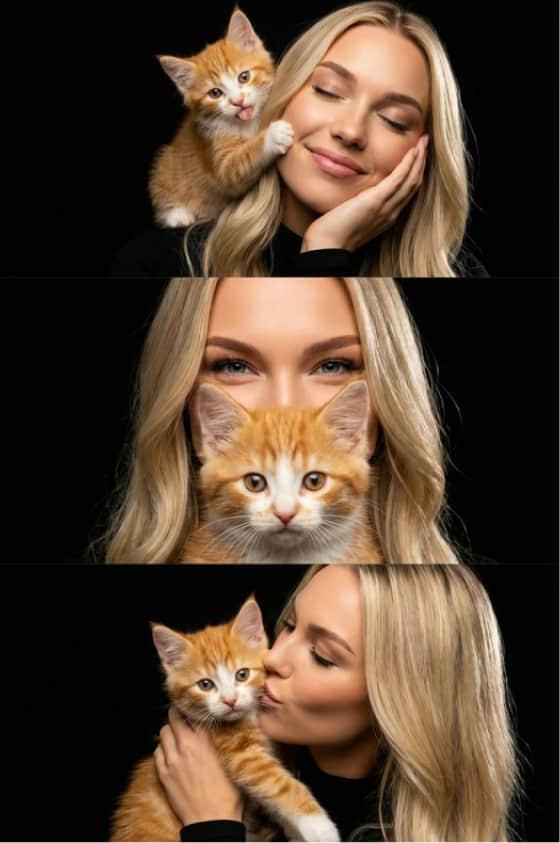
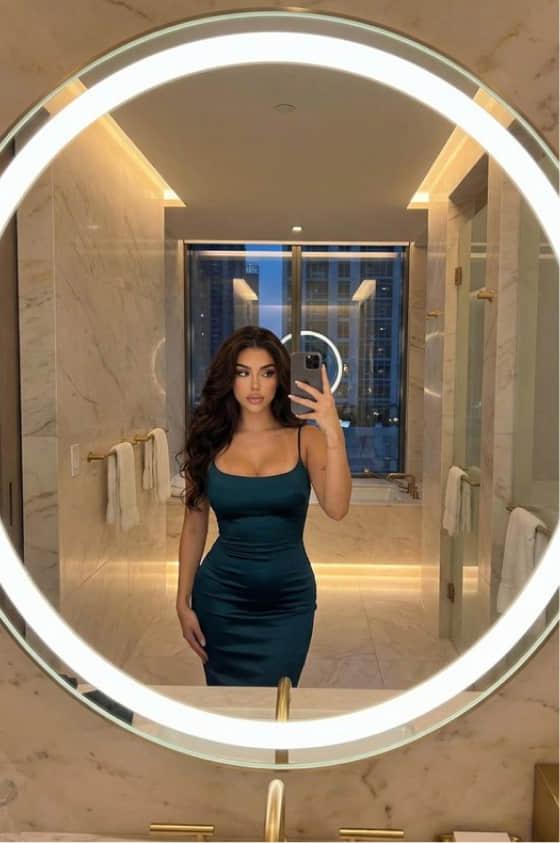
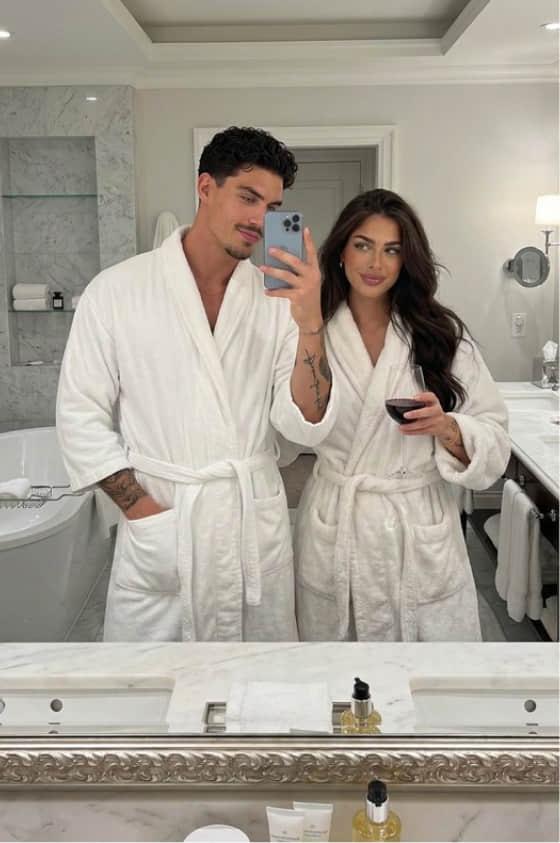
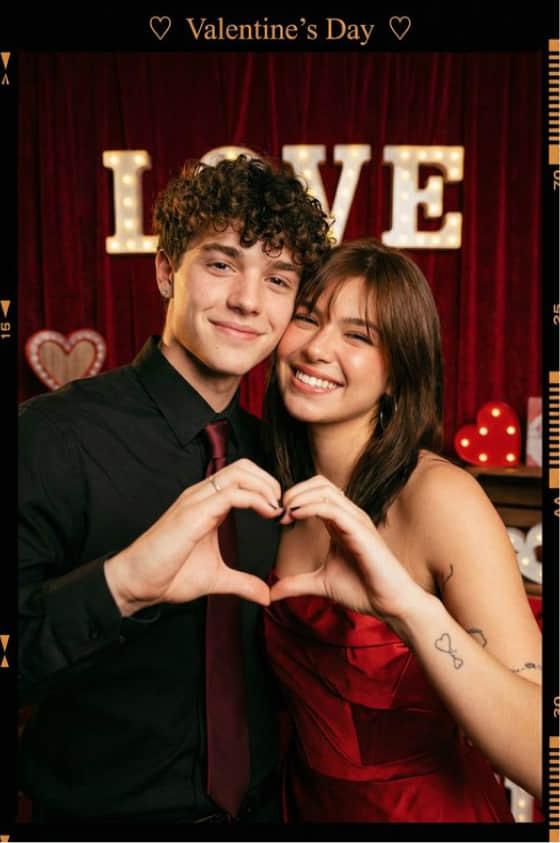
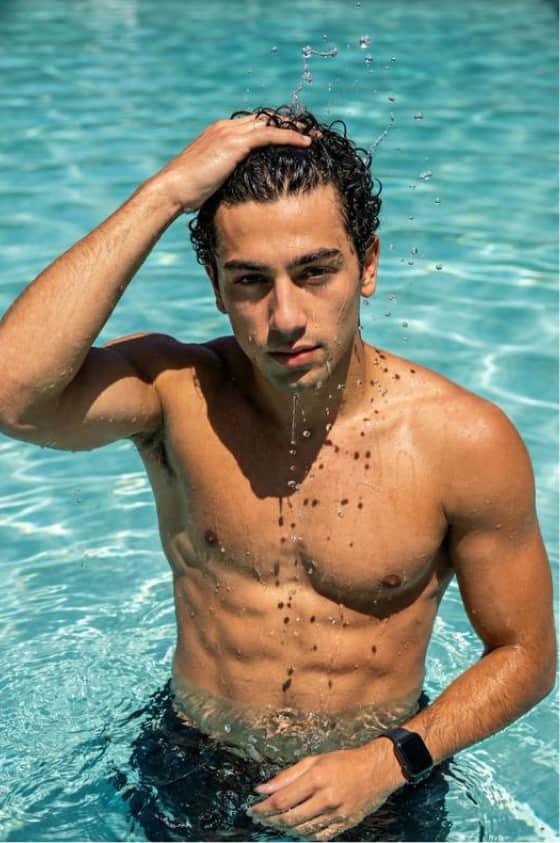
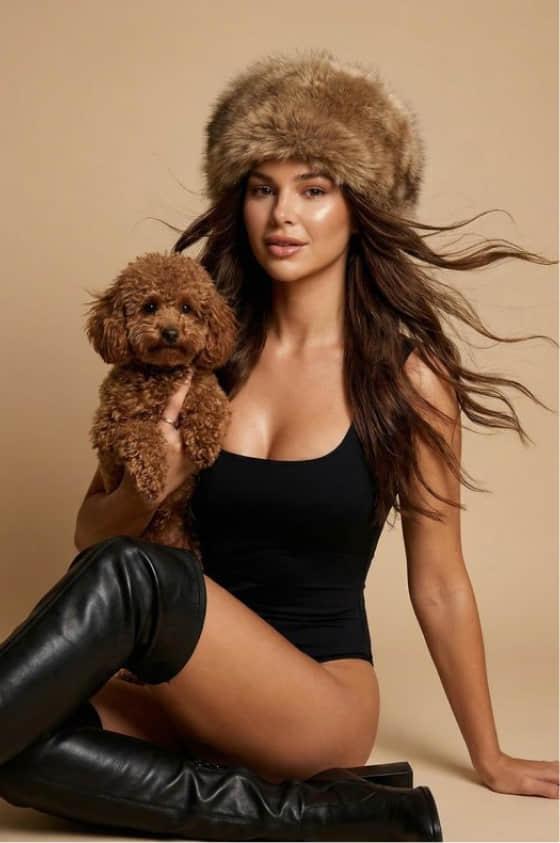
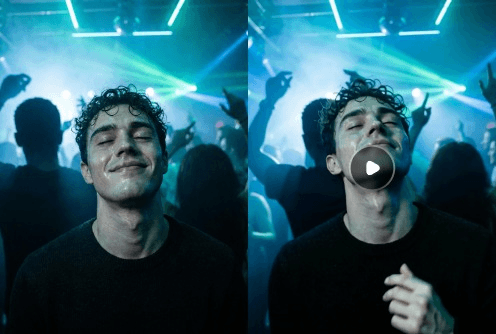
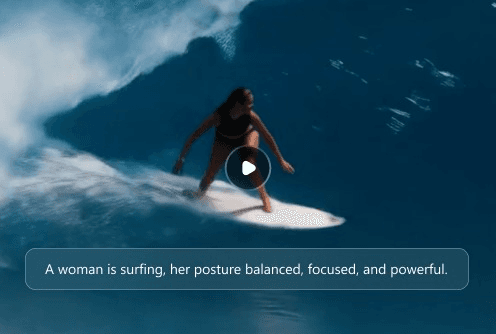
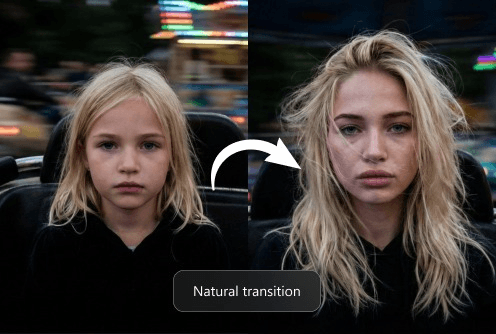
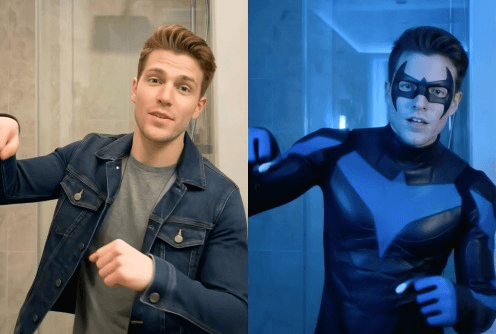
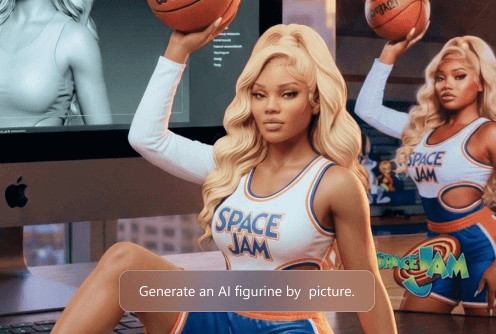
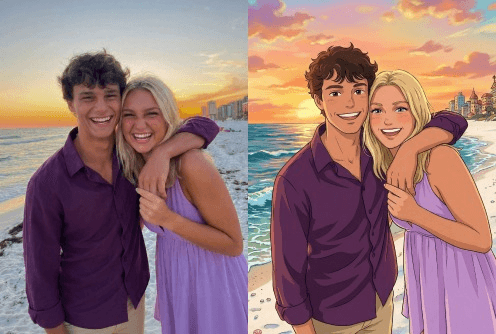
Image to Image is an AI feature that transforms existing images into new visuals by applying styles, enhancements, or creative modifications based on your input.
Collart AI analyzes your uploaded image and applies AI-driven transformations based on your prompts and selected styles, generating new variations that reflect your creative direction.
Yes! Collart AI offers a free trial so you can explore image-to-image generation and test its creative capabilities before upgrading.
Simply upload your image, select desired LoRAs, adjust settings, and describe your changes in a prompt. Then click generate to receive new AI-created variations of your image.
Collart AI is a top choice due to its high-quality outputs, flexible style control, and access to a wide range of advanced LoRAs for personalized image creation.
It delivers high-quality, professional-grade image transformations for both personal and commercial use cases, with access to powerful AI models and diverse creative styles.
Image to Image turns existing visuals into new styles or variations, while Text to Image generates images from scratch based on text prompts. One enhances existing content, the other creates entirely new visuals.