
01 / Reference • Consistency
Advanced Multi-Reference Consistency
Uses reference images to guide identity, style, and scene consistency.
Grok Imagine AI Video Generator creates short videos from text, images, and references with native audio, 480p/720p options, editable workflows, and fast creative iteration for social and cinematic content.
01 / Reference • Consistency
Uses reference images to guide identity, style, and scene consistency.
02 / Motion • Physics
Creates stable motion and realistic scene interaction for short videos.
03 / Prompt • Cinematics
Follows camera, lighting, pacing, and style prompts for cinematic output.
04 / Creation • Modes
Supports text-to-video, image-to-video, editing, extension, and reference-to-video.
Grok Imagine supports reference-to-video workflows that use one or more images to guide identity, style, and scene content while generating motion from the prompt.
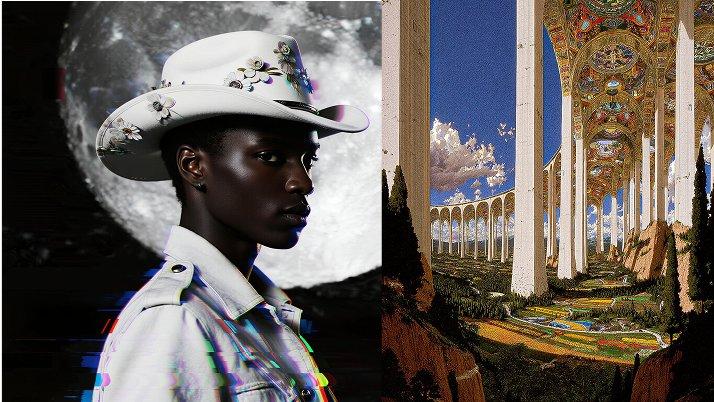
Grok Imagine is useful for short motion tests, fast scene previews, and stylized video ideas where object movement, camera direction, and visual rhythm need to feel coherent.
Extreme close-up, dolly in as dark espresso is poured into a white ceramic cup filled with milk. The swirling motion of the coffee mixing with milk creates realistic turbulence and tiny bubbles. High frame rate, macro photography, natural soft window lighting.
Slow motion footage of a colorful water balloon being popped by a sharp needle. The water retains the shape of the balloon for a split second before exploding outward in a realistic splash. Sharp focus, clear outdoor daylight, high-speed camera aesthetic.
Grok Imagine responds to camera and motion language such as zoom, pan, pacing, and lighting direction, helping creators guide cinematic style through natural prompts.
Step 1
Head to Collart Al image generator and select Grok Imagine from the model dropdown menu.
Step 2
Describe the image you want to generate and configure your customization settings.
Step 3
Click 'Generate, and wait just a few seconds to download your image.