Wan 2.7 AI Image Generator

Wan 2.7 AI Image Generator

Wan 2.7 AI Image Generator creates controllable, high-quality visuals with strong prompt understanding, accurate text rendering, color control, reference consistency, and editing-ready outputs.

  • Thinking-Based Prompt Control: Plans layout, subjects, and details before generating more accurate images.
  • Accurate Text Rendering: Renders labels, posters, signs, and multilingual text with better clarity.
  • Precise Color Control: Guides images with brand colors, palettes, and consistent visual tones.
  • Multi-Reference Consistency: Keeps subjects, style, lighting, and composition aligned with references.
  • Region-Level Image Editing: Edits selected areas while preserving the rest of the image.
  • High-Resolution Pro Output: Pro mode supports sharper details and larger final creative assets.
  • Thinking-Based Prompt Control: Wan AI Image is suited for prompts with multiple subjects, spatial relationships, visual styles, and detailed scene requirements. It helps plan composition before generation, making results feel more intentional and reducing random layout drift.
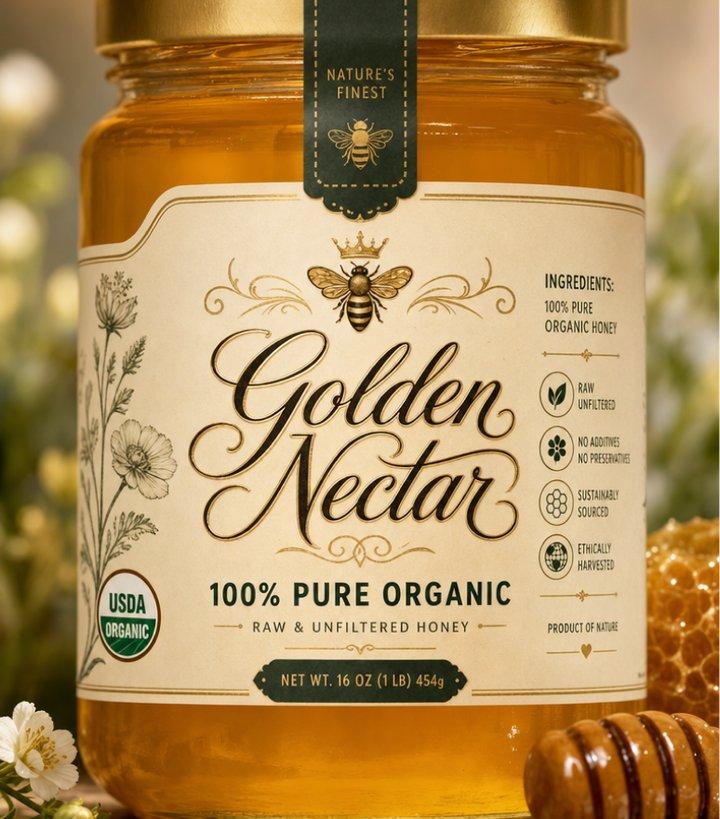
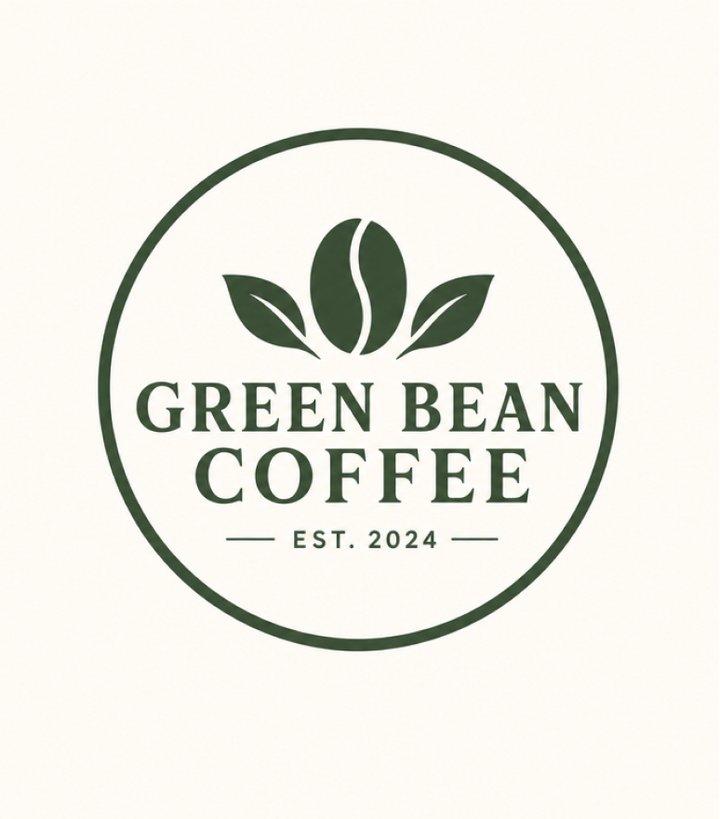
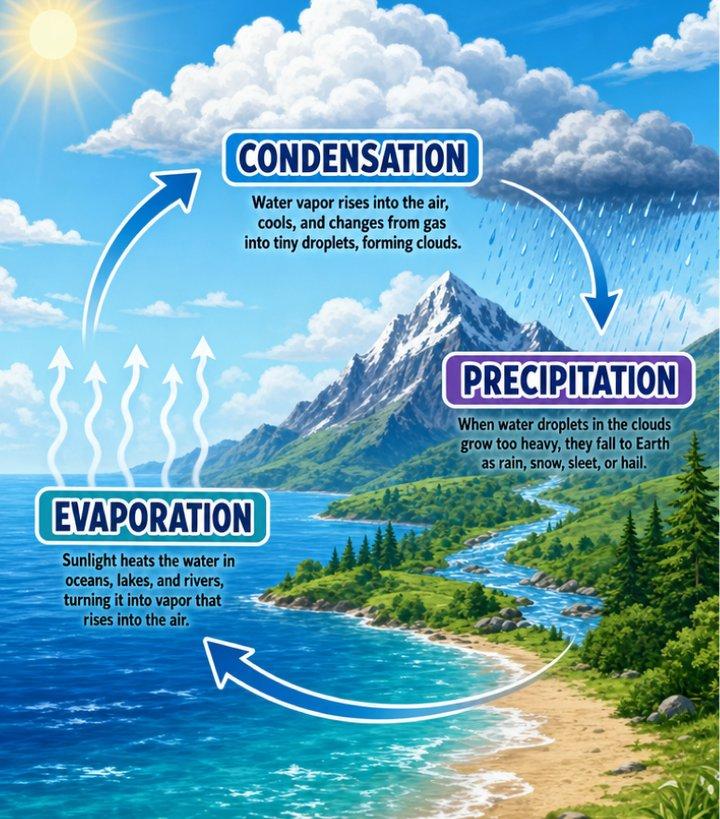
  • Accurate Text Rendering: Use Wan AI Image for posters, product labels, signs, educational graphics, and social visuals that need readable text. It is useful when the image itself must contain names, slogans, short copy, tables, or multilingual wording.
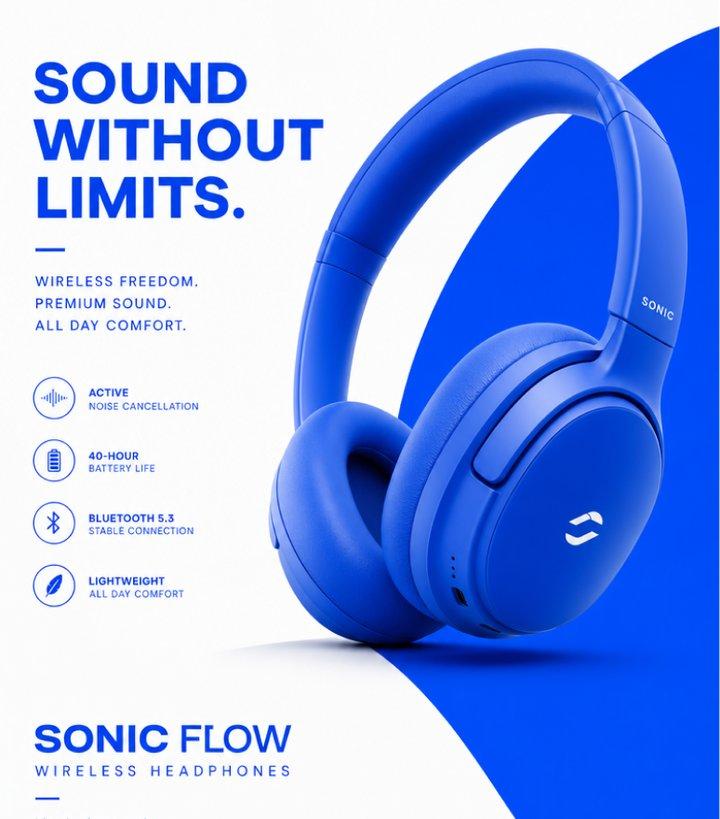
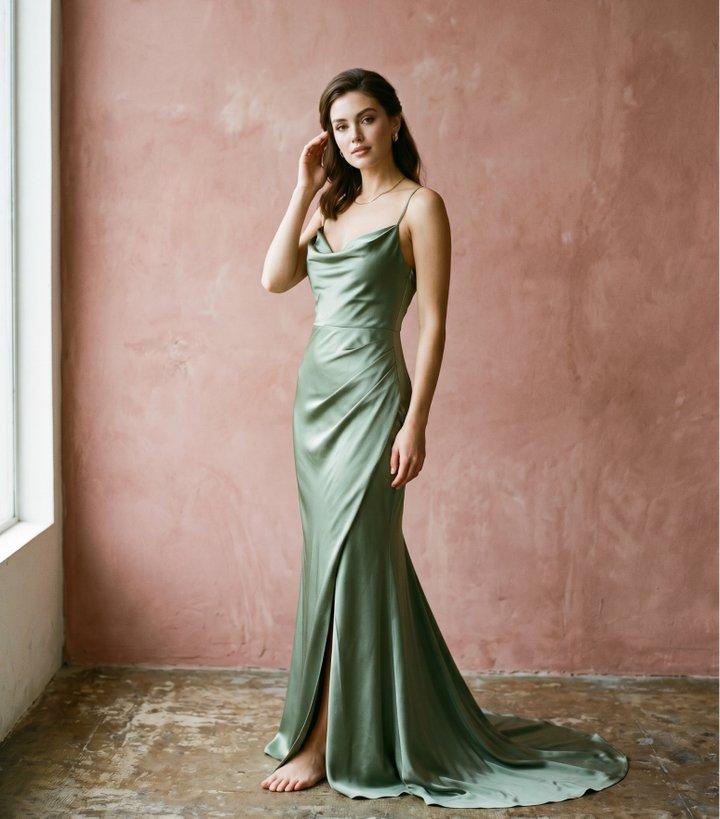
  • Precise Color Control: Wan AI Image helps creators guide color direction deliberately, from brand palettes to cinematic tones. This makes it useful for campaign visuals, product concepts, fashion looks, and visual systems that need color consistency.
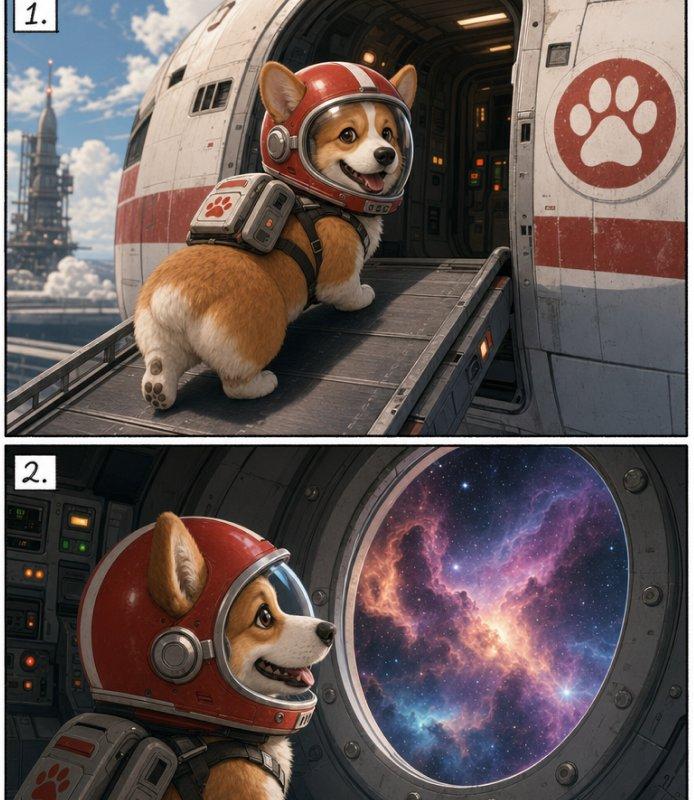
  • Multi-Reference Consistency: With reference images, Wan AI Image can maintain a closer connection between subject identity, product shape, style, background, and lighting. This is useful for character sheets, campaign series, e-commerce sets, and storyboard panels.
  1. Select Model: Head to Collart Al image generator and select Wan from the model dropdown menu.
  2. Input Details: Describe the image you want to generate and configure your customization settings.
  3. Generate Your Image: Click 'Generate, and wait just a few seconds to download your image.
Wan2.7/2.7Pro AI Image on Collart AI

Wan 2.7 AI Image Generator

Wan 2.7 AI Image Generator creates controllable, high-quality visuals with strong prompt understanding, accurate text rendering, color control, reference consistency, and editing-ready outputs.

Experience Now

What Makes Wan AI Image Different

01 / Prompt Control

Thinking-Based Prompt Control

Plans layout, subjects, and details before generating more accurate images.

02 / Text Rendering

Accurate Text Rendering

Renders labels, posters, signs, and multilingual text with better clarity.

03 / Color Control

Precise Color Control

Guides images with brand colors, palettes, and consistent visual tones.

04 / References

Multi-Reference Consistency

Keeps subjects, style, lighting, and composition aligned with references.

05 / Local Editing

Region-Level Image Editing

Edits selected areas while preserving the rest of the image.

03 / High-Resolution

High-Resolution Pro Output

Pro mode supports sharper details and larger final creative assets.

Thinking-Based Prompt Control

Wan AI Image is suited for prompts with multiple subjects, spatial relationships, visual styles, and detailed scene requirements. It helps plan composition before generation, making results feel more intentional and reducing random layout drift.

Prompt

A still with a cinematic feel. The image features three main subjects: in the foreground, an astronaut is drinking coffee; in the midground, a semi-transparent robotic nanny is cleaning; and in the background, Saturn's rings are seen through a large, circular spaceship window. Light filters in from outside the window, illuminating the astronaut's facial profile.
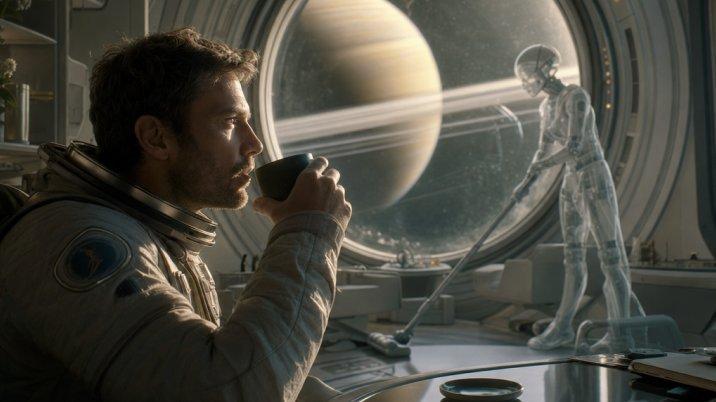
Output Image
Prompt

On a bustling cyberpunk street, a girl is feeding a mechanical cat by the roadside. The girl's fingertips are touching the mechanical cat's chin, and the mechanical cat's eyes emit a faint blue light. The neon signs on the street are reflected precisely on the girl's black leather jacket.
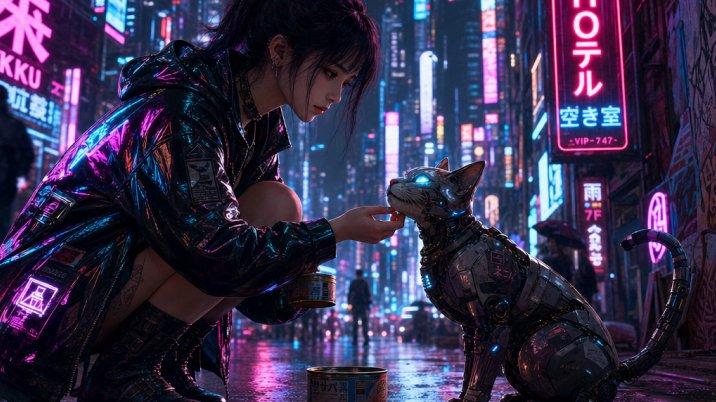
Output Image

Accurate Text Rendering

Use Wan AI Image for posters, product labels, signs, educational graphics, and social visuals that need readable text. It is useful when the image itself must contain names, slogans, short copy, tables, or multilingual wording.
Precise Color Control

Wan AI Image helps creators guide color direction deliberately, from brand palettes to cinematic tones. This makes it useful for campaign visuals, product concepts, fashion looks, and visual systems that need color consistency.
Multi-Reference Consistency

With reference images, Wan AI Image can maintain a closer connection between subject identity, product shape, style, background, and lighting. This is useful for character sheets, campaign series, e-commerce sets, and storyboard panels.
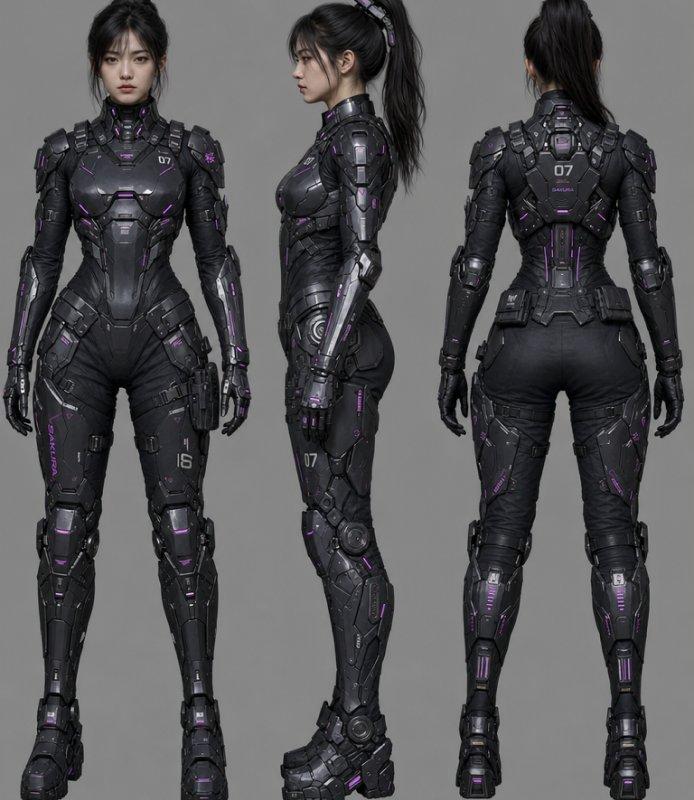
Prompt:A three-view character sheet of a young Asian woman wearing cyberpunk mecha armor. Includes front, side, and back views. Clean solid gray background. Maintain consistent facial features and armor textures across all angles.

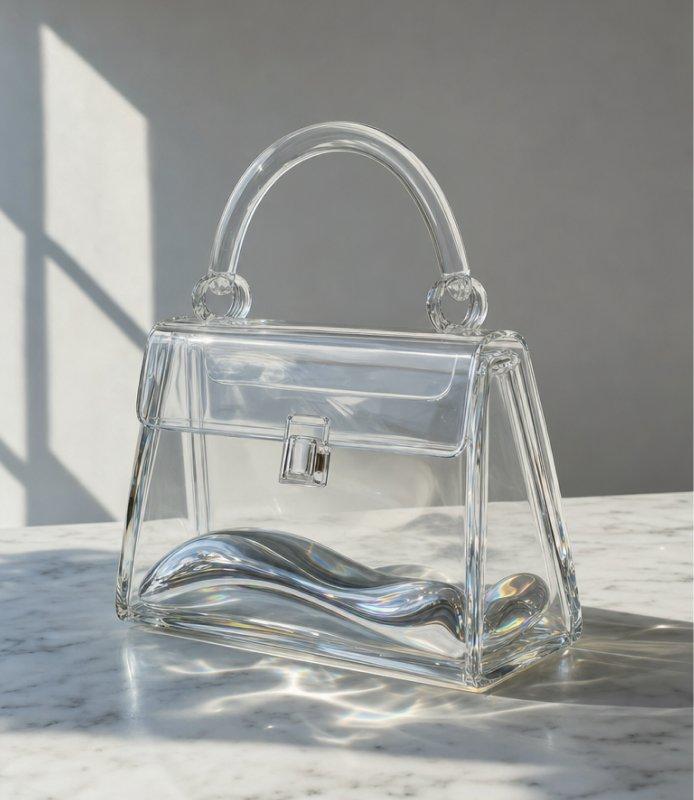
Prompt:A minimalist transparent glass handbag with iridescent liquid metal floating inside. Placed on a minimalist white marble tabletop. Natural sunlight passing through the glass, creating realistic refraction and caustics.

Prompt:Storyboard panels. Panel 1: A Corgi wearing a red astronaut helmet boarding a spaceship. Panel 2: The same Corgi looking at a nebula through a circular window inside the ship. Ensure helmet design and Corgi’s facial markings are identical.

Region-Level Image Editing

Wan AI Image supports targeted revisions such as changing objects, adjusting text, replacing backgrounds, or refining selected details. This helps creators iterate without rebuilding the entire image from scratch.


Reference Image
Prompt

Remove background people

Output Image

Model Performance

Compared with Wan 2.7, Wan 2.7 Pro focuses on higher-resolution output, stronger detail fidelity, and more refined composition, while Wan 2.7 is better suited for faster daily generation and creative iteration.

Dimension
Wan 2.7
Wan 2.7 Pro
Output Size
2K-class output for web and social assets
Up to 4K output for final production visuals
Generation Priority
Faster runs for daily drafts and iteration
Quality-first generation with longer processing
Detail Fidelity
Clean results for concepts and content images
Sharper textures, edges, text, and fine details
Prompt Complexity
Best for clear prompts and routine image tasks
Better for complex briefs and refined compositions
Best Use Case
Fast concepts, edits, references, and posts
Campaign visuals, product heroes, and print assets

How To Use Wan AI Image on Collart

Step 1

Select Model

Head to Collart Al image generator and select Wan from the model dropdown menu.

Step 2

Input Details

Describe the image you want to generate and configure your customization settings.

Step 3

Generate Your Image

Click 'Generate, and wait just a few seconds to download your image.

Frequently Asked Questions

Create Controllable Images with Wan AI

Experience Now