AI Prompts
Seedance 2.5 Prompts
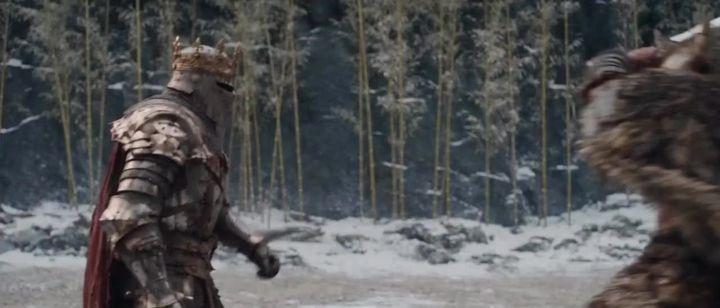
Browse Seedance 2.5 prompts for fantasy action, selfie-style scenes and animated characters. Adapt the source text to your video brief.
Seedance 2.5 prompt library, updated daily
16:9
720p
All Prompts
Prompts on this page: 21
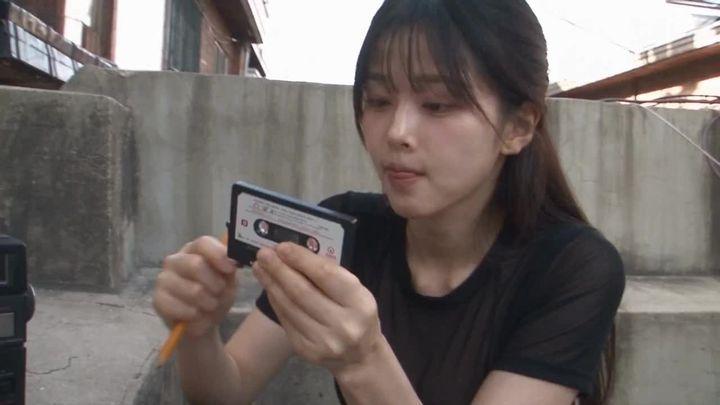
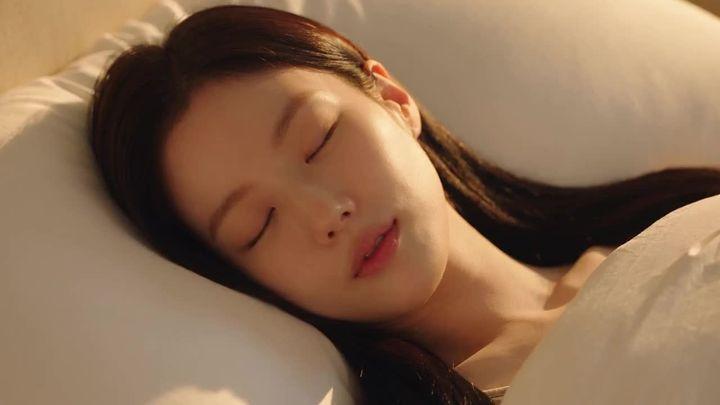
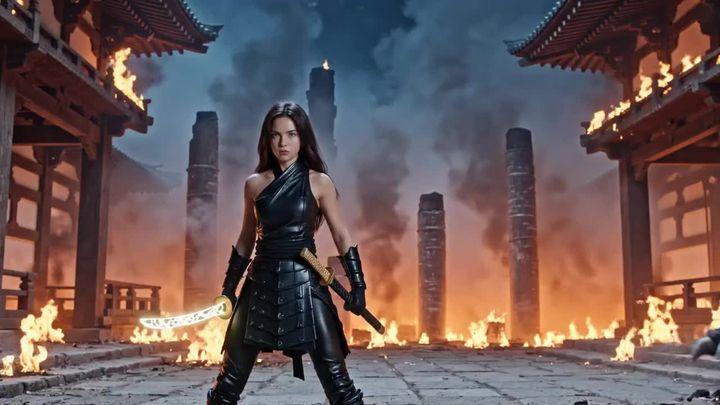



Seedance 2.5 prompt examples and writing tips
Explore original writing examples with a complete prompt, suggested setup and practical ways to adapt it. Use them as starting points and refine the result for your own project.
Real estate walkthrough with controlled camera movement
- Complete prompt
- A continuous real estate walkthrough of a bright fictional apartment. Begin in the doorway facing an oak dining table, with a cream sofa on the left and tall windows straight ahead. Move the camera slowly forward at eye level, keeping vertical walls straight. Stop beside the table and gently pan right to reveal the adjoining kitchen. Maintain the same furniture, daylight and room layout throughout. No people, cuts, zooms or furniture transformations.
- Why this wording helps
- A starting viewpoint, a destination and one final pan define a camera path through the room. Fixed furniture positions make continuity errors easier to identify.
- What to change
- Replace the room style, furniture and final reveal. Keep the camera path short and specify where each major object stands.
- Reference images and settings
- Use Text to Video with Seedance 2.5 at 5 seconds, 16:9 and 720p as a starting point. This creates a fictional interior, not a record of a real property.
- If the result needs work
- If rooms stretch or furniture changes, remove the final pan and use a straight move. If vertical lines tilt, request an eye-level camera without roll.
Fashion clip that preserves a garment reference
- Complete prompt
- Use the uploaded full-body outfit photo as the reference for the adult model and the green trench coat. Preserve the coat's length, belt, buttons and fabric color. The model takes two slow steps toward the camera, lightly holds the belt, then pauses. Keep the complete coat visible throughout. A steady frontal camera moves backward gently to maintain distance. Soft studio lighting, neutral background, natural fabric movement, one shot with no outfit changes or text.
- Why this wording helps
- Garment details stay fixed while the movement is limited to two steps and a pause. Matching camera distance to the walk keeps the product in view.
- What to change
- Replace the outfit reference, background and walking direction. Update the named garment details to match the uploaded photo.
- Reference images and settings
- Use Reference to Video with Seedance 2.5. Upload a sharp full-body outfit image; start with 5 seconds, 9:16 and 720p. Ensure the hem is visible in the reference.
- If the result needs work
- If buttons or the belt drift, reduce hand movement and keep the torso facing forward. If the hem is cropped, request more space below the feet.
About Seedance 2.5 prompts
These prompts use detailed character, setting and motion instructions. Treat durations and other settings in source text as requested ideas; check the options available in the editor.
Using Seedance 2.5 in Collart
For a character-driven clip, define appearance first, then specify movement, expression and the final pose.
Seedance 2.5ByteDanceVideo prompts
Try nowFrequently Asked Questions
Does a duration written in a prompt set the video length?+-
No. Choose the available duration in the editor and shorten the action sequence to fit that setting.
Can I use these prompts directly?+-
Yes. Treat them as starting points and refine them for your reference images, aspect ratio, and target visual result.
Collart