
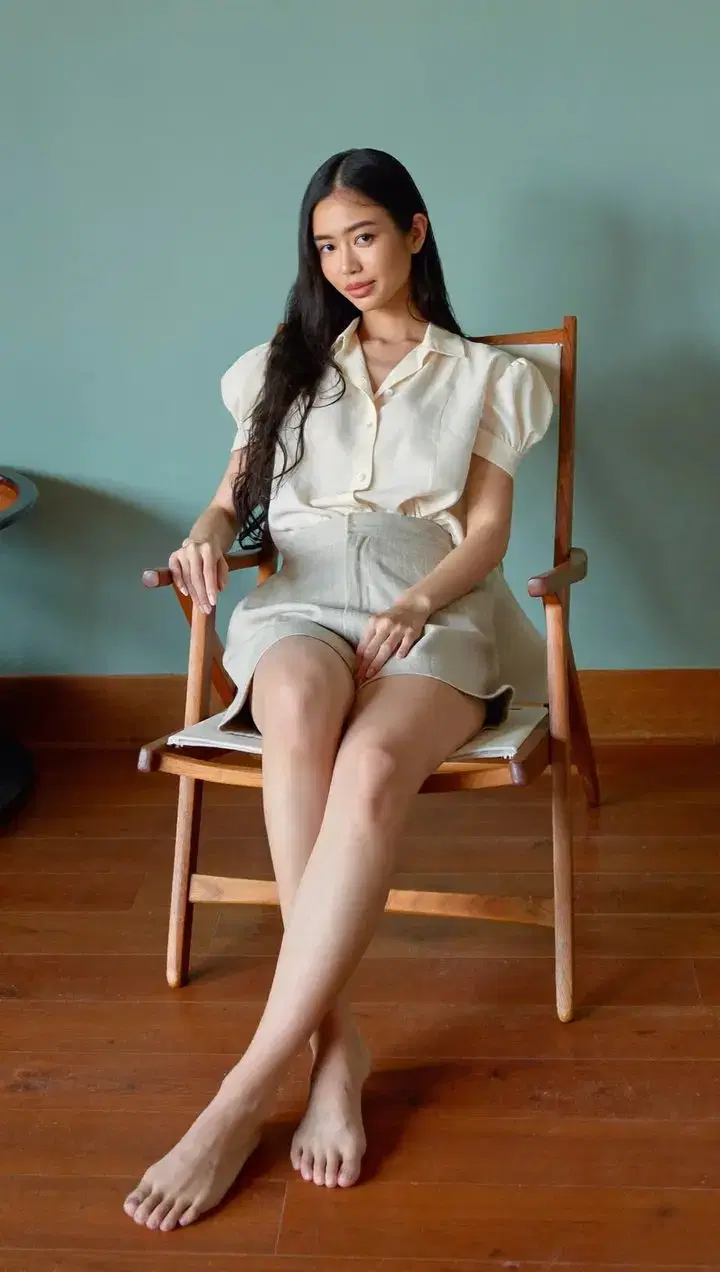
Collart output · Soul 2.0
Warm wood and window light
Try a relaxed indoor portrait with a simple seated pose, warm wood and a muted teal backdrop.
Realistic · Anime · Your scene
Create a natural barefoot portrait, an everyday scene or an anime illustration. Start with a text prompt or upload a photo to change its framing, setting and style.
Text or photo · Credits required
Explore AI feet generator prompts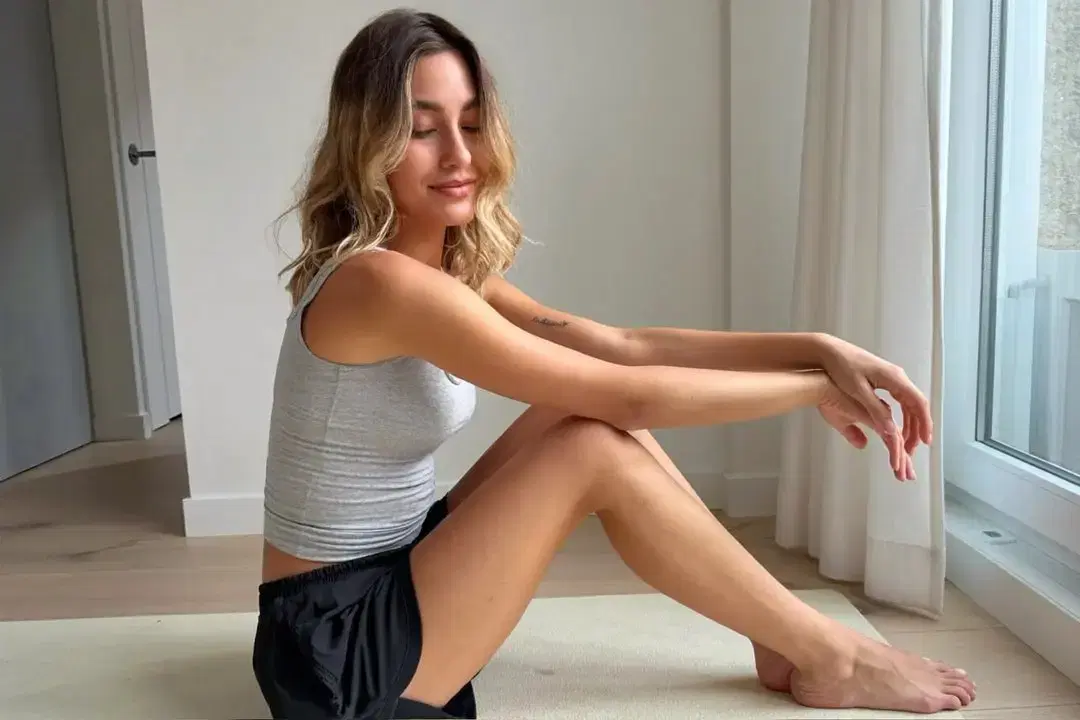
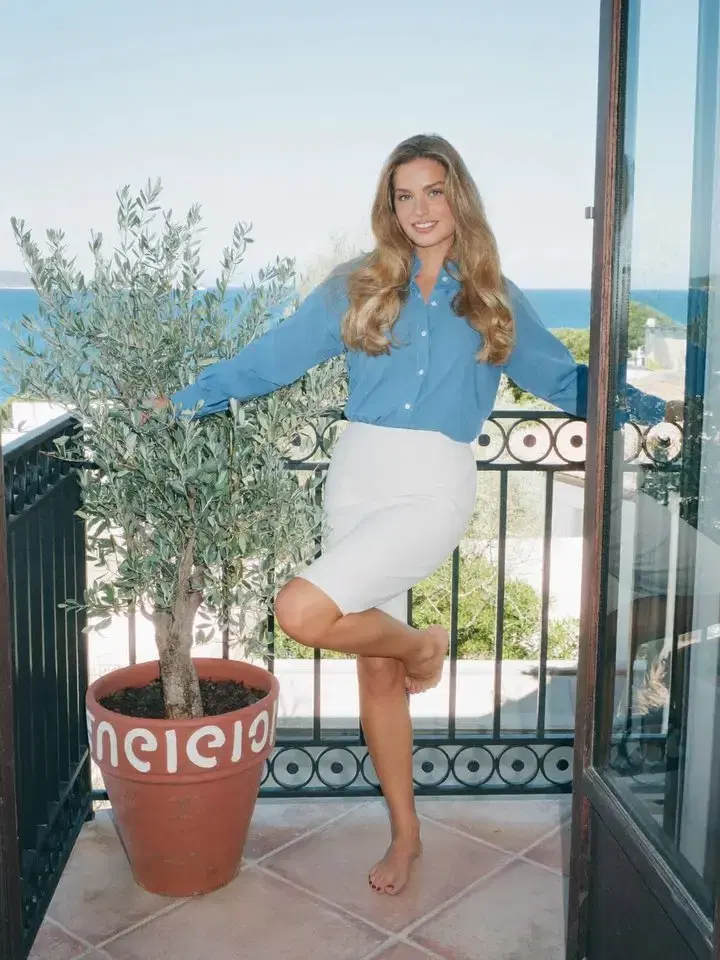
Image to image
Upload a portrait to change the scene, adjust the framing or explore a different look. Describe what to keep and what to change.
Choose a portrait or anime style, then open its prompt in Collart to make it your own.
Collart output · Soul 2.0
Try a relaxed indoor portrait with a simple seated pose, warm wood and a muted teal backdrop.
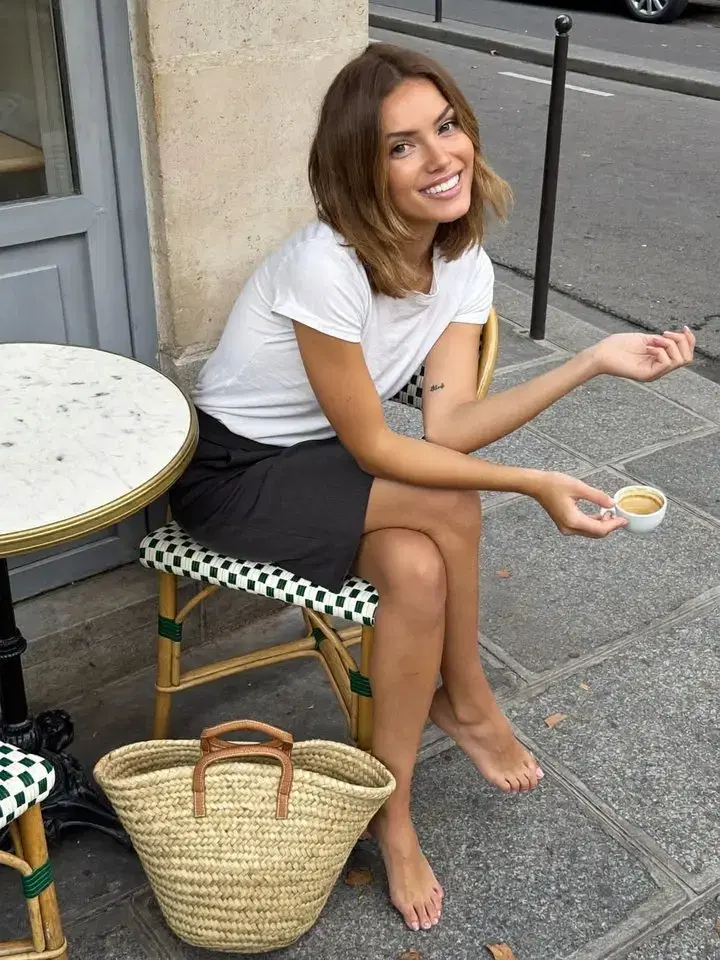
Collart output · Soul 2.0
Try a casual street portrait with a woven chair, an espresso and soft overcast light.
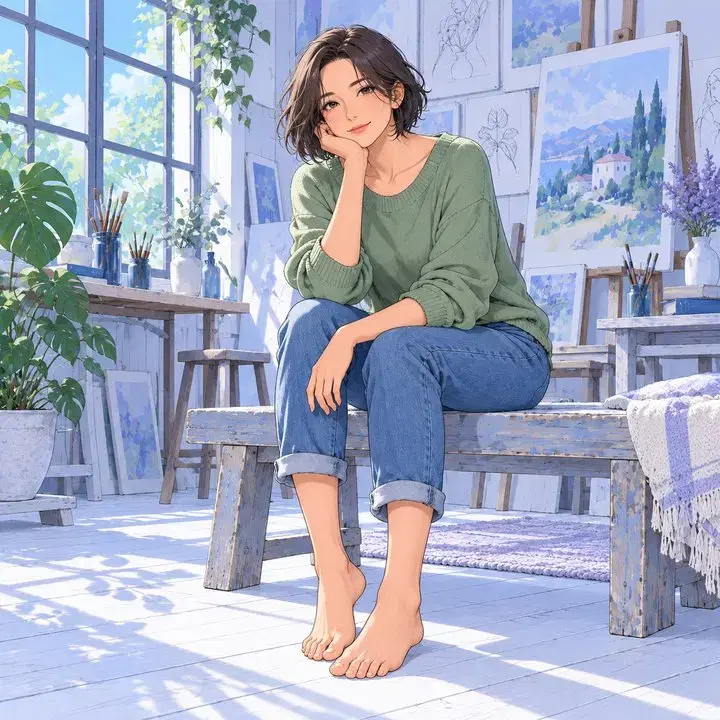
Creative concept · GPT Image
Take the AI feet generator in an illustrated direction. Specify an adult character, outfit and painting style, then describe how their feet meet the floor so the pose reads clearly.
Inspect your AI feet generator image at full size. These three visual checks help you judge an AI feet generator result beyond its surface texture.
Check each foot separately for five toes, separate nails and natural spacing. If the AI feet generator merges two toes, remove accessories and request a clearer overhead view. More detail in the prompt does not guarantee better anatomy.
Trace the foot back to its lower leg. The angle should make sense, with no extra heel or disconnected joint. Ask the AI feet generator for a relaxed pose when a twisted position is hard to read.
A sandal sole should follow the foot, while straps pass over it and meet the shoe. In an AI feet generator scene, also inspect the towel or floor: shadows should support the pose rather than make the foot appear to float.
Yes. Use a text prompt to create an image without uploading a photo. For an AI feet generator scene, describe the subject, pose, camera angle and setting. To change an existing picture, open image-to-image and upload your photo.
No. Even a realistic-looking image can contain extra toes, joined nails or an awkward ankle. The AI feet generator can produce useful concepts, but every output needs a visual check. Start with a plain pose, keep the toes visible and regenerate images with structural mistakes.
Generation uses Collart credits. The amount depends on the selected model and settings; check the current cost in the editor before submitting. This AI feet generator page does not promise unlimited free use. You can read the prompts and examples here before deciding to generate.