Coming soon on Collart

Qwen Image 2.1 Generator Online

Explore Qwen Image 2.1 for transparent images, photo edits, and clear text. See examples and prompt tips. Generation is coming soon on Collart.

Explore AI Image
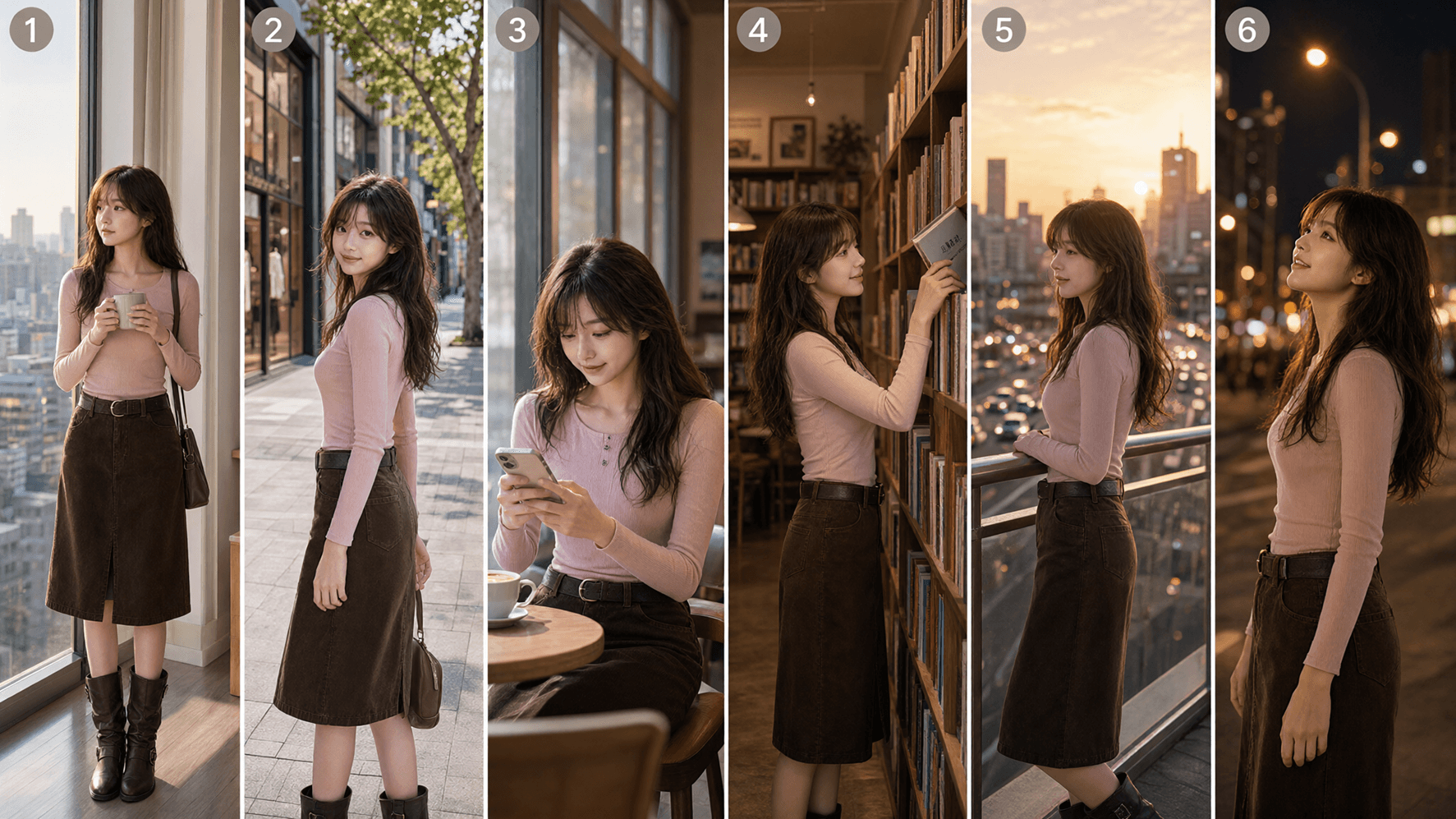
Official Qwen Image 2.1 example: a storyboard built from character references

What can Qwen Image 2.1 do?

Create images with a clear background

Qwen Image 2.1 can create transparent images and edit them in the same model.

Think of a sticker that sits on any page without a white box around it.

Ask for a transparent background and an alpha channel, which stores transparency.

You can also cut a subject out of a photo.

Save as PNG and check the edges before using it in a design.
Bring up to 10 reference images together

Give Qwen Image 2.1 a person, an outfit, or a room to work from.

The model supports up to 10 reference images.

Tell it what each image adds and what should stay the same.

For a small change, use a circle, a painted mark, or a separate mask to show the area.

Check faces, labels, and shapes after each edit.

Make posters with readable words

Qwen Image 2.1 improves text layout, portrait lighting, and fine details.

Try a club poster, a comic panel, or a study diagram.

Put the exact words in quotes.

State where the title should go and leave space around it.

Short text is easier to review.

Always check spelling and facts; a neat image can still contain a mistake.

Qwen Image 2.1 examples

These examples come from Qwen's official release. They show model capabilities, not results generated in Collart. The source link below opens the full showcase.

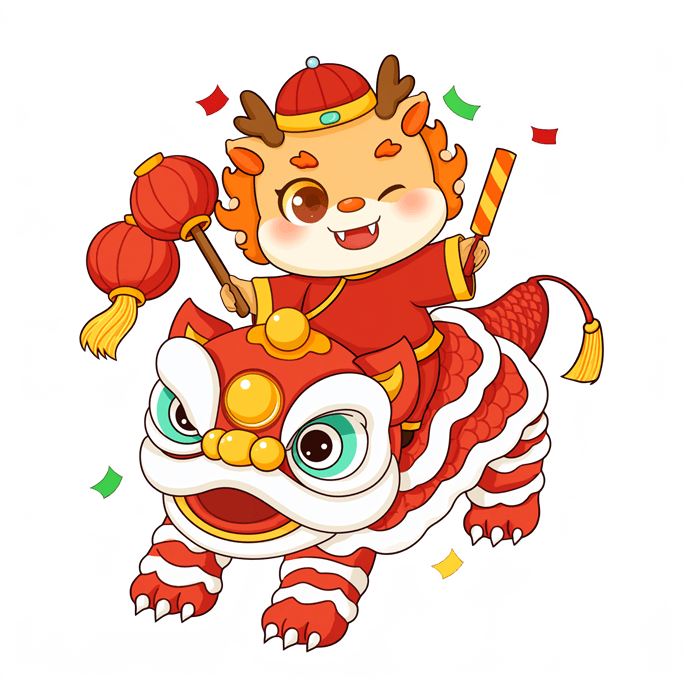
Transparent artwork

Transparent artwork

A subject with no solid background can become a sticker or a layer in a larger design.

One scene, several references

One scene, several references

Qwen combines six portrait references into a group photo. Review each person's appearance in the final image.

Text inside an image

Text inside an image

The official example brings words and pictures into one layout. Check small text at full size.

Prepare your first Qwen Image 2.1 prompt

Start with one clear idea

Try: A square poster for a school space club.

A small rocket above Earth, dark blue sky, bold white title that says SPACE NIGHT.

Keep the bottom third empty for event details.

Describe the subject, style, and layout before adding extra details.

Say what to change and keep

For an edit, try: Change only the jacket to green.

Keep the face, pose, and background the same.

For a sticker, ask for an RGBA image with a transparent background and alpha channel.

RGBA means color plus transparency.

Review, then improve one thing

When using a supported Qwen Image 2.1 tool, inspect text, hands, faces, and transparent edges.

Change one instruction at a time.

Collart's integration is still being prepared; the button here opens our current AI image tools.

Qwen Image 2.1 FAQ

Explore the official release

Information checked on September 21, 2026 against Qwen's announcement, model card, code, and license. See the original examples and links to the weights and demo.

Read Qwen's announcement

Get ready to create with Qwen Image 2.1

Collect your ideas and reference images. Explore Collart's current image tools while Qwen Image 2.1 integration is being prepared.

Explore AI Image