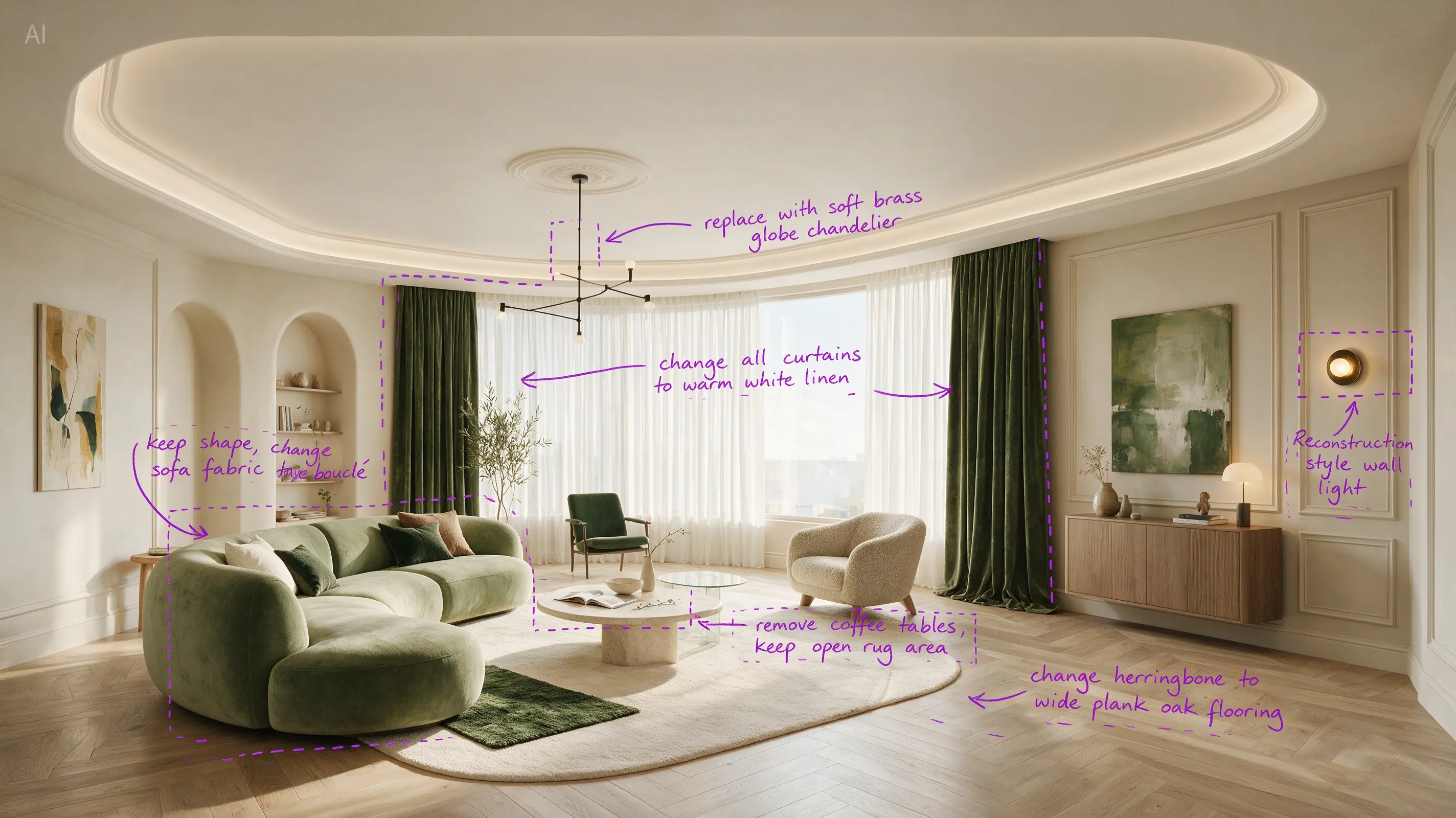
 Before: annotated input
 After: generated result
Living room annotation edit
Hover to switch from annotated task image to the generated warmer living room.
Seedream 5.0 Pro on Collart is positioned for premium image generation, layout-heavy campaigns, localized creative, and precise reference-guided editing with a more polished showcase flow.
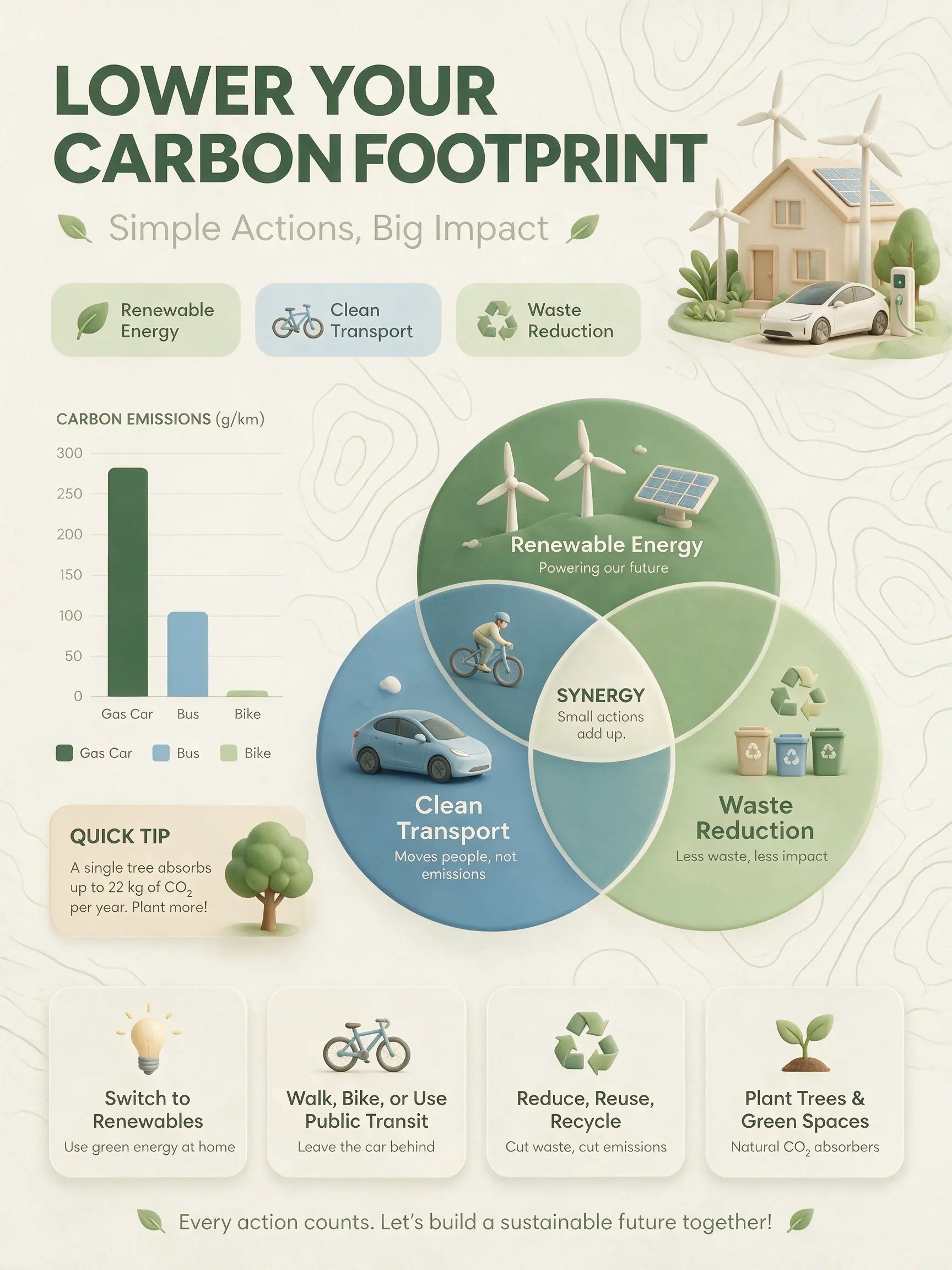
Master complex reasoning and information organization. Can generate text-rich images for education, professional, and other specialized scenarios.
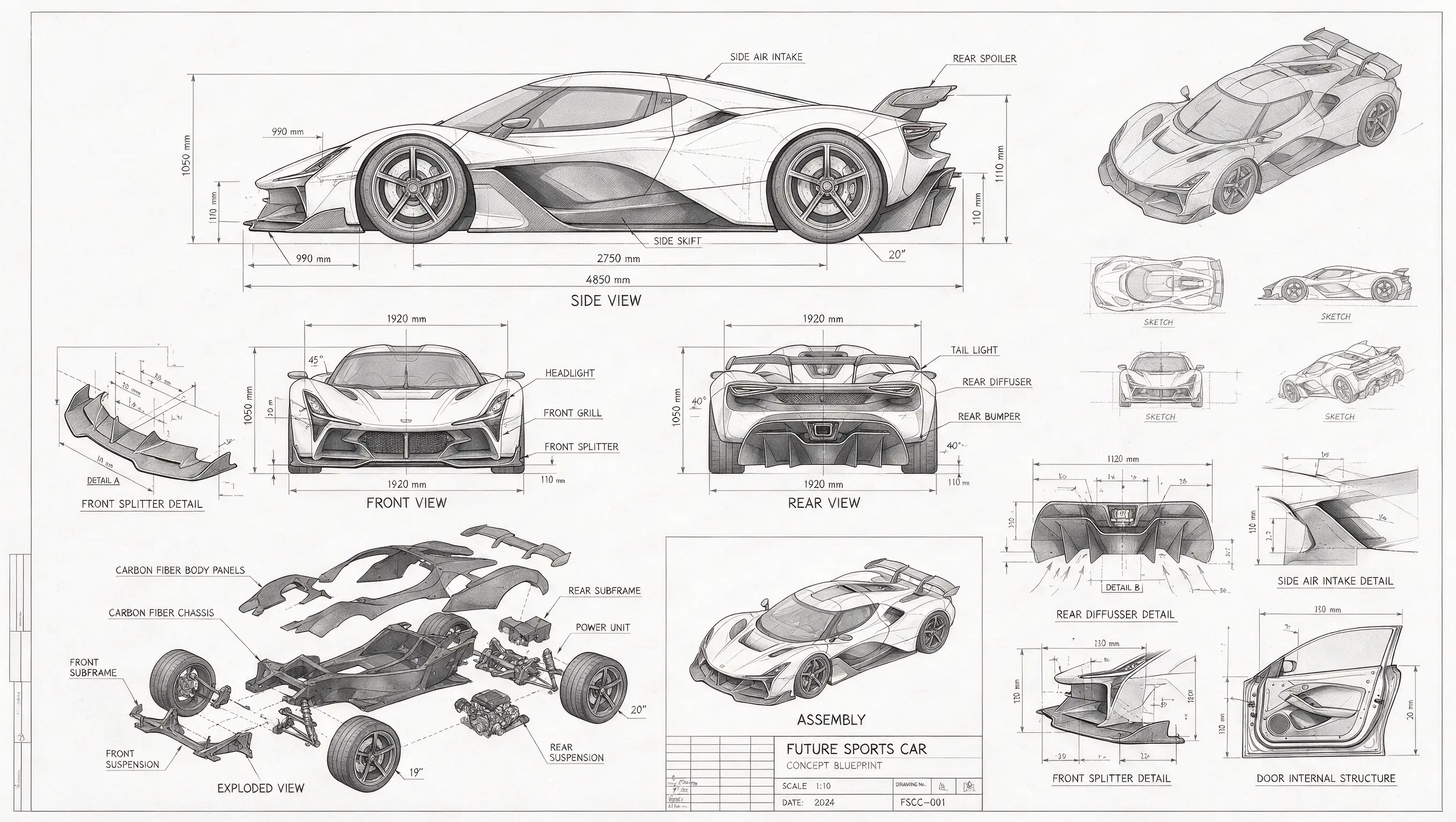
Automotive blueprint systems
Dense callouts, dimension lines, and multi-view structure sketches.
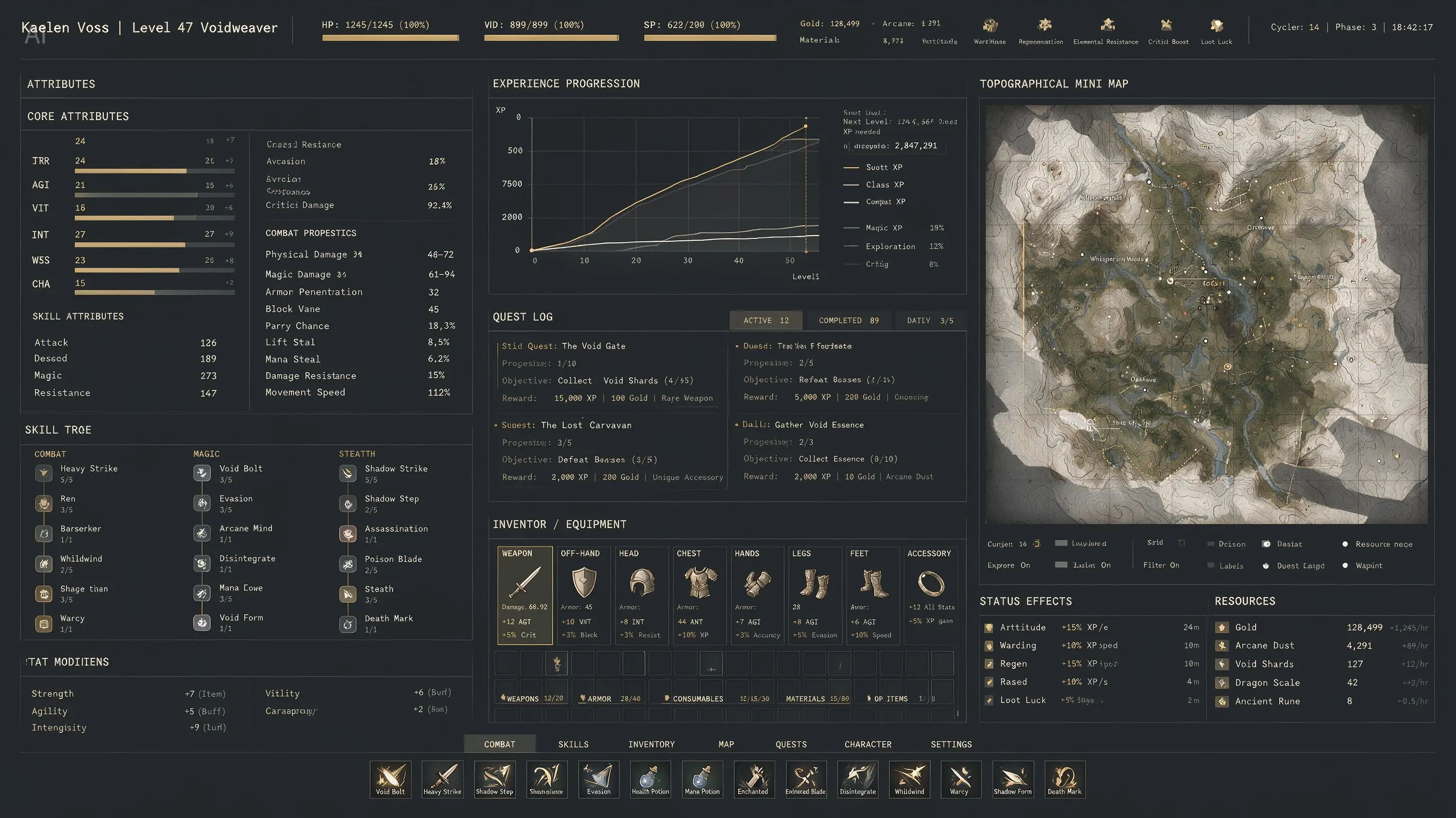
High-density UI graphics
Map panels, status blocks, charts, and nested information cards.
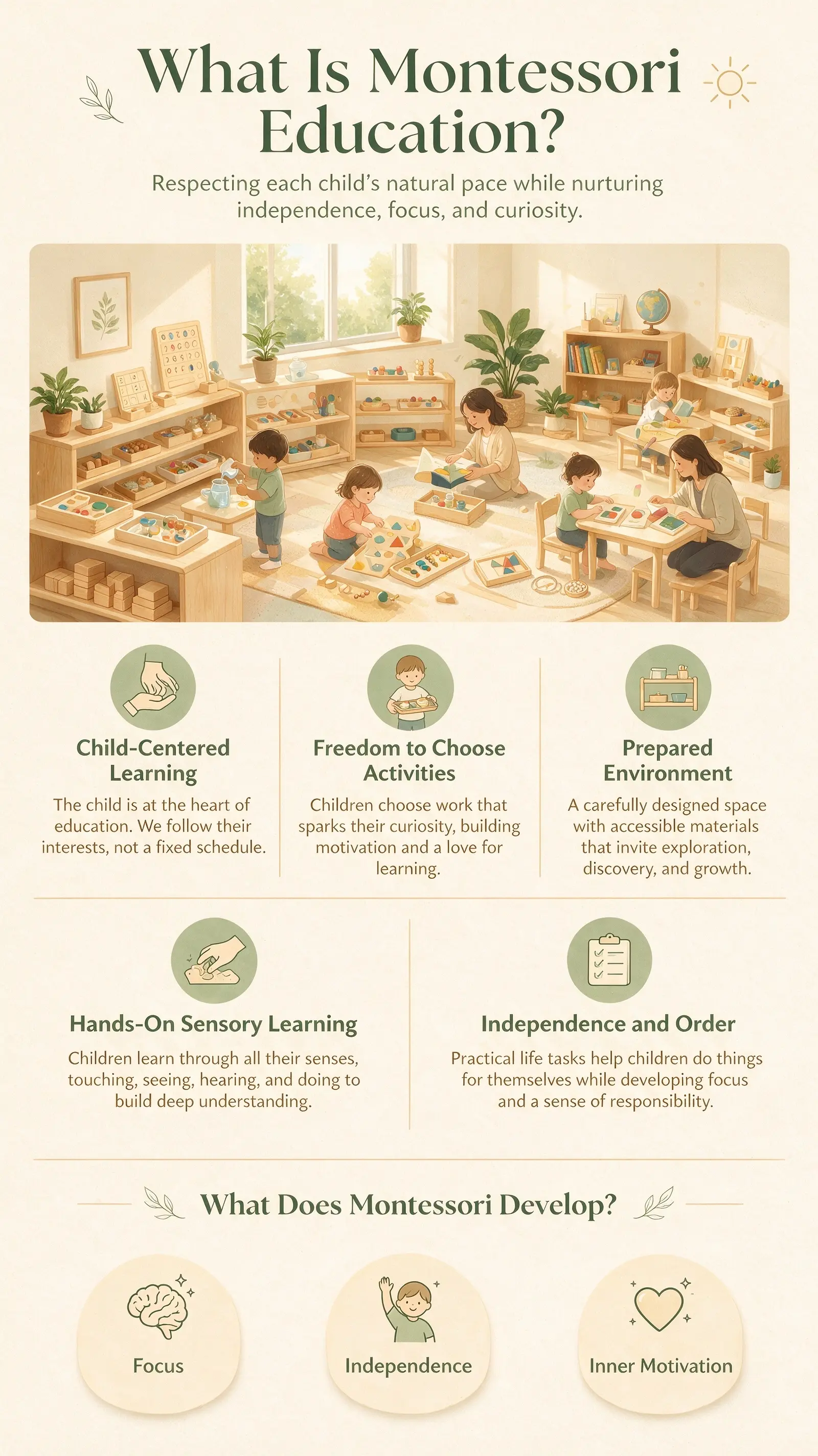
Educational explainers
Warm and clear modules for story-led teaching content.
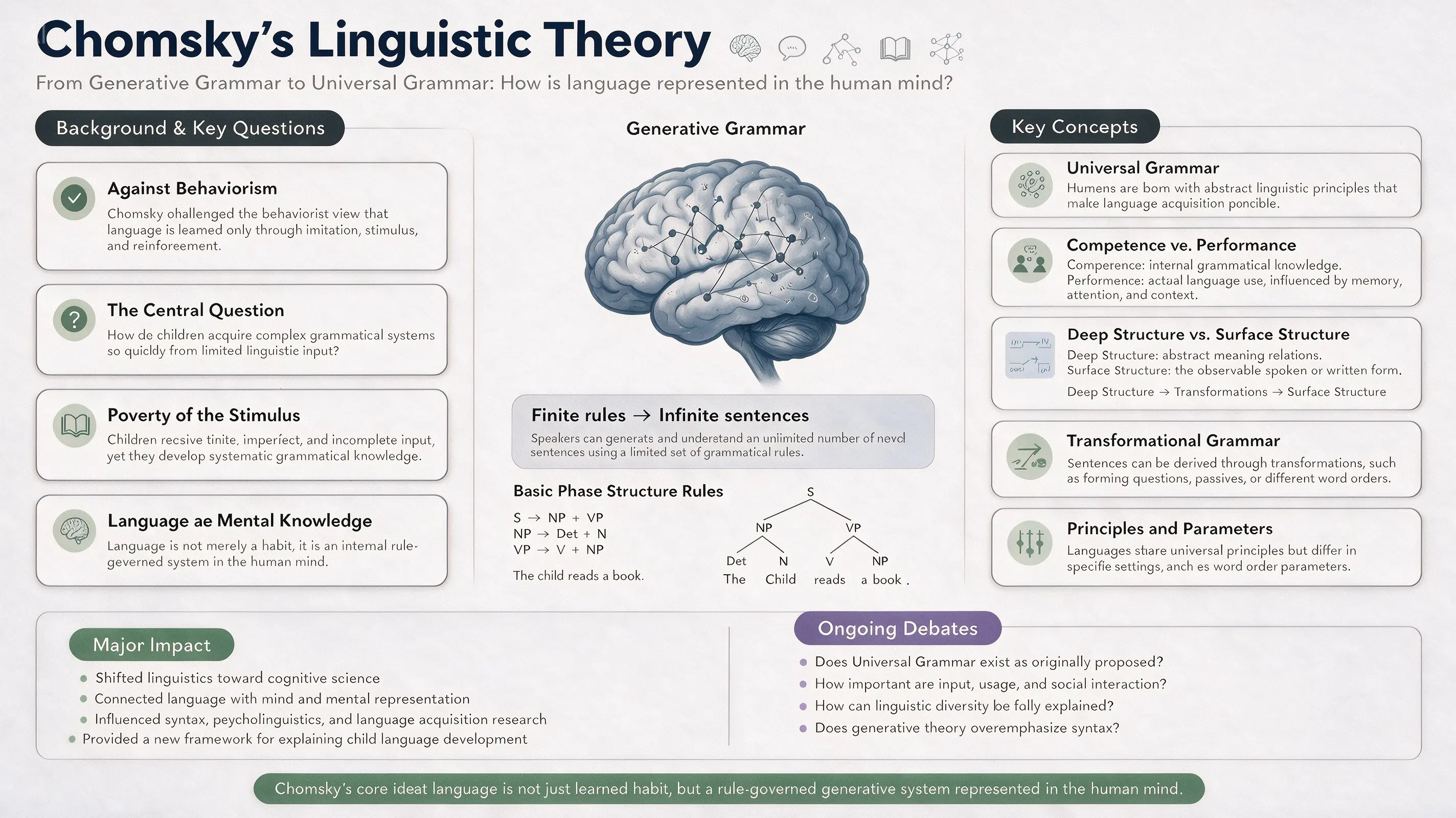
Academic presentation boards
Balanced sections, cleaner labels, and thesis-like structure.

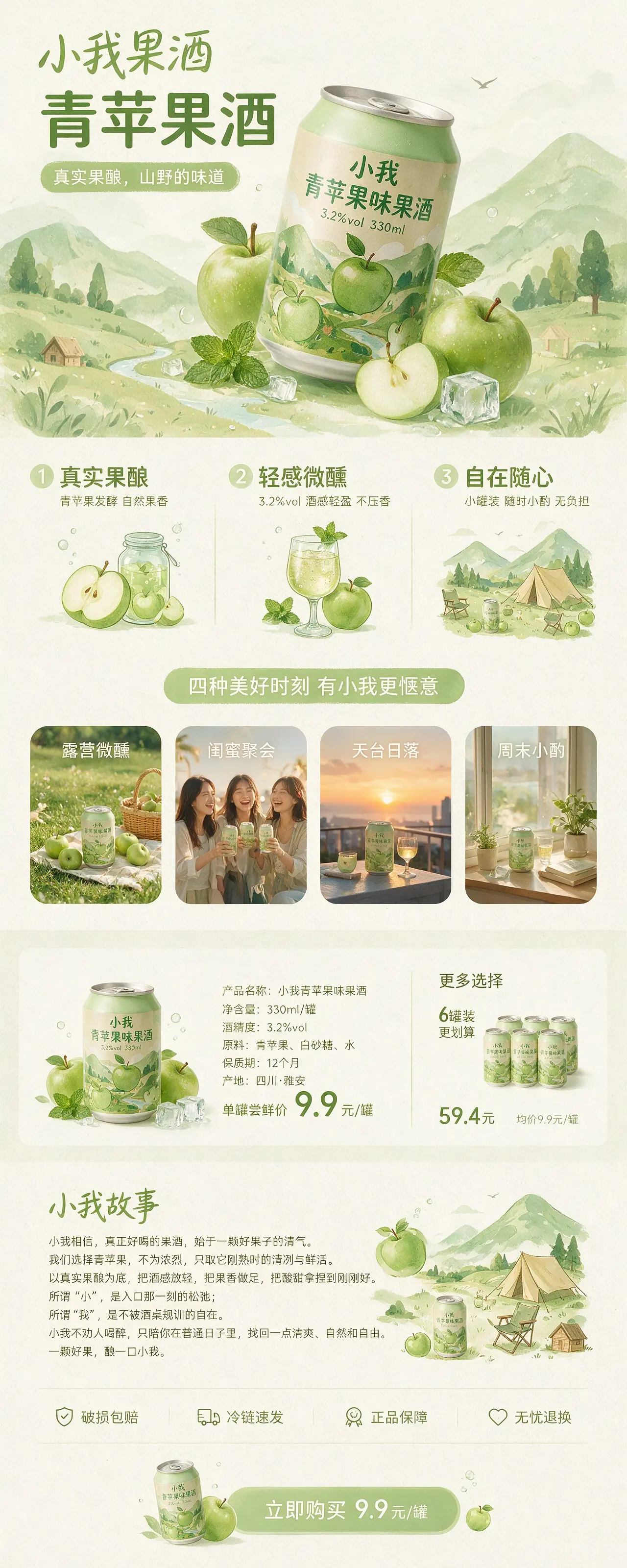
Commercial conversion banners
Products, CTA, scene styling, and sales copy organized in one frame.
Accurately responds to spatial annotations and sketch-based guidance. Supports layer separation, which unlocks more creative possibilities.
Before: annotated inputAfter: generated resultLiving room annotation edit
Hover to switch from annotated task image to the generated warmer living room.
 Before: annotated input
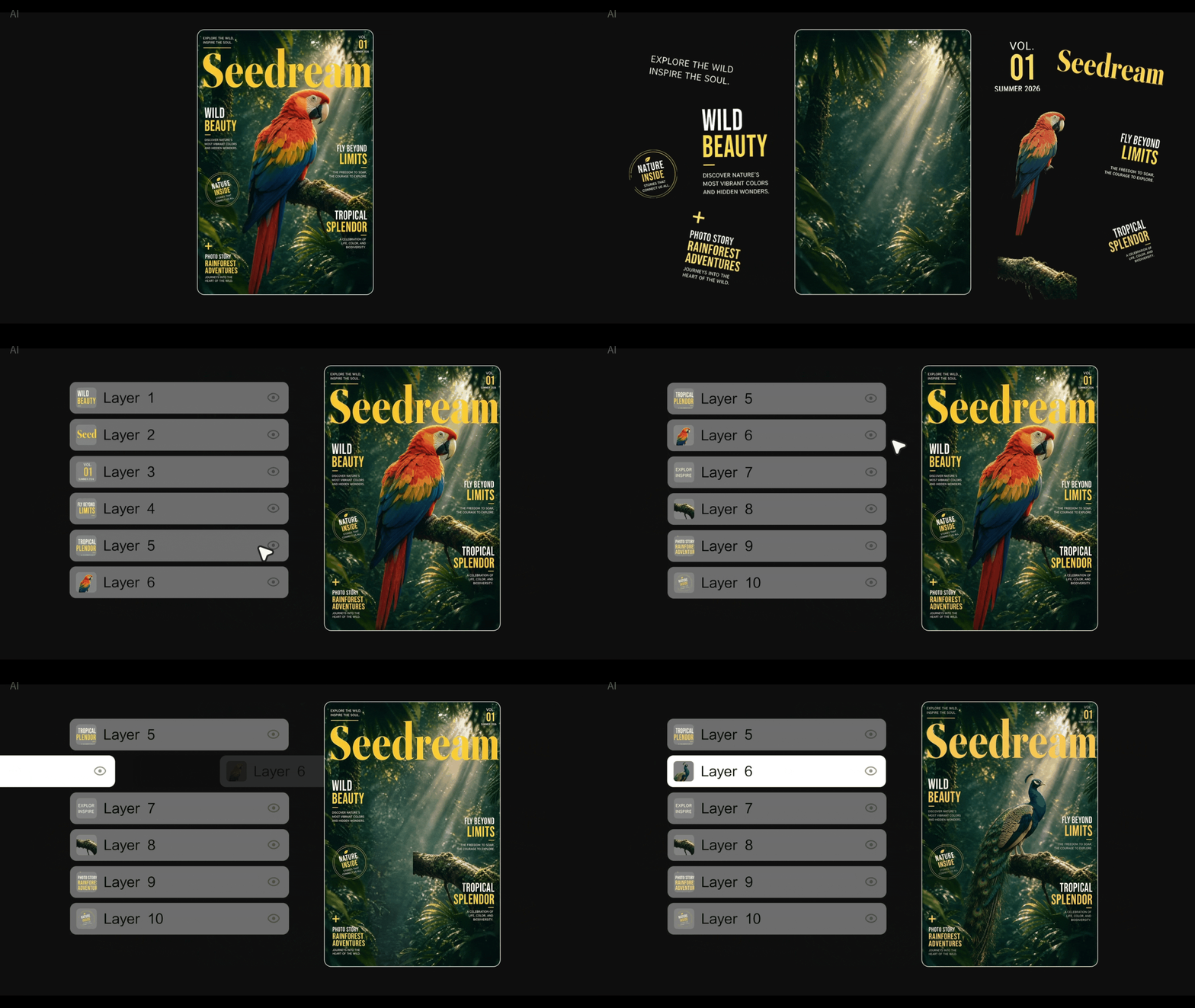 After: generated resultAfter: generated result
Generated poster
Hover to expand the poster result to the right without replacing the source frame.
 Before: annotated input
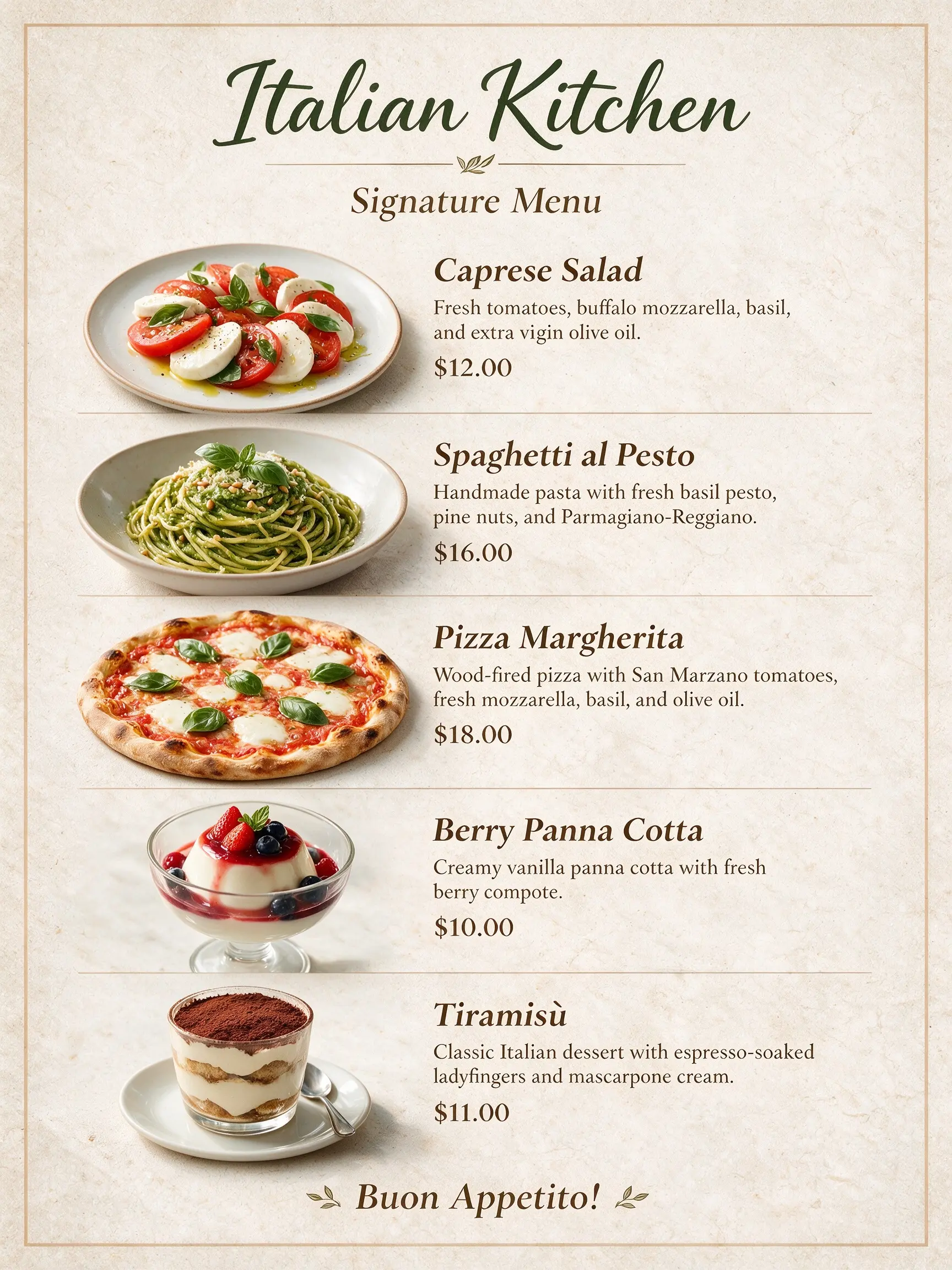 After: generated resultAfter: generated result
Material to layout
Hover to reorganize multiple food materials into a finished menu layout.
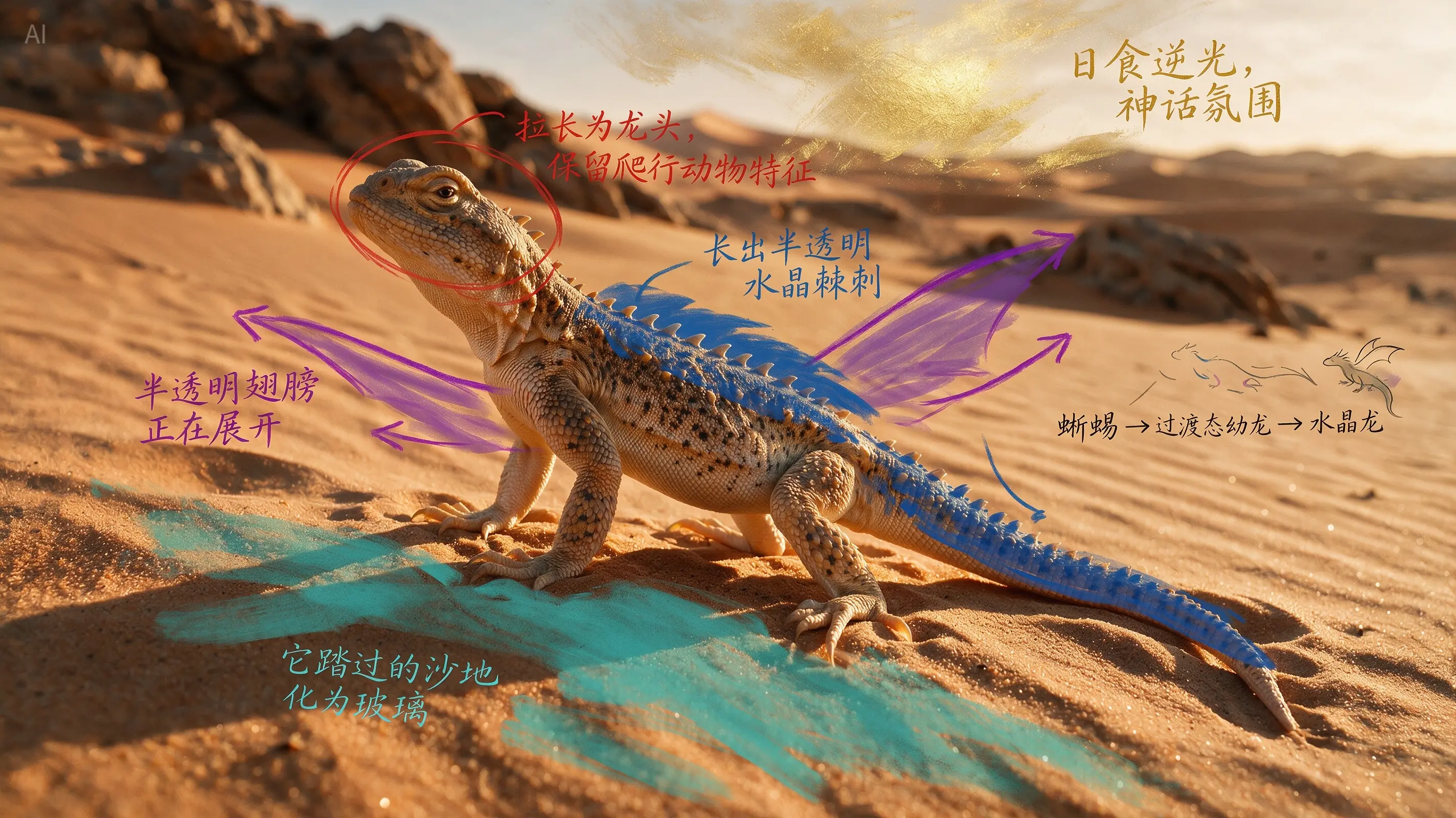 Before: annotated input
 After: generated result
Creature evolution
Turn rough annotations into fantasy upgrades while preserving scene intent.
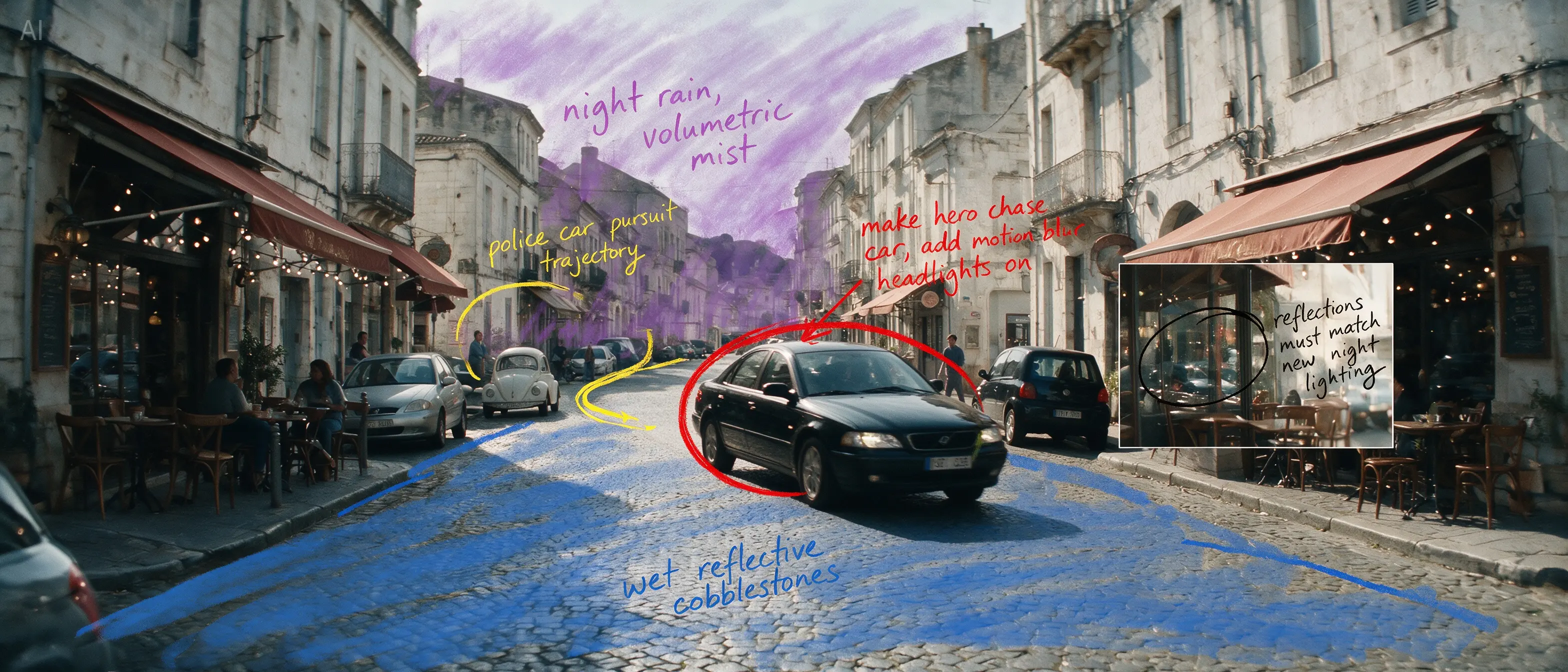 Before: annotated input
 After: generated result
Cinematic rewrite
Rebuild reflections, weather, motion cues, and visual focus from one edit instruction.
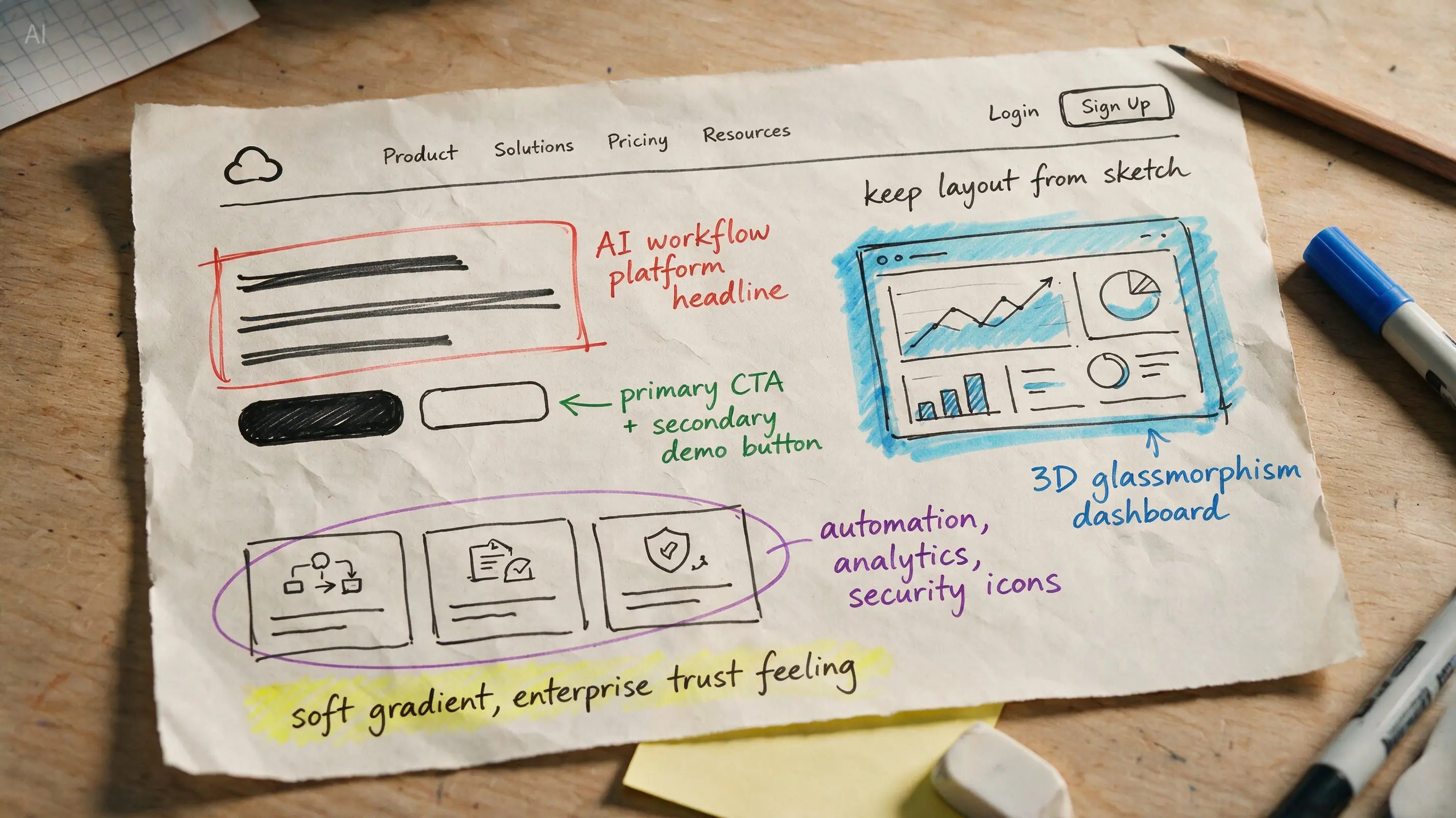 Before: annotated input
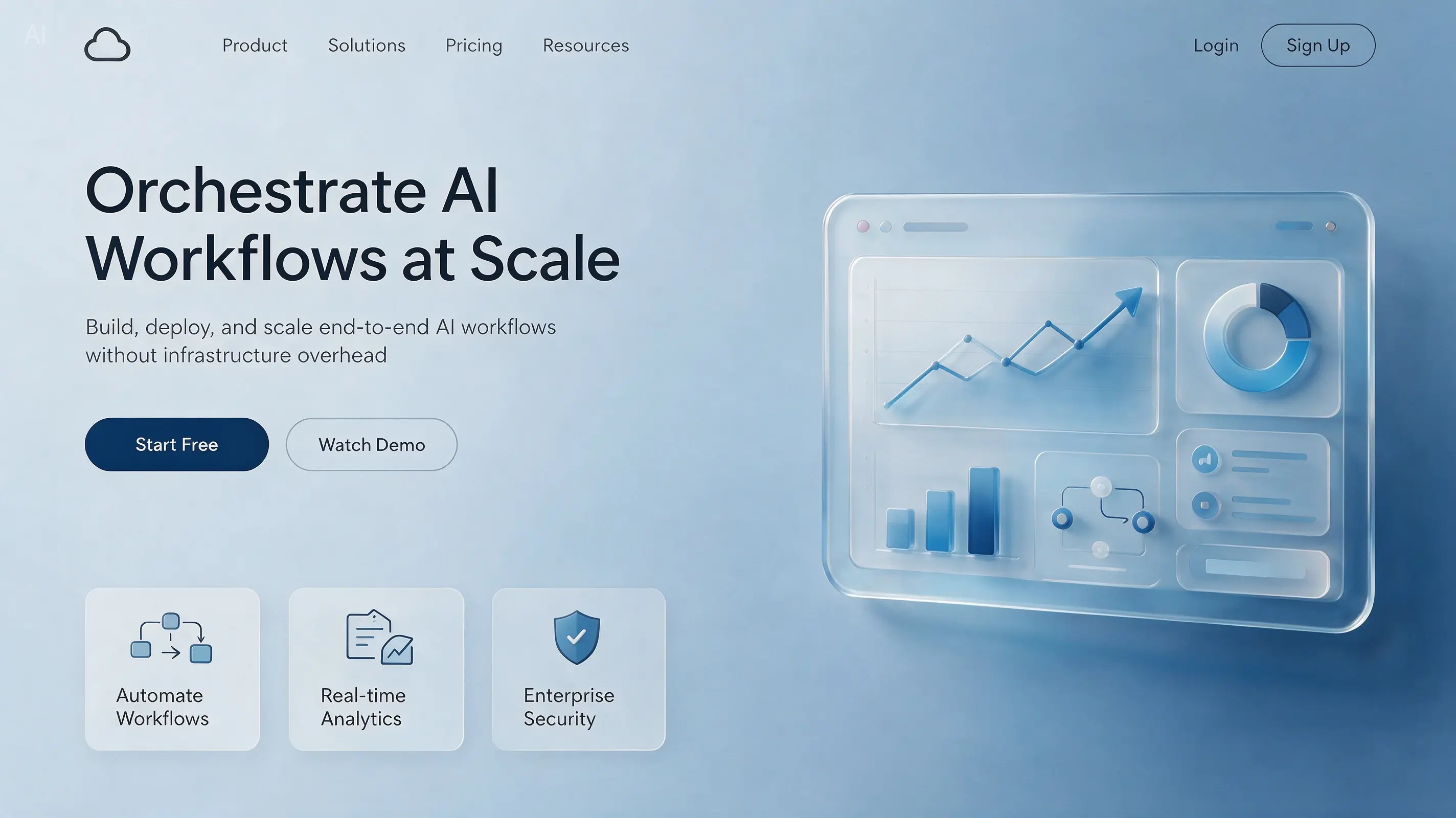 After: generated result
Sketch to UI
Hover to transform the hand-drawn brief into a polished SaaS hero section.
Recreates authentic physical lighting, shadows, and human skin textures, significantly enhancing photographic realism.
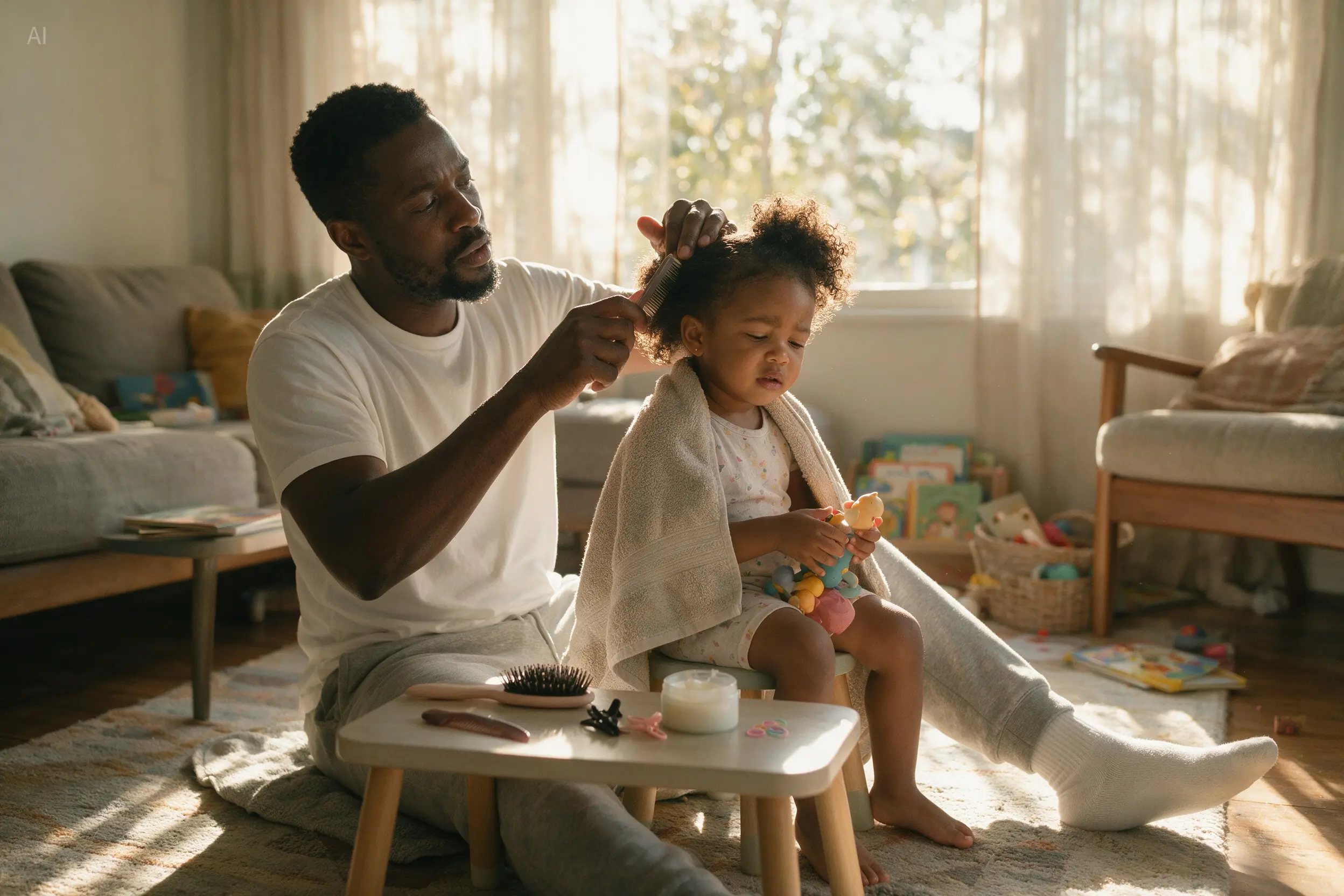
Lifestyle realism
Warm indoor light, relaxed composition, and believable family textures.
 Before
 After: generated resultAfter: generated result
Portrait source preservation
A better base for identity-consistent transformation flows.
 Before
 After: generated resultAfter: generated result
Fashion set transformations
Refresh styling, hair, and lighting without losing realism.
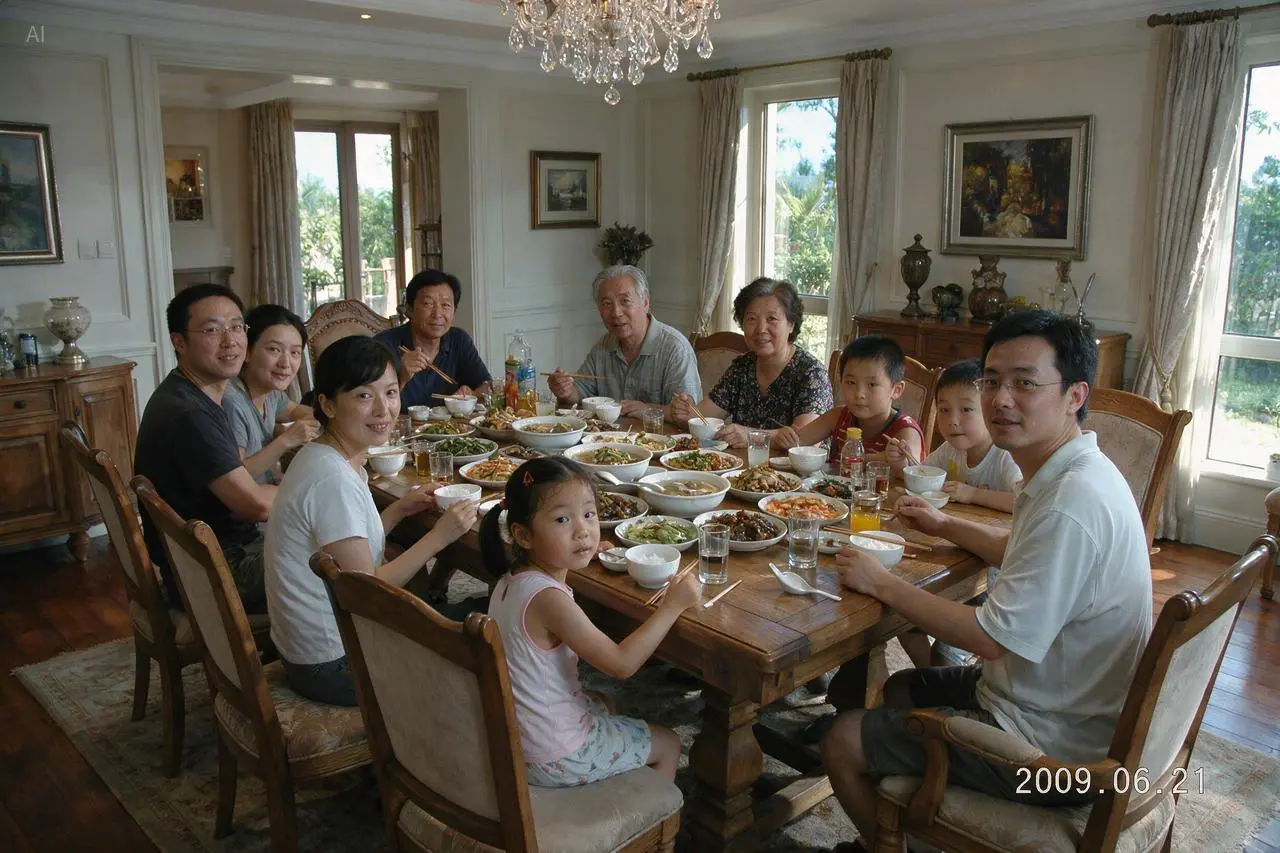
Timestamped family photo
A static photographic generation case preserved as its own horizontal card.
 Before
 After: generated result
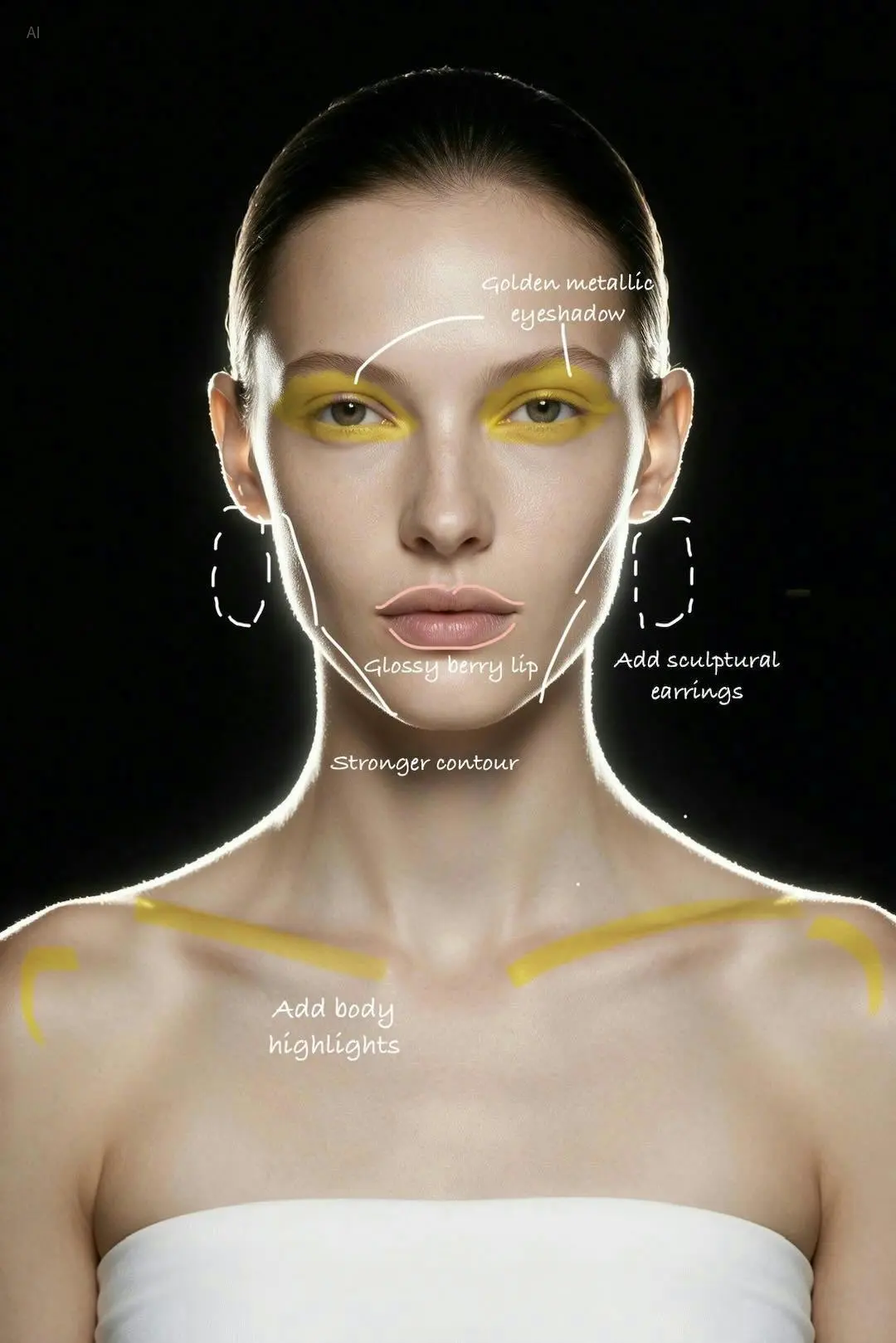
Natural retouching
Balance skin refinement and texture retention for premium outputs.
Natively supports a dozen widely used languages for prompting and image generation, making it ideal for international creative workflows.
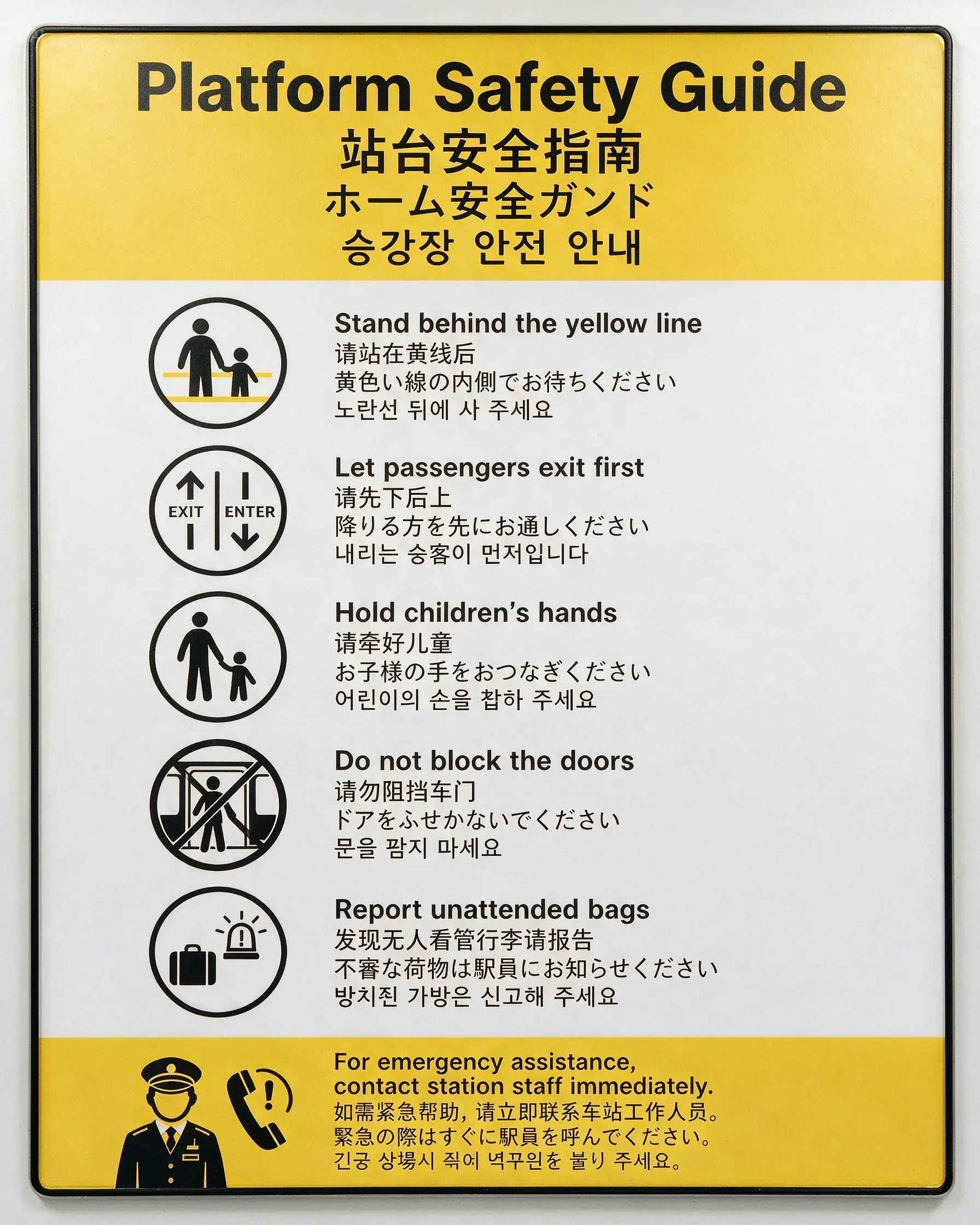
EN · 中文 · 日本語 · 한국어
Natively supports a dozen widely used languages for prompting and image generation, making it ideal for international creative workflows.

Español
Natively supports a dozen widely used languages for prompting and image generation, making it ideal for international creative workflows.
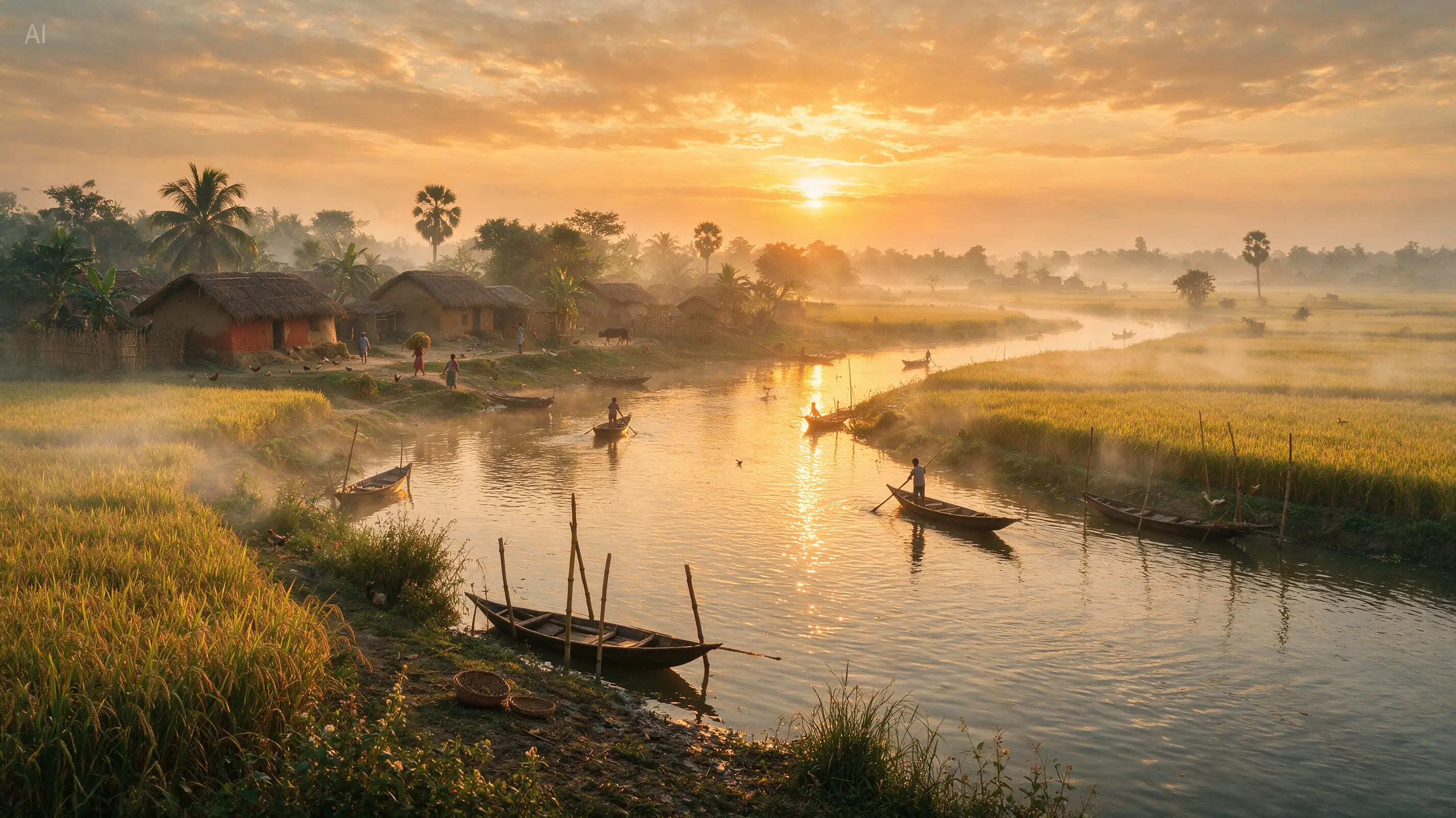
বাংলা
Natively supports a dozen widely used languages for prompting and image generation, making it ideal for international creative workflows.
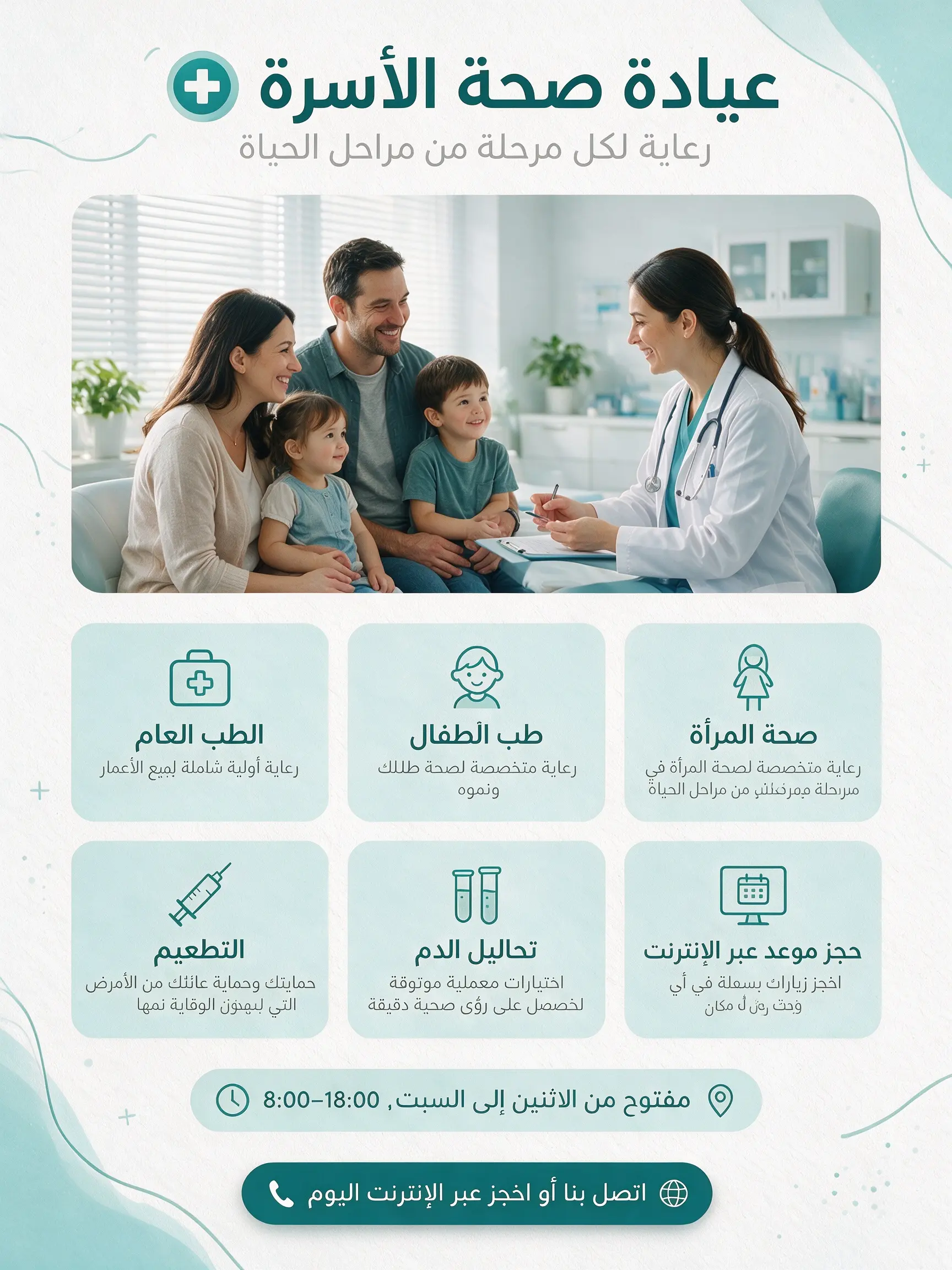
العربية RTL
Natively supports a dozen widely used languages for prompting and image generation, making it ideal for international creative workflows.

日本語
Natively supports a dozen widely used languages for prompting and image generation, making it ideal for international creative workflows.
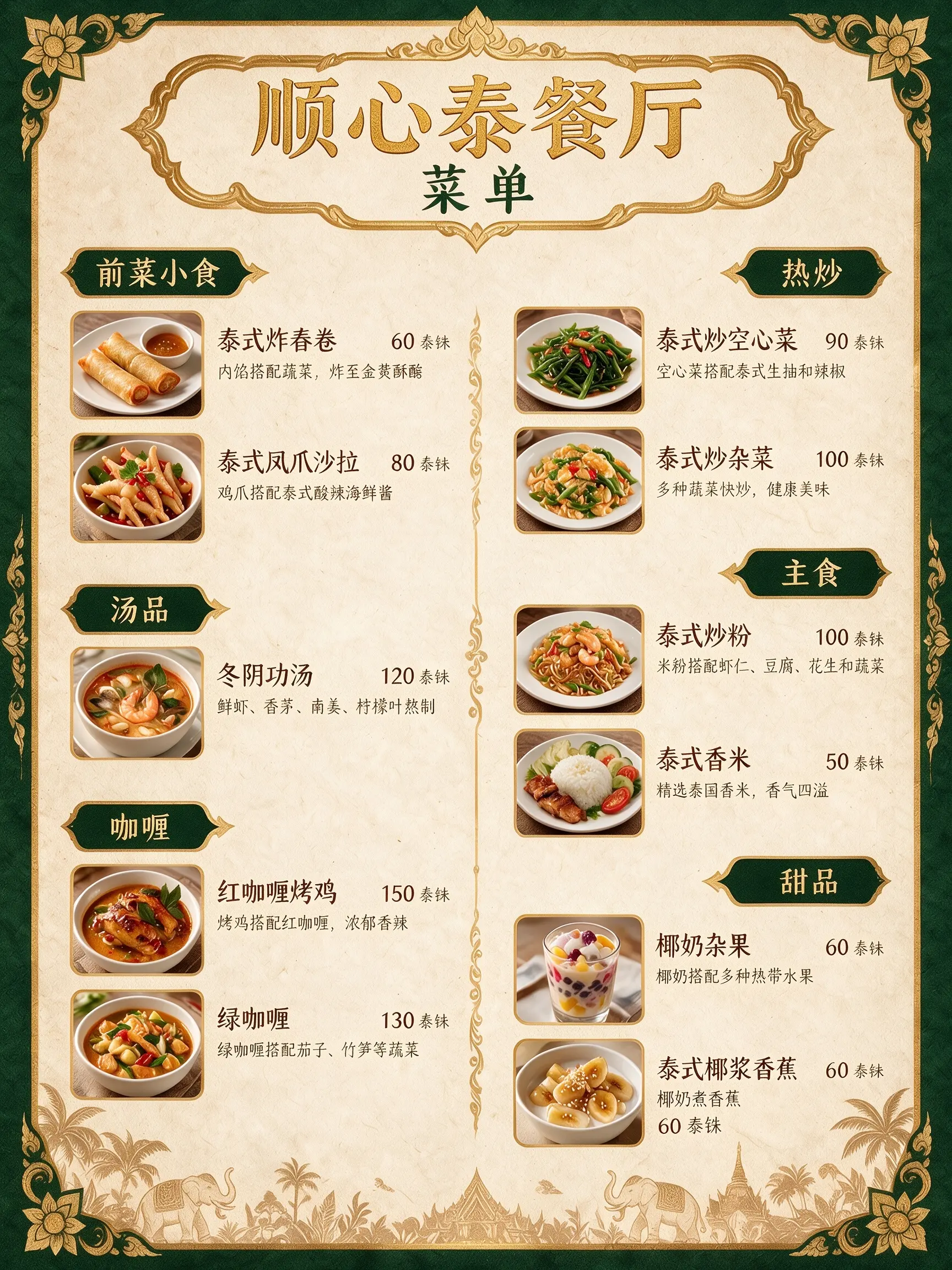
中文
Natively supports a dozen widely used languages for prompting and image generation, making it ideal for international creative workflows.
Browse our curated showcase to spark your next great idea.




Compare the three image models by production intent, reference control, layout strength, and best-fit scenarios before choosing a workflow.
Seedream 5.0 Pro
From infographic systems and multilingual posters to polished campaign art, start in Collart with the Seedream workflow that already exists in product.