AI Prompts
GPT Image 2 Prompts
Explore GPT Image 2 prompts for editorial portraits, fashion covers and illustrated scenes, with source prompts to adapt.
GPT Image 2 prompt library, updated daily
1:1
1K
All Prompts
Prompts on this page: 21
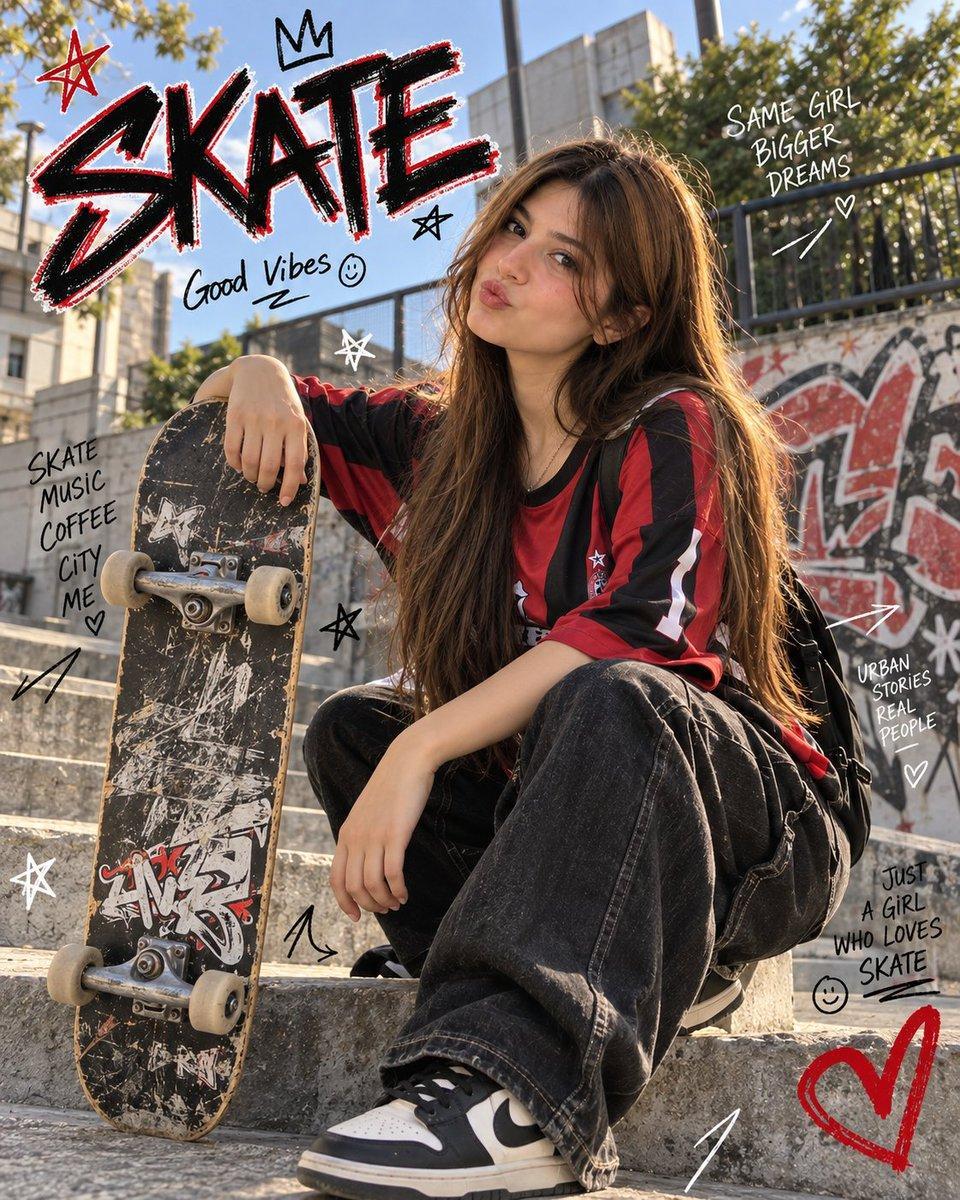
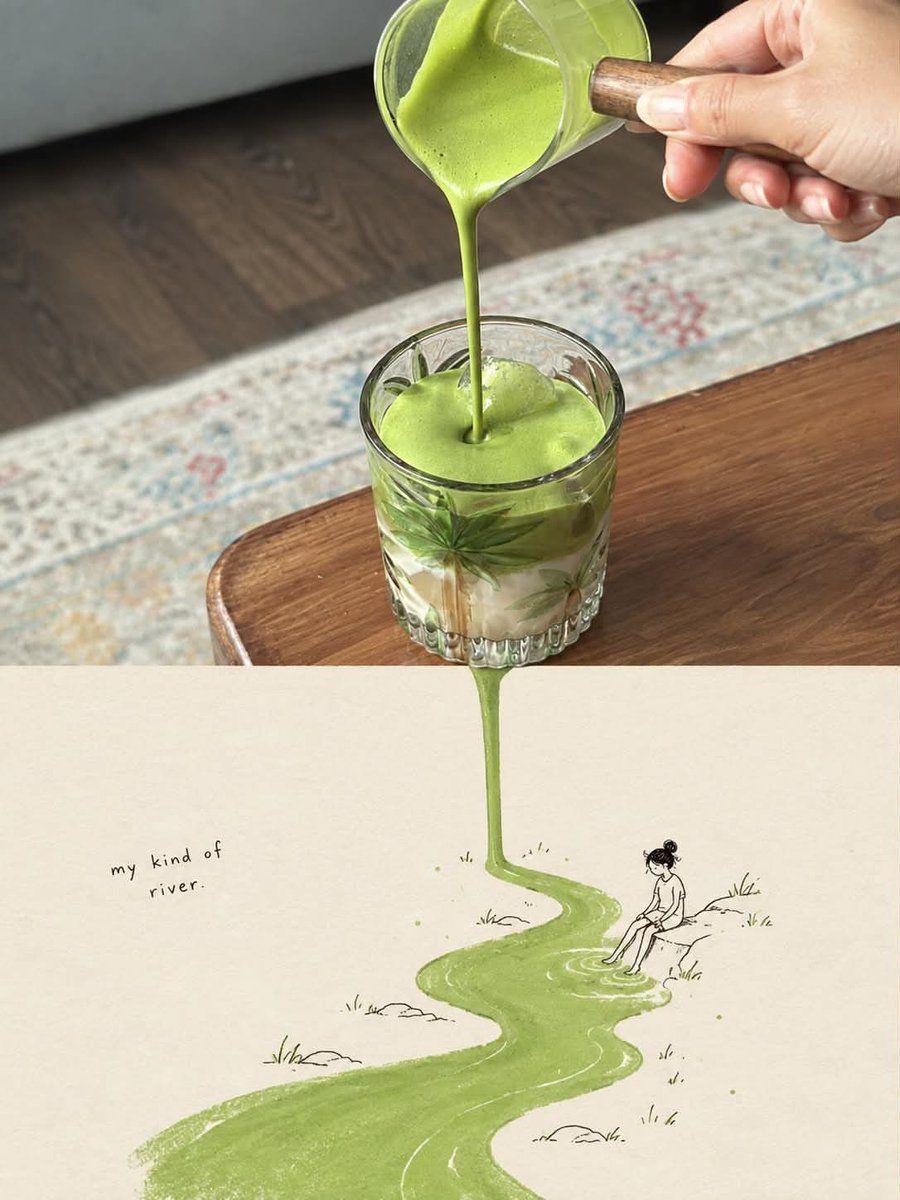
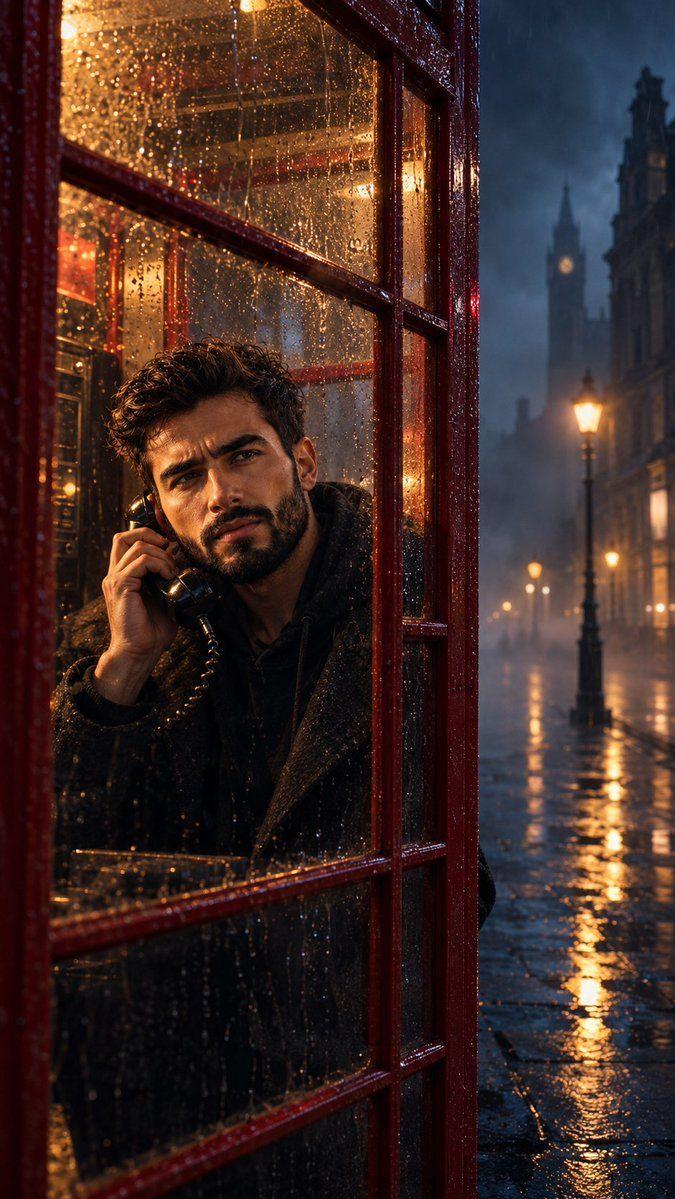
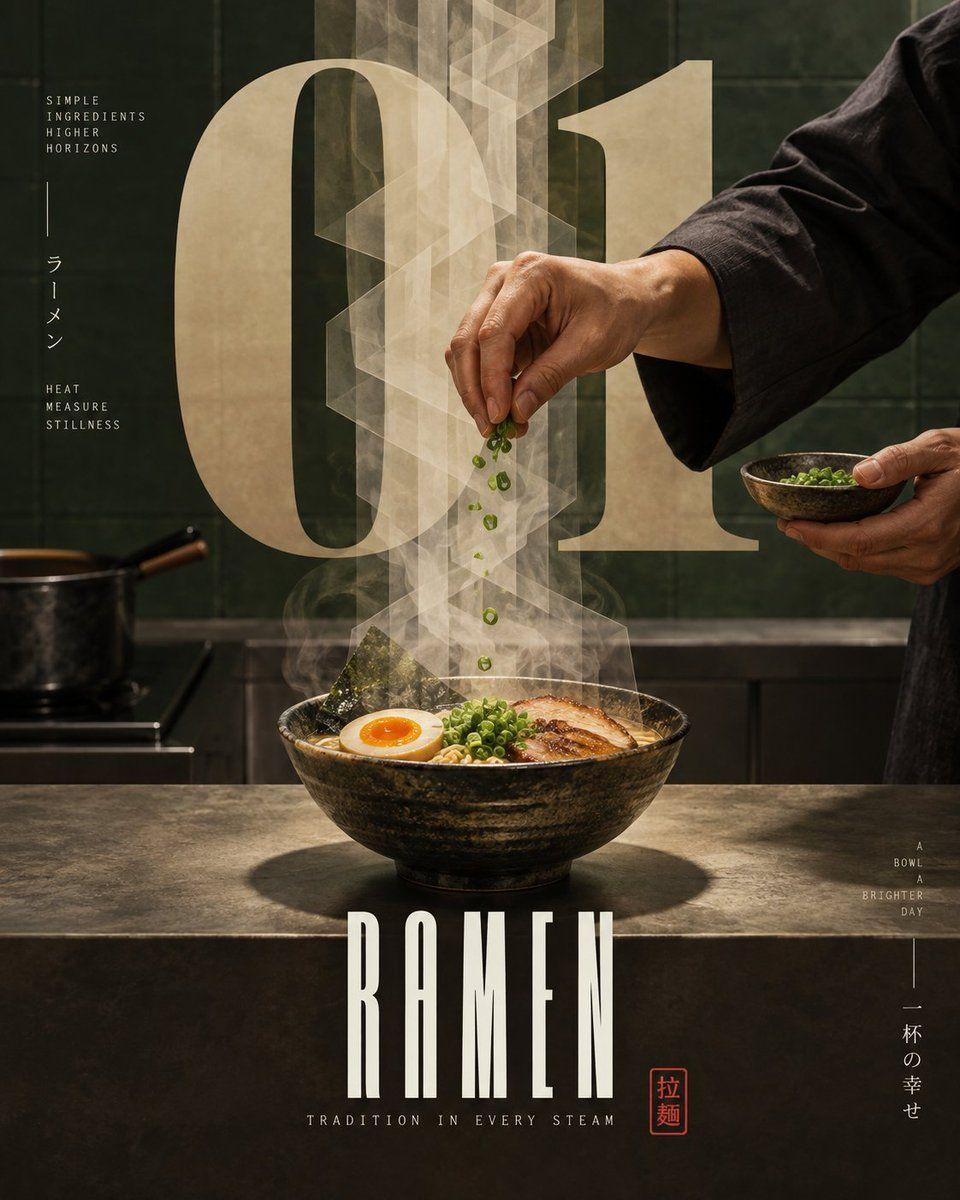
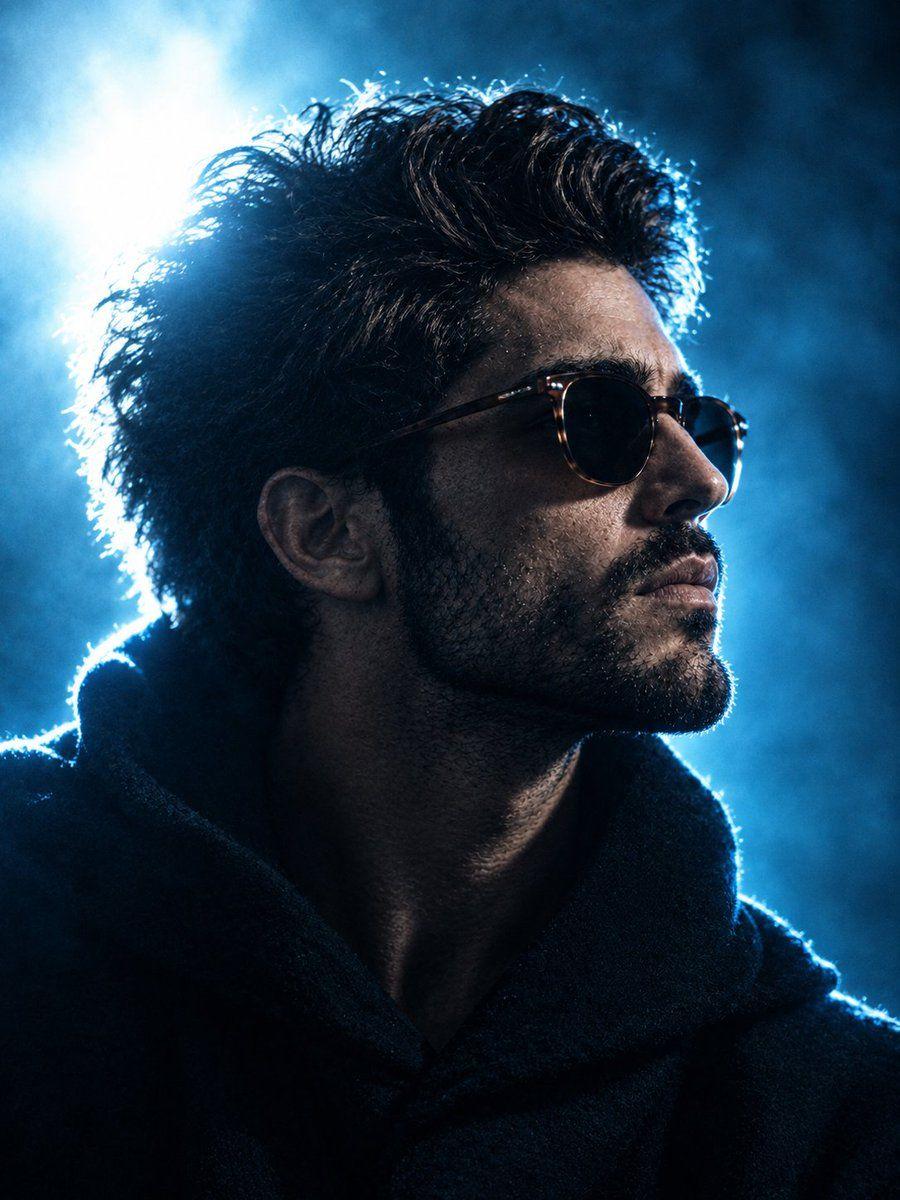
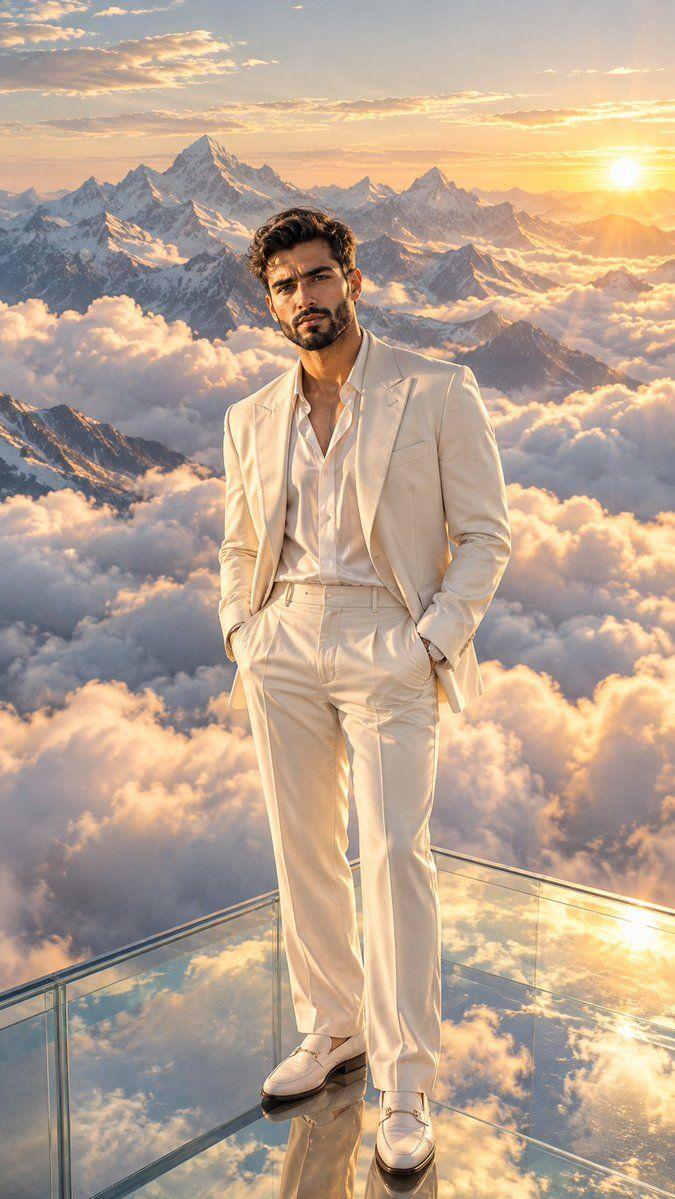
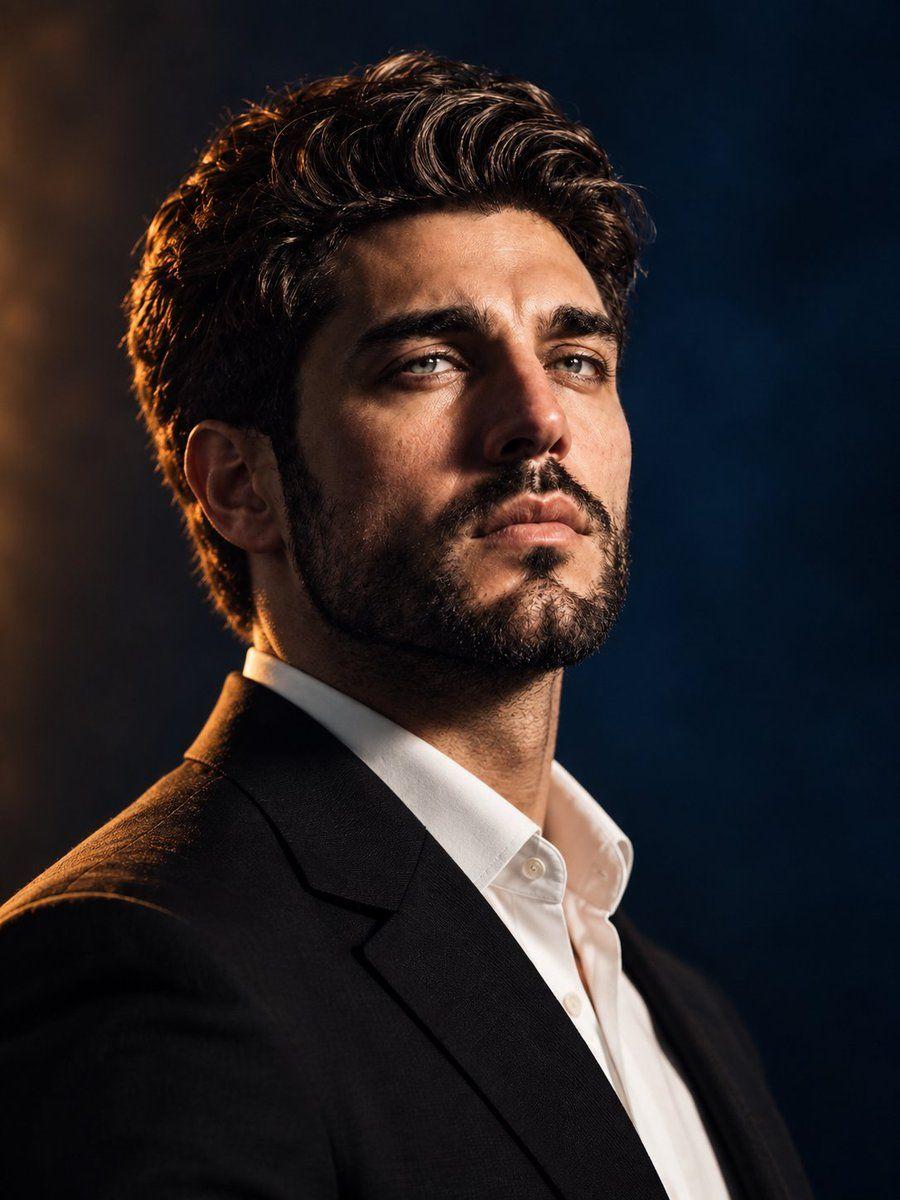
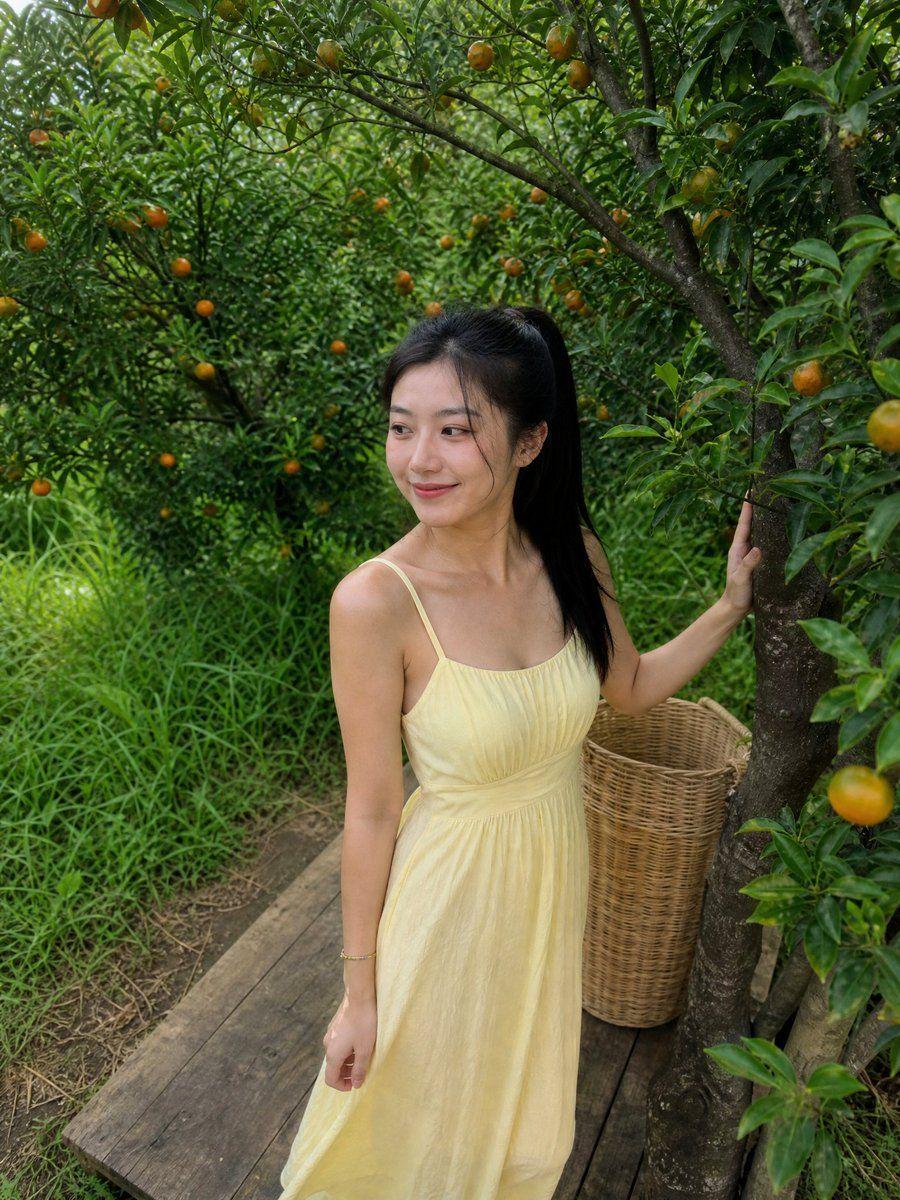
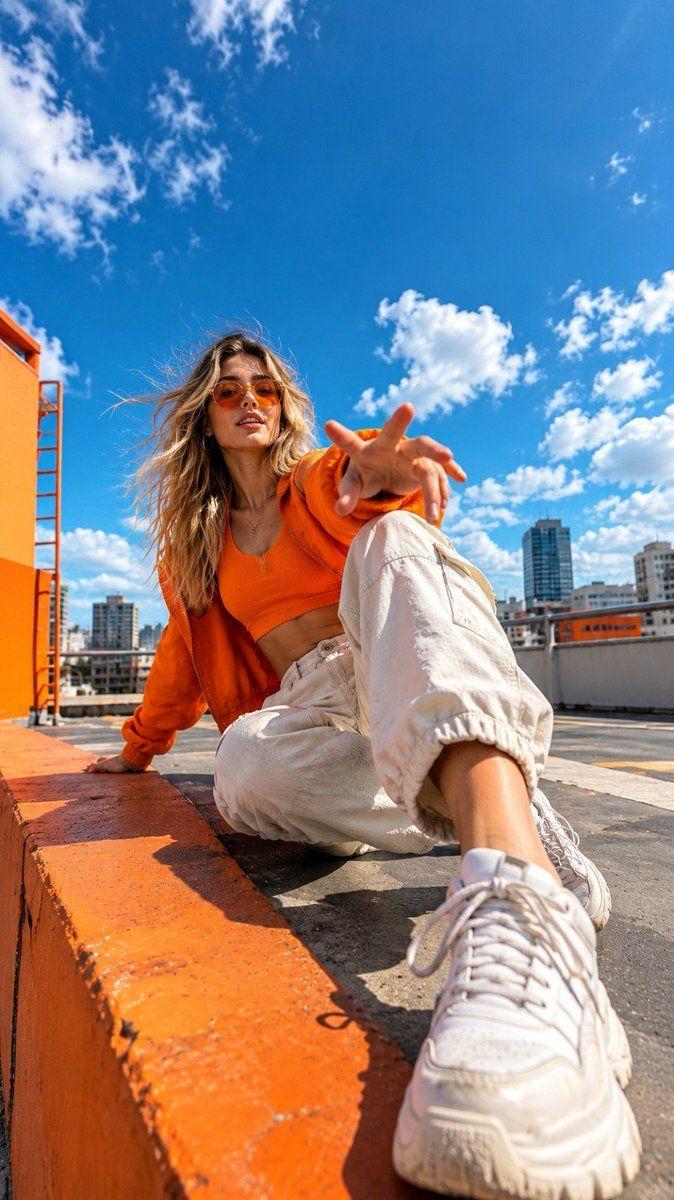
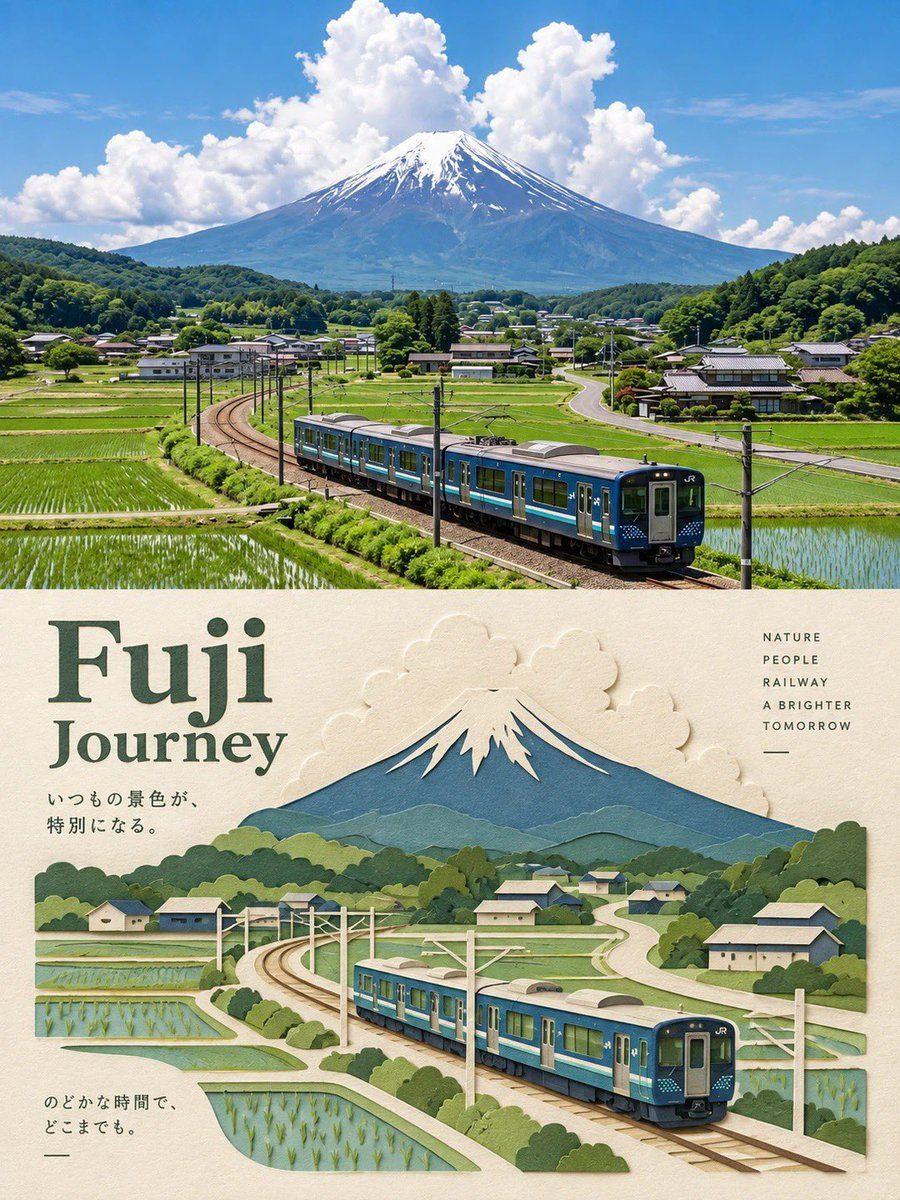
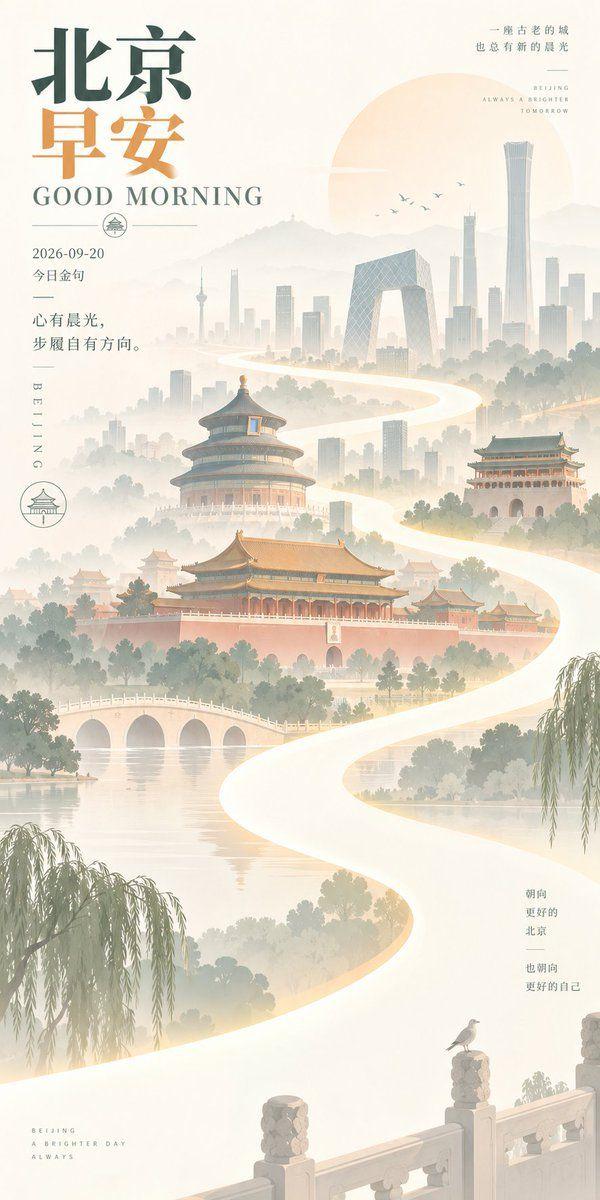
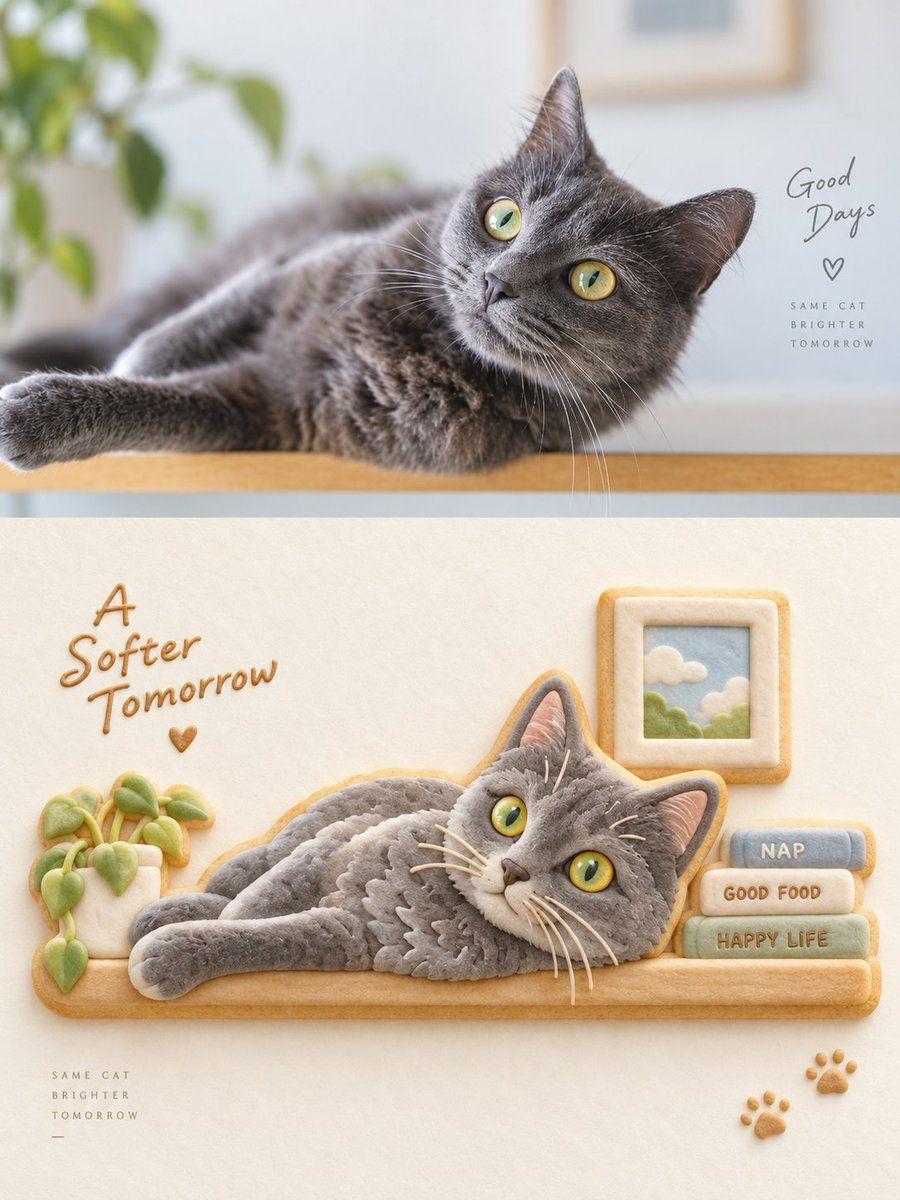
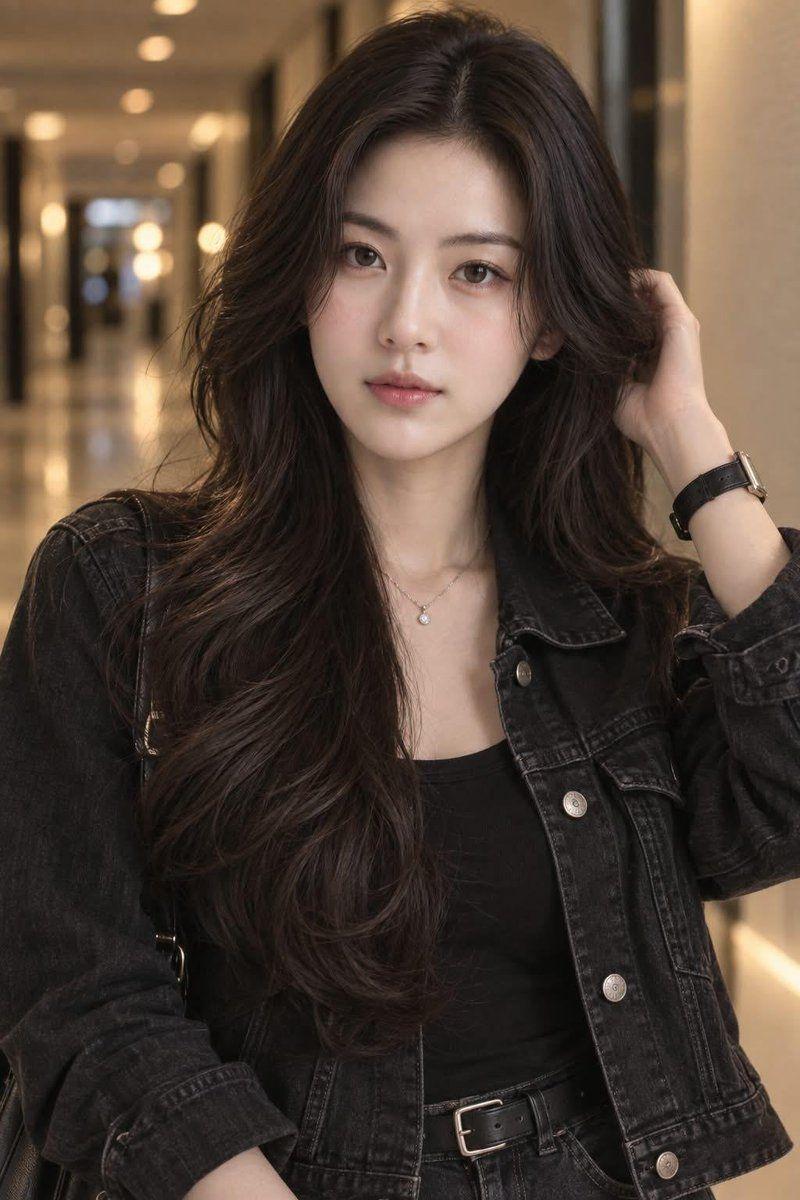
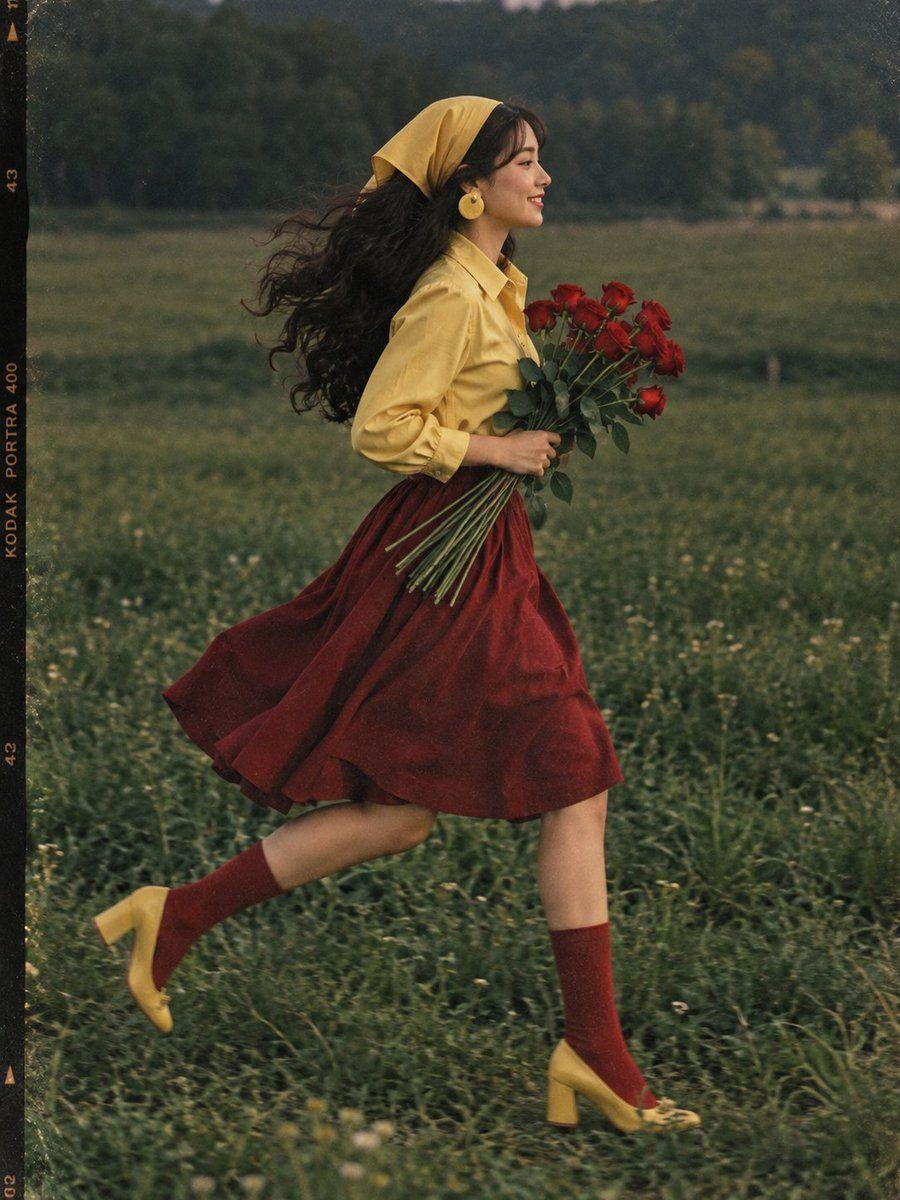
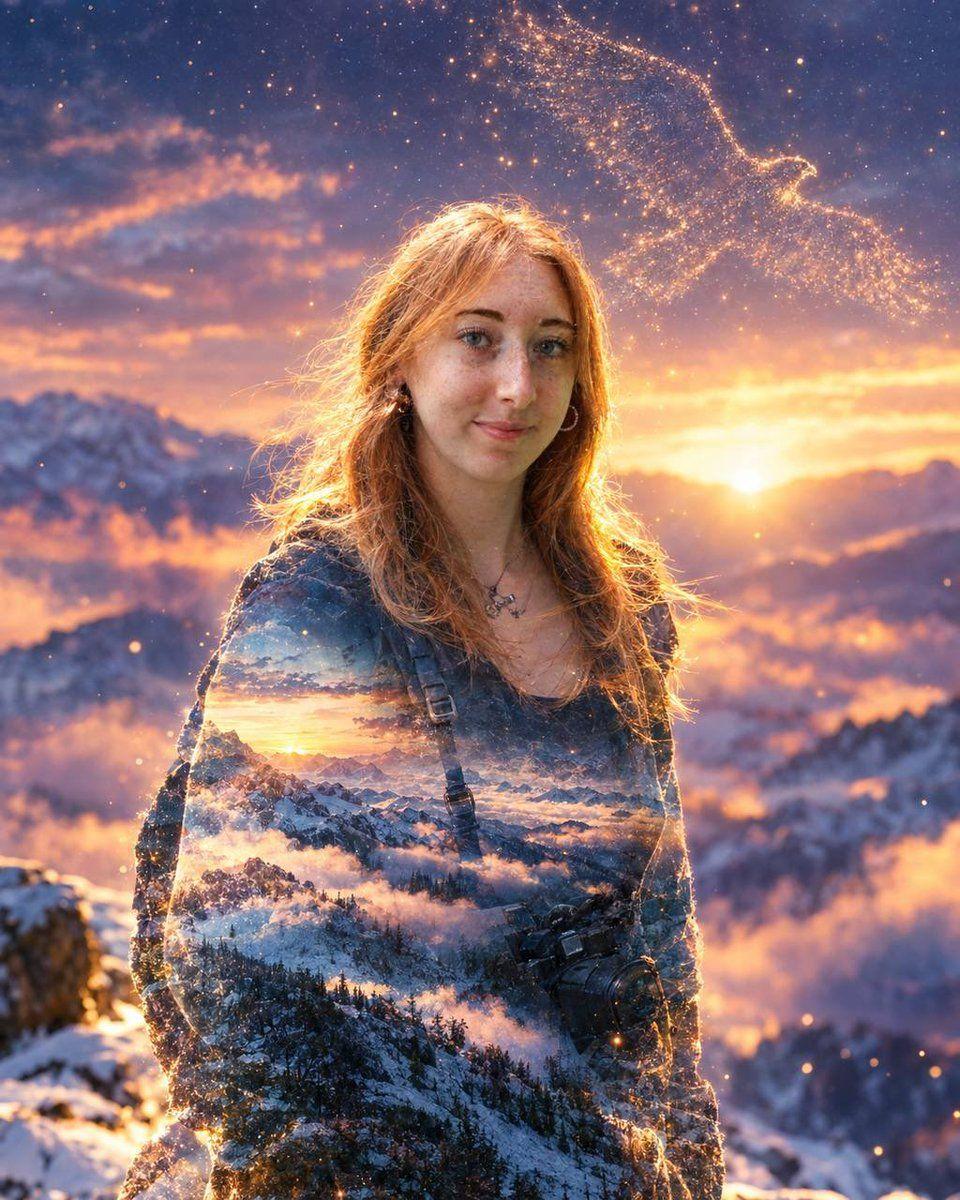
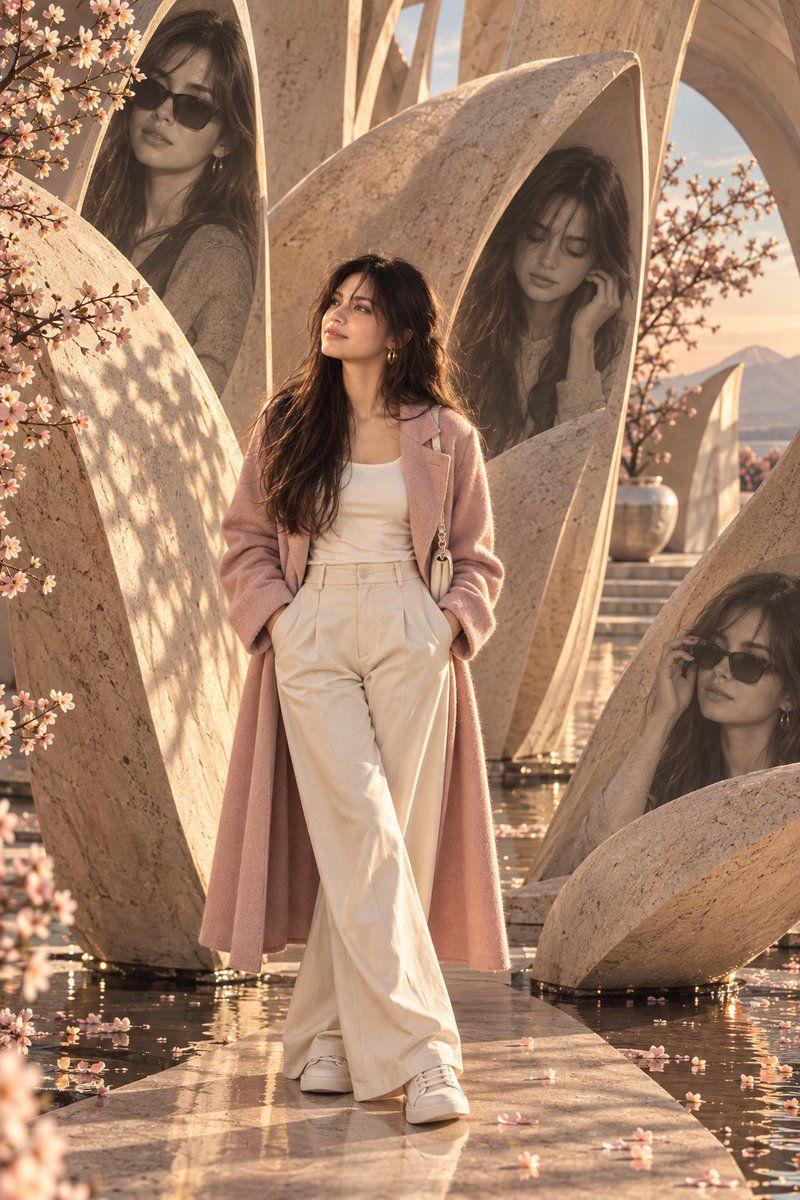
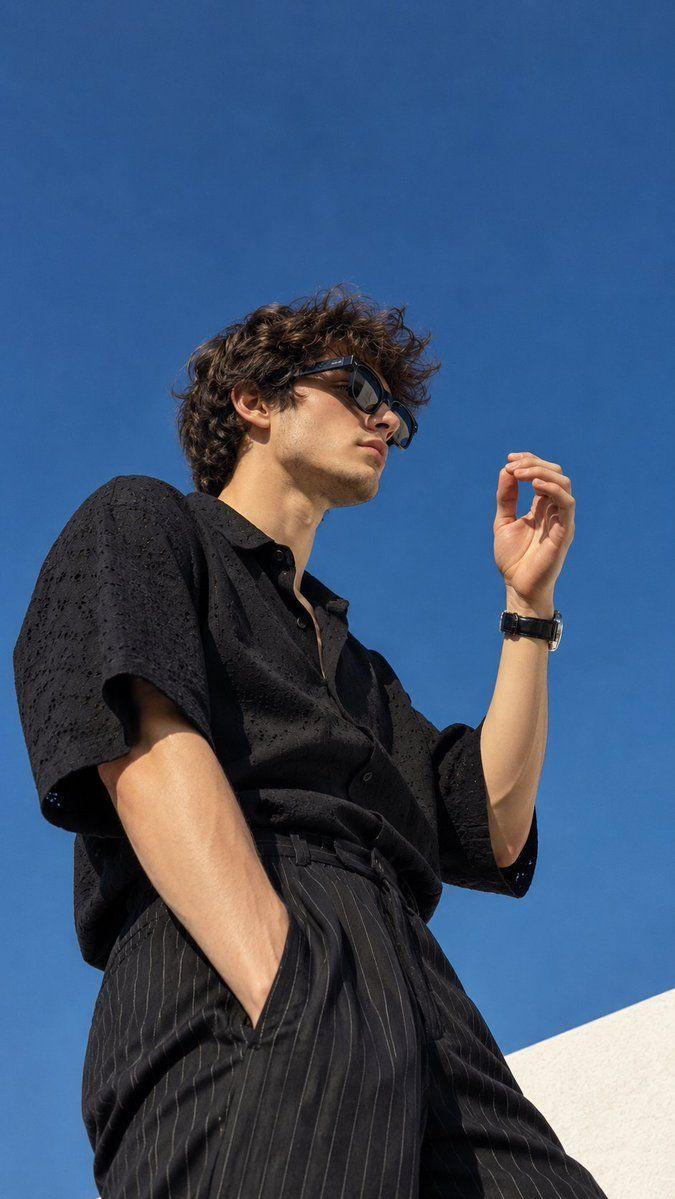
GPT Image 2 prompt examples and writing tips
Explore original writing examples with a complete prompt, suggested setup and practical ways to adapt it. Use them as starting points and refine the result for your own project.
Magazine cover with a readable headline
- Complete prompt
- Design a portrait-format travel magazine cover. A cyclist in a yellow raincoat stands beside a red bicycle on a quiet coastal road. Place the exact headline "WEEKEND ESCAPES" across the clear sky at the top. Add the small subtitle "Take the scenic route" below it. Keep all lettering away from the face and bicycle. Soft overcast light, restrained blue and yellow palette, realistic editorial photography. Include no other text or logos.
- Why this wording helps
- Giving the headline an exact spelling and a clear area of sky separates typography from the subject. Limiting the copy makes layout problems easier to diagnose.
- What to change
- Replace the two quoted text lines, the cyclist and the accent colors. Keep the instruction reserving space above the subject.
- Reference images and settings
- Use Text to Image with GPT Image 2. No reference image is required. Choose a portrait ratio in the editor; start at 1K to check the layout.
- If the result needs work
- If lettering overlaps the cyclist, move the subject into the lower half. If words are misspelled, shorten the headline and regenerate before increasing resolution.
Photo portrait with a separate doodle silhouette
- Complete prompt
- Use the uploaded portrait as the reference for the person's face and outfit. Place the person full length on the left of a plain cream studio wall. On the right, draw a flat black line-art silhouette echoing the same pose, clearly separate from the real person. Keep the face photographic and the doodle hand-drawn. Soft side lighting, visible floor, relaxed stance, generous empty space between the two figures. No lettering.
- Why this wording helps
- Assigning the photograph and drawing to opposite sides tells the model which visual treatment belongs to each subject, instead of applying a sketch style to the whole image.
- What to change
- Change the wall color, pose or drawing color. Preserve the left/right placement and the distinction between photographic and hand-drawn elements.
- Reference images and settings
- Switch to Image to Image and select GPT Image 2. Upload one clear portrait with the desired outfit. Use a wide composition with room for both figures.
- If the result needs work
- If the doodle covers the face, explicitly request a gap between the figures. If likeness changes, simplify the pose and retain the reference hairstyle and clothing.
About GPT Image 2 prompts
Start with the subject, framing and lighting. For an editorial composition, describe the relationship between the portrait, background and graphic elements.
Using GPT Image 2 in Collart
Compare variations by changing one detail at a time, such as the backdrop, light direction or illustration style.
GPT Image 2OpenAIImage prompts
Try nowFrequently Asked Questions
How do I describe a magazine cover?+-
Specify the cover layout and quote the exact headline. Check spelling and placement in the generated image.
Can I use these prompts directly?+-
Yes. Treat them as starting points and refine them for your reference images, aspect ratio, and target visual result.
Collart