Preview · Release unconfirmed · Checked Sep 4, 2026

GPT Image 2.5 AI Image Generator

Explore GPT Image 2.5 ideas and release status. No official launch is confirmed. See labeled GPT Image 2 references and create with today's tools on Collart.

Try the available GPT Image 2.0
Art, science, and culture collage from OpenAI's April 2026 ChatGPT Images 2.0 showcase; not a GPT Image 2.5 sample.

A creative preview of GPT Image 2.5

Your next idea, made easier to picture

A club poster.

A comic scene.

A fresh look for a small shop.

This GPT Image 2.5 preview starts with things you might actually want to make.

Describe the subject, mood, colors, and message in everyday words.

You do not need design jargon.

Think of this page as a sketchbook for a possible next model, not a promise that GPT Image 2.5 is available or that every idea will work.

What is confirmed about GPT Image 2.5?

As of September 4, 2026, our checks found no official GPT Image 2.5 announcement, release date, price, or public model ID.

OpenAI's current model catalog lists GPT Image 2.

Predictions about possible future versions are not release notices.

GPT Image 2.5 is the topic of this preview, not a confirmed product name.

Check official documentation before planning a project around a new version.

Small details make an image useful

For GPT Image 2.5, useful tests would be simple: can you read the headline, recognize the same character, and change a background without losing the subject?

A pretty picture alone does not answer those questions.

Compare several results with the same prompt.

Look closely at hands, tiny letters, shadows, and object shapes.

These are things to check if GPT Image 2.5 is released, not improvements we can claim today.

Visual ideas for GPT Image 2.5

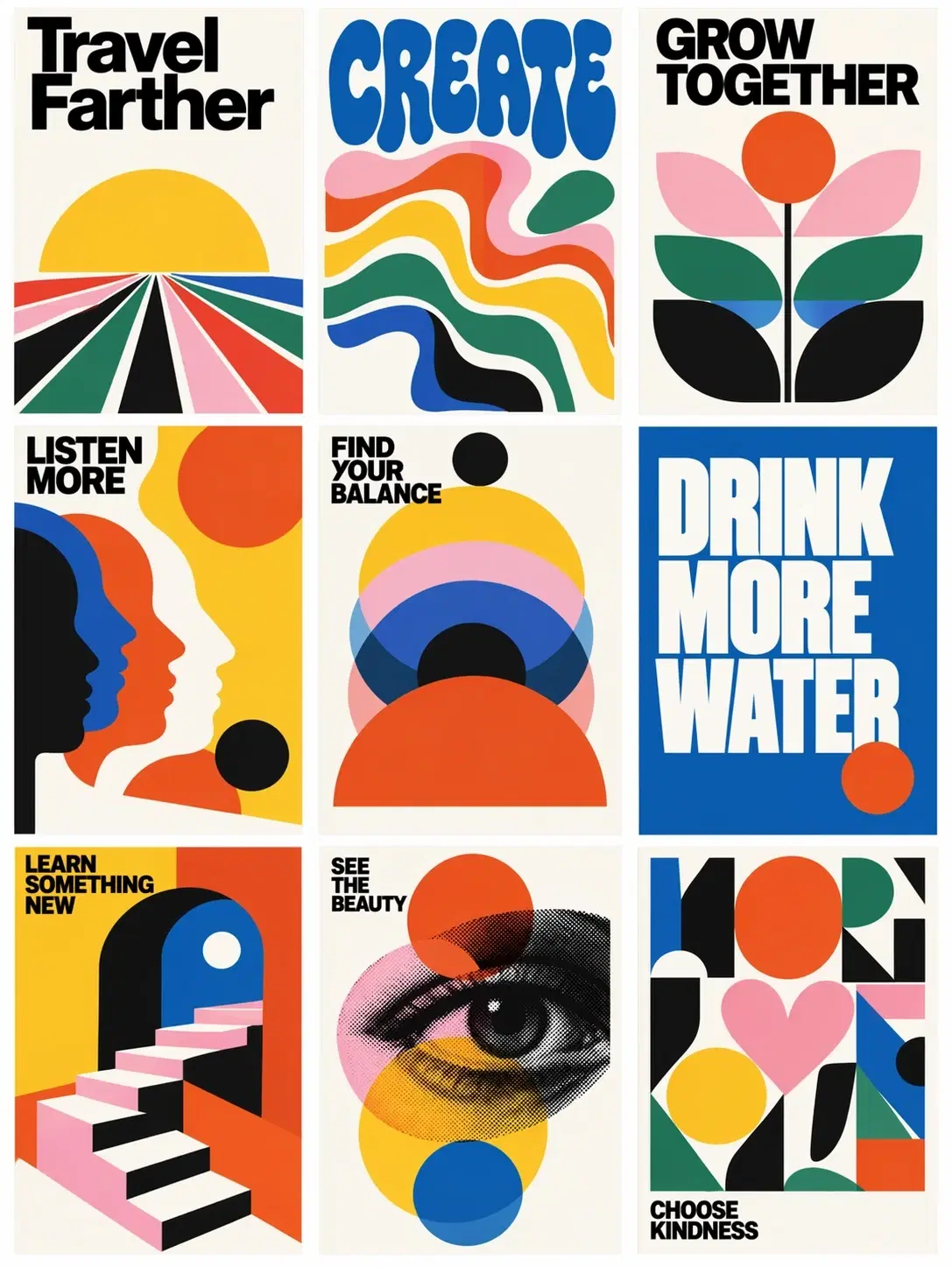
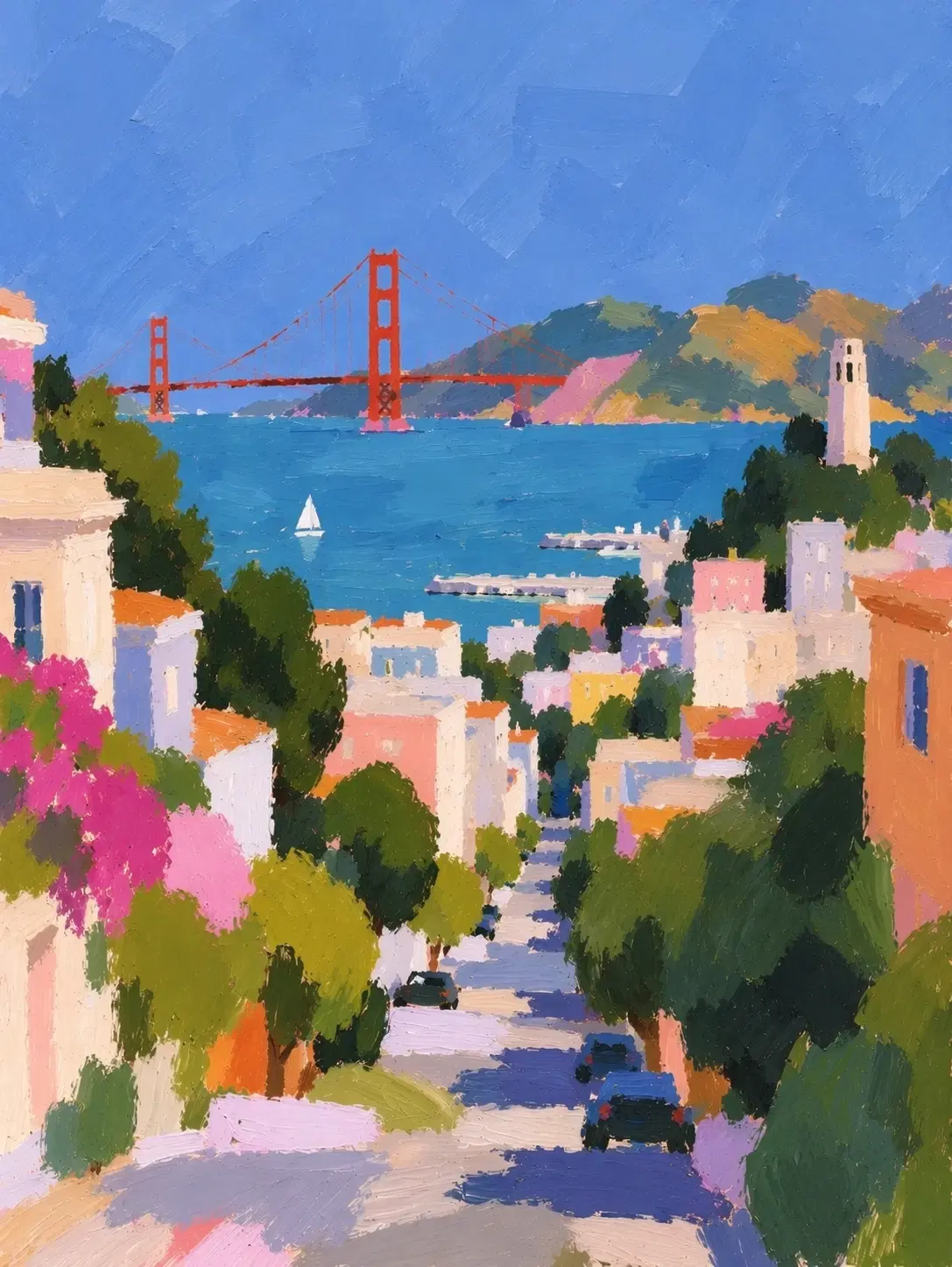
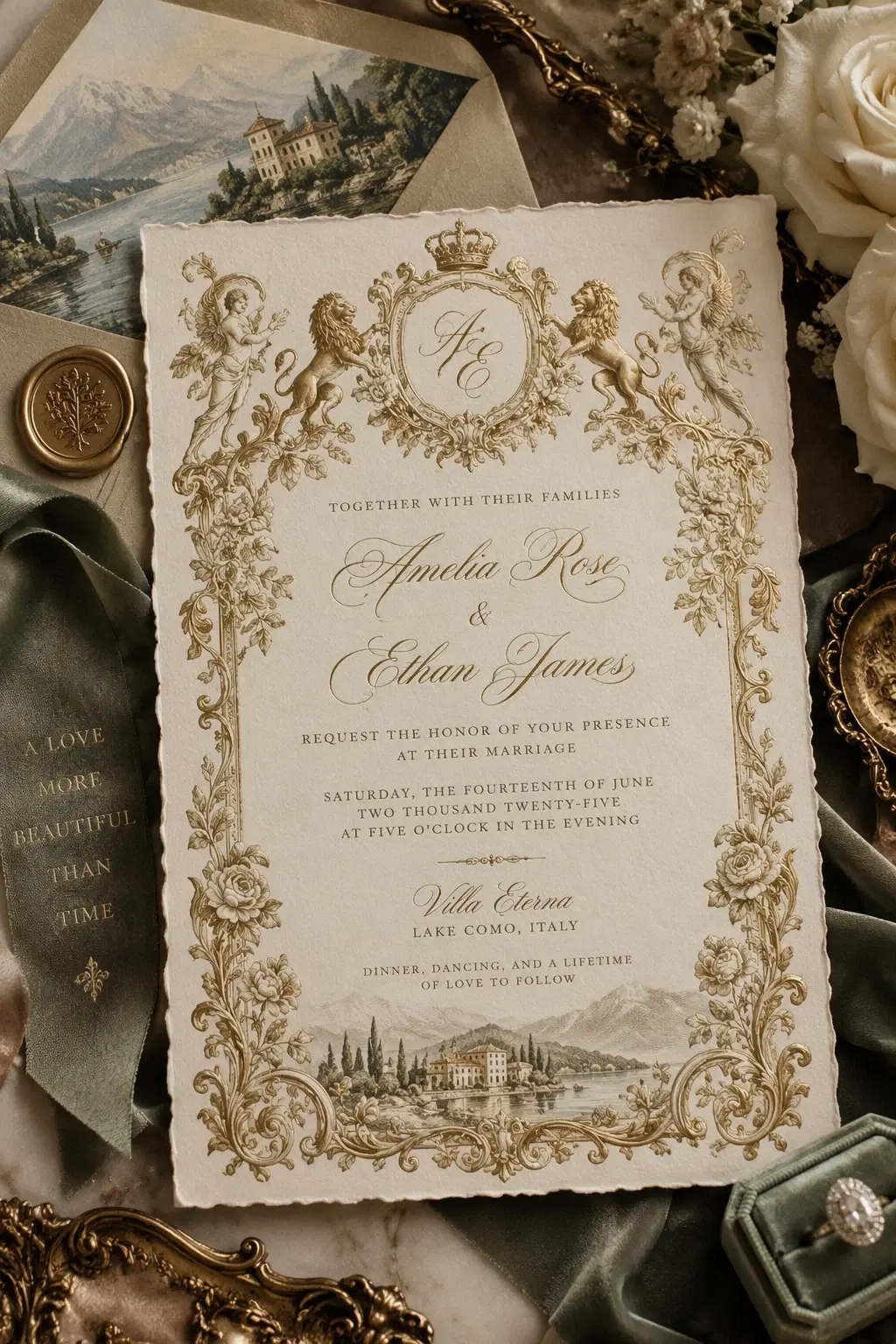
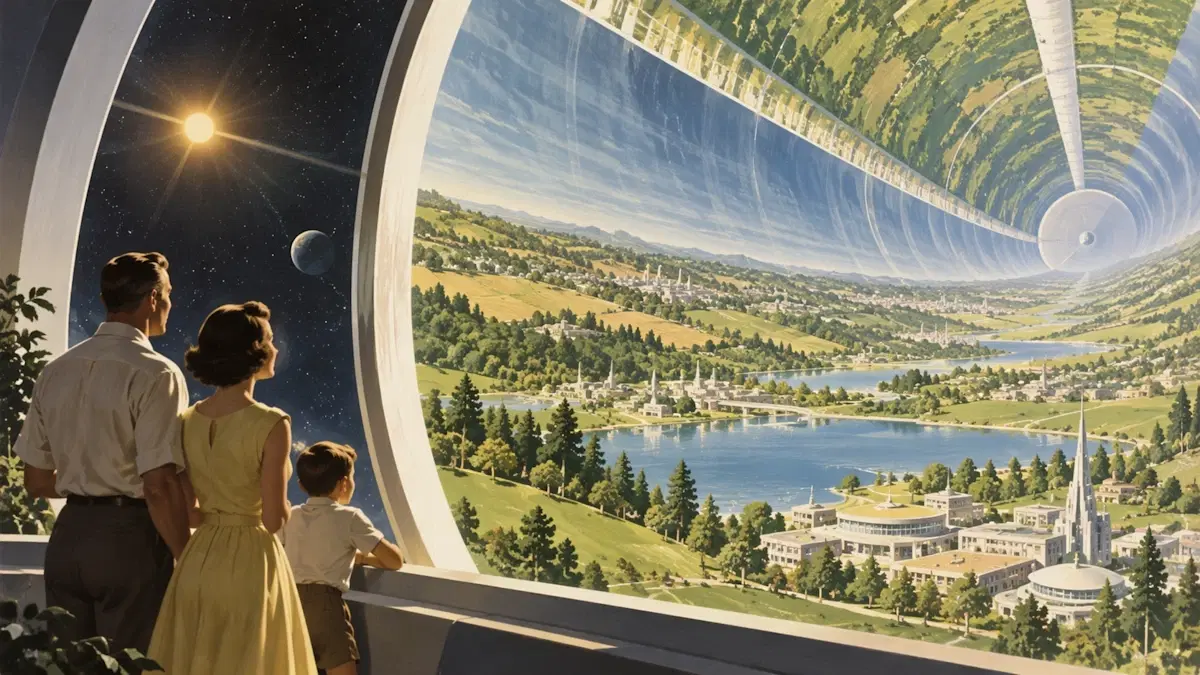
All four images on this page come from OpenAI's April 2026 ChatGPT Images 2.0 showcase. They are older reference material, not GPT Image 2.5 outputs or samples from the last two days.

Café poster · GPT Image 2 reference

Café poster · GPT Image 2 reference

The café reference pairs a drink with a readable layout. For a GPT Image 2.5 project brief, choose one subject and a short headline. Try: a sunny lemonade poster with space for the words Summer Club. Check every letter before sharing.

Manga story · GPT Image 2 reference

Manga story · GPT Image 2 reference

The manga reference shows how several scenes can share a visual style. A GPT Image 2.5 test could follow one original character from scene to scene. Describe their clothes, colors, and key features, then check whether those details stay the same.

Wolf study page · GPT Image 2 reference

Wolf study page · GPT Image 2 reference

The wolf reference combines pictures and information. For GPT Image 2.5, a useful challenge would be a clear study poster with three short facts. Supply facts you have already checked. Good-looking charts and labels can still contain mistakes, so read everything.

Prepare a GPT Image 2.5 project in three steps

1. Write the idea in one sentence

Start your GPT Image 2.5 brief with the result you need.

Name the subject, setting, and image shape.

Add a few details that matter, such as warm light or space for a title.

Clear instructions beat a long list of fancy words.

2. Try a draft with an available model

You do not need to wait for GPT Image 2.5 to explore the idea.

The button opens Collart's current GPT Image 2.0 text-to-image tool.

Review the selected model and displayed credit cost before generating.

Use only reference pictures you have permission to use.

3. Compare, refine, and save

Keep your prompt beside the best draft.

Check the text, main subject, and small details, then change one thing at a time.

If GPT Image 2.5 becomes available, the same brief gives you a fair starting point for comparison.

Do not judge a model from one lucky image.

Check the source behind GPT Image 2.5 news

Use OpenAI's model catalog to check the published model names. Our September 1–3 research did not establish a GPT Image 2.5 release. Reposts and search snippets can point to older material, so check the original date.

Read OpenAI's model catalog

GPT Image 2.5 questions, answered simply

Your next image can start today

Save your GPT Image 2.5 ideas and try a draft with the model already available on Collart. Start small, review the result, and keep the parts you like.

Create with GPT Image 2.0