Nano Banana 2 Lite AI Image Generator

Nano Banana 2 Lite AI Image Generator

Create AI images faster for less with Nano Banana 2 Lite. Test ideas, aspect ratios, and details in Collart, then turn concepts into usable visuals.

  • Built for speed-sensitive image work: The Lite workflow targets around 4-second rendering, making it useful for browsing prompt options when teams need many first-pass directions before refinement.
  • Lower cost for more tries: The Lite tier is very inexpensive for cost-sensitive generation tasks, so teams can test more concepts before investing in high-control refinement.
  • Still keeps the useful Nano Banana basics: It is designed to keep reliable prompt following, character consistency, natural-language editing, and readable in-image text, while leaving the most demanding professional finish to Nano Banana 2 or Pro.
  • Around 4-second rendering target: When you need many first-pass directions before choosing one to refine, you can browse prompt options faster.
  • Image generation optimized for 1K: Nano Banana 2 Lite focuses on 1024px output, making it a better fit for drafts, previews, social concepts, and lightweight production handoff.
  • 14 aspect ratio options: Explore square, portrait, landscape, and common social platform crops in a fast Lite workflow.
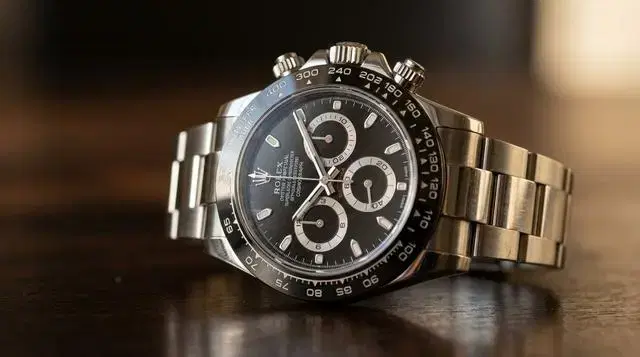
  • Product concepts and commercial mockups: Explore studio product shots, footwear, and close-up commercial details quickly, then move the best composition into Collart for polish.

  • Photography prompts for fast scene tests: Try still life, food motion, and automotive setups from the prompt guide to compare lighting, framing, and mood in a few seconds.
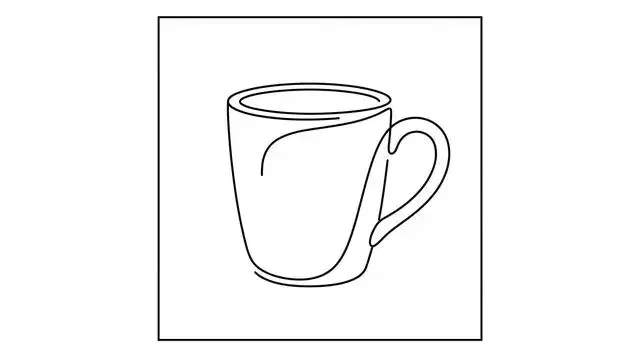
  • Illustration styles and icon assets: Preview sticker characters, line art, and icon-set directions in one pass so lightweight graphic systems are easier to compare.
  1. Start with a clear draft goal: Write one prompt for the scene, format, audience, and must-keep details. Treat the first run as direction finding, not final delivery.
  2. Generate several directions: Use speed to your advantage: test alternate camera angles, product colors, character poses, and layout ideas before choosing a winner.
  3. Refine the best image: Move the strongest draft into Collart's image editing workflow, then check faces, hands, spelling, factual details, and brand requirements before publishing.
Fast Gemini image generation for high-volume drafts

Nano Banana 2 Lite AI Image Generator

Create AI images faster for less with Nano Banana 2 Lite. Test ideas, aspect ratios, and details in Collart, then turn concepts into usable visuals.

Experience Now

Nano Banana 2 Lite: quick answer

The Lite model is best for creators, teams, and developers who need many good images quickly instead of one heavily polished final on the first pass.

Built for speed-sensitive image work

The Lite workflow targets around 4-second rendering, making it useful for browsing prompt options when teams need many first-pass directions before refinement.

Lower cost for more tries

The Lite tier is very inexpensive for cost-sensitive generation tasks, so teams can test more concepts before investing in high-control refinement.

Still keeps the useful Nano Banana basics

It is designed to keep reliable prompt following, character consistency, natural-language editing, and readable in-image text, while leaving the most demanding professional finish to Nano Banana 2 or Pro.

Built for speed-sensitive image work

Latency target

Around 4-second rendering target

When you need many first-pass directions before choosing one to refine, you can browse prompt options faster.

Output

Image generation optimized for 1K

Nano Banana 2 Lite focuses on 1024px output, making it a better fit for drafts, previews, social concepts, and lightweight production handoff.

Aspect ratios

14 aspect ratio options

Explore square, portrait, landscape, and common social platform crops in a fast Lite workflow.

Cost

Very low-cost generation

The Lite tier is a strong fit for cost-sensitive generation tasks, letting teams test more concepts before investing in high-control refinement.

Editing

Fast localized edit passes

Use natural language to adjust backgrounds, colors, stickers, and simple visual details for small product-story frames.

Trust signals

Supports SynthID and C2PA

Generated images can carry provenance signals while preserving the lightweight workflow needed for fast iteration.

Product concepts and commercial mockups

Explore studio product shots, footwear, and close-up commercial details quickly, then move the best composition into Collart for polish.

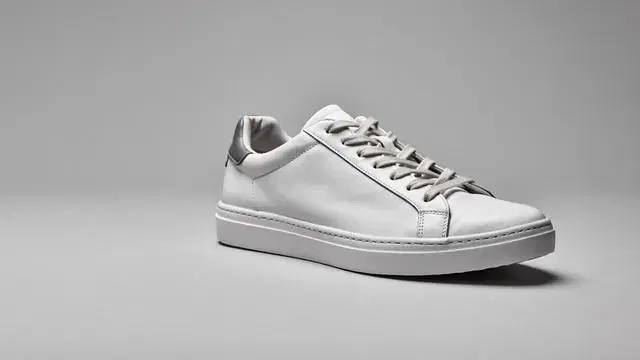
Photography prompts for fast scene tests

Try still life, food motion, and automotive setups from the prompt guide to compare lighting, framing, and mood in a few seconds.

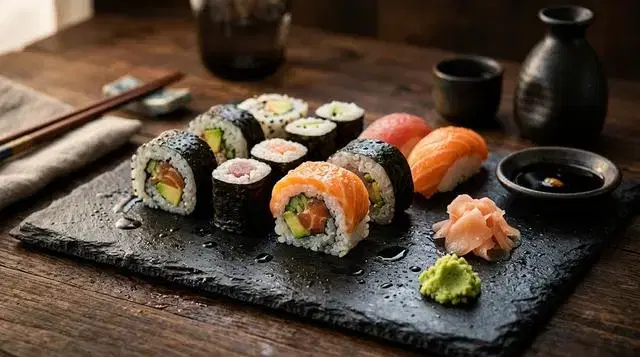
Illustration styles and icon assets

Preview sticker characters, line art, and icon-set directions in one pass so lightweight graphic systems are easier to compare.

Nano Banana family comparison

Use this practical matrix to decide whether the Lite model, Nano Banana 2, or Nano Banana Pro is the better match for your image workflow.

Dimension
Nano Banana 2 Lite
Nano Banana 2
Nano Banana Pro
Best role
Fastest and cheapest option for drafts, previews, and high-throughput creative loops.
Balanced everyday option for quality, speed, text rendering, and broad Gemini image work.
Professional option for complex prompts, stronger control, and polished production assets.
Speed and cost
Targets around 4-second rendering with very low generation cost.
Fast, but positioned more around quality-speed balance.
Choose it when finish matters more than raw iteration speed.
Output quality
Good for drafts and many near-final concepts; verify details before delivery.
Better all-around quality for general image generation and editing.
Best family choice for refined detail, complex briefs, and client-facing assets.
Text and facts
Useful for text drafts and diagrams, but small text and factual claims still need review.
Stronger default for text-heavy everyday visuals.
Use for more demanding text, world knowledge, and professional visual reasoning tasks.
Collart workflow fit
Use this page to plan fast drafting; use Collart image tools to refine selected ideas.
Use Collart's Nano Banana 2 image route for active image generation and editing.
Use when the final concept needs more professional polish and control.

How to plan a fast Gemini image workflow

Step 1

Start with a clear draft goal

Write one prompt for the scene, format, audience, and must-keep details. Treat the first run as direction finding, not final delivery.

Step 2

Generate several directions

Use speed to your advantage: test alternate camera angles, product colors, character poses, and layout ideas before choosing a winner.

Step 3

Refine the best image

Move the strongest draft into Collart's image editing workflow, then check faces, hands, spelling, factual details, and brand requirements before publishing.

Nano Banana 2 Lite FAQ

Draft faster, then polish in Collart

Use Nano Banana 2 Lite as your high-speed concept layer, then bring the best ideas into Collart for editing, review, and production-ready refinement.

Experience Now