A practical guide to choosing your creative tools
A2E AI alternative for images and videos
Looking for an A2E AI alternative? Start with the work you need to finish. Collart brings image generation, image-to-video and face swap into one workspace, so you can choose a tool for a product visual, a short clip or a portrait edit.
Create with Collart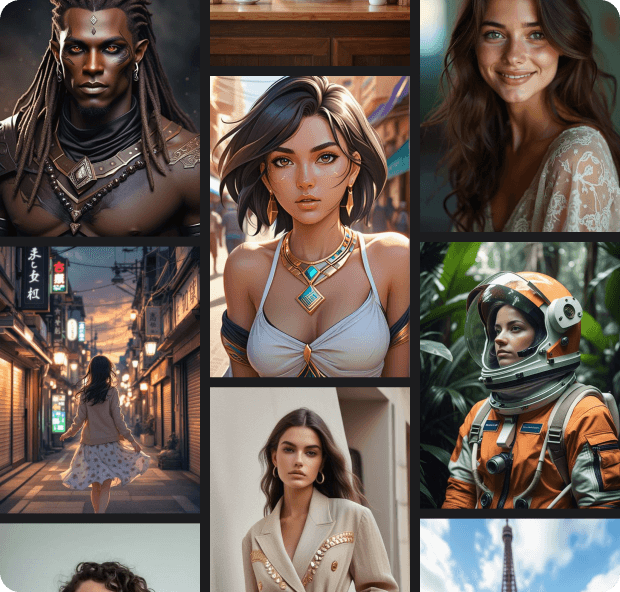
What would you like to make?
From a creative brief to a useful result
Use these briefs to test an A2E AI alternative on a real project. Adapt the input, prompt and review criteria to your own work.
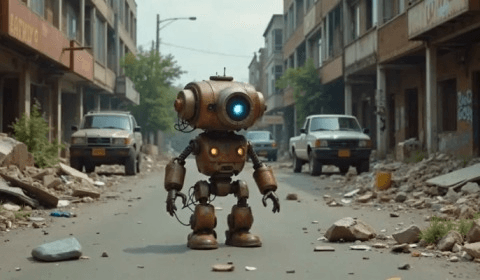
Turn a product photo into a short clip
Start with a clear product photo. In image-to-video, ask for one camera move and subtle background motion. Review label legibility, product shape and frame-to-frame consistency before making more versions.
Image to VideoExample prompt
Slow camera push toward the product. Soft daylight, gentle background movement, stable packaging and label. Keep the product centered.
Find a visual direction for social posts
Explore a visual direction from a written idea, then refine the composition. When comparing A2E AI image tools, keep the subject, lighting and intended format consistent.
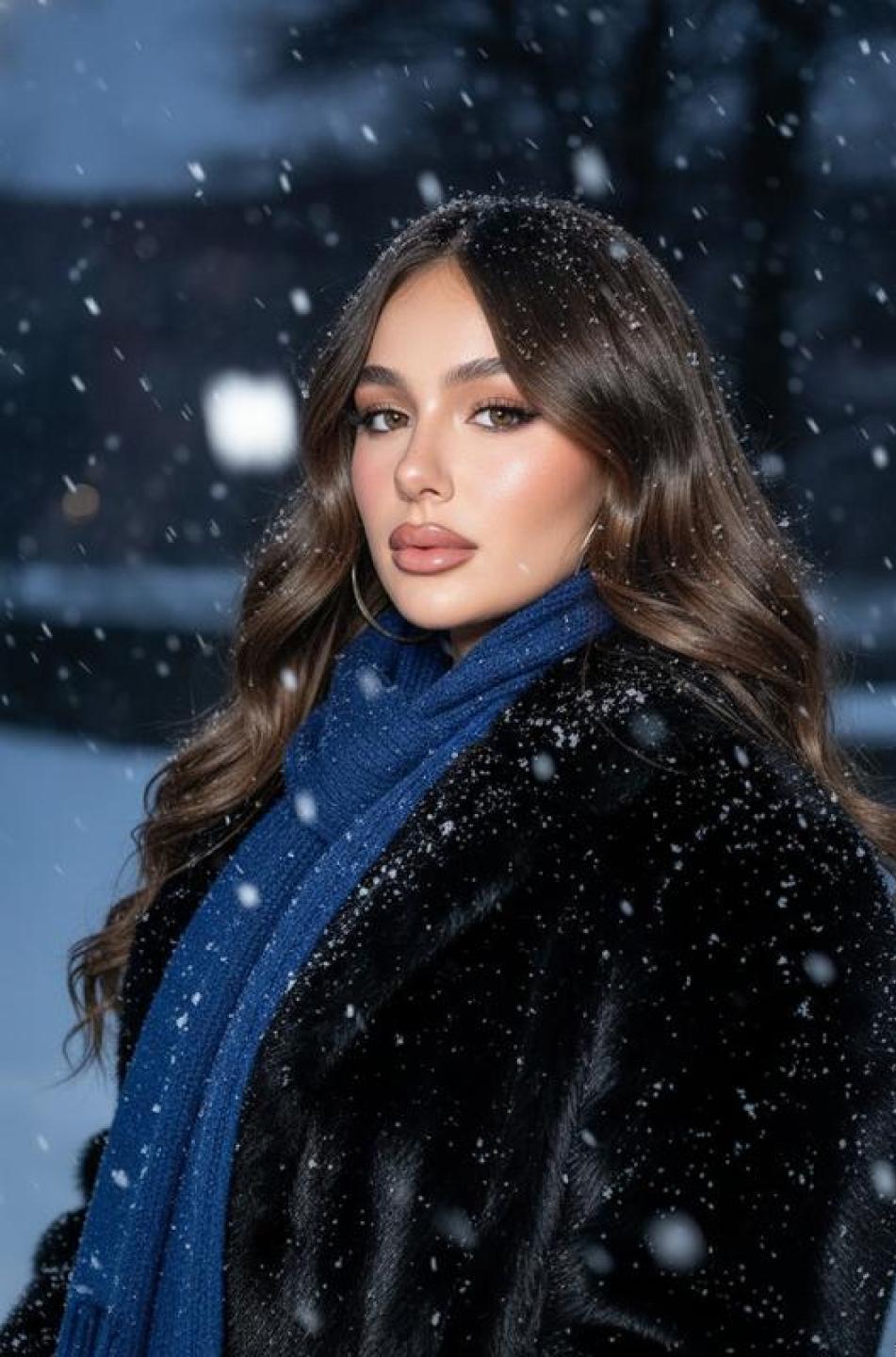
Text to ImageExample prompt
Editorial portrait in a snowy city, blue scarf, soft evening light, realistic skin texture, clean background, vertical composition.
Explore a new look with a portrait edit
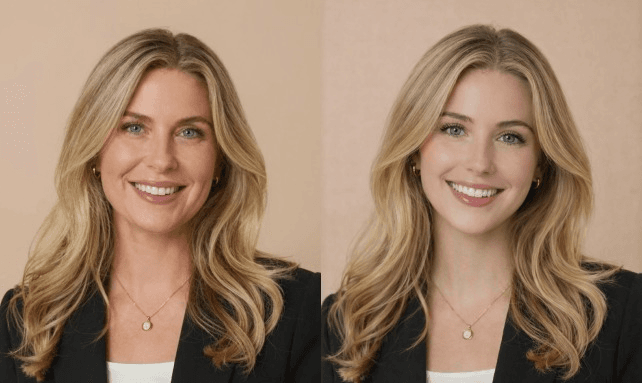
Choose a clear source portrait and a reference face with similar angle and lighting. After a face swap, inspect the hairline, skin tone and expression before using the image.
Photo Face SwapReference image checklist
Visible face, even lighting, minimal obstruction and a matching camera angle. Use source and reference images you can reuse.
A2E AI vs Collart: choose by task
A2E AI offers video and image tools, including talking photos, lip sync and voice cloning. For this comparison, focus on three overlapping creative tasks and the next action you can take in Collart.
| Your task | A2E AI | Collart |
|---|---|---|
| Image to Video | Lists image-to-video generation alongside its avatar and talking-video tools. | Upload a starting image, describe the motion and choose from the available video models. Image to Video |
| Text to Image | Offers text-to-image generation and an image editor. | Generate a visual from a prompt; use image-to-image when you want to work from an existing reference. Text to Image |
| Photo Face Swap | Lists face swap and head swap as separate tools. | Open the face-swap tool with your source and reference images. Review the result before using it in a project. Photo Face Swap |
A2E feature reference, checked September 30, 2026: a2e.ai
Compare A2E AI and Collart with the same input and intended output. Check faces, motion, editing effort and the credits required for your chosen settings. A feature list alone does not establish which service gives you a better result or a lower cost.
View Collart plans and creditsHow to evaluate an A2E AI alternative
- Output that fits your brief
- Test A2E AI and Collart against the same brief. Inspect faces, hands, edges and small text at the size you intend to publish.
- An editing process you can repeat
- Keep your inputs and prompts. Change one detail per attempt so you can see which adjustment improves the result and repeat it later.
- Cost per usable result
- Compare A2E AI pricing with the credits needed for your selected Collart settings. Include retries and editing time when estimating the cost of a usable result.
How to try Collart as an A2E AI alternative
Choose one clear task
Start with a short product clip, an original image or a face swap. Open the matching tool rather than changing your entire workflow at once.
Bring your own starting point
Use your prompt or an image you are allowed to upload. For video, describe the subject movement and camera direction, then review the available settings.
Review, then refine
Check the output against your brief. Adjust one detail at a time and review the credit requirement before generating another version.
Questions about A2E AI alternatives
What is A2E AI?
A2E AI is an AI video and image platform. Its website lists image-to-video, face swap, talking photos, lip sync and voice cloning. It is a separate product from Collart.
Can Collart replace every A2E AI feature?
Choose by the tools you actually need. This page covers image generation, image-to-video and face swap. It does not claim matching avatar, voice-cloning or API capabilities; verify those requirements separately before switching.
Can I move my A2E credits or projects to Collart?
There is no account or credit transfer through this page. Start a separate Collart project using your own prompts or media you have the right to reuse.
How do A2E AI and Collart pricing compare?
Use the current plans and the credit requirement shown in each tool. Compare the same model, duration and resolution where available, and include the retries you need. This page does not promise cheaper or unlimited generation.
Can I reuse an A2E AI reference image in Collart?
Use an original image you own or have permission to reuse. Upload it to the relevant Collart tool and adapt your prompt to its available settings; results can differ between models.
Which resolution and duration should I use for an A2E AI video comparison?
Start with the format your project needs, then match resolution and duration where both tools support them. Available options depend on the selected model; check the editor before generating.
Start with one idea
Put an A2E AI alternative to the test with your own creative brief. Open Collart, choose a tool and see how it fits your next project.
Create with Collart