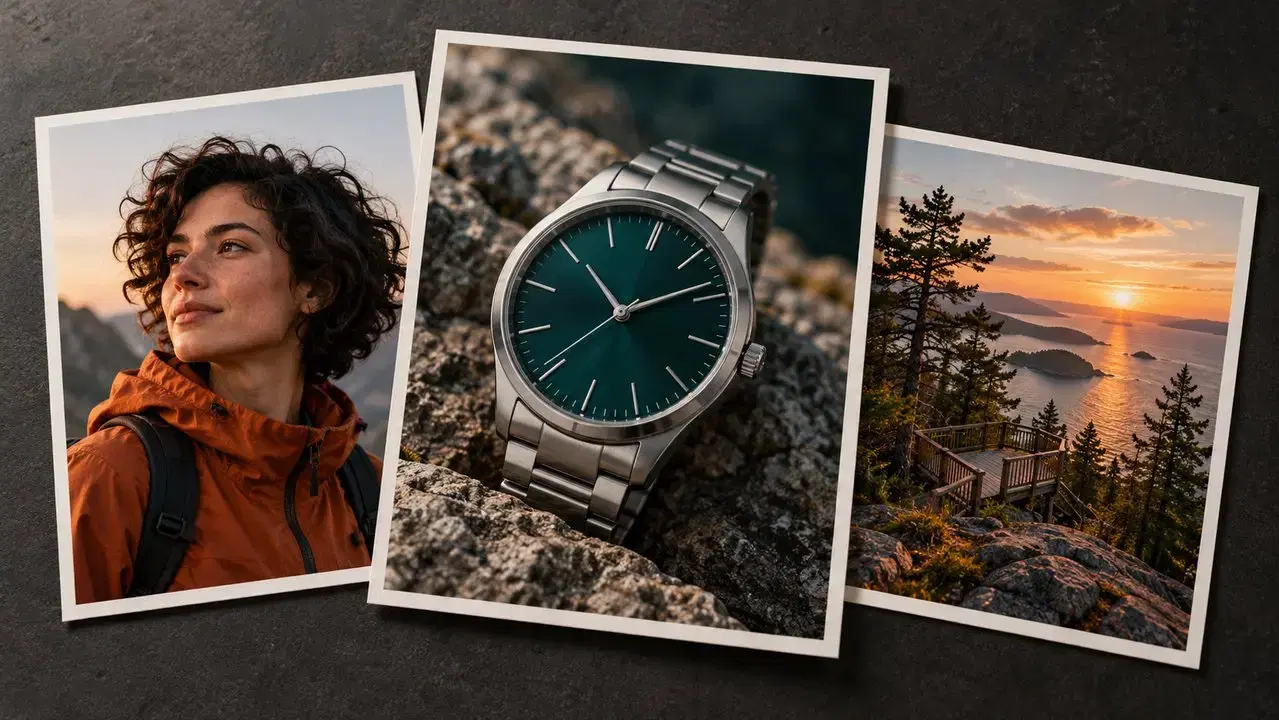
A quiet morning. A walk by the sea. Your next video starts here.
Shape your video with Kling 4.0
Use Kling 4.0 to plan a product ad, a travel scene or a short story. Start with one clear idea, then choose the pictures and actions that help tell it.
Up to 30 seconds in one clip
Kling 4.0 gives a scene up to 30 seconds to unfold. Show someone arriving, picking up an object and taking a closer look. For a Kling 4.0 story, give each action room to finish. A simple start, middle and end can be easier to follow than lots of quick cuts.
Use up to 15 references
Give Kling 4.0 up to 15 references: images, videos, or people and objects you have saved. Choose a clear view of the person, a picture of the place and a close-up of the product. These guide the look and movement. Keep your Kling 4.0 references focused on the same idea; you do not need to fill every slot.
Guide up to 10 key moments
A keyframe is a still image that guides a moment in your video. Kling 4.0 supports up to 10. Use them to plan the opening, a key action and the final view. For a Kling 4.0 watch ad, that could mean a walk, a glance at the wrist and a close-up. Start with only the moments your story needs.
Bring the scene to life with sound
Kling 4.0 can create video with sound on the left and right, and help speech match mouth movements. Describe what people should hear: wind, footsteps or a short line of speech. For a quiet Kling 4.0 scene, choose a few gentle sounds that fit the action. Listen as well as watch when you review it.
Video length and available tools depend on the Kling version you use.
Plan a Kling 4.0 watch ad
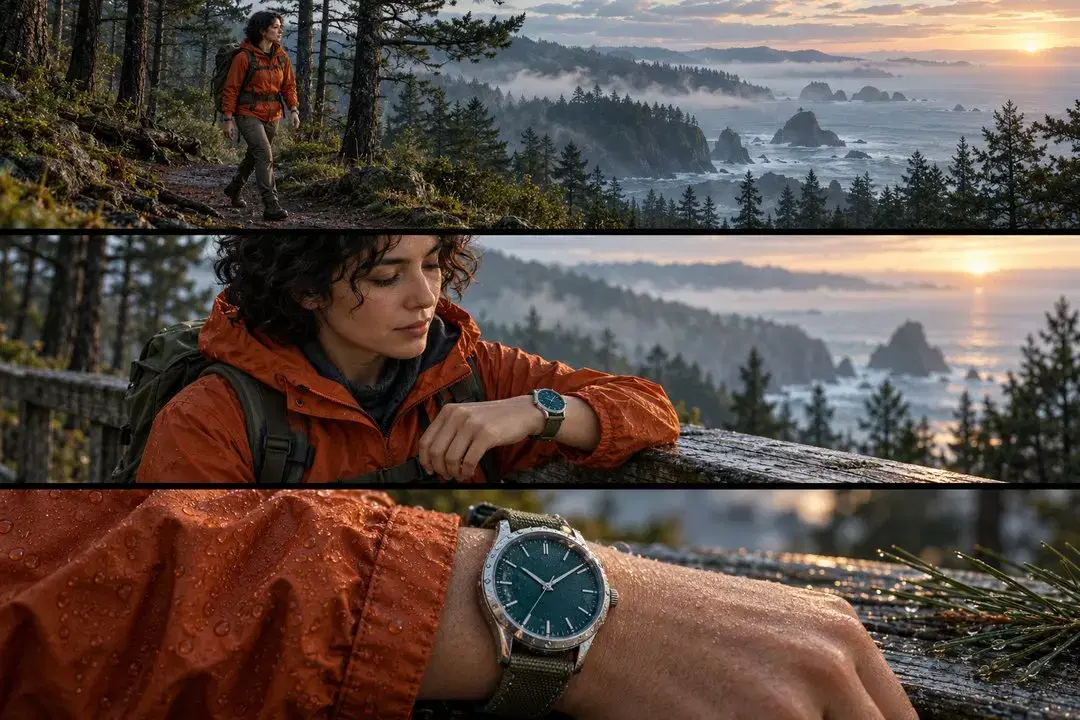
Build your Kling 4.0 idea around one watch and three simple shots. Keep the same person, clothes and morning light throughout. This gives the viewer something easy to follow. You can adapt this Kling 4.0 shot plan for a bag or a pair of shoes by changing the product and its key action.
01
Show the setting
Open your Kling 4.0 scene with the sea and the trail. Move the camera slowly as the woman walks toward the lookout. Leave room around her so viewers can see where she is going.
02
Show the action
Give Kling 4.0 one clear action: she stops and looks at her watch. Move closer while keeping her jacket, backpack and watch the same. Avoid adding several hand movements to this short shot.
03
Show the watch up close
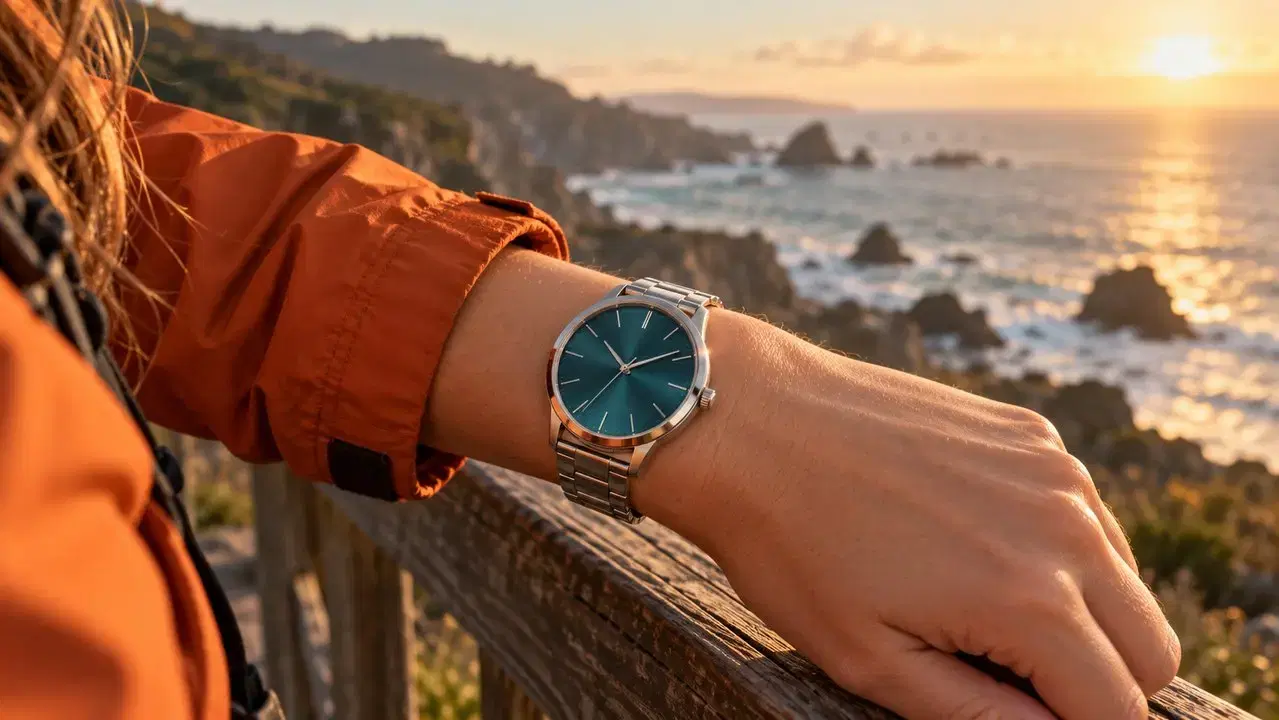
End the Kling 4.0 plan with a steady view of the watch beside the wooden railing. Let the morning light fall on its face. Keep the wrist still and add any brand text when you edit.
Try this Kling 4.0 video prompt
Make a short watch ad by the sea at sunrise. Use three shots. A woman with short curly hair wears an orange jacket and a green backpack. First, show her walking along a pine trail toward a wooden lookout. Next, move closer as she stops and checks her left wrist. She wears a silver watch with a dark teal face. End with a steady close-up of the watch beside the wooden railing. Keep the person, clothes, watch and light the same in all three shots. Add wind and soft footsteps. No speech or text.
Adapt this Kling 4.0 prompt with your own images for the person, place and product. If the watch looks wrong, try a shot with the hand held still. Test the close-up first, then build the rest. For another Kling 4.0 idea, change one detail at a time, such as the jacket color or the setting, so you can compare the results.
Plan for Kling 4.0 in three steps
Describe your idea
Write your Kling 4.0 idea in plain words: who is there, where they are and what they do. Add one camera move. A useful Kling 4.0 prompt says “move closer to the watch” instead of just “make it look amazing.”
Choose your settings
Prepare clear images for your Kling 4.0 project. Keep faces and important objects easy to see. Choose a video shape that fits where you will share it, such as a tall frame for a phone. In the editor, check the available length and credit cost before generating.
Create and improve
Save your first result and compare it with your Kling 4.0 plan. If the action feels rushed, simplify it. If the product changes shape, try a clearer image or a steadier shot. Make one change per try to learn what helps your Kling 4.0 idea.
Questions about Kling 4.0
Kuaishou announced that Kling 4.0 launched on October 15, 2026.
Kling 4.0 is not on Collart yet, so its price is not set here. For available models, check the credit cost in the editor before you start.
Consider Kling 4.0 if you need longer clips or more ways to guide each scene. You can use Kling 3.0 on Collart now. Choose the version with the tools your video needs.
Ready to make a video?
Start with a photo and a simple idea. Choose your settings, then create your first clip.