
01 / Layout & Type
Strong Typography & Layout Control
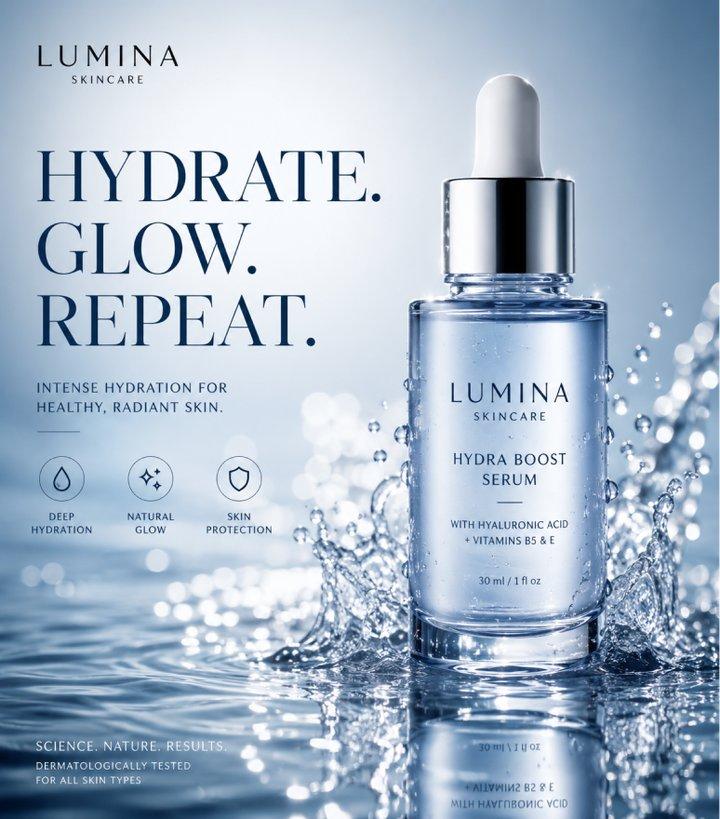
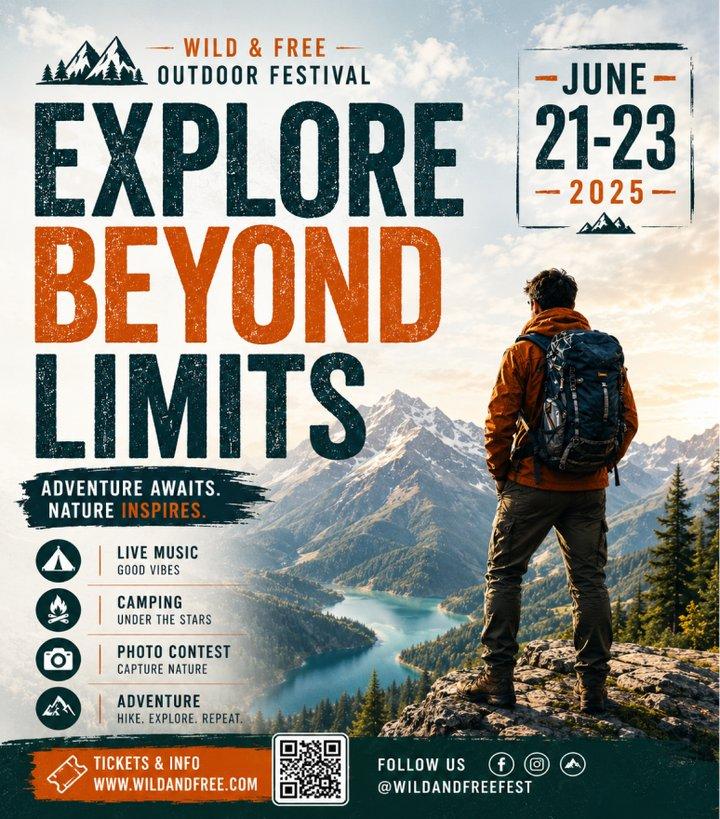
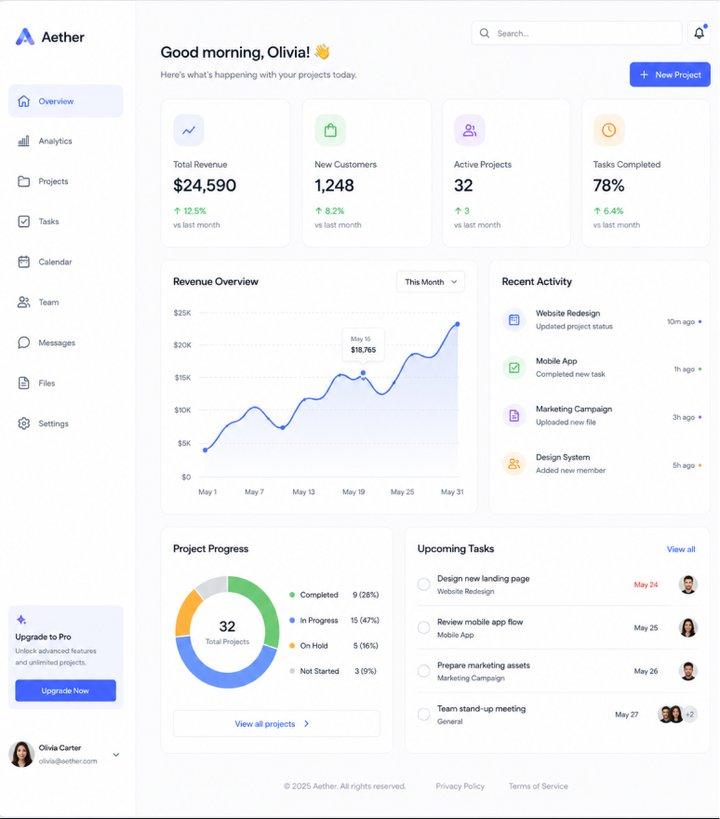
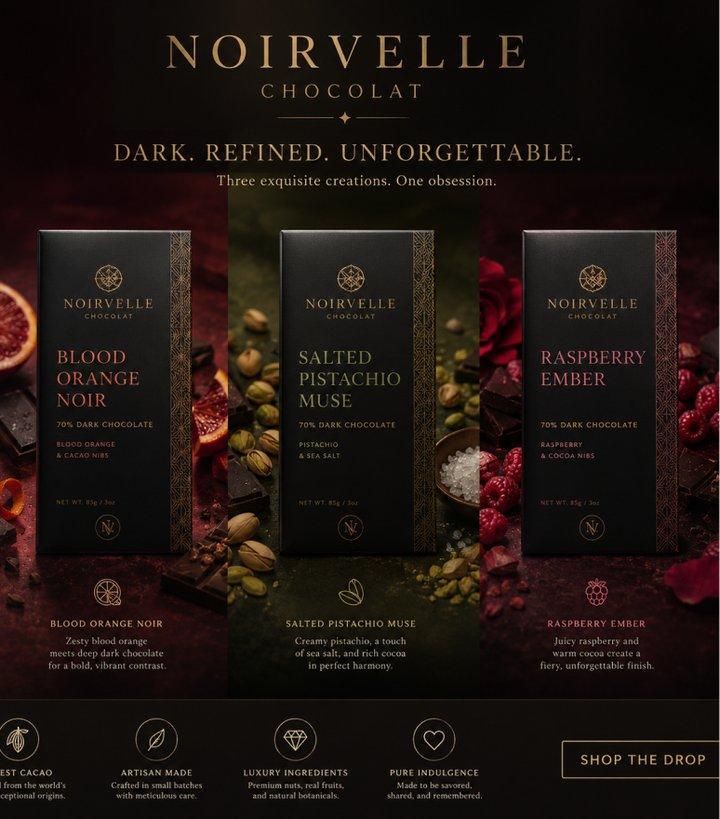
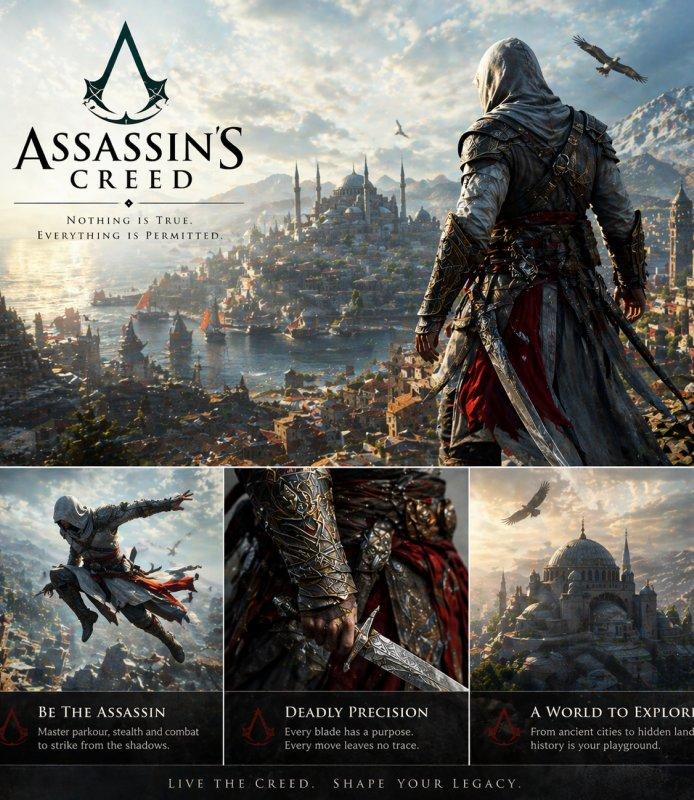
Creates posters, labels, and UI mockups with clear text and balanced visual layouts.
ChatGPT Images 2.0 by OpenAI creates high-quality visuals with stronger typography, detailed rendering, and reliable prompt following. From posters to product shots, create polished images quickly.
01 / Layout & Type
Creates posters, labels, and UI mockups with clear text and balanced visual layouts.
02 / Resolution • Lighting
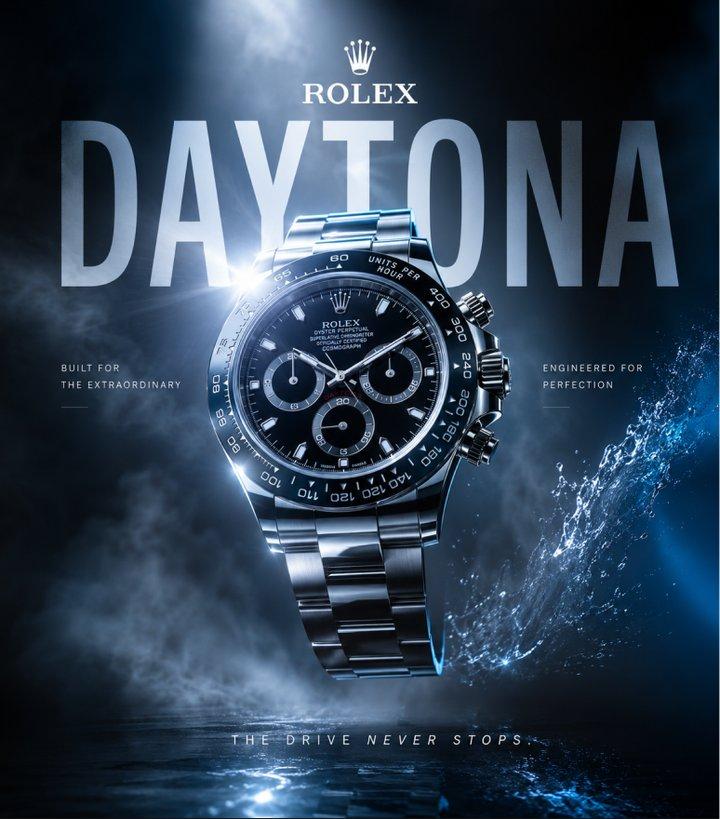
Produces detailed visuals with realistic lighting, sharp structure, and polished color.
03 / Reasoning
Follows detailed prompts across subjects, style, camera, lighting, and scene details.
04 / Edit & Refine
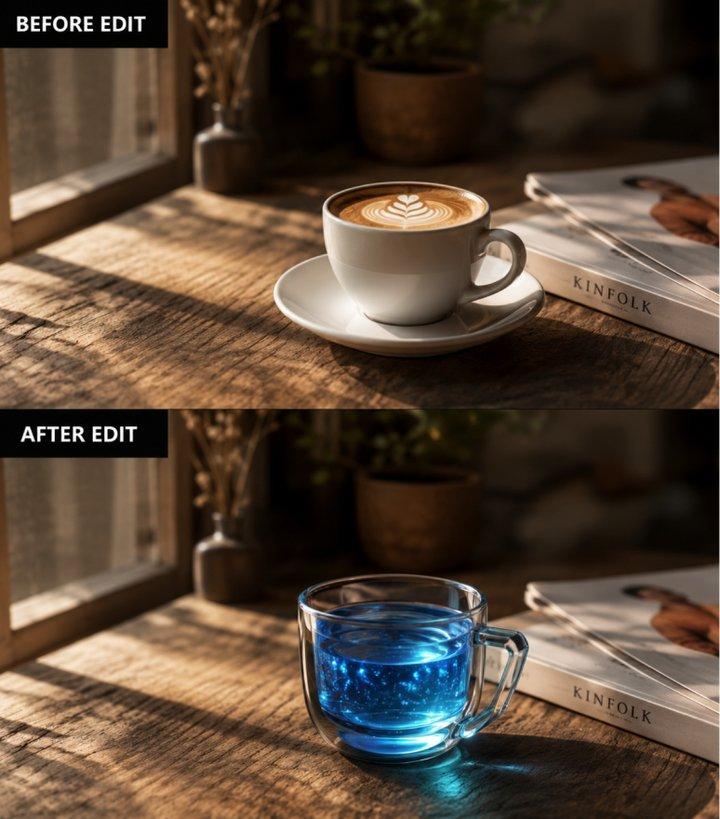
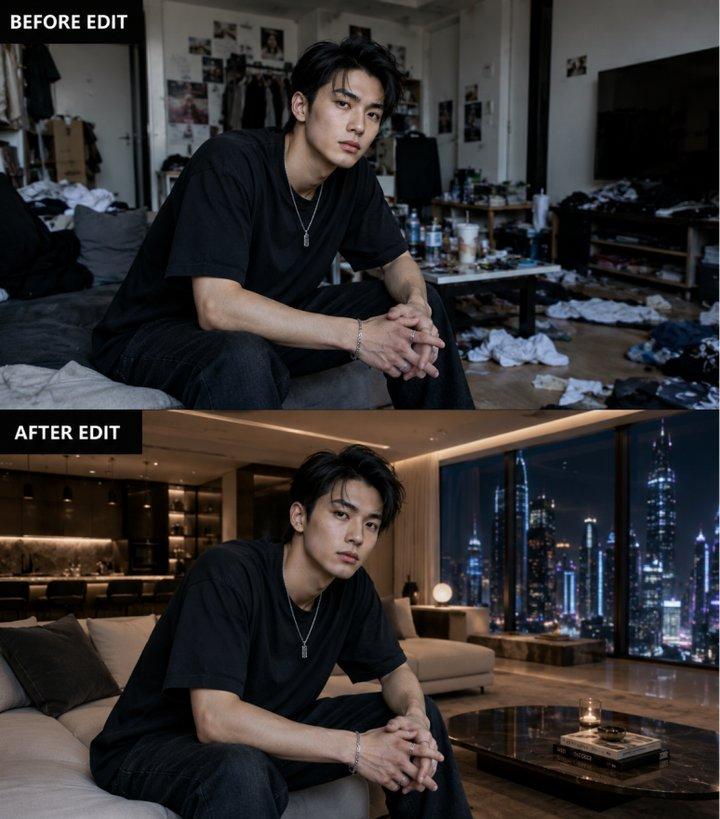
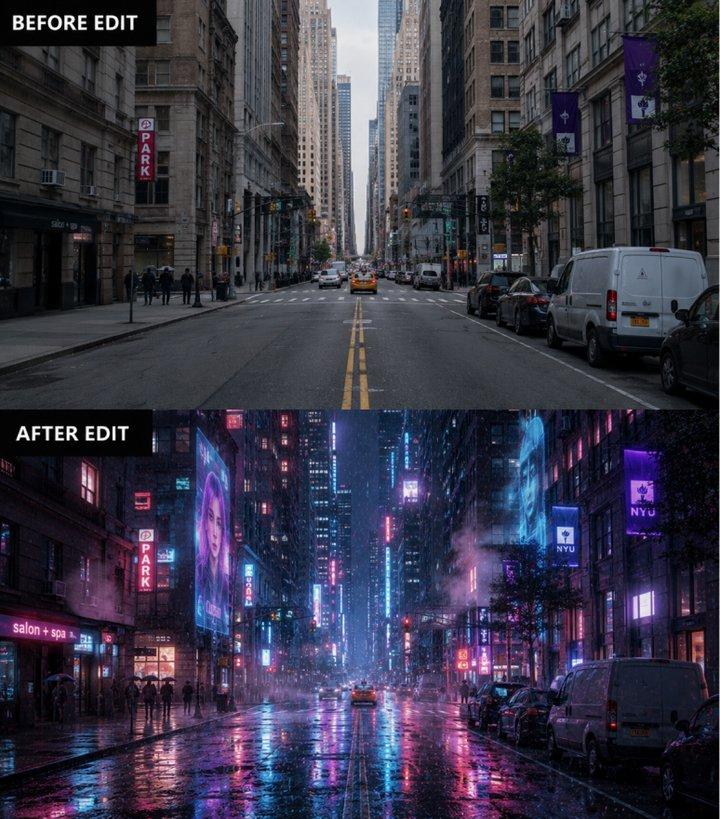
Supports local edits, object changes, and refinements with natural-looking results.
05 / Multi-Style
Adapts to photo, anime, illustration, concept art, product, and brand visuals.
ChatGPT Images 2.0 improves text rendering for posters, ads, packaging, UI concepts, and branded graphics. It handles multi-line typography, spacing, punctuation, and layout composition more reliably, making it useful for creative work that needs readable visual text.
Built for professional content workflows, ChatGPT Images 2.0 can generate detailed visuals with realistic lighting, refined textures, sharp details, and polished color balance. It is useful for product marketing, campaign concepts, and social media assets that need a finished creative direction.
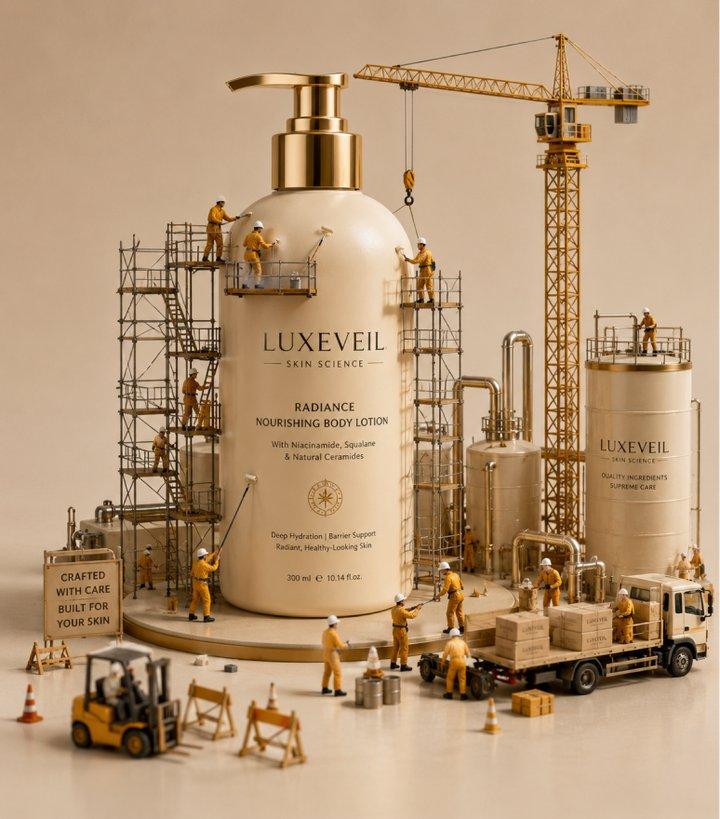
ChatGPT Images 2.0 follows detailed prompts involving multiple subjects, layered environments, camera directions, outfit descriptions, lighting conditions, and artistic styles. It can improve scene coherence and object relationships, helping creators reach specific visual directions with fewer iterations.
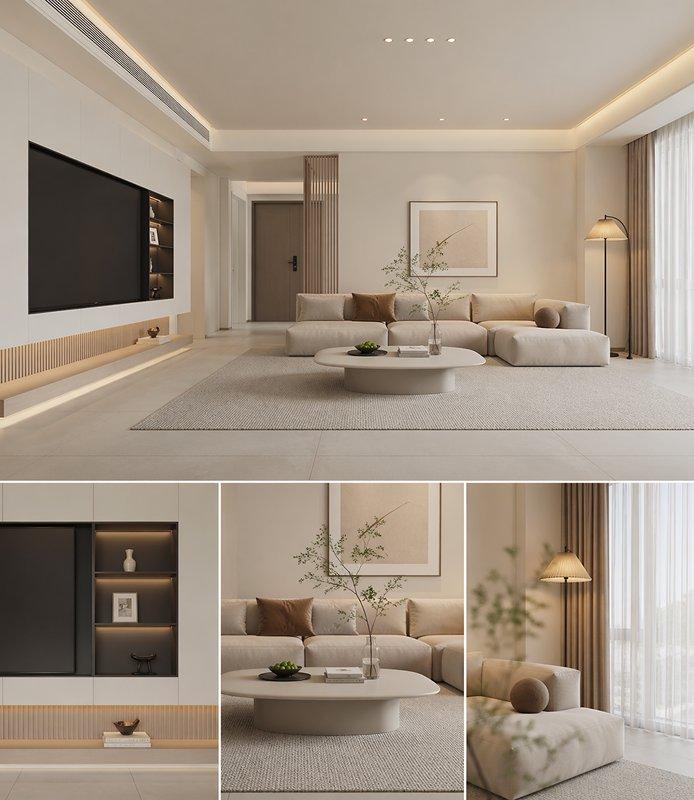
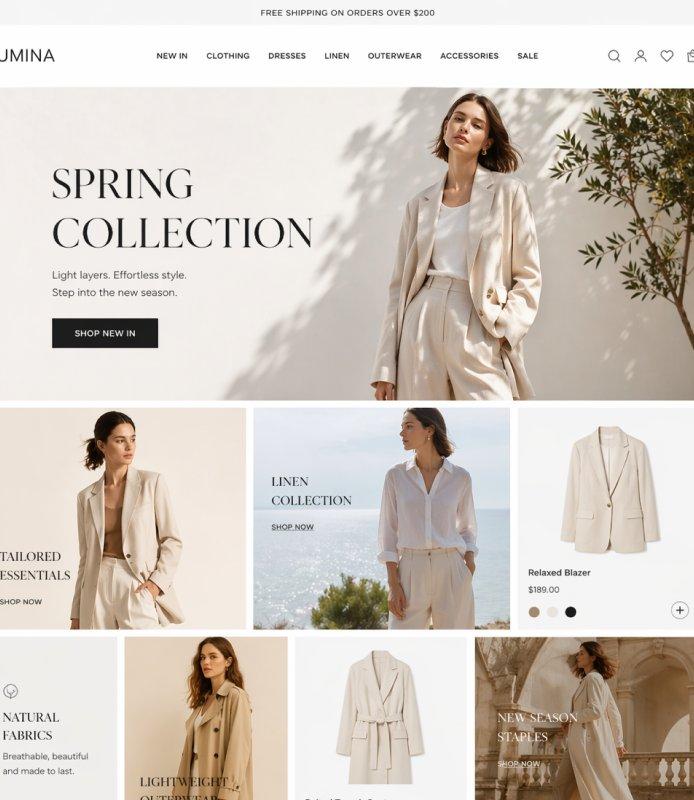
The model supports image editing workflows such as object replacement, localized regeneration, background refinement, and style-preserving adjustments. Edited areas can blend with the original image when lighting, shadows, textures, and perspective are guided carefully.
From photorealistic portraits and cinematic scenes to anime, illustration, concept art, and product photography, ChatGPT Images 2.0 can adapt across a wide range of visual styles. This flexibility makes it useful for branding, entertainment, marketing, storytelling, and creative exploration.
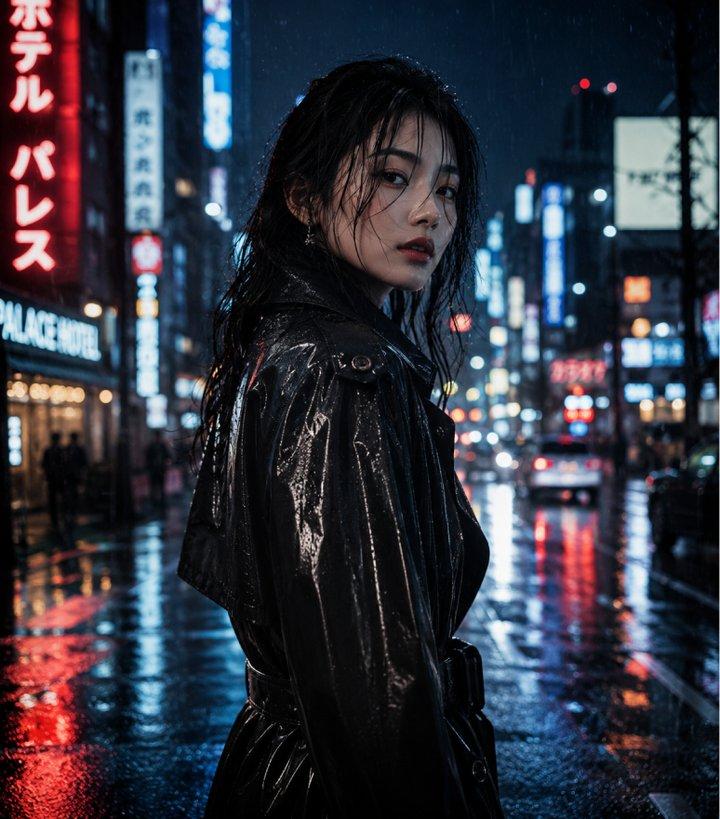
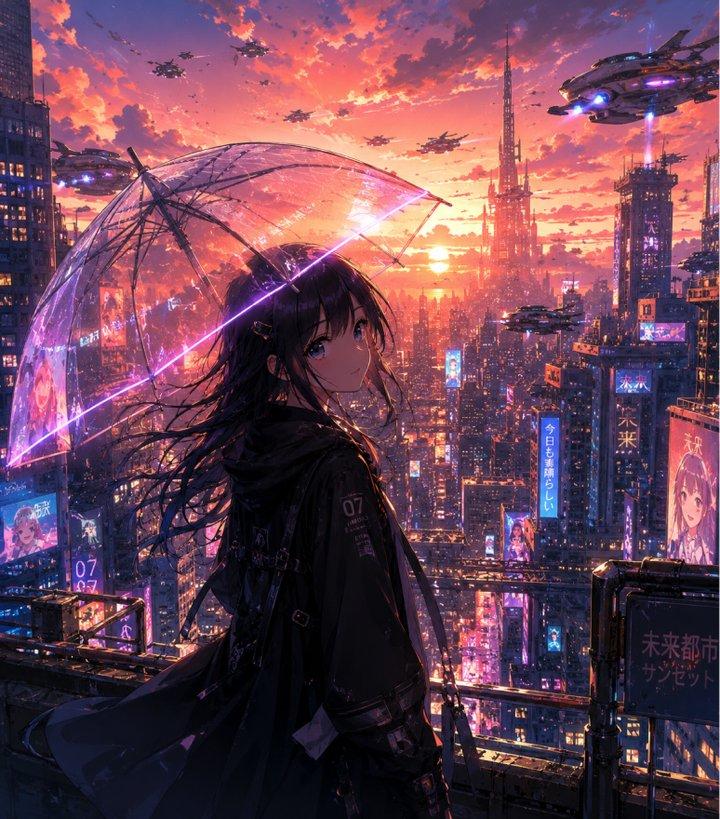
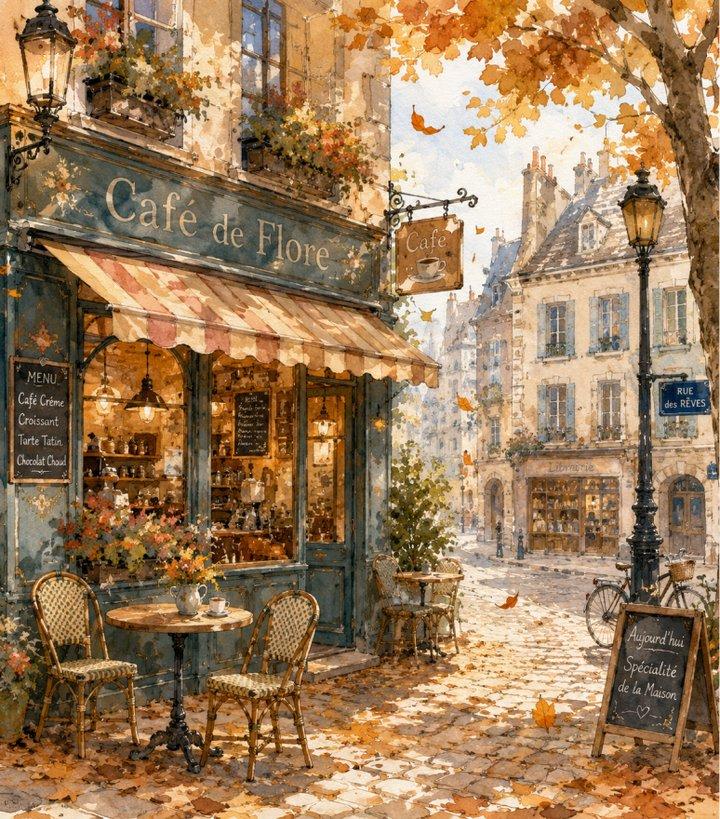
ChatGPT Images 2.0 is useful for creators, businesses, and teams that need fast, high-quality visual production across multiple industries:
01
Create campaign visuals, social ads, banners, and posters with polished brand-ready layouts.
02
Explore interfaces, landing pages, app screens, and product visuals for faster prototyping.
03
Create thumbnails, editorial art, blog graphics, presentations, and story visuals.
04
Create product shots, packaging mockups, labels, and storefront visuals without studio shoots.
05
Create educational graphics, diagrams, research visuals, and readable annotations.
06
Develop character concepts, cinematic environments, key art, and stylized assets.
ChatGPT Images 2.0 vs. Midjourney vs. Nano Banana
Step 1
Head to Collart Al image generator and select GPT Image 2.0 from the model dropdown menu.
Step 2
Describe the image you want to generate and configure your customization settings.
Step 3
Click 'Generate, and wait just a few seconds to download your image.