80+ rounds of focused editing
Seedream 5.5 aims to keep untouched areas stable through repeated local edits. For product retouching or game assets, the goal is to change one detail without rebuilding the rest of the image.
Explore image workflows with Seedream 5.5: refine a product shot, prepare reusable design elements, and adapt a campaign across languages. Access on Collart is coming soon; you can start with Seedream 5.0 Pro today.
Try Seedream 5.5
Start with a consistent subject. Compare a warmer backdrop and evening lighting to plan focused revisions.


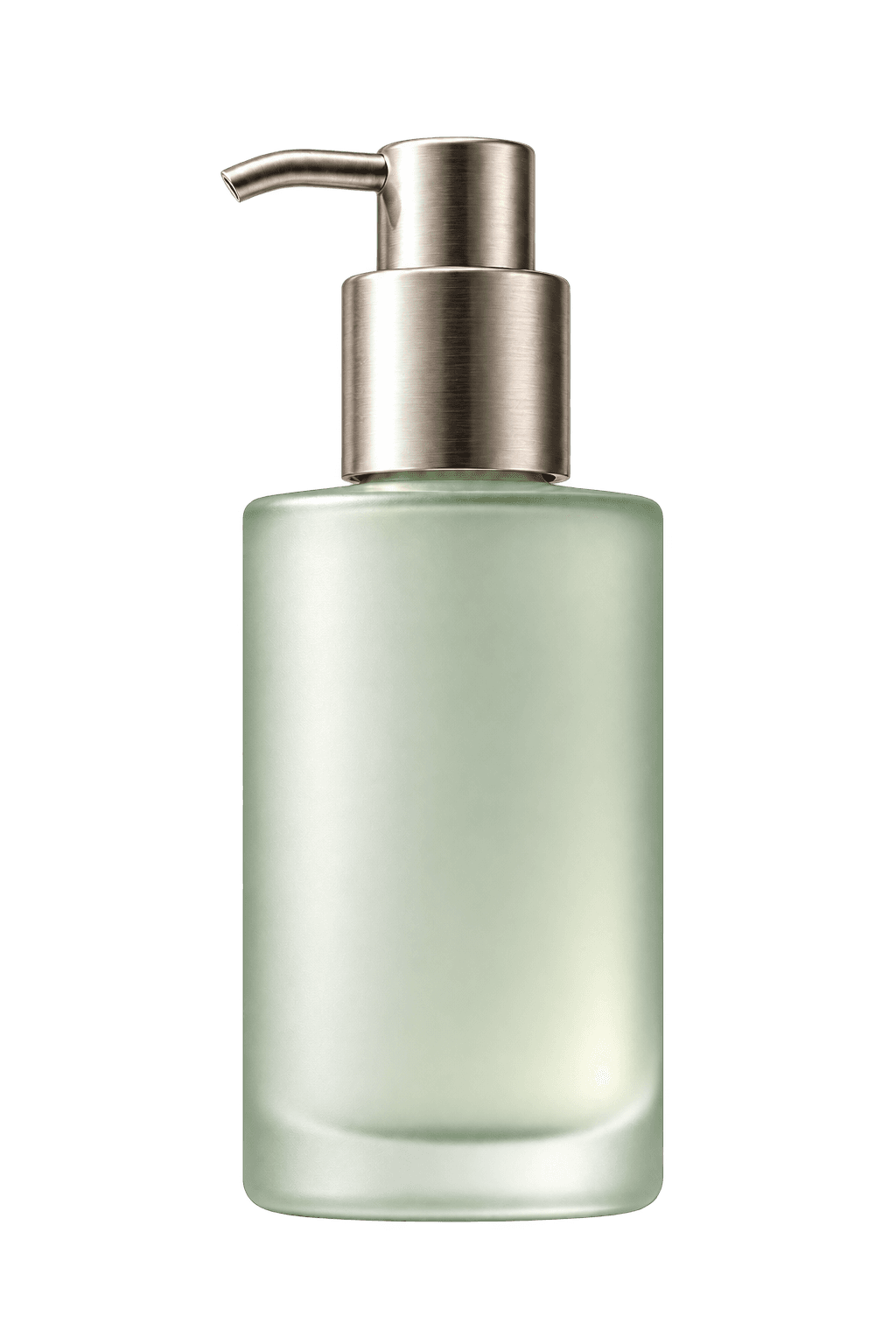
Isolate a product, then compose background, subject and copy as separate elements. This layout illustrates a layered design workflow.
Recompose the same product for a wide banner and vertical posters. The sample headlines are webpage text added for layout illustration.
Make room for a quieter moment.
Make room for a quieter moment.
为日常,留一刻宁静。
Eight upgrades focus on revisions, editable assets and final delivery. Available controls and export formats on Collart will be confirmed at launch.
Seedream 5.5 aims to keep untouched areas stable through repeated local edits. For product retouching or game assets, the goal is to change one detail without rebuilding the rest of the image.
Transparent and semi-transparent output from Seedream 5.5 could make stickers, product cutouts and design elements easier to place on a new background, reducing separate masking and compositing steps.
Separate image elements into layers for further design work. Think reusable poster elements, presentation graphics and motion templates; supported delivery formats remain to be confirmed.
Seedream 5.5 is designed to recognize fonts, colors and styles in regular text layouts to support downstream re-rendering. This could help adapt campaign copy without rebuilding the surrounding visual.
4K output at 16:9 is designed for banners and large displays. Check final pixel dimensions and print requirements before using an export for production.
Seedream 5.5 improvements target product surfaces, portraits, light and shadow, and multi-image blending. Inspect reflections, skin texture and object edges when judging a finished image.
Stronger layout and visual hierarchy aim to reduce manual rearranging for brand posters, product pages and campaign artwork. Leave deliberate space for headlines and calls to action.
Seedream 5.5 focuses on clearer small text in Chinese, English and other languages. For localized ads, check spelling, line breaks and meaning with a fluent reader before publishing.
Use the concept above to plan a Seedream 5.5 product image or launch banner: one clear subject, believable materials and room for copy.
Replace the product, material and background to suit your brief. For a reference edit, specify what must stay unchanged. Add approved copy separately when exact typography is essential.
Create a 16:9 skincare campaign image. Place one frosted sage-green bottle on a stone plinth, with soft morning light and realistic glass reflections. Keep the bottle on the right and leave clear space on the left for a headline. No logos or text.
Prepare a clear product reference, approved copy and target aspect ratio. List the identity details that must remain consistent.
Separate requests for background, lighting and text. Save the strongest version so you can compare revisions against the original.
Once Seedream 5.5 is available, review edges, readable text and crop at the intended display size. Check transparency, layer files and resolution only when those export options are available.
Not yet. The creation buttons open Seedream 5.0 Pro, a different model currently listed in Collart.
The final integration is not confirmed. Check the launch version for supported inputs, formats and limits.
Pricing, credits and account requirements for Seedream 5.5 have not been confirmed here. When trying the current model, review the cost and access requirements shown in the editor before generating.
No specific layered file format is confirmed. Layer count alone does not establish PSD support, editable text or compatibility with your design software.
While Seedream 5.5 is on the way, explore reference-based image editing with Seedream 5.0 Pro.
Try Seedream 5.5