
01 / Generation • Fidelity
High-Fidelity Text-to-Image
Creates detailed visuals with strong prompts, realistic lighting, and polished style.
Flux.2 Pro AI Image Generator creates detailed AI images with strong prompt adherence, rich lighting, flexible styles, realistic textures, and polished quality for campaigns, product visuals, and creative assets.
01 / Generation • Fidelity
Creates detailed visuals with strong prompts, realistic lighting, and polished style.
02 / Variants • Flexibility
Offers Flux variants tuned for quality, speed, control, and creative workflows.
03 / Style • Diversity
Supports photo, anime, illustration, concept art, editorial, and stylized looks.
04 / Resolution • Clarity
Creates sharp images with clear detail, balanced composition, and flexible ratios.
05 / Control • Customization
Lets creators tune rendering strength, style, and refinement for more control.
Flux supports detailed text-to-image generation with strong prompt adherence, realistic lighting, rich textures, and polished visual quality across many creative styles.


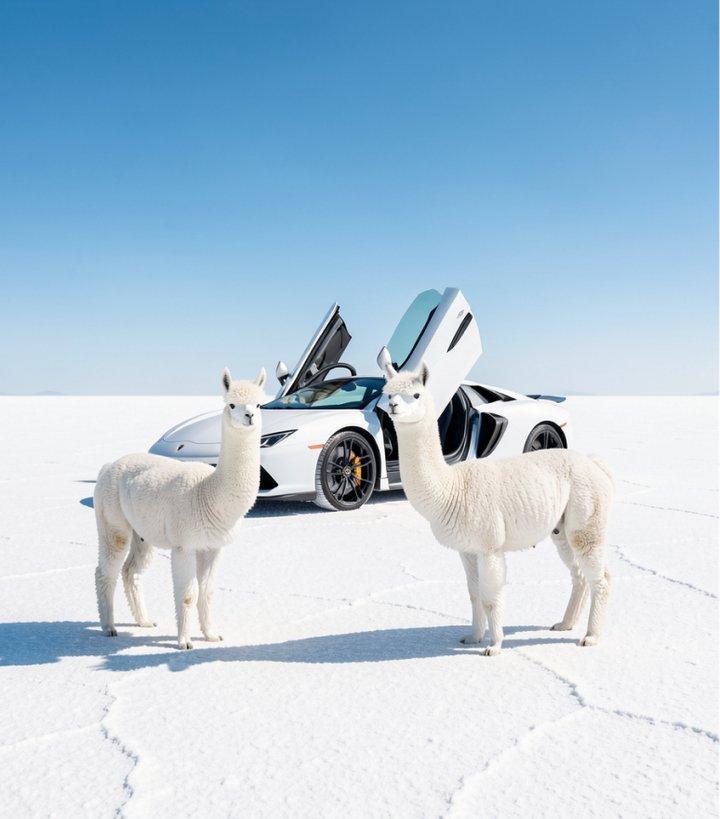
Flux offers variants for quality, speed, control, and production needs, helping creators choose the right balance for each workflow.
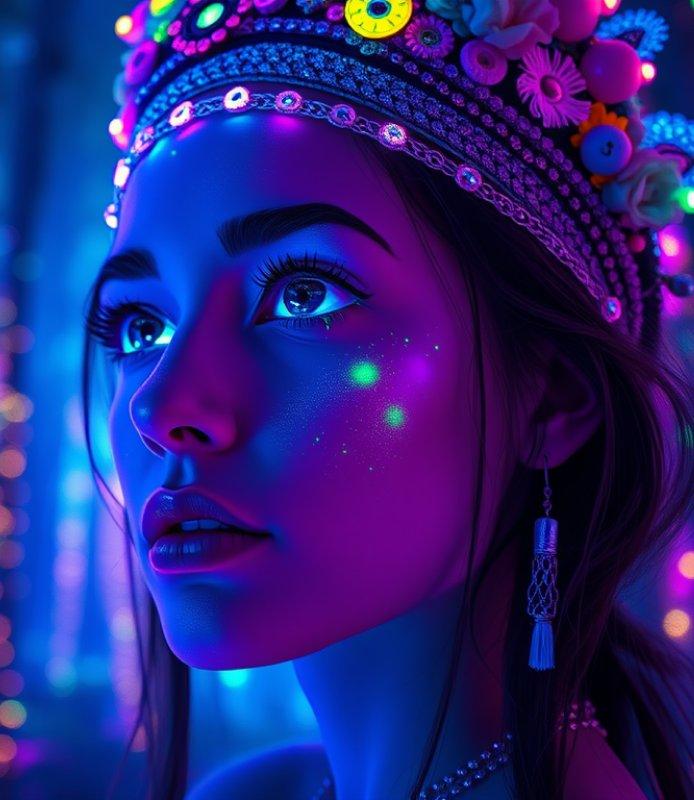
Flux supports photorealism, anime, illustration, concept art, editorial visuals, and stylized imagery while keeping outputs coherent.


Step 1
Head to Collart Al image generator and select Flux from the model dropdown menu.
Step 2
Describe the image you want to generate and configure your customization settings.
Step 3
Click 'Generate, and wait just a few seconds to download your image.