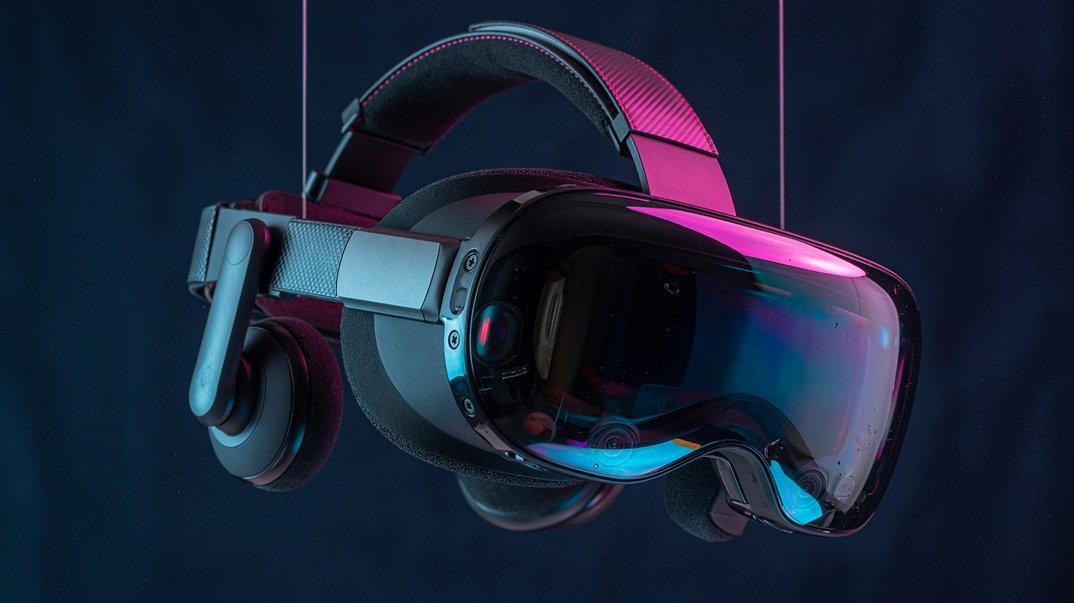
Coming Soon to Collart

Seedance 3.0 AI Video Generator

Explore Seedance 3.0 for cinematic stories, character scenes, and product films. Coming soon to Collart. Start with our AI video tools today.

Explore AI Video

Explore the creative possibilities of Seedance 3.0

Tell your story with Seedance 3.0

Build your Seedance 3.0 concept around one memorable moment: a character makes a choice, a product enters the frame, or a quiet scene takes an unexpected turn.

Describe the setting, action, and mood together so each shot serves the same story.

It is a useful starting point for short films, story-led ads, and music visuals.
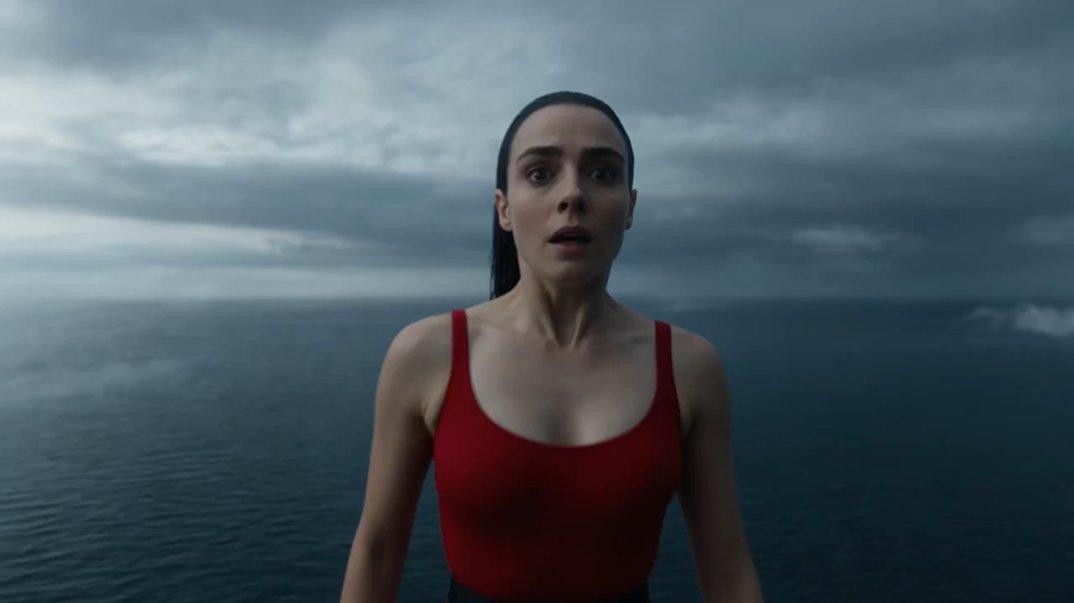
Character reference for Seedance 3.0: a woman by the ocean

Keep a recognizable look across your shots

Give your Seedance 3.0 project a recognizable look before the first shot.

Use a reference to define the character, clothing, product, or setting, and keep each image focused on one job.

A clear visual brief makes it easier to carry the same identity through a campaign, a character story, or a series of short clips.

Product reference for Seedance 3.0: headphones in colorful studio lighting

Make every camera move count

For a Seedance 3.0 scene, decide what moves and why.

A slow push-in can reveal a reaction; a tracking shot can follow an athlete; a close-up can bring a product detail into focus.

Describe actions in order and give each camera move a purpose, so the motion supports the idea instead of distracting from it.

Motion reference for Seedance 3.0: a tennis player in action

What will you create with Seedance 3.0?

Explore character stories, product films, and social clips as inspiration for Seedance 3.0. These existing Collart examples illustrate creative directions and are not Seedance 3.0 outputs.

Character stories with a clear point of view

Build a short scene around one recognizable character, a simple goal, and a strong mood. This works well for mini dramas, music visuals, and story-led ads.

Product films that feel alive

Turn a product, interface, or campaign image into a moving idea. Guide the camera, light, and small actions without making the brief too complex.

Social clips that hook viewers fast

Start with an image people understand right away, then add one surprising action or camera move. A clear hook makes short videos easier to watch and share.

Get ready for Seedance 3.0 in three steps

01

Define your scene

Write one sentence that explains what the viewer should see and feel. Then add the subject, setting, action, camera angle, and mood. A focused goal gives every detail a reason to be in the prompt.

02

Choose your references

Choose each image or clip for a clear job, such as character identity, product appearance, movement, location, or style. Remove references that point in different directions so the visual brief stays easy to understand.

03

Test and refine in Collart

Use Collart's available video models to test your brief while Seedance 3.0 is coming soon. Review the action, character, camera, and composition, then change one detail at a time. Save the prompts and reference images that best match your idea.

Seedance 3.0 FAQ

Get ready to create with Seedance 3.0

Start building your next story in Collart. Try today's AI video tools, develop your visual references, and save a creative direction for Seedance 3.0.

Explore AI Video