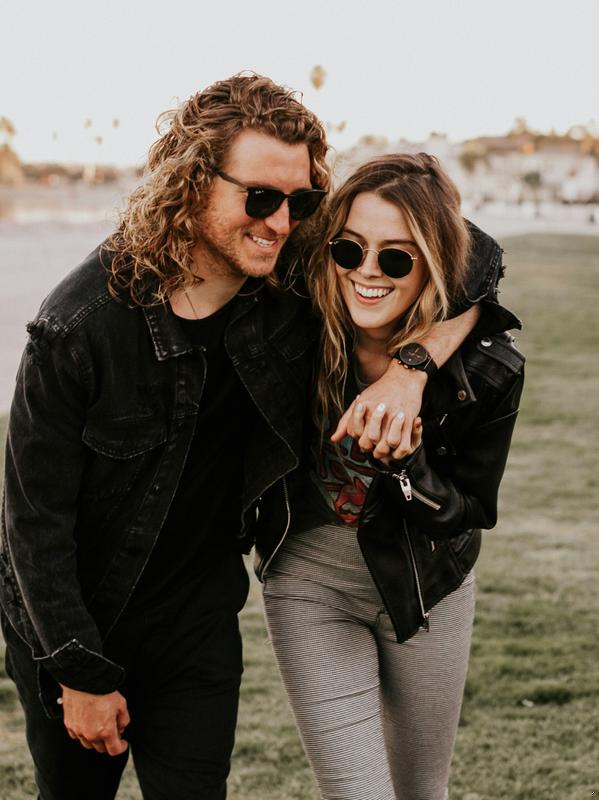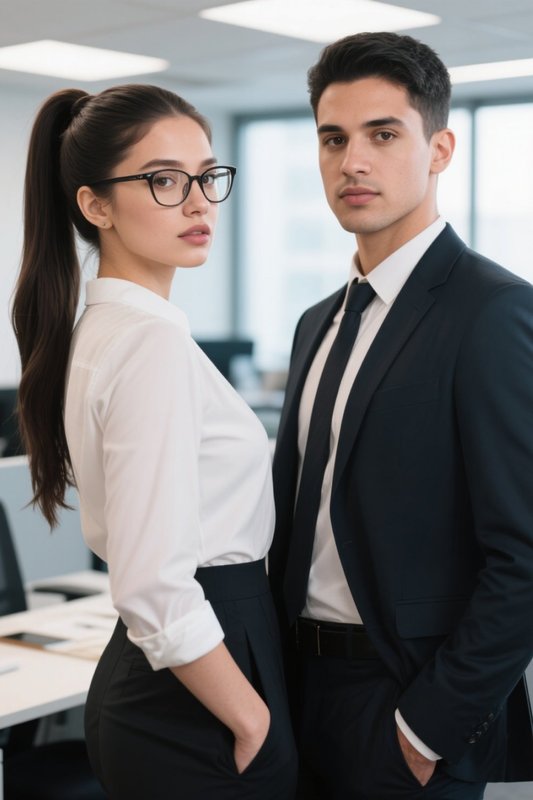
A little closer. A little more cinematic.

AI Kiss Video Generator

Turn a favorite photo into a moment you can replay. Make an AI kiss video with a couple photo, or bring two portraits together with a dedicated template. Choose the feeling, add your photos, and let the movement tell the story.

Photo to videoReady-to-use templatesCreate online

Sign in to create. Check model access and any credit cost before generating.

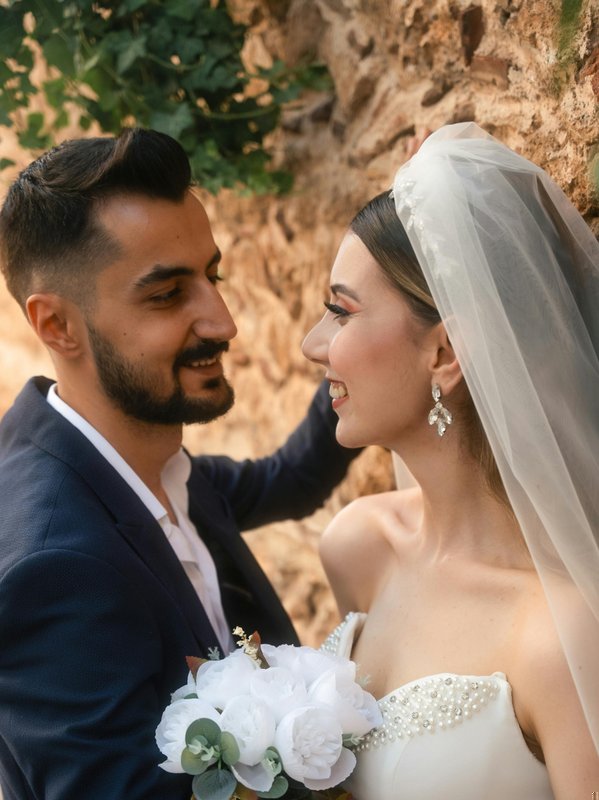
A bride and groom together before their wedding kiss
Your starting photo
Your kissing video

Find your kind of chemistry

Explore AI Kissing Video Templates

A kissing video can feel playful, soft, or cinematic. Watch the movement before choosing a template: the starting pose, framing, and distance between faces all shape the result. Each example opens its own preset, so you can start with the style that fits your photos.

Romantic Kiss · One couple photo

Keep the moment close

Start with two people already together in one frame. This template pairs a close embrace with a kiss, making it a useful starting point for everyday couple portraits. Leave shoulders and faces visible so the movement has room to develop.

Try this style

Kiss · Two portraits

Bring two photos together

The two-photo Kiss template brings separate portraits into a shared, instant-photo scene. Choose clear faces at similar angles. Its composition can change the background and pose, so preview the whole frame rather than expecting the original photos to stay untouched.

Try this style

French Kiss · One couple photo

A more expressive kiss

Try the French Kiss template when you want a closer, more expressive kiss. Start with faces that are large enough to read. Strong angles, hidden mouths, or too many people can make facial movement harder to follow in the finished clip.

Try this style
The source couple portrait used for the Romantic Kiss template
A shared frame gives the animation a clear starting pose.

Start with the right photo

One photo or two? Choose your starting point.

One photo, two people

To animate a couple photo, choose Sweet Kiss, Romantic Kiss, or French Kiss. Upload one image with both people visible. A clear, shared scene helps keep the clothing, setting, and relative positions connected as the photo becomes a video.

Two separate portraits

Choose the dedicated two-photo Kiss template. Add one portrait to each slot and check their order. Similar lighting and face size give the combined scene a clearer starting point. Check the editor for available models and their access requirements.

From still to story

How to make your AI kiss video

  1. 01

    Choose a look and add photos

    Open a template from this page. Replace any sample image with your own photo, or fill both slots for the two-portrait preset. Use a sharp original rather than a screenshot, and check that neither face is cropped out before moving on.

  2. 02

    Check your settings

    The templates load their own starting settings. Review the selected model, duration, and credit total before generating. The checked presets use five seconds and 720p, but the editor shows the settings available for your selection. Preview length is not a promise of output length.

  3. 03

    Generate, review, and keep

    Start generating after checking the cost. When it finishes, watch from beginning to end: check both faces, the contact between them, and any moving hands. Keep the version you like, or change the starting photo and try again if the movement looks awkward.

Small moments, worth replaying

Kissing Videos for Weddings and Anniversaries

Wedding memories

Animate a wedding portrait for a short keepsake. Pick a photo where the faces are close and the bouquet leaves them visible.

An anniversary note

Turn an everyday couple photo into a kissing video. A familiar setting and a relaxed pose can feel more personal than a complicated scene.

A shared portrait

Bring two portraits together in a new scene. Treat the combined setting as a creative interpretation, and choose the result together before sharing.

A better starting point, a better result

Make your kissing video look more natural

The results depend on the input as well as the template. Improve the photo first instead of adding a long list of actions. A single, readable moment is easier to judge than a busy scene with several competing movements.

The French Kiss source photo with both faces visible before the motion
Clear faces make the movement easier to read.

Keep both faces readable

Start with a sharp, well-lit photo. Avoid a hand across the mouth, heavy blur, or a face cut off at the edge. For two portraits, choose similar framing rather than pairing a distant full-body shot with an extreme close-up.

Leave room for movement

A kiss needs space for a small head turn and a change in posture. Keep a little room around the faces and shoulders. If the bodies start far apart, choose a closer couple photo instead of expecting the template to bridge the whole scene.

Watch more than the last frame

Review the video for changing facial details, overlapping mouths, and distorted fingers. If something looks wrong, simplify the input or switch templates. Results vary, and a strong final frame does not guarantee that every moment of the clip looks natural.

Keep creating after the kiss

Want a different movement from the same photo? Explore Image to Video for a broader scene. If the starting picture needs a new composition, prepare it in Image to Image before animating it. Keep your original photo so you can compare results.

Use photos you have permission to use, with everyone’s agreement. Share the video as a creative edit, not as evidence that a real moment happened.

AI kiss questions, answered

Can I use the AI kiss video generator for free?

Check the editor for any currently available free models or trial allowance. Availability and credit costs depend on your account and the selected model. Review the total before generating.

Can I make a kissing video without logging in?

You can browse the examples without signing in. Creating a video requires an account. Choose your template here, then follow the editor’s sign-in and upload flow to generate your own version.

Can the AI kissing generator use two separate photos?

Yes. Select the two-photo Kiss template on this page. Other examples use one shared couple photo. Check the upload slots after selecting a template, because putting two files into a single-photo workflow is not the same process.

How long does generation take?

Generation time varies with the selected model and queue. Follow the job status in Collart. The presets checked for this page use five-second, 720p output settings; confirm the editor’s current options before starting. We do not promise a fixed waiting time.

How do I download my kissing video?

When generation finishes, open the result and select Download to save the video. Watch the complete clip and check the downloaded file before sharing.

Will the video preserve both faces perfectly?

Not always. Animation adds movement that was not in the photo, and faces or hands may change. Use clear inputs, review the full clip, and try a different photo if needed. Do not rely on generated footage for identity verification.

Your photos. A new little story.

Make a moment worth replaying

Choose a photo you both love and make a kissing video with a ready-to-use template. Start simple, watch the result, and keep the version that feels right.