AI Dark Fantasy Workflow
Create Angel vs. Nightmare With an AI Workflow
Start with a cinematic manor scene, build the guardian and nightmare as connected image nodes, then turn them into a dramatic AI video.
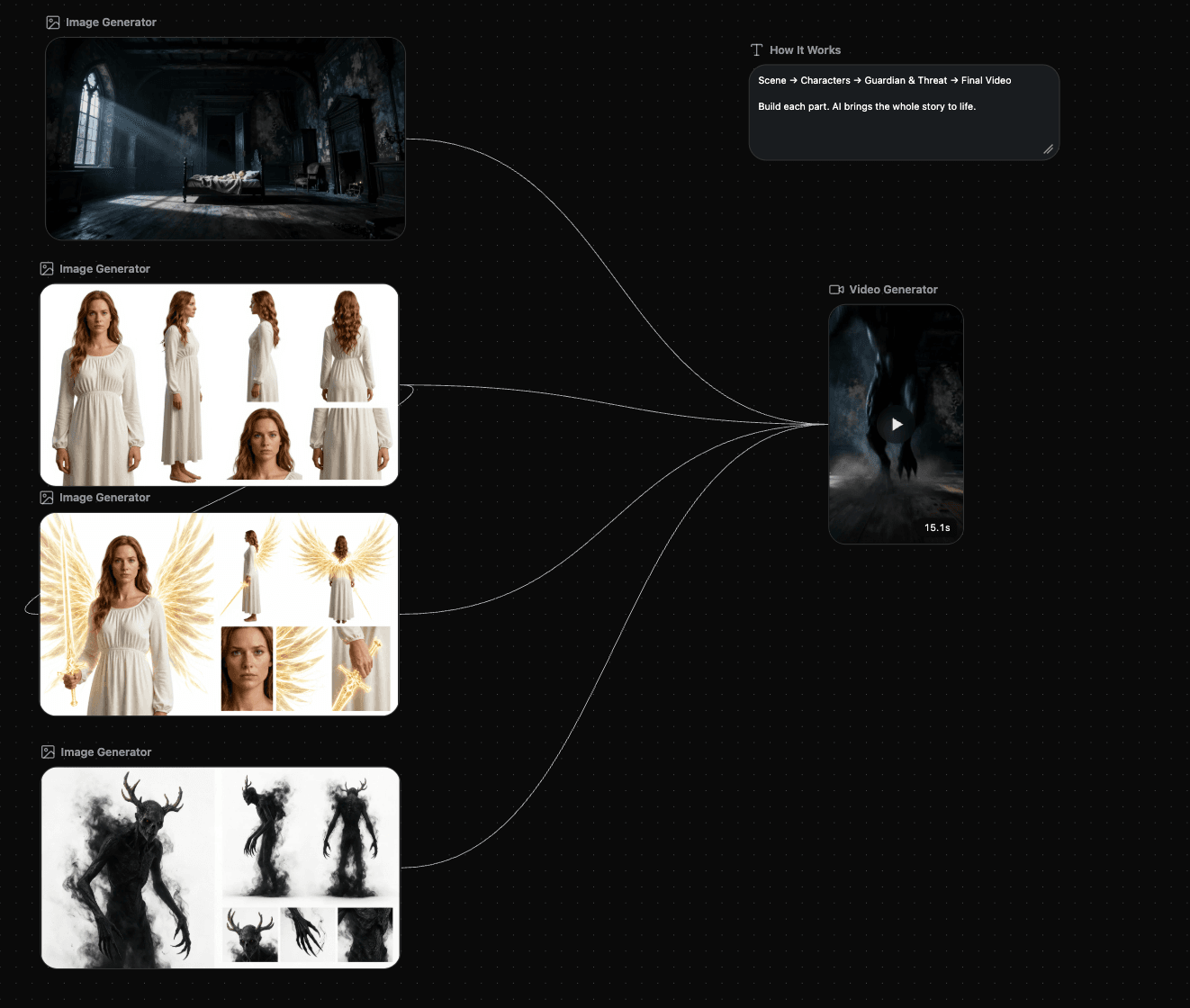
How to Customize This Workflow
Replace the characters, customize the prompts and scenes, then generate your own connected video sequence.
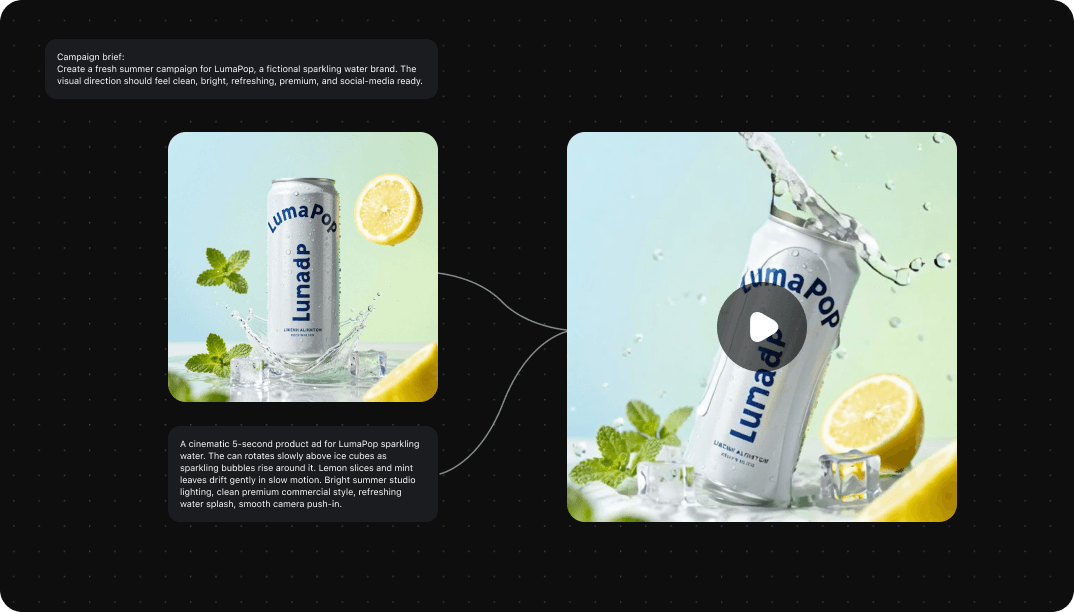 01
01Replace
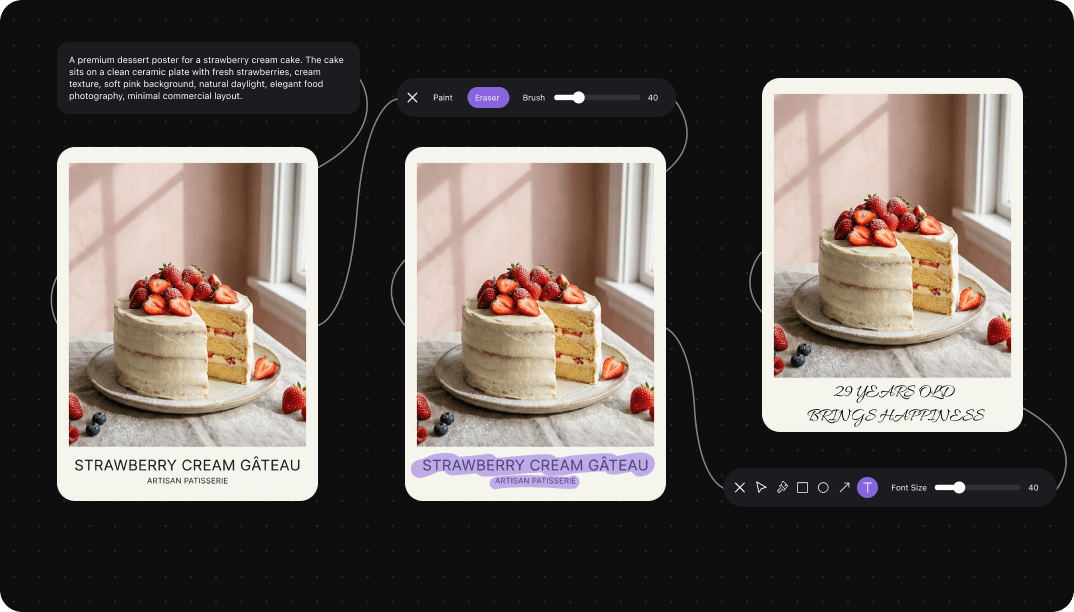 02
02Customize
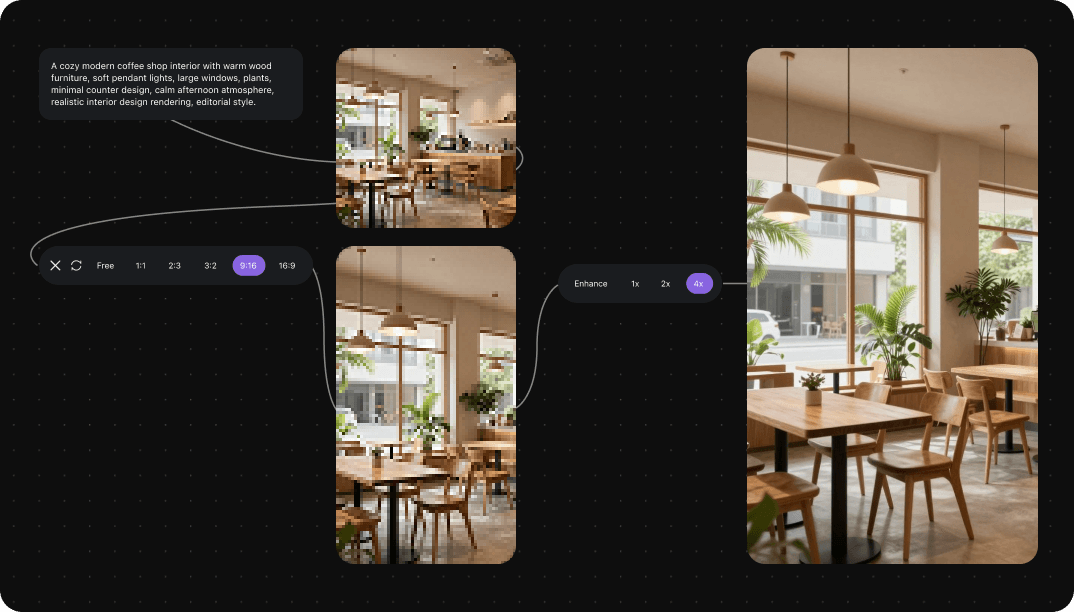 03
03Generate
What Can You Do With Nodes?
See how connected nodes help you build, branch, update, and reuse a short drama workflow.
Connect Creative Steps
Move from character references to prompts, scenes, and video outputs inside one connected workflow.
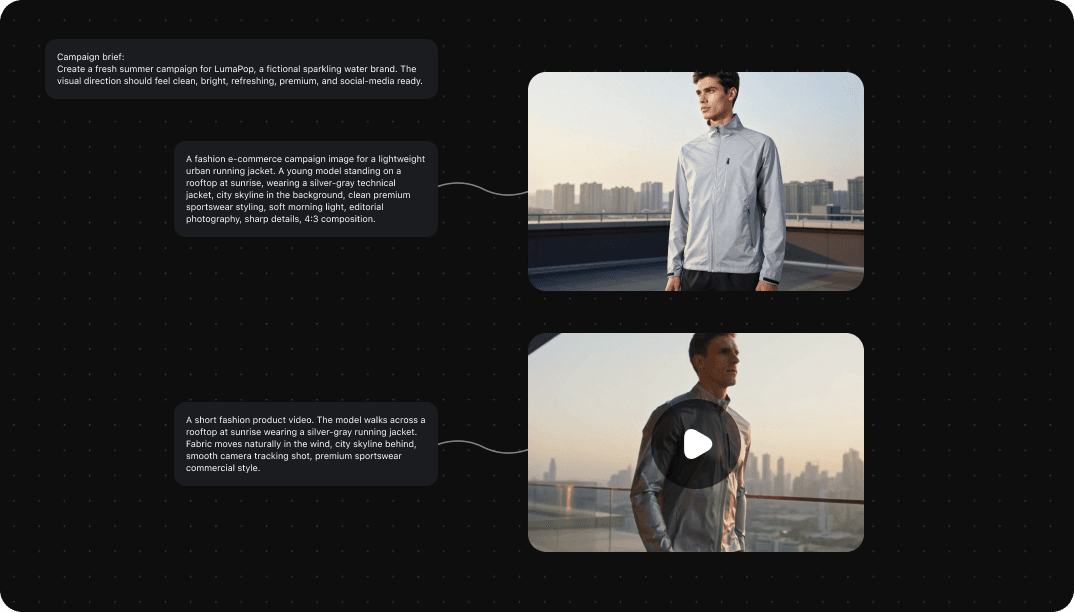
Explore Different Directions
Branch the same characters into multiple scenes so you can compare creative directions without starting over.
Change One Step
Update a character, prompt, or scene while the rest of the workflow stays connected.
Reuse the Workflow
Apply the same proven structure to Scene 01, Scene 02, and every new story beat.
See the Workflow in Action
Two character references feed five scene generations, and each scene continues into its own video output.
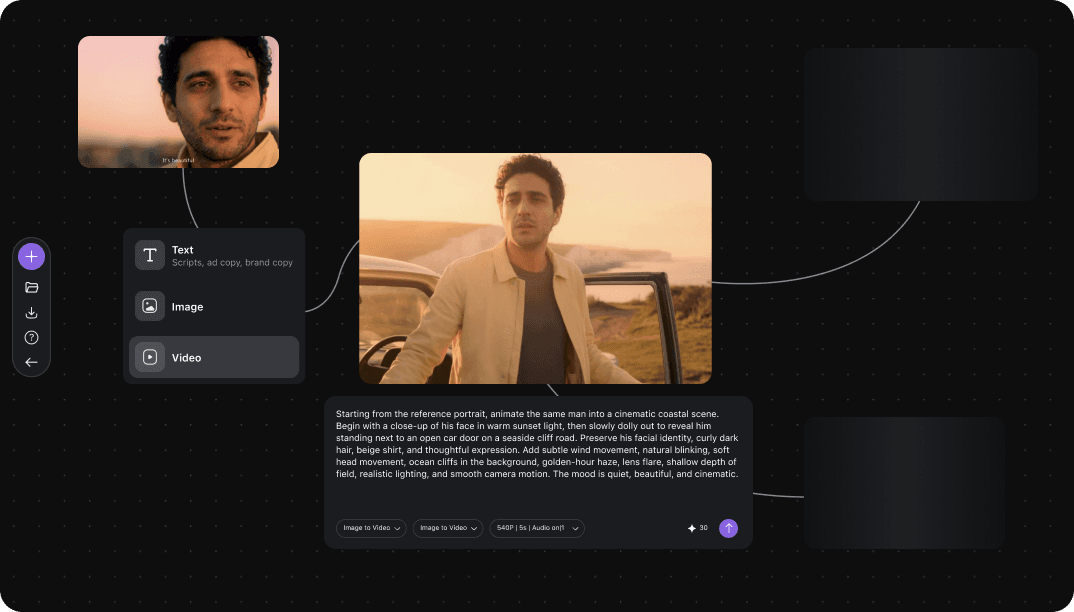
From Workflow to Final Result
Every output remains visible, so you can review the story sequence before reusing the workflow for your next idea.
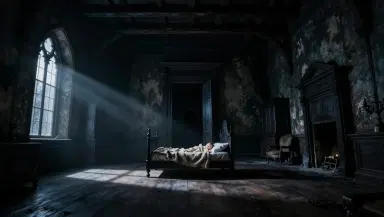
Create Angel vs. Nightmare With an AI Workflow
Remix the Angel vs. Nightmare template in Creative Canvas and shape the scene, characters, transformation, and final battle as your own.