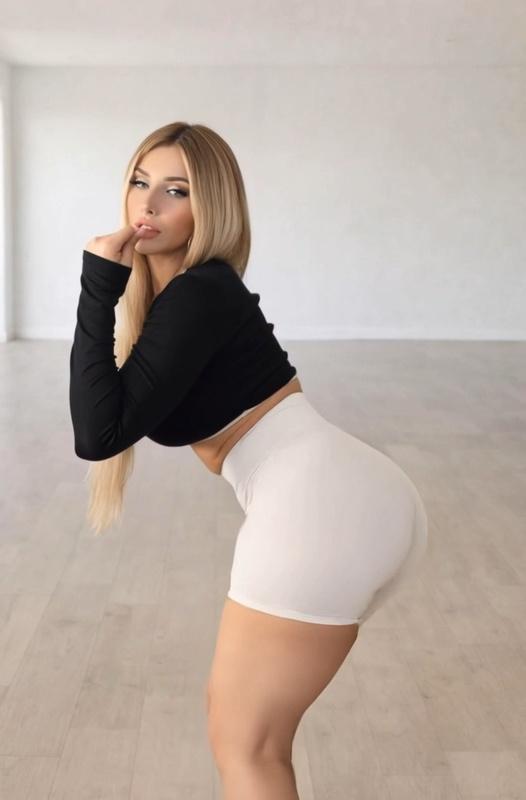
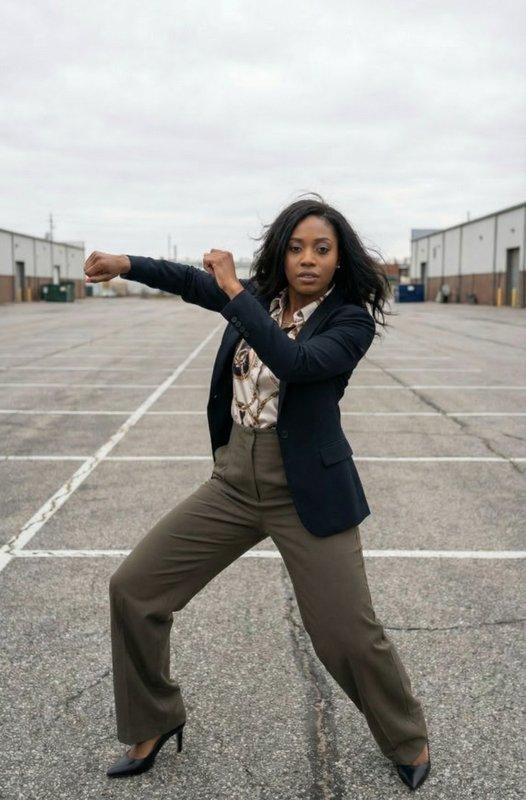
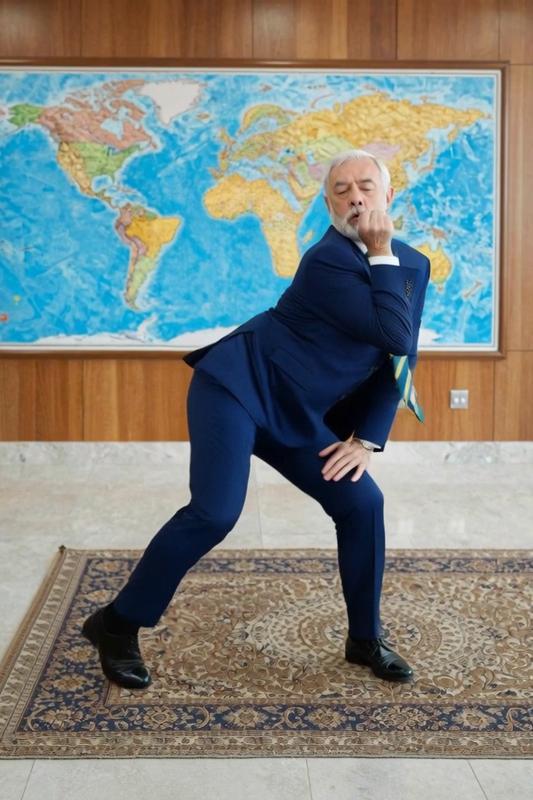
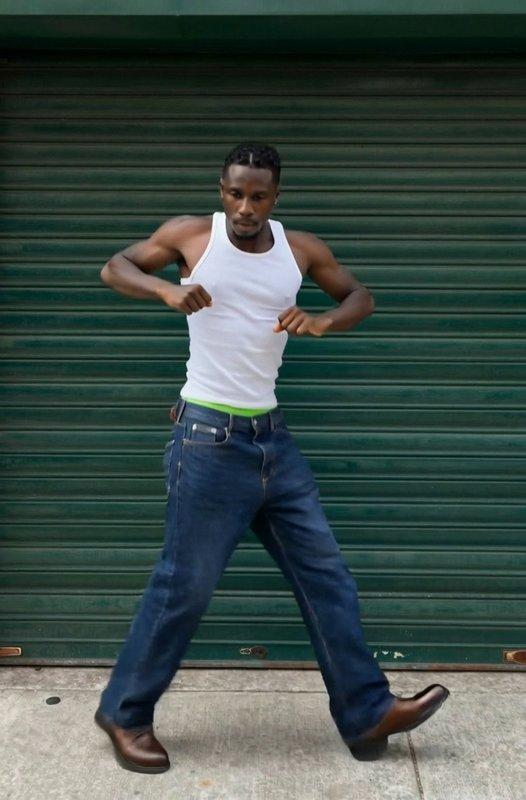
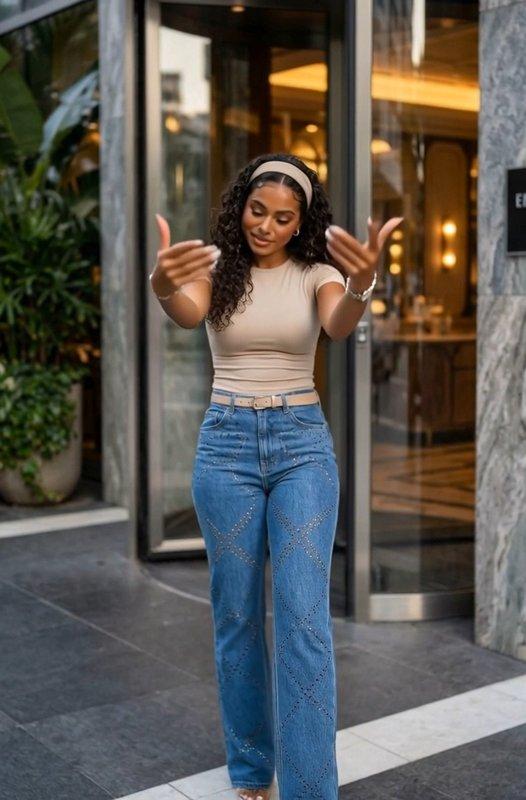
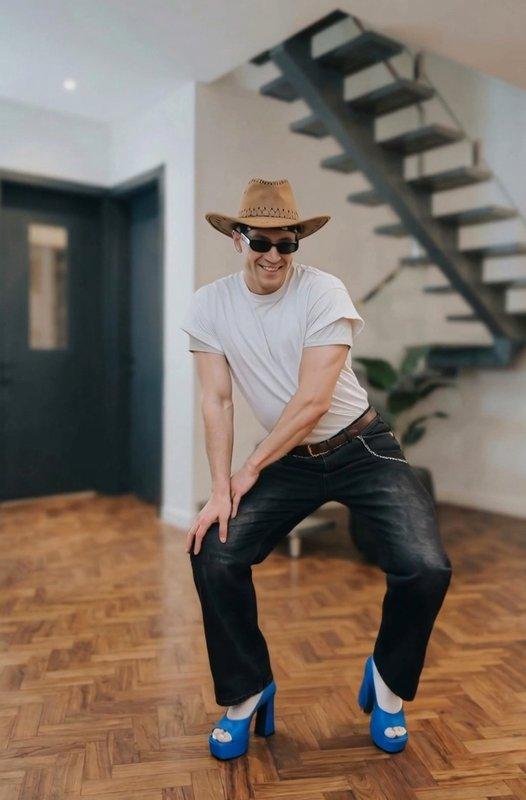
Add the Character Image
Upload the required character image. Check that the subject is visible, and use any full-body or proportion guidance shown by the selected template.
Every request requires one character image. Add your own reference motion video, or choose a template that fills the motion reference setup, then select an available model.
One required image supplies the character source, while one required video supplies reference motion. Their fixed slots preserve these separate input roles during review.
A template fills the motion video setup and can apply its stored prompt, model, and compatible settings. The character image remains required for generation.
Motion Sync and Motion Control choices share one selector. Each option exposes its available settings, while the main form has no separate prompt box.
Compare built-in movement patterns or bring your own clip, then pair the chosen reference with a clearly framed character image.
Decide where the motion comes from, whether its framing is readable, and which controls the selected model displays.
Own Clip or Built-In Template
Upload your own clip when you already have a movement reference. Choose a template when you want a prepared motion setup to review first.
Preview for Readable Framing
Check the reference's body coverage, pace, and camera framing, then choose a character image that presents the intended subject clearly in frame.
Use the Controls You See
Models expose different options. Base the request on the settings and limits currently displayed after selecting a Motion Sync or Motion Control model for generation.
One character image and one reference motion video are required. A template can fill the motion setup, but never replaces the character image.
Motion Sync adds a required motion-video reference to the character image, while ordinary Image to Video does not use this dedicated second slot.
No. The main form hides that panel. A selected template can still provide its stored prompt as part of the prepared setup.
They appear in the Motion Sync model selector rather than a separate editor route. Displayed controls update with the selected option.
Yes. Upload a motion clip into the required video slot, pair it with the character image, and review the displayed model controls.
It fills the reference video setup and can apply a stored prompt, model, preview cover, and compatible settings for review.
Many templates show full-body movement and request matching body coverage. Use that visible instruction when preparing the required character image.
No. It guides an AI request rather than promising frame-for-frame duplication. Review the output and change the source, template, or settings when needed.