01 / 4K • Detail
Native 4K and 30s Single-Clip Output
With Seedance 2.5, generate native AI video clips up to 30 seconds in one segment, with 4K detail suited for campaign review, product shots, and large-screen delivery.
Seedance 2.5 brings Collart creators native 4K AI video with 30-second single-clip output, expanded reference capacity, and more controllable generation and editing for ads, films, brand stories, and social clips.
Seedance 2.5 brings Collart creators native 4K AI video with 30-second single-clip output, expanded reference capacity, and more controllable generation and editing for ads, films, brand stories, and social clips.
01 / 4K • Detail
With Seedance 2.5, generate native AI video clips up to 30 seconds in one segment, with 4K detail suited for campaign review, product shots, and large-screen delivery.
02 / Speed • Iteration
Move from prompt to review faster, so teams can test camera paths, reference combinations, and alternate edits in one session.
03 / References • Multimodal
Seedance 2.5 lets you use a much larger set of reference images, videos, and audio cues to guide character look, motion language, scene tone, and pacing.
04 / Shots • Control
Direct camera motion, shot intent, scene changes, and edit-style adjustments so each result stays closer to your planned sequence.
05 / Continuity • Characters
Plan clips around consistent characters, wardrobe, lighting, and scene rules when assembling brand stories or short films.
06 / Production • Delivery
Shape outputs for editing, campaign review, social publishing, and client approval with less cleanup between creative rounds.
Use Seedance 2.5 for scenes where several references need to guide subject identity, environment, motion rhythm, and the story beat in a single generation flow.

Build prompts around shot movement, environment transitions, and pacing so the result feels like a planned camera sequence instead of a single animated still.
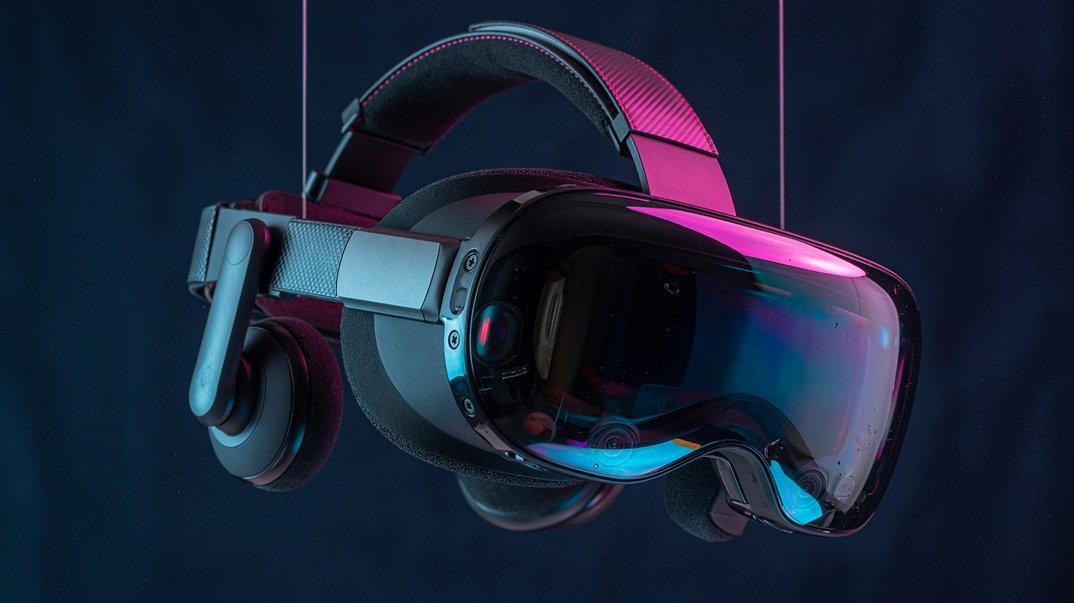
Seedance 2.5 is a stronger fit for product reveals, premium ads, and brand films where 4K detail, texture, reflections, and lighting need to survive review.
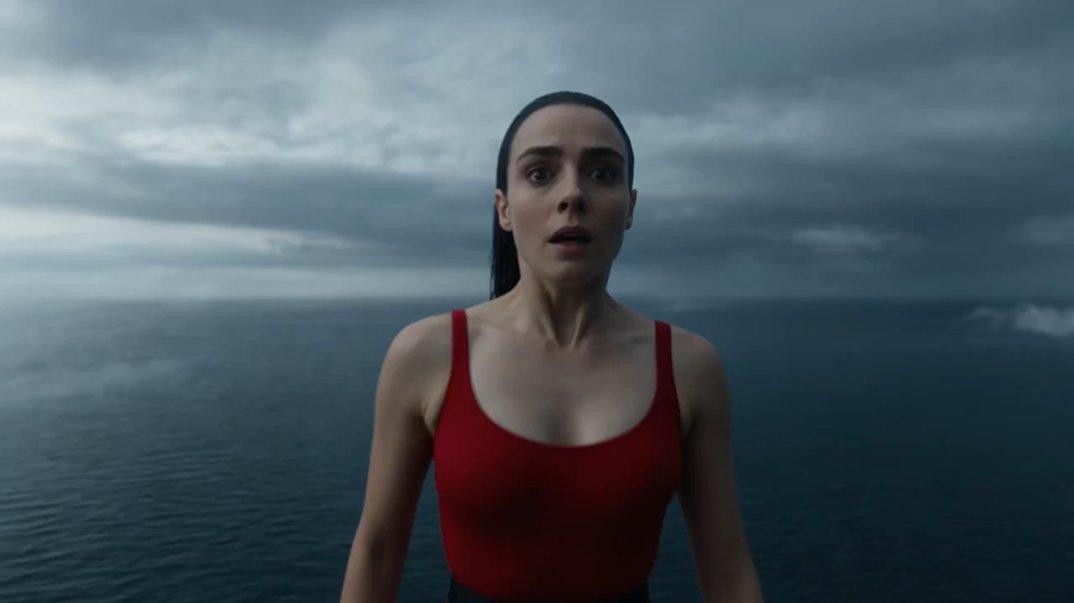
Plan character-led clips with clear reference tags, wardrobe notes, prop handling, lighting direction, and camera position to reduce drift across a production sequence.

The strongest Seedance 2.5 angle is not another short-clip generator; it is 4K, faster iteration, and reference-heavy video for teams that need repeatable creative output.
01
Ship vertical reels, shorts, creator intros, and high-detail social clips that still look sharp after platform compression.
02
Explore product reveals, campaign variants, and reference-matched brand scenes before the edit suite.
03
Turn beat boards and shot notes into directed clips with stronger camera language and continuity planning.
04
Plan repeatable video production workflows for campaign calendars, review rounds, and multi-asset delivery using Collart's guided creation tools.
05
Build polished clips where rhythm, wardrobe, styling, and scene tone need to stay aligned across every frame.
Compare Seedance 2.5, Sora, and Veo around 4K output, iteration speed, reference workflows, and production control.
Step 1
Start from Collart Reference to Video and use the Seedance route this page connects to.
Step 2
Upload images, clips, or audio cues you want the model to follow, then tag important assets with @ in the prompt.
Step 3
Create a Seedance 2.5 clip, compare motion and detail, then iterate on camera, pacing, and reference weight for the final output.