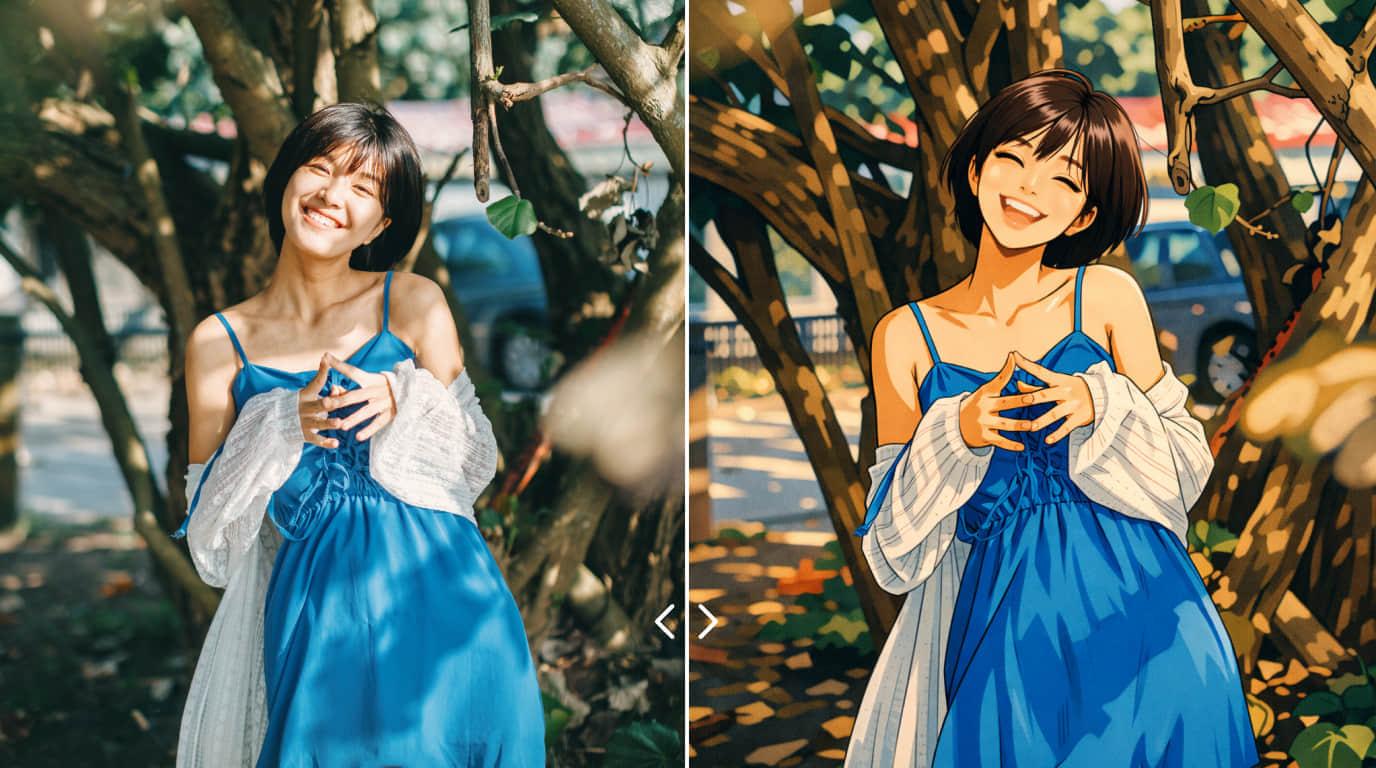
Creator portrait illustration
A bright social-ready illustration example for profile art, creator branding, and thumbnail-friendly visuals.
Turn a short prompt into anime-style key visuals, watercolor scenes, sketch concepts, and character art. This landing page introduces how to create, refine, and use AI illustrations with Collart.
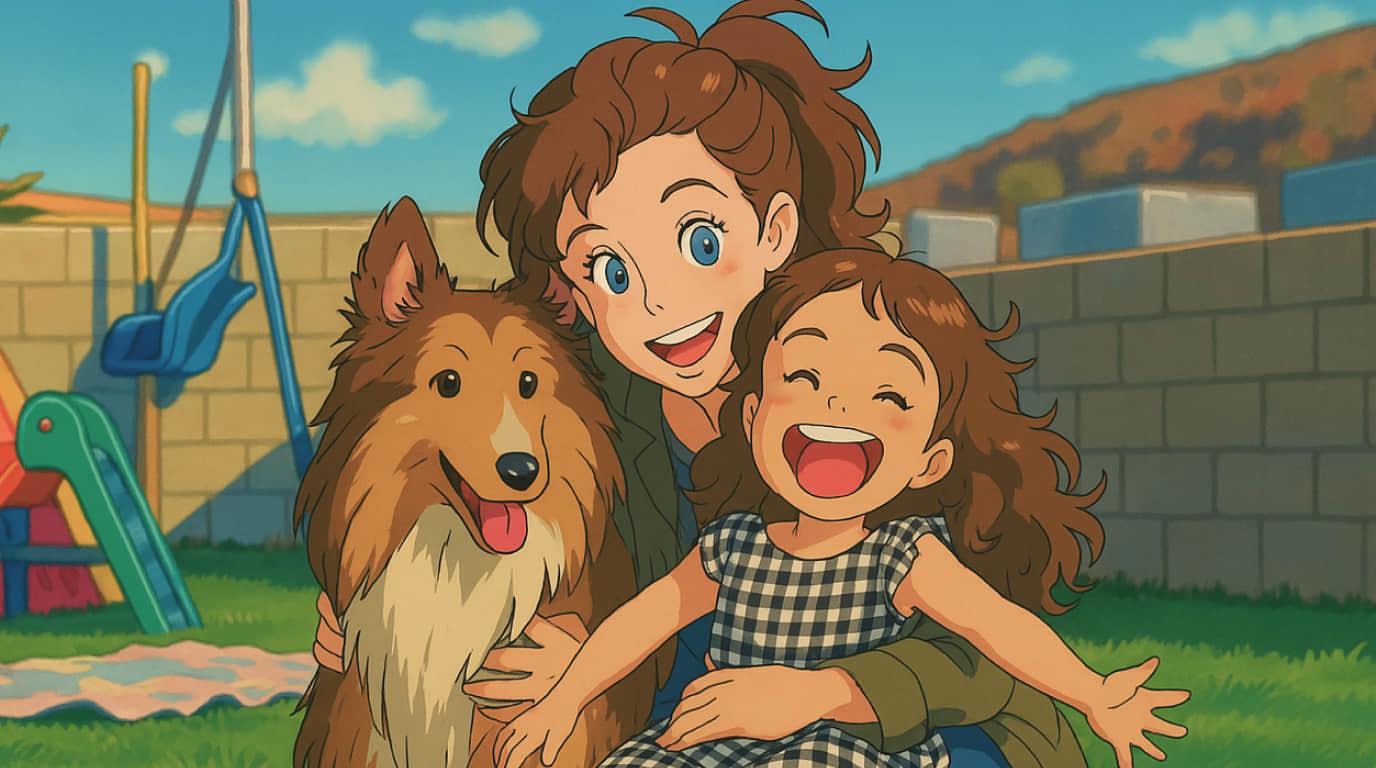
Visual examples
This section adds the kind of bright, polished, commercial-friendly example art often used in tutorial and generator landing pages.
A bright social-ready illustration example for profile art, creator branding, and thumbnail-friendly visuals.
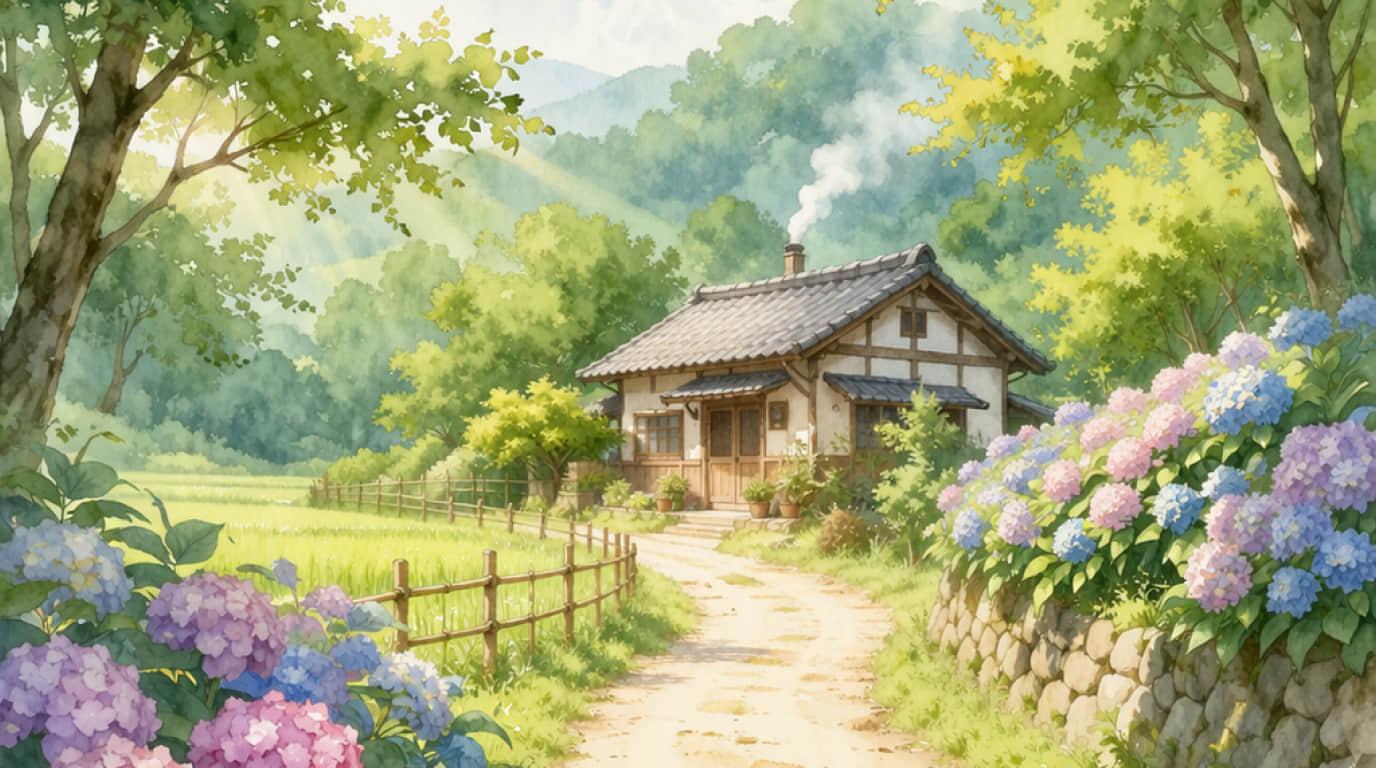
A clean pastel scene that shows how AI illustration can support calm editorial, lifestyle, and seasonal storytelling.
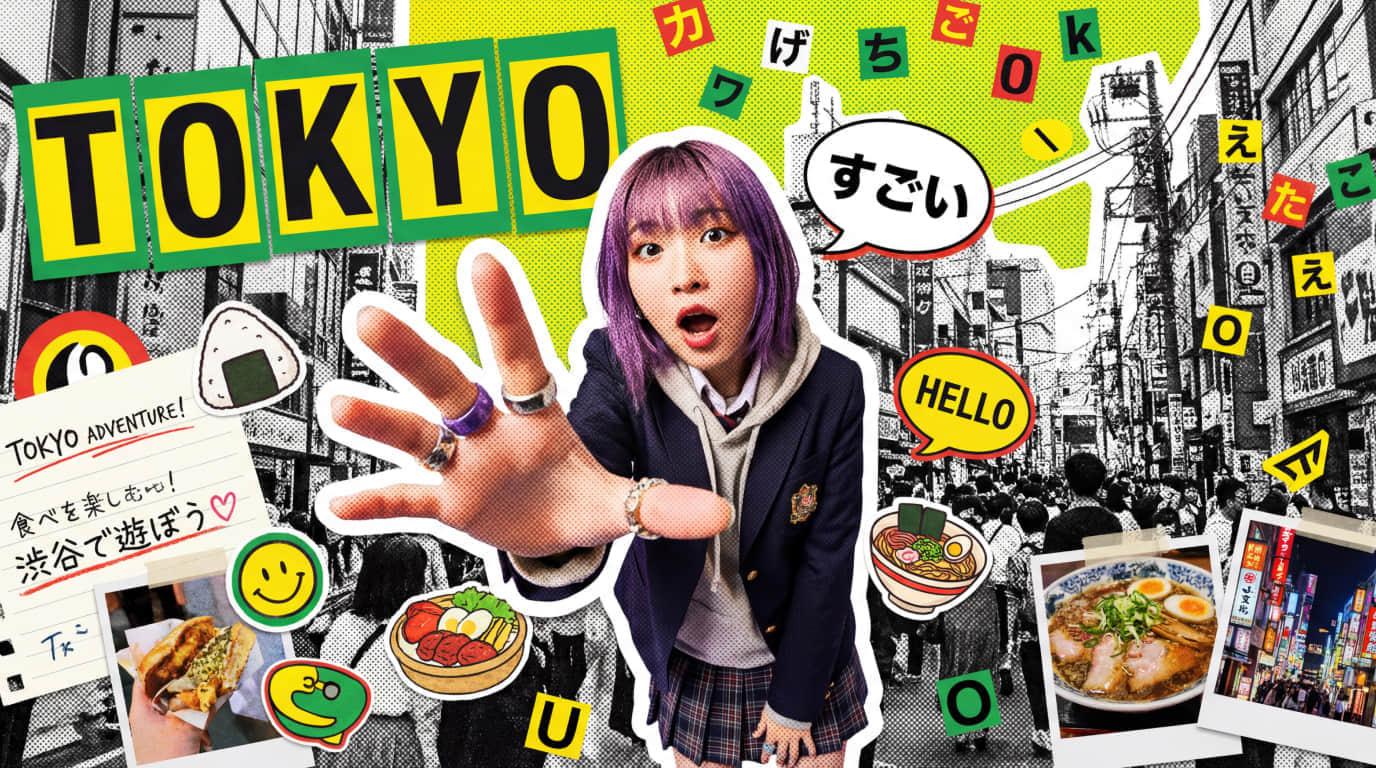
A graphic-forward example for campaigns, presentation slides, modern posters, and lightweight brand communication.

A polished business-friendly illustration example for marketing pages, service explainers, and landing page hero support.
Overview
Inspired by tutorial-led landing pages, this flow focuses on generation, style control, and practical design follow-up instead of a single one-shot result.
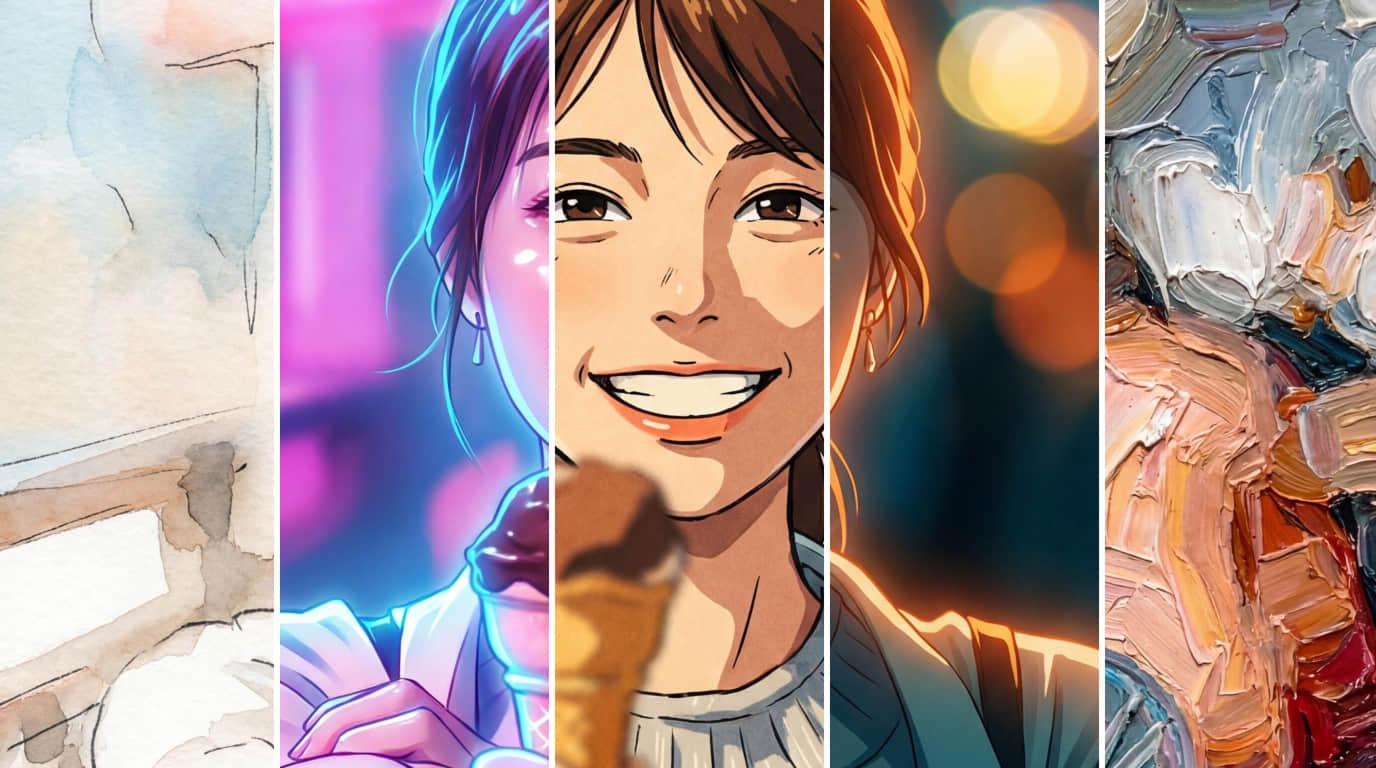
Generate anime, soft watercolor, line art, poster visuals, or mood-rich fantasy scenes from the same idea.
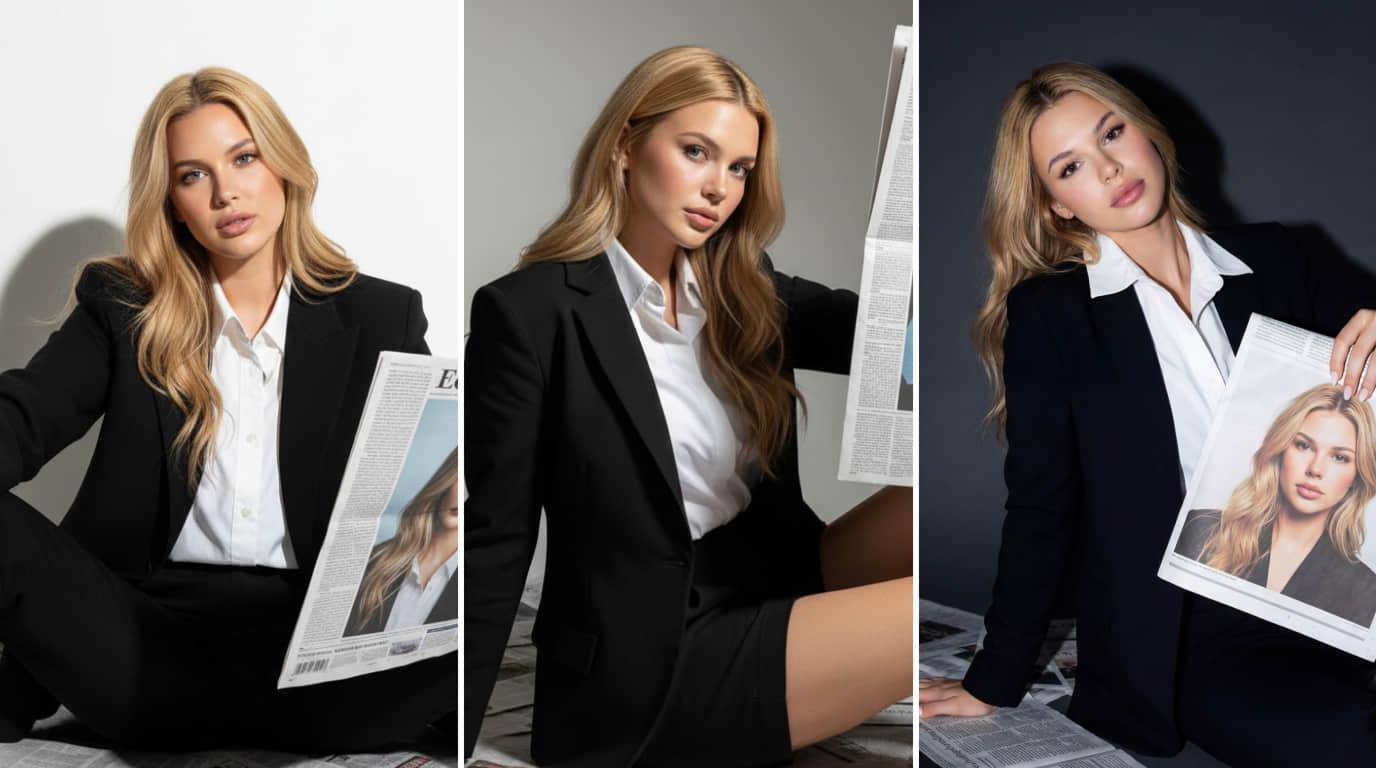
Use AI to produce more than one composition direction so teams can pick the best tone, pose, and layout faster.
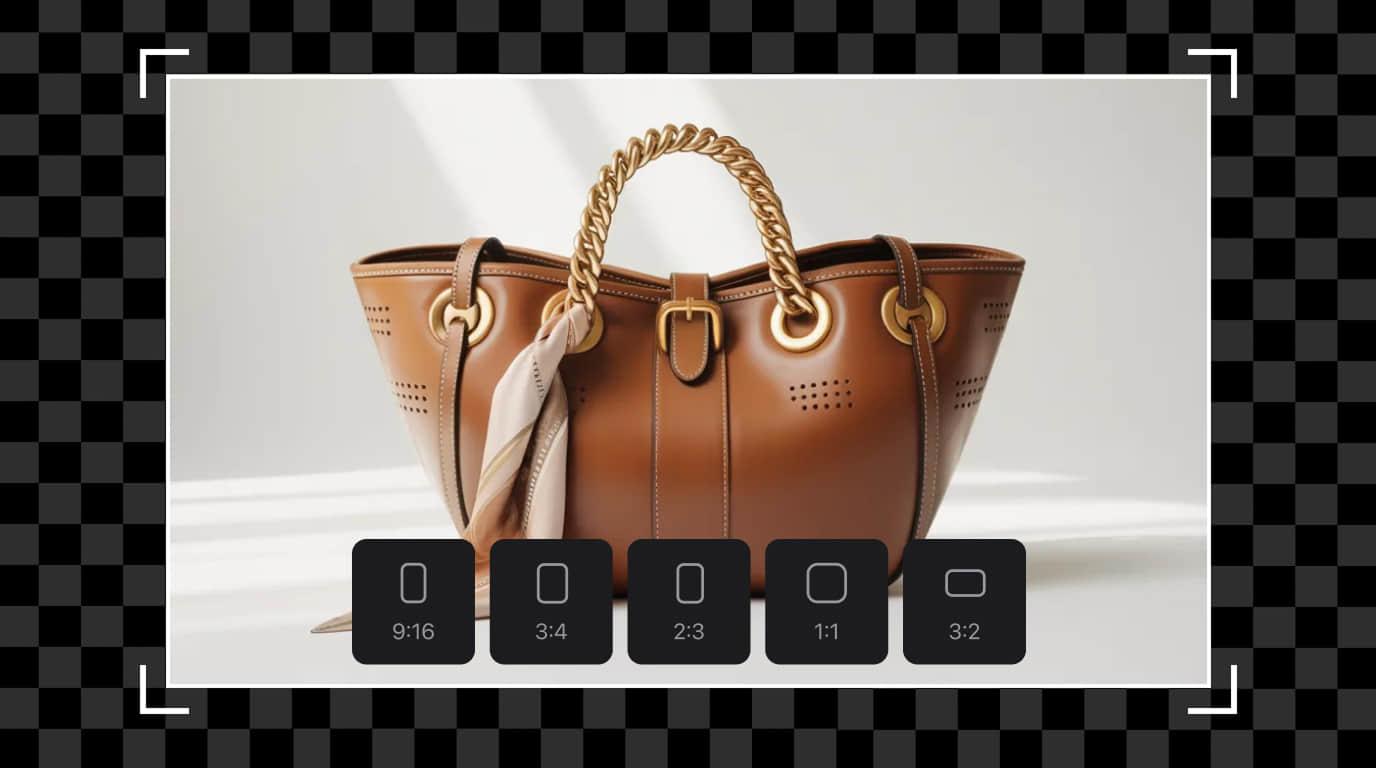
Prepare square posts, landscape banners, or vertical social visuals with prompts tailored to the final usage format.
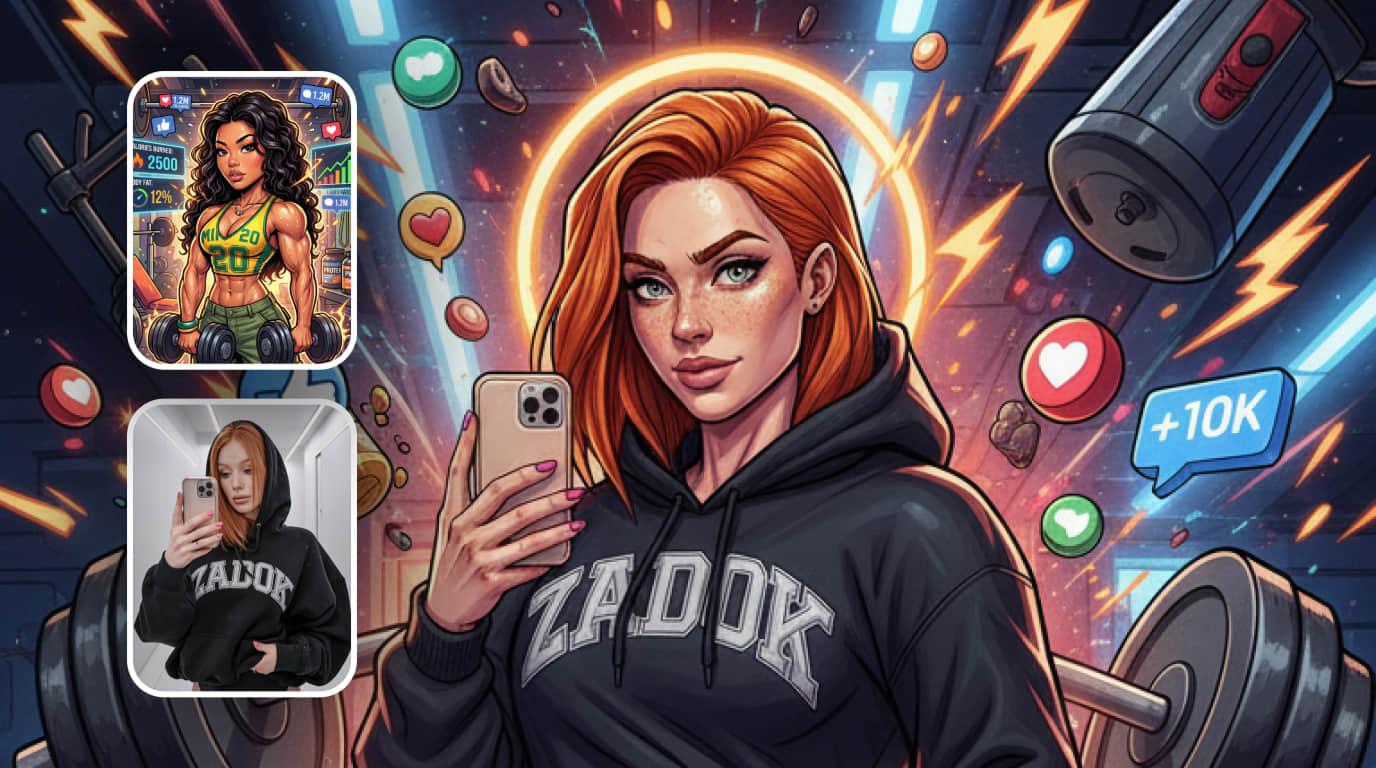
Bring in an existing image when you need stronger consistency for characters, poses, color mood, or art direction.
Tutorial
A simple four-step workflow for creators, marketers, and hobby users who want to go from idea to shareable illustration quickly.

Write the subject, style, background, mood, and color direction in one prompt. Specific instructions usually lead to more usable results.
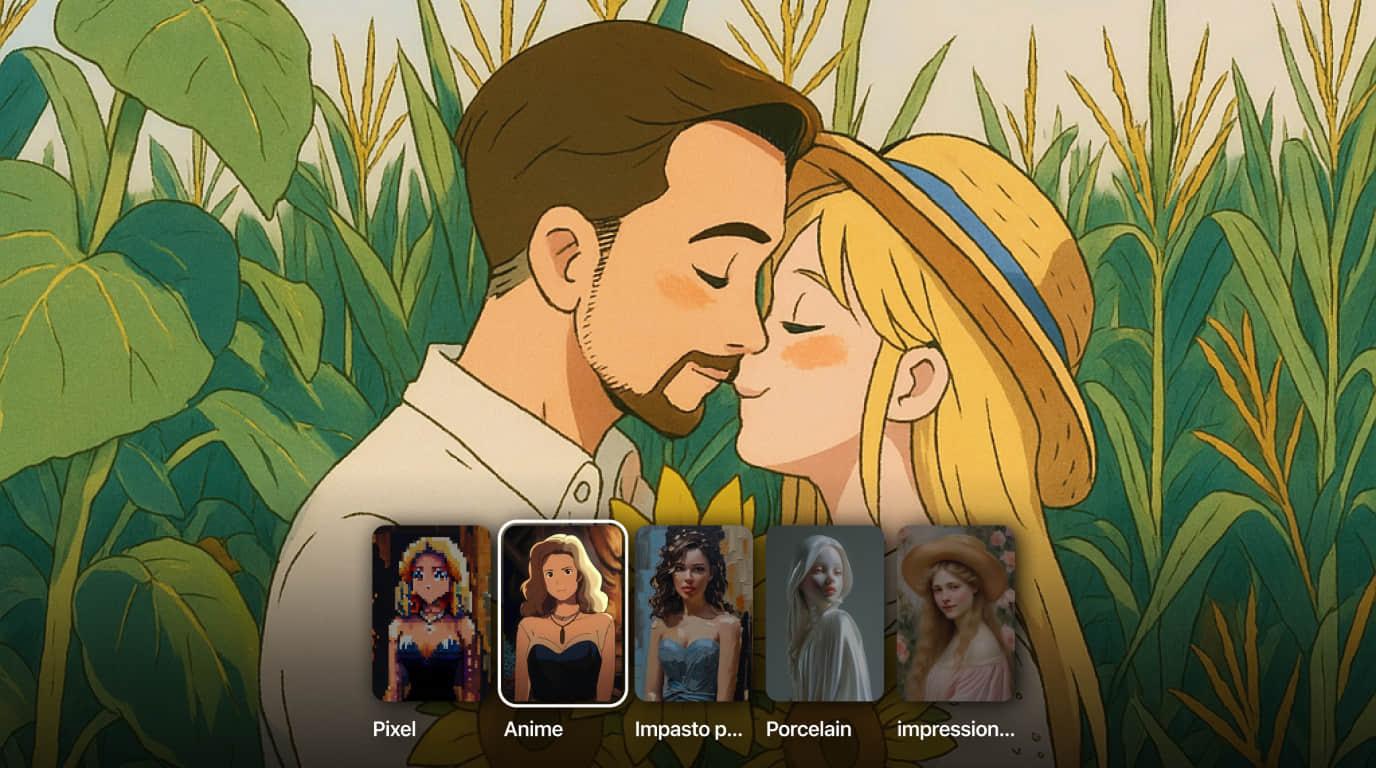
Decide whether the output should feel like anime art, watercolor, sketch concept art, poster design, or stylized character art.
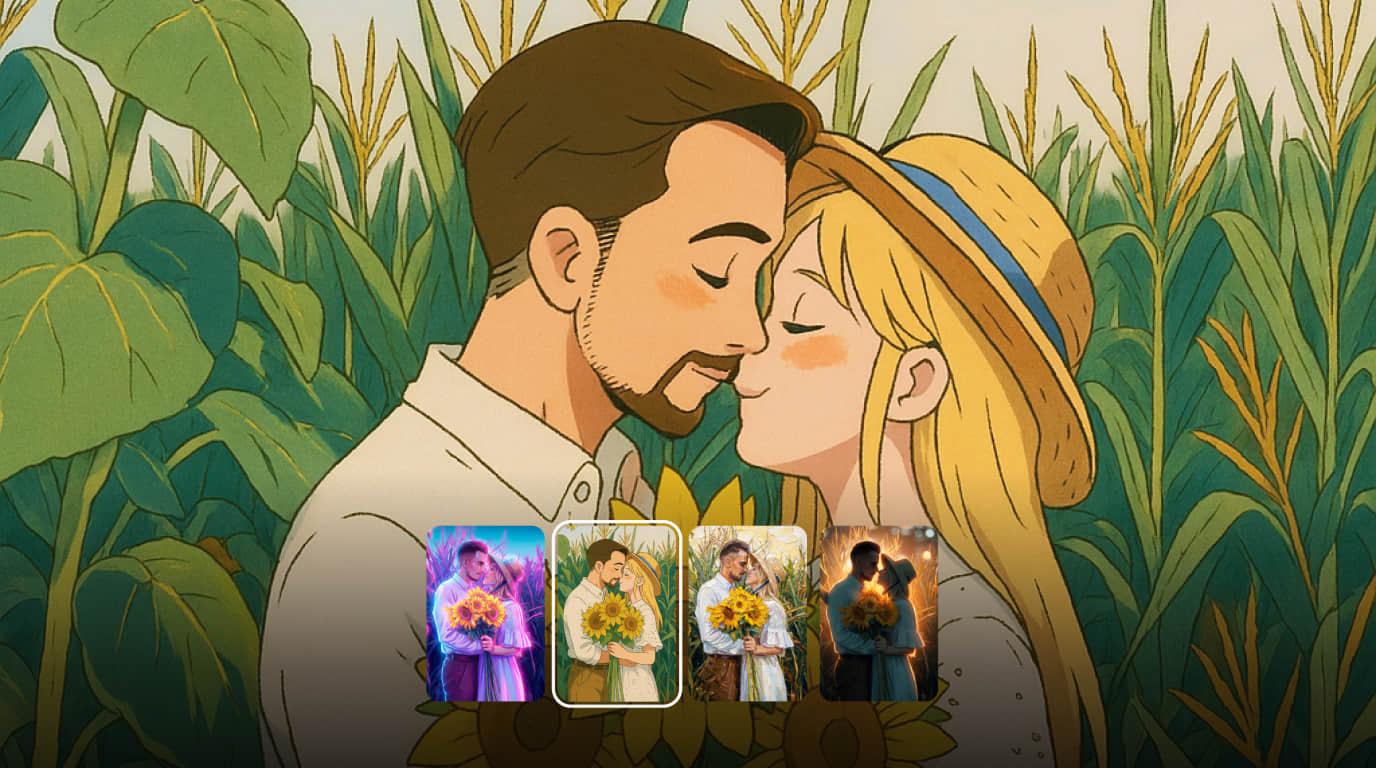
Review the first results, compare composition and expression, then keep the strongest visual direction for the next pass.
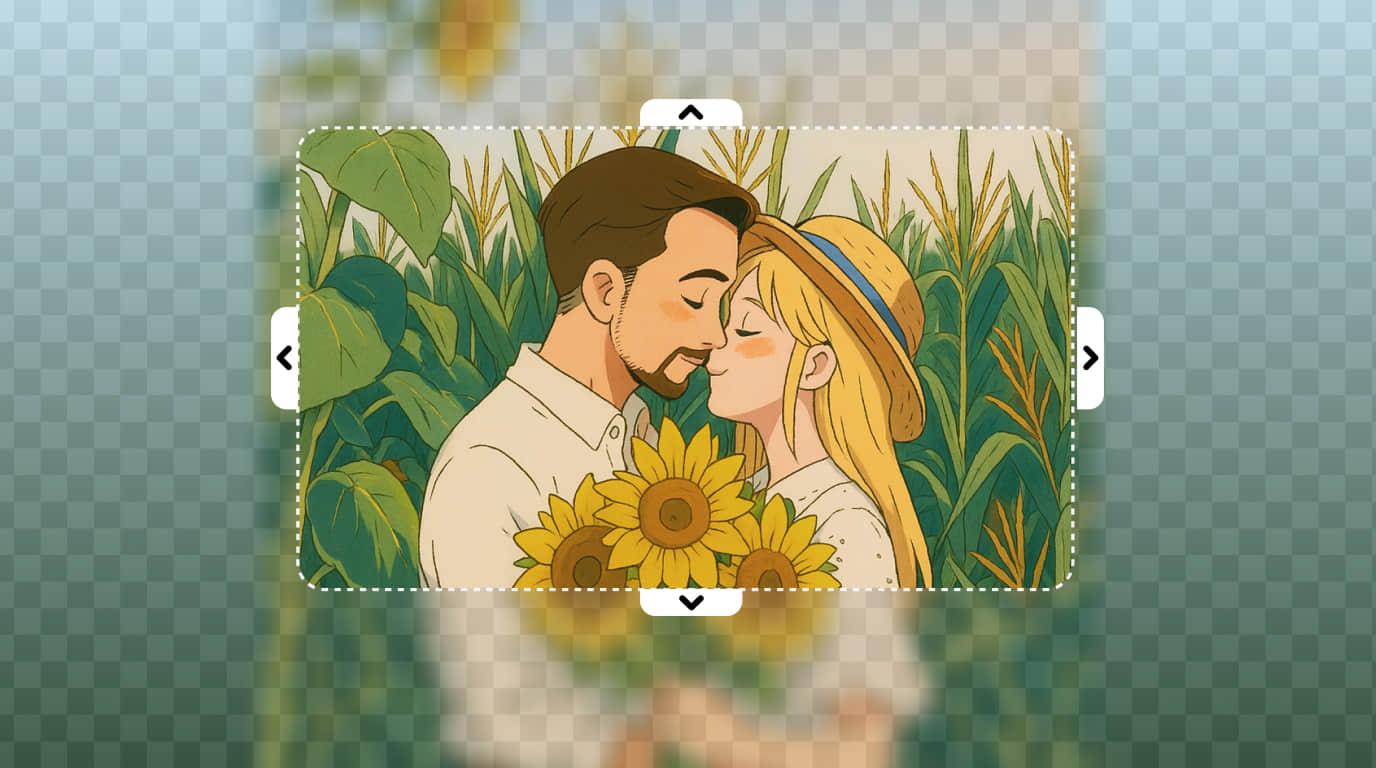
Use image editing tools to remove distractions, expand the frame, or refine the artwork into a thumbnail, banner, or final delivery asset.
Use cases
The page content is shaped around common illustration needs, from social assets to character-centric creative work.
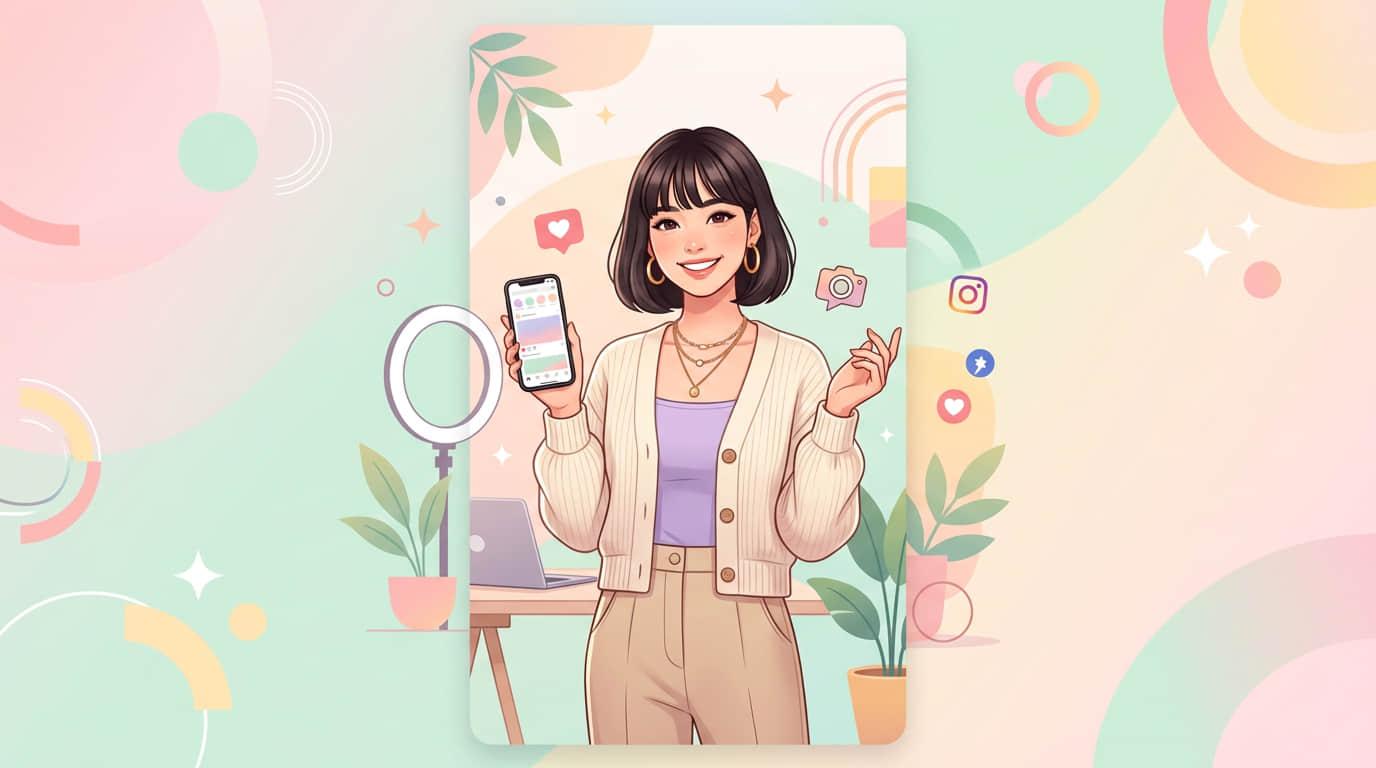
Create thumbnails, post covers, avatar illustrations, and visual hooks for short-form content with a recognizable style.
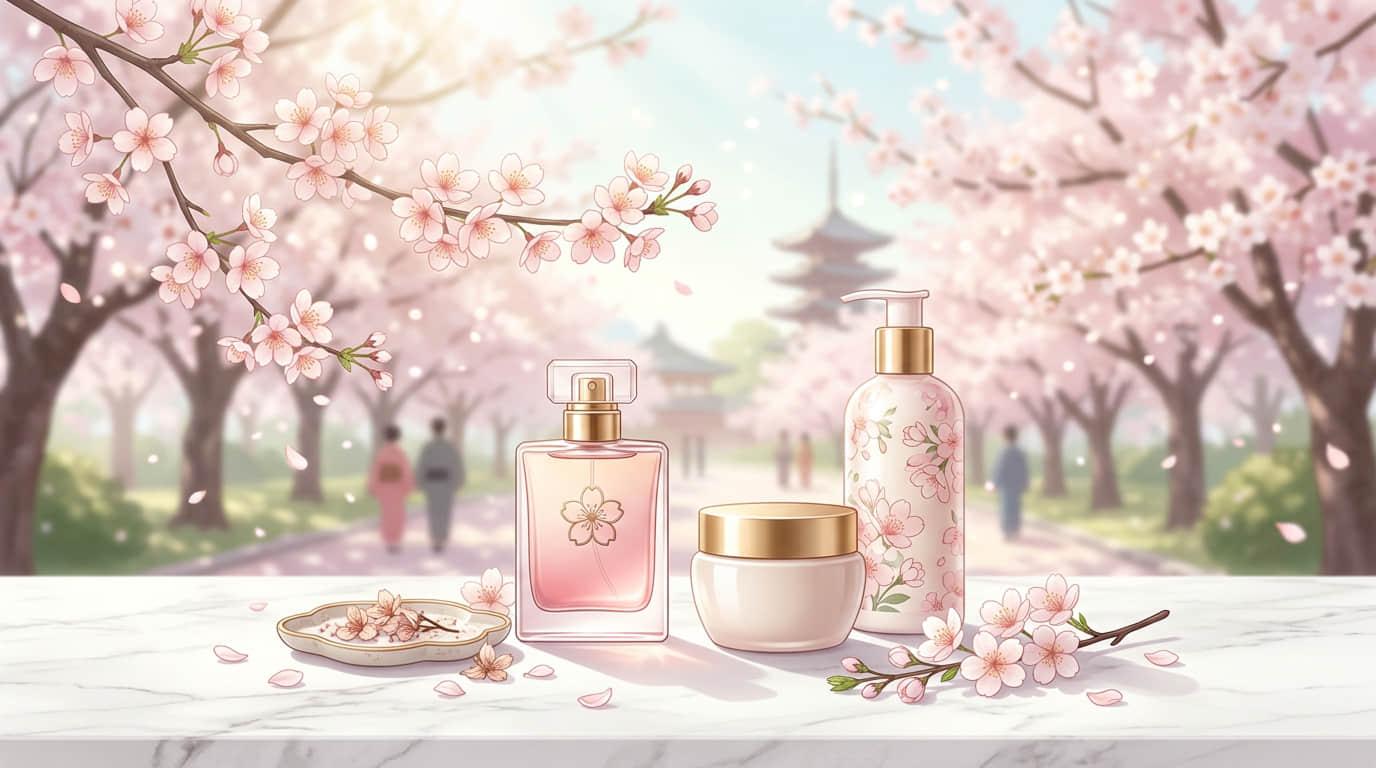
Generate campaign visuals, seasonal posters, and product storytelling art without waiting on a full external illustration pipeline.
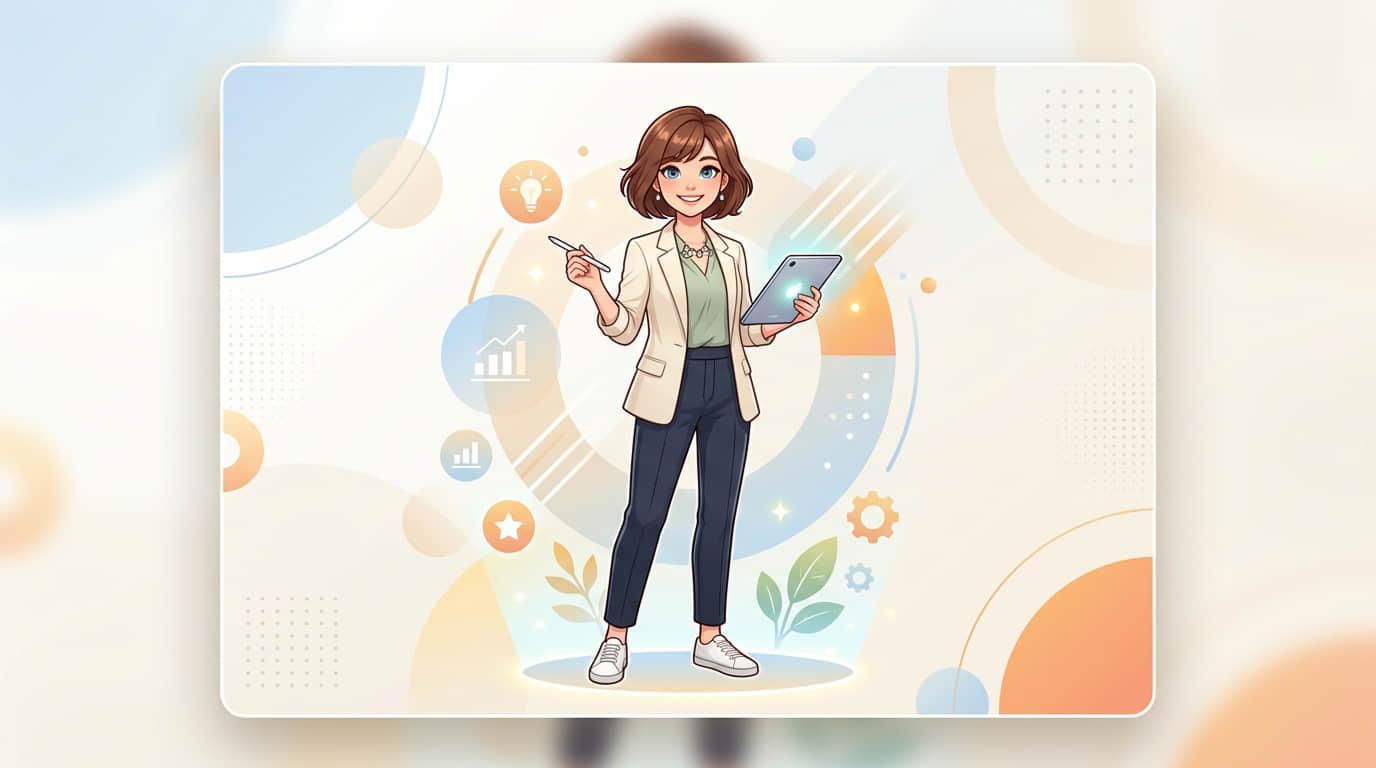
Test color moods, costume ideas, backgrounds, and character directions before moving into a more detailed production workflow.
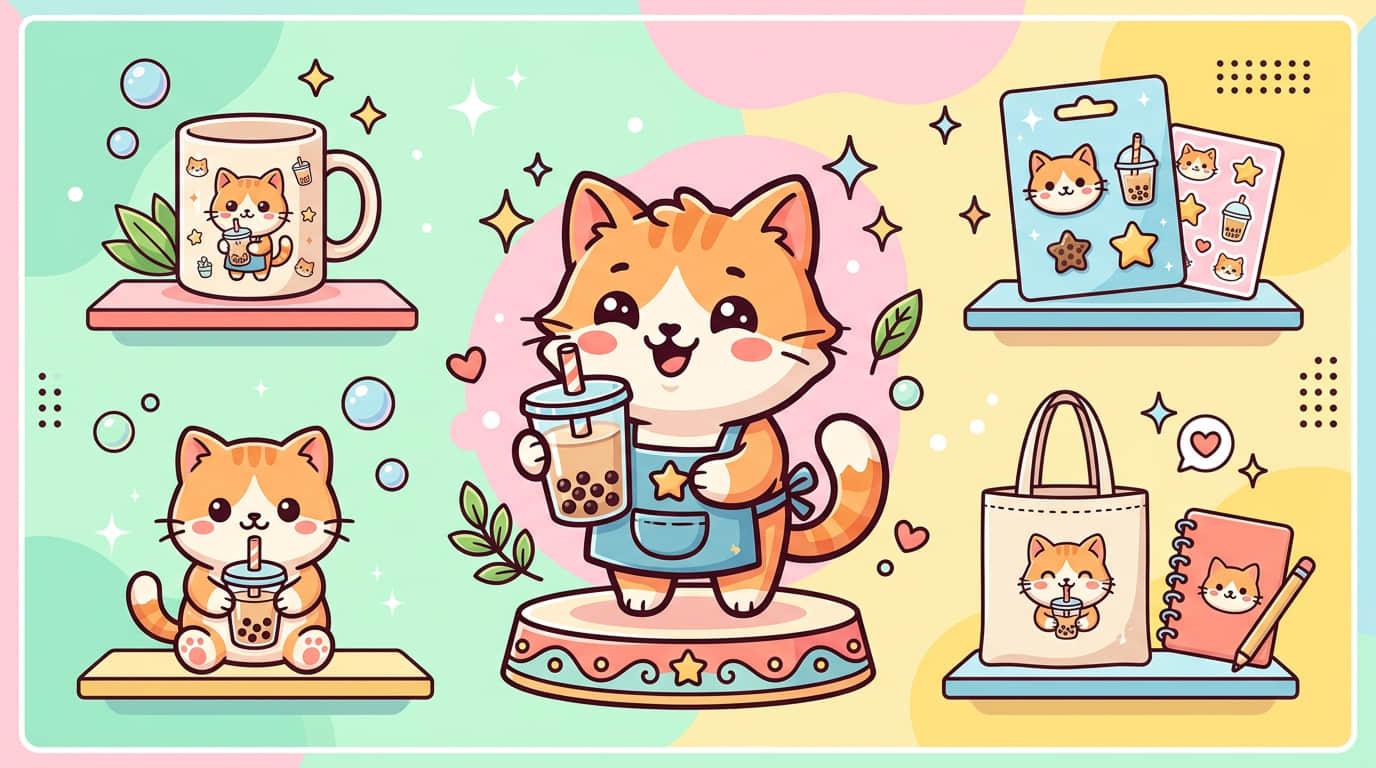
Turn original artwork ideas into poster visuals, sticker concepts, apparel graphics, and other print-friendly art directions.
Editing ecosystem
Collart already has image generation and editing workflows. This page guides users from the first illustration draft into practical refinement steps.
Start from a blank prompt and generate new illustration ideas for characters, scenes, key visuals, and posters.
Open toolUse an existing image as the base when you want stronger control over composition, silhouette, or character continuity.
Open toolClean up generated art by removing extra elements, visual clutter, or accidental objects before delivery.
Open toolExtend the illustration for banners, social crops, or print layouts without rebuilding the whole image from scratch.
Open toolSafety and usage
This section sets practical expectations for using AI-generated illustrations in personal or commercial creative work.
Use AI illustration generation for legitimate creative, editorial, and marketing purposes while avoiding harmful or infringing requests.
If an illustration is intended for commercial use, review your output carefully and confirm it fits your local legal and brand requirements.
Keep good drafts moving forward with targeted editing, so teams can reduce wasted prompt cycles and preserve strong ideas.
FAQ
Common questions from users who want anime-style, watercolor, and concept-style visuals for personal or business projects.
An AI illust generator is a tool that turns text instructions or reference images into illustration-style visuals. It can be used for anime art, watercolor scenes, posters, character concepts, and many other creative directions.
Yes. You can describe the target style directly in your prompt, such as anime, comic-inspired art, watercolor, sketch, fantasy, or poster art. The clearer the prompt, the easier it is to steer the result.
Include the subject, pose, background, lighting, color palette, and desired style. Instead of writing only 'girl illustration,' describe details like 'anime-style girl with blue hair, city lights, soft neon palette, cinematic composition.'
Yes. A reference image can help you keep a stronger direction for composition, character silhouette, color mood, or general layout while still generating a fresh result.
They may be useful for commercial projects, but you should still review the final output carefully and make sure it matches the legal, platform, and brand requirements for your market and use case.
After the first pass, you can refine the result with image-to-image workflows, remove unwanted elements, expand the canvas for new aspect ratios, or turn the illustration into a deliverable asset for content and design.
Start now
Move from prompt to final visual with Collart's image generation and editing flow for social content, posters, character art, and more.