Dance from reference video
Upload a motion clip so timing, footwork, and rhythm follow a real performance instead of guessing with text alone.
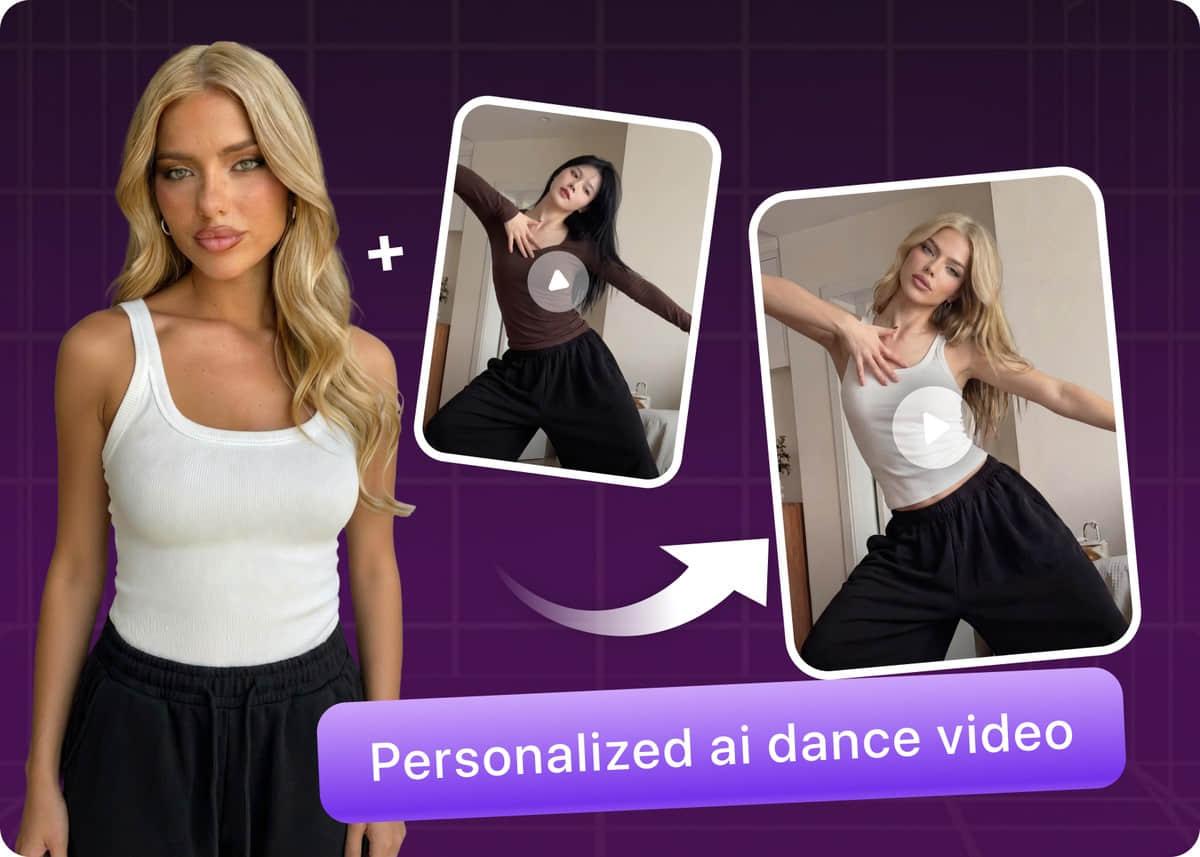
Motion Sync · AI Dance
From a simple prompt or still character to a full dance performance—in seconds.
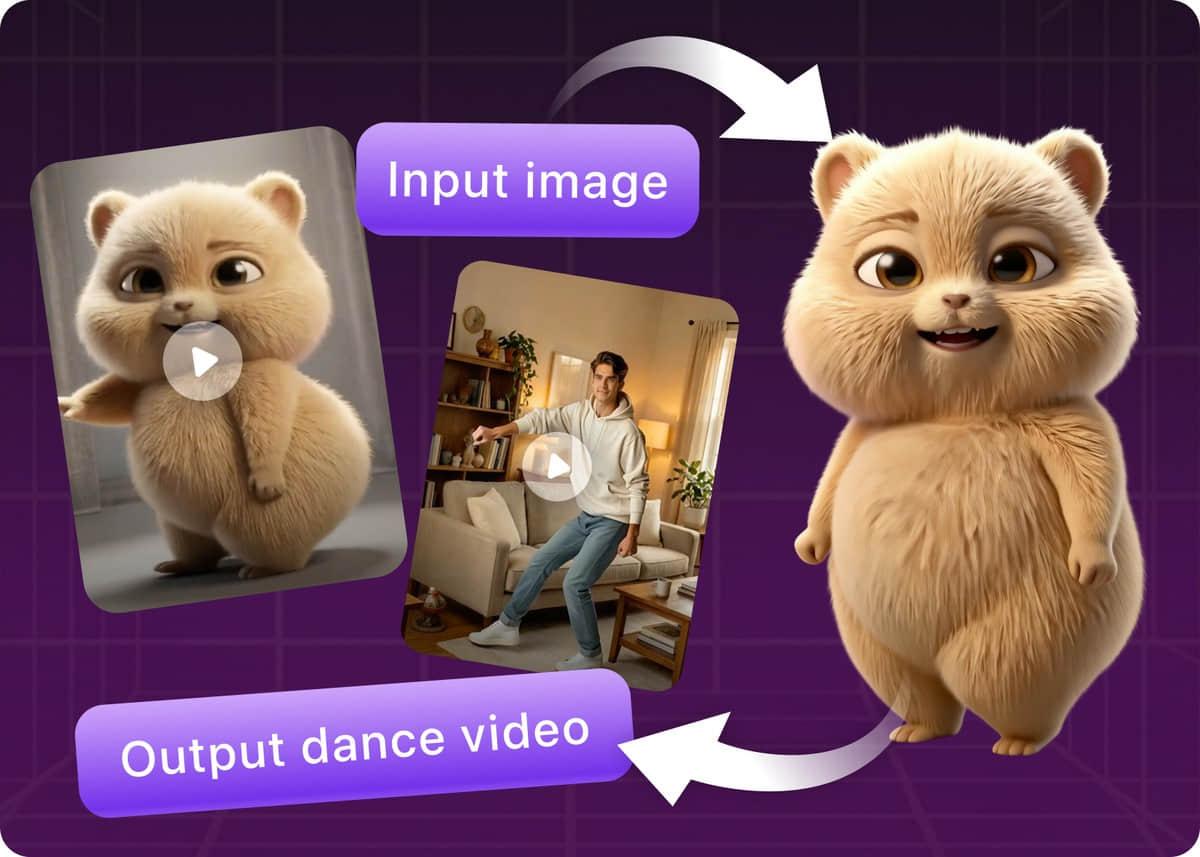
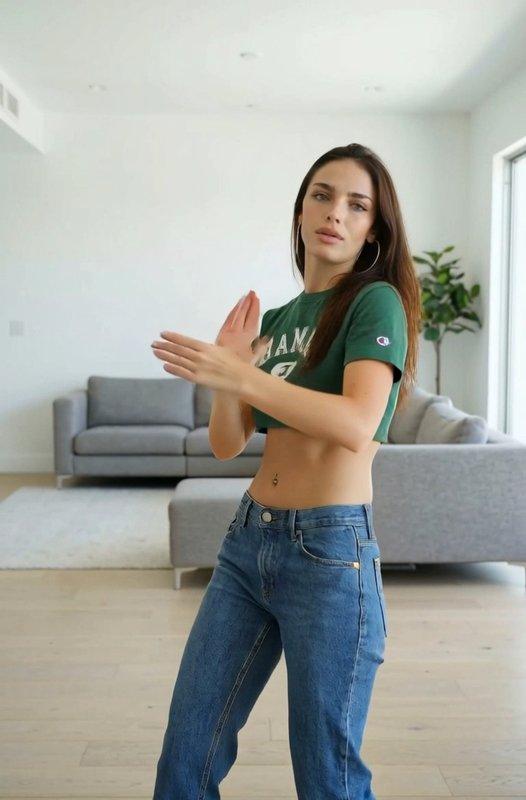
Motion Sync turns your character image into choreography that follows a reference video.
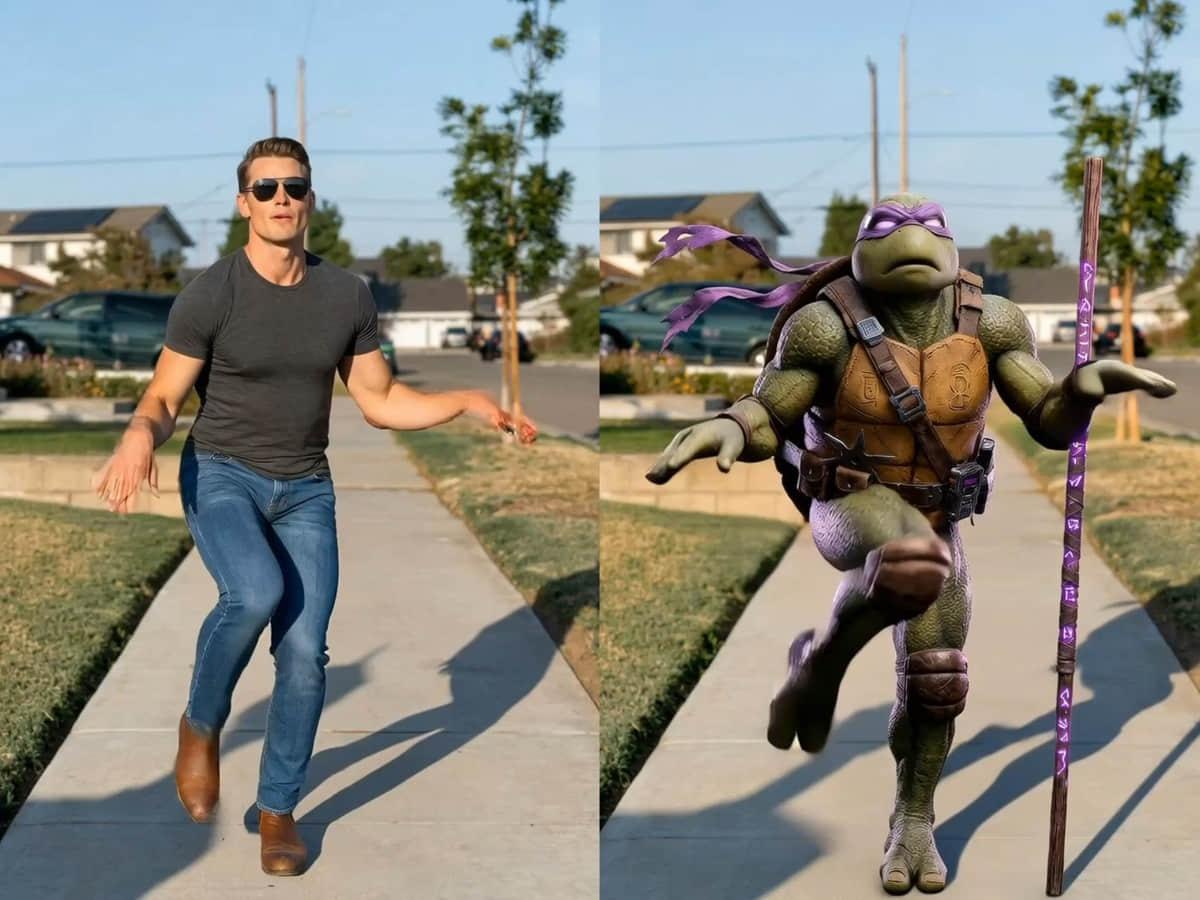
Workflow
Three quick steps from upload to share-ready clip.
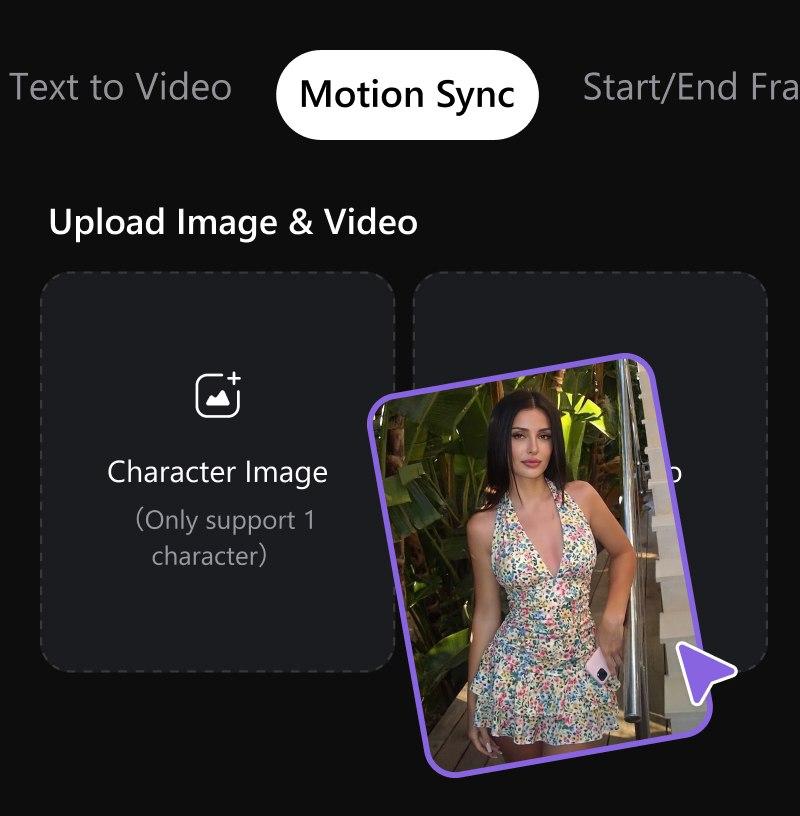
Add a clear character image
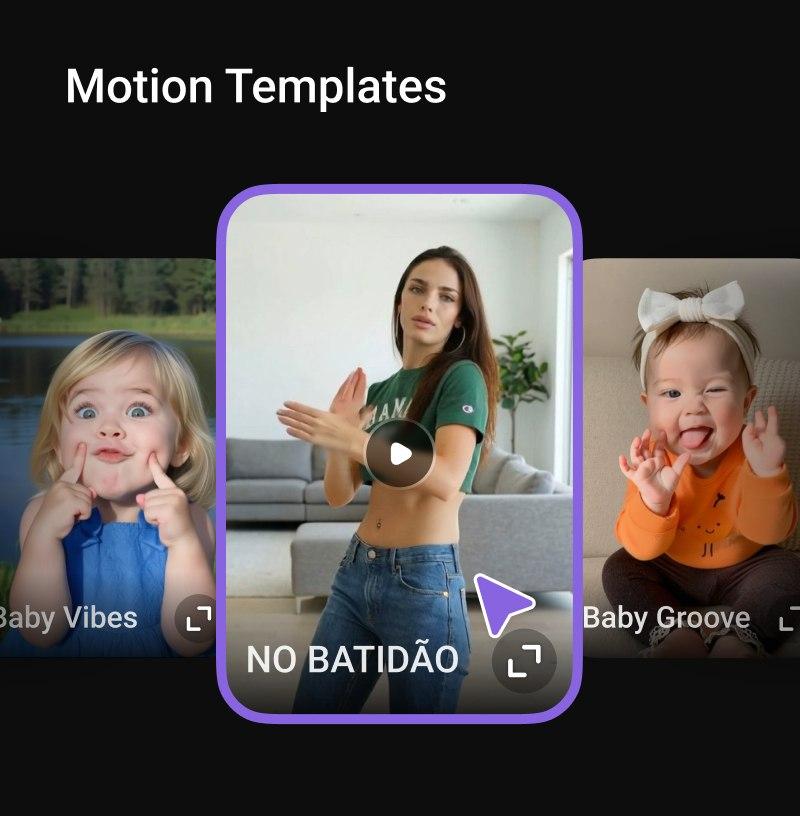
Upload a dance or motion reference video (or choose a template)
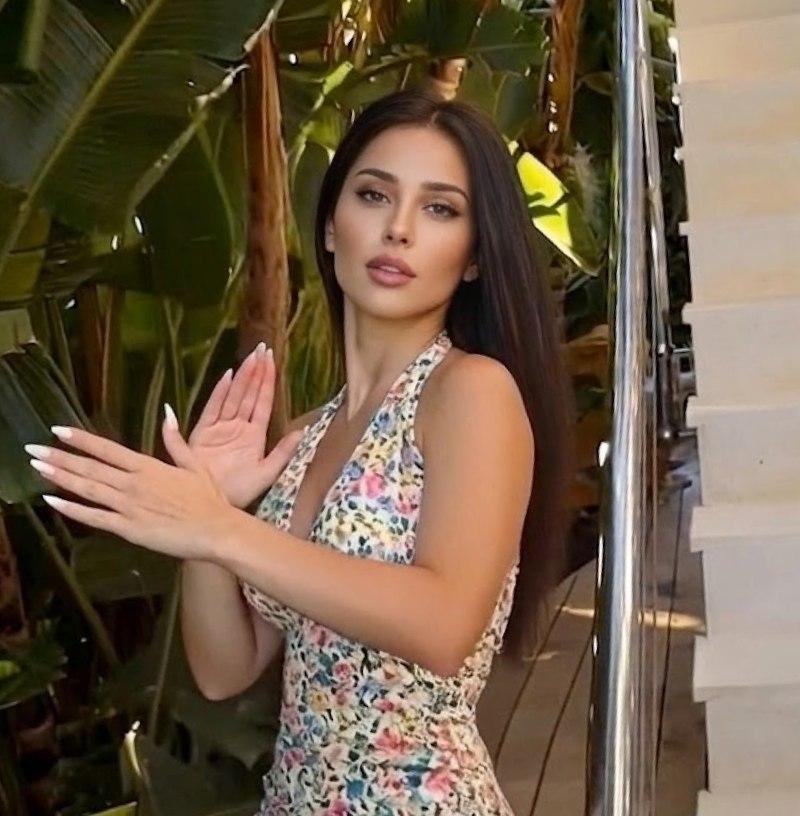
Automatically align the motion to the character and render a clip for instant viewing
Interactive preview
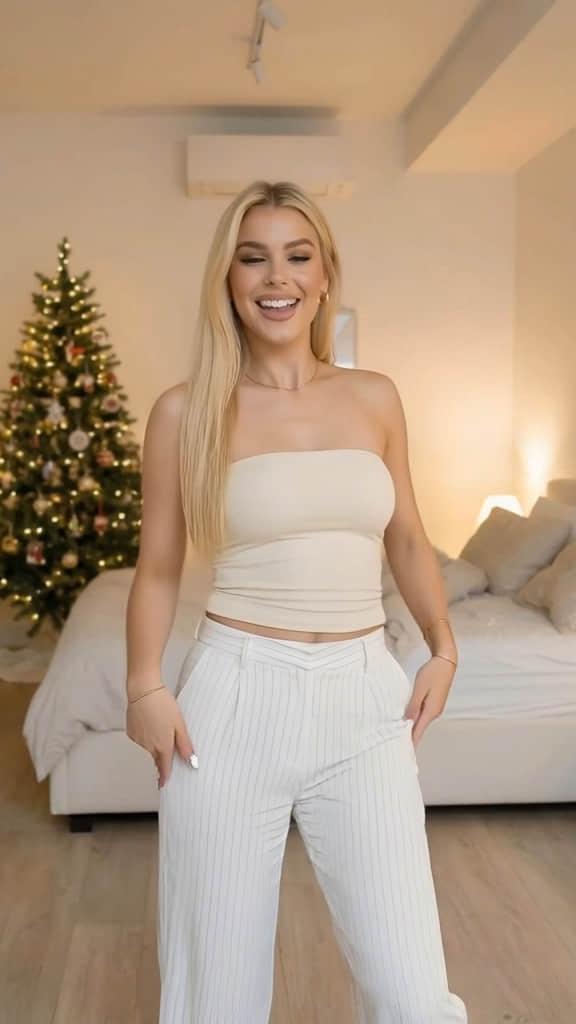
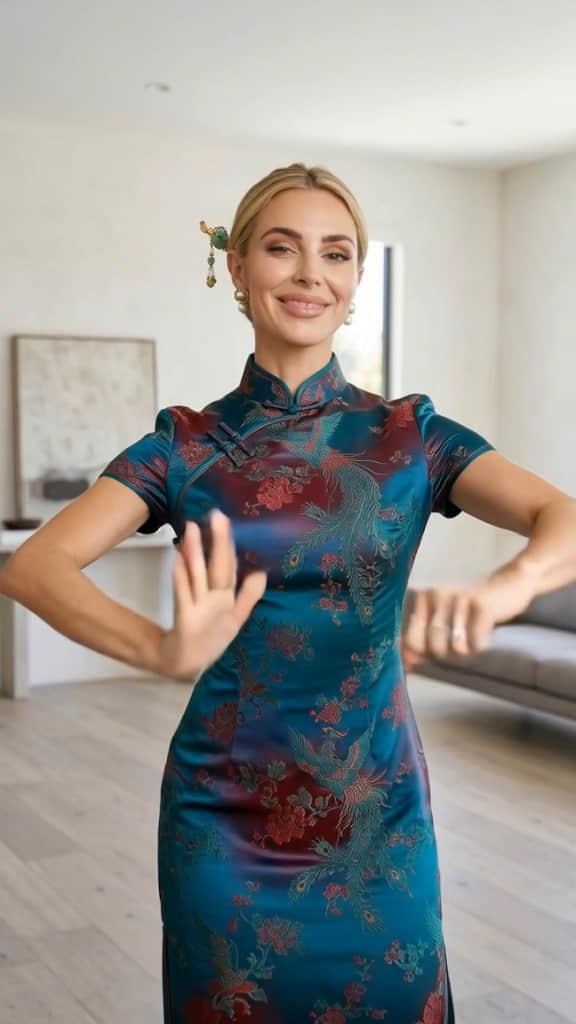
Tap a style chip to compare reference motion previews—then open Motion Sync to add your character.
Capabilities
Motion Sync focuses on performance transfer: your character follows real dance references and templates.
Upload a motion clip so timing, footwork, and rhythm follow a real performance instead of guessing with text alone.
Swap templates to try new choreography without filming new references every time—ideal for fast iteration.
Exports are tuned for TikTok, Reels, and Shorts with a workflow that stays in the browser.
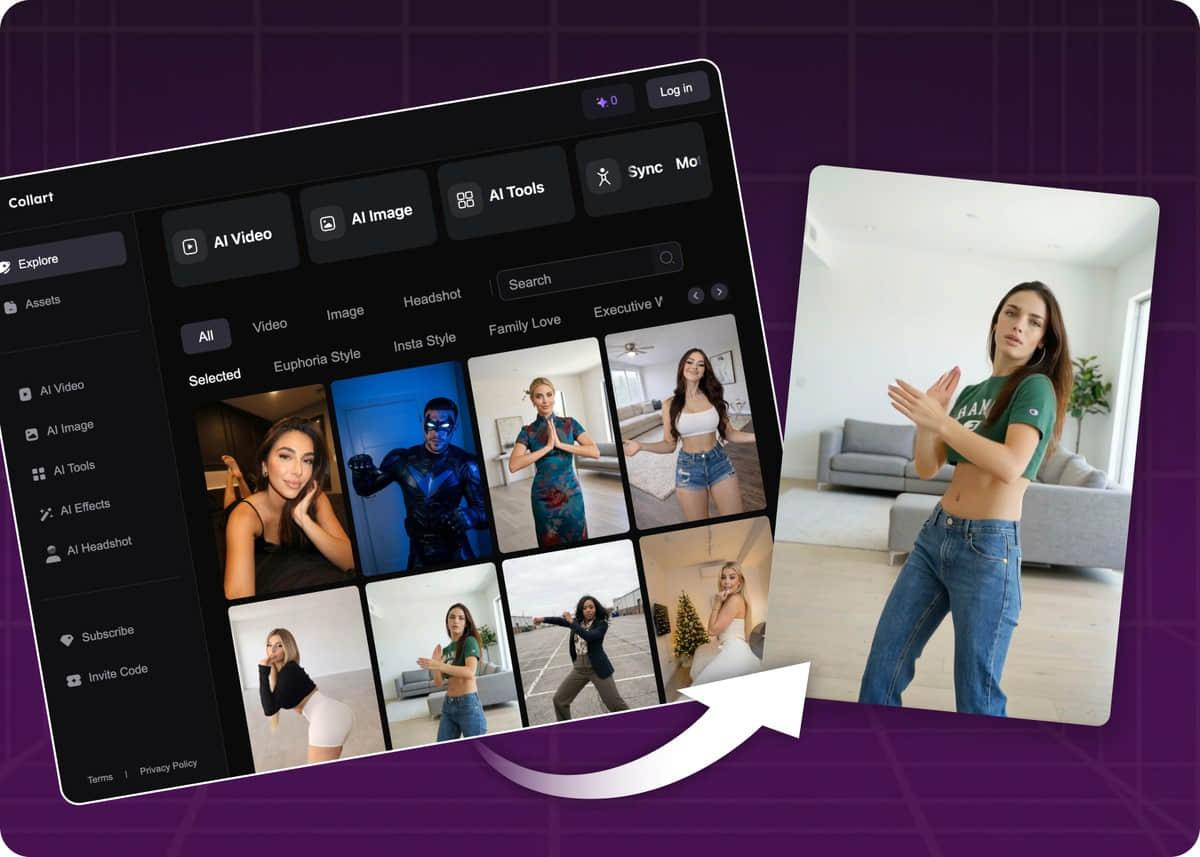
Duplicate takes, change references, and compare outputs without reconstructing a traditional edit timeline.
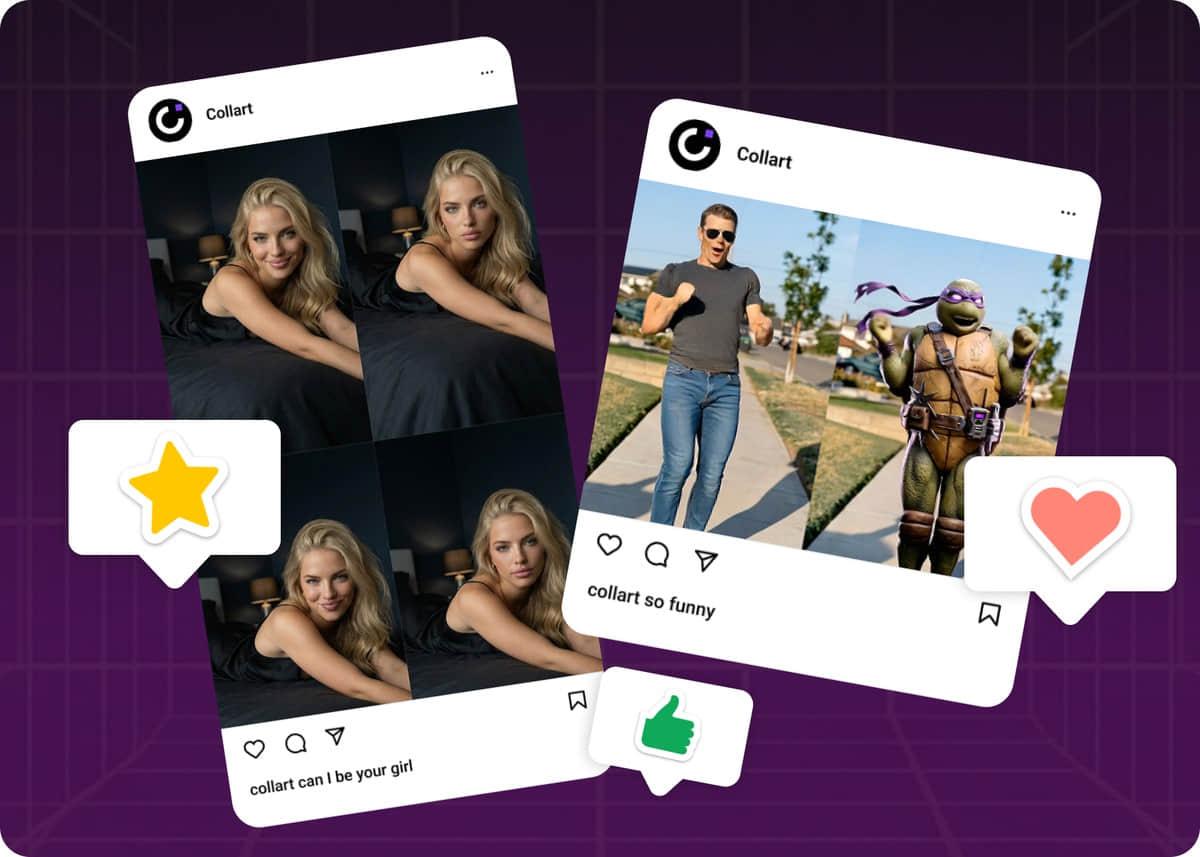
Templates
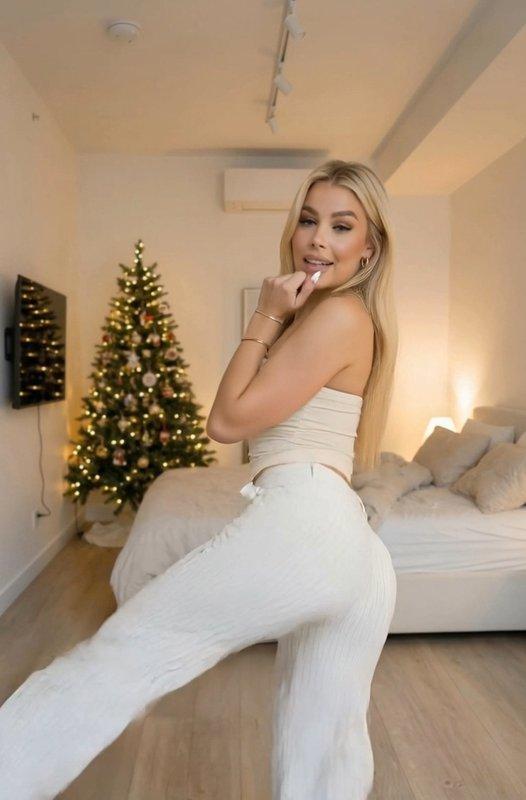
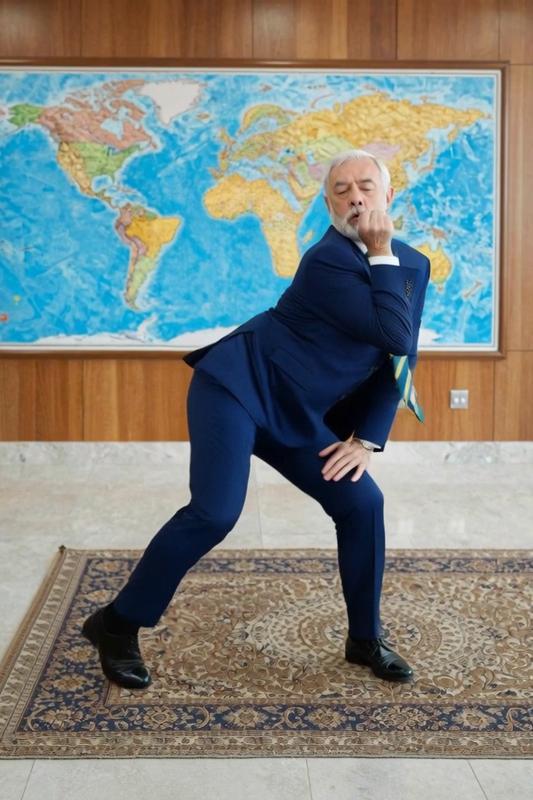
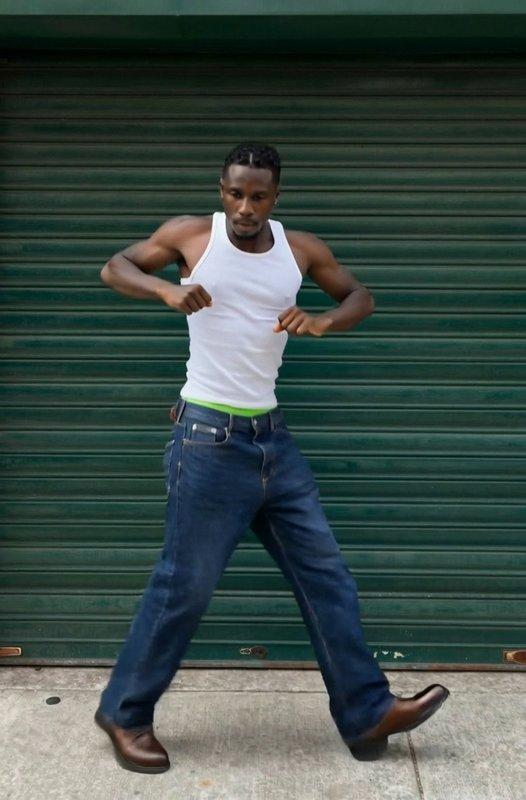
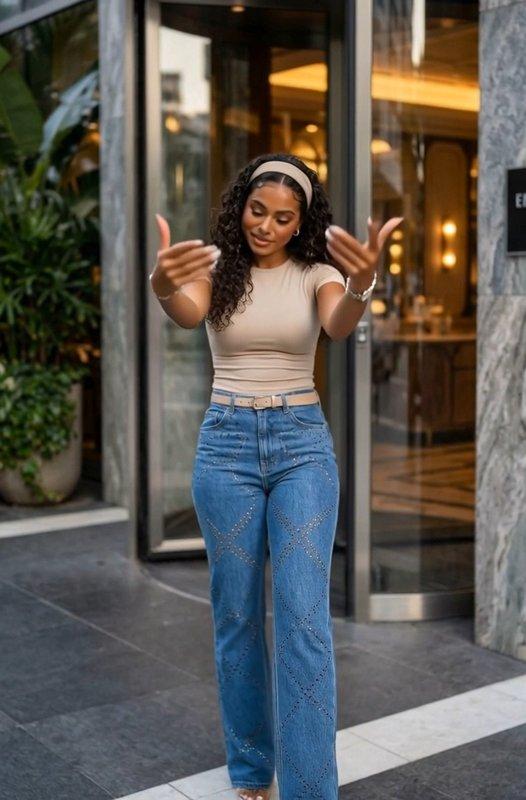
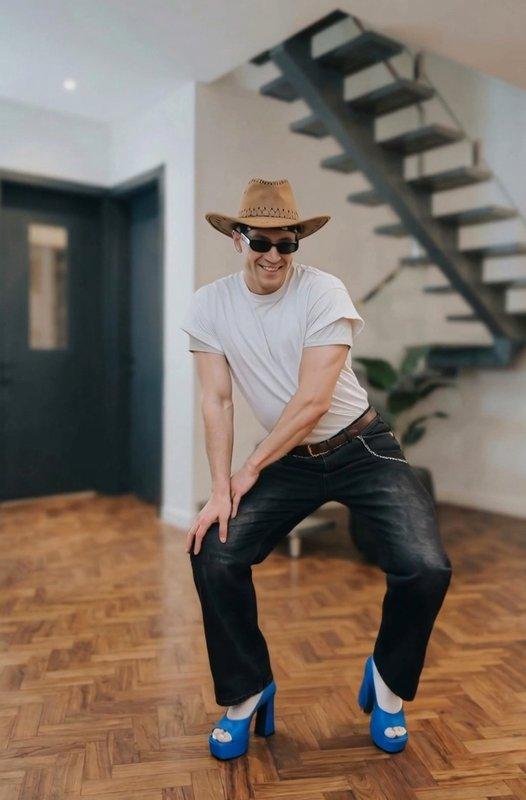
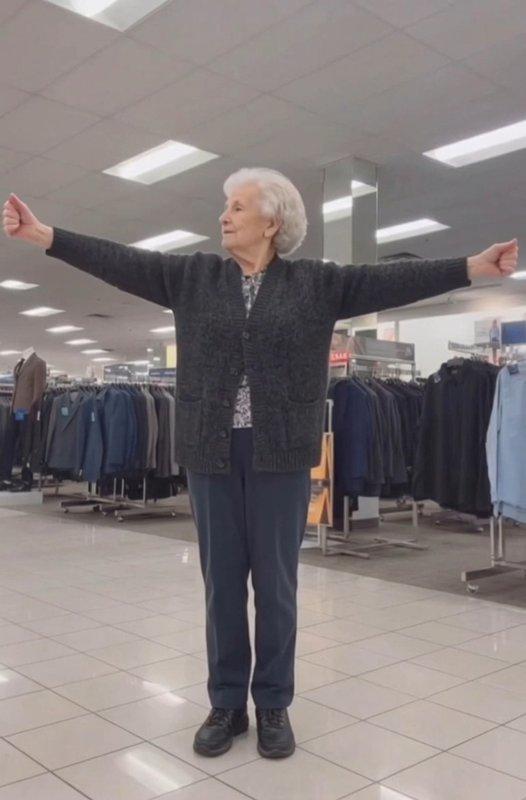
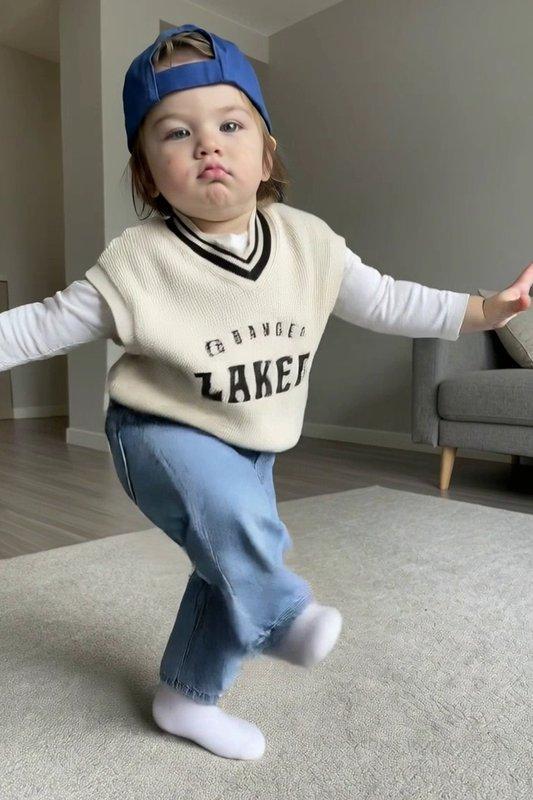
Preview clips from the same library you can use inside Motion Sync after you add a character.
Common questions
Motion Sync and AI Dance on Collart
No. You provide a character image and a reference motion video (or pick a template). Collart handles alignment and rendering.
Results depend on your reference clip and prompts—K-pop style, hip-hop, contemporary, stylized anime-like motion, and more are all possible when the reference supports it.
Yes. Use a clear half-body or full-body image with a single subject for best results, and match orientation to your motion reference when possible. For reference clip length, follow the limits shown in the Motion Sync editor—shorter, continuous motion usually behaves more reliably.
Yes. Export share-ready clips and post to short-form platforms or music promos according to your plan’s usage terms.
Motion Sync pairs a still character with a dedicated motion reference so choreography and timing follow your clip—not generic camera-only image-to-video. Built-in templates help you iterate without hunting for new references every time, and exports are tuned for vertical short-form.
Upload a clear character image, add a reference dance video or pick a template, refine the optional prompt, generate and preview, then export for TikTok, Reels, Shorts, or other campaigns.
Why Collart
Motion Sync pairs a still character with dedicated motion so dance intelligence stays in the loop.
Choreography follows your clip or template—not generic camera pans.
Curated dances help you ship when you do not have a fresh reference handy.
Best results with one readable character and continuous motion.
Swap references while keeping the same character plate.
Vertical-friendly output for social and music promos.
Open Motion Sync, add your character, and follow the beat of your reference motion.