01 / Disenyo • Pagbuo
Paglikha ng Disenyo gamit ang AI
Gumagawa ng graphics, illustrations, at brand assets na may malinis na composition.
Tumutulong ang Recraft AI Design Generator na gumawa ng vector-ready graphics, icons, mockups, at brand assets na may editable outputs, style control, at malinis na visual structure para sa marketing, branding, at product design.
01 / Disenyo • Pagbuo
Gumagawa ng graphics, illustrations, at brand assets na may malinis na composition.
02 / Vector • Precision
Gumagawa ng scalable vectors, icons, logos, at editable design assets.
03 / Mockup • Branding
Gumagawa ng product mockups, packaging previews, at brand presentation visuals.
04 / Pag-edit • Workflow
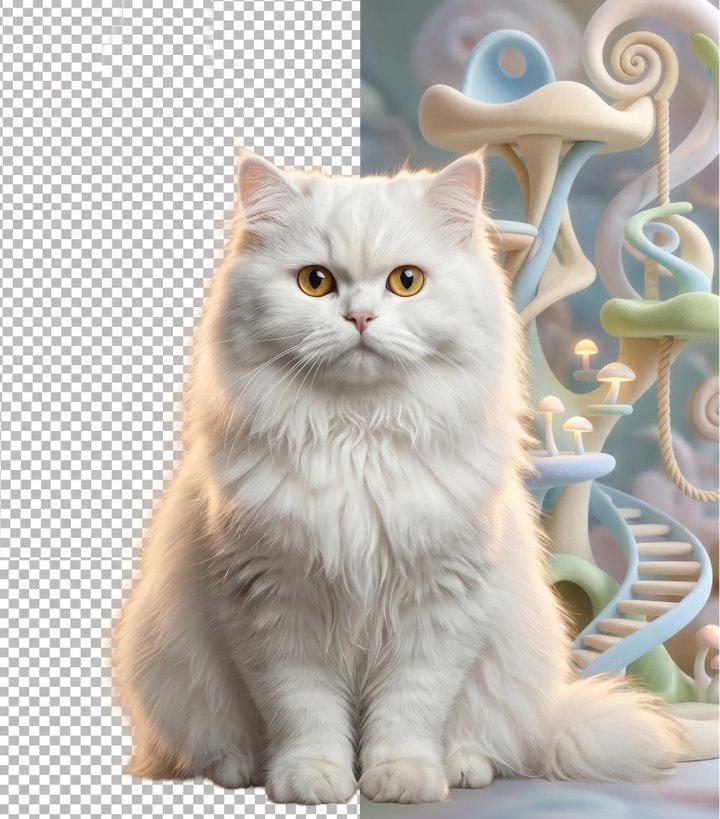
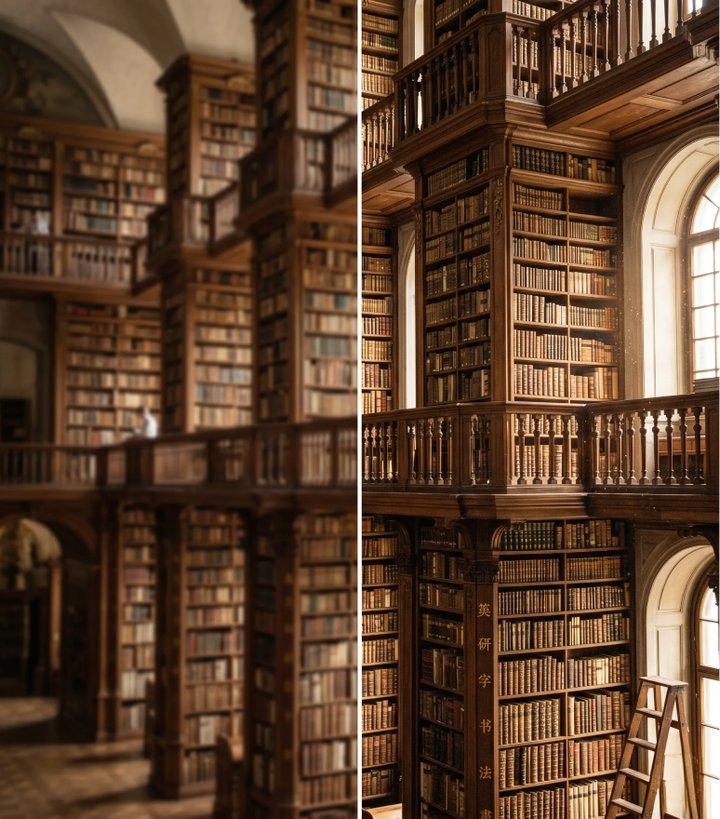
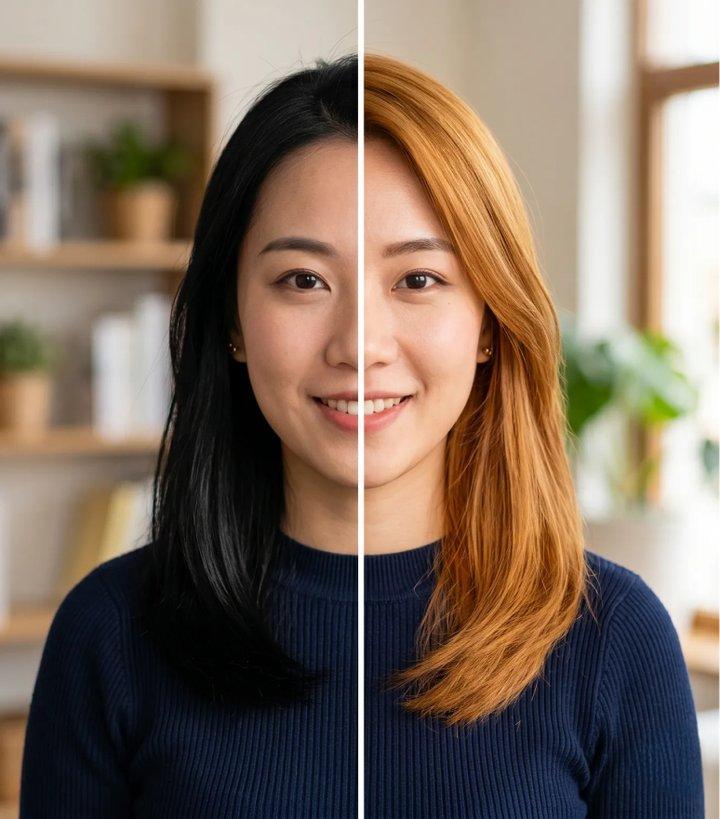
Supported ang background removal, image refinement, upscaling, at recoloring.
Tumutulong ang Recraft AI na gumawa ng design assets gaya ng illustrations, branding graphics, posters, at marketing visuals na may malinis na composition, balanseng layouts, at consistent na style.
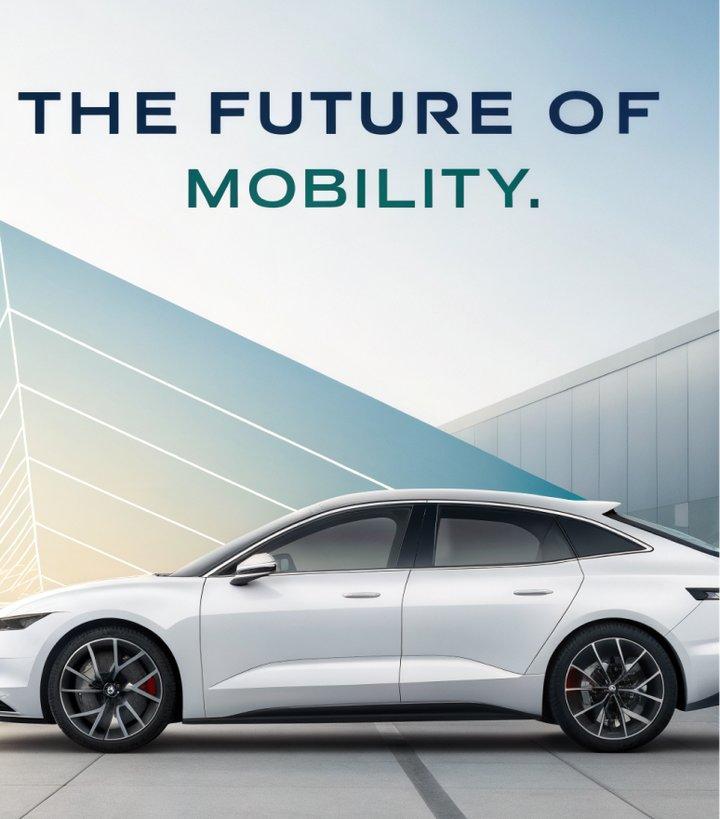
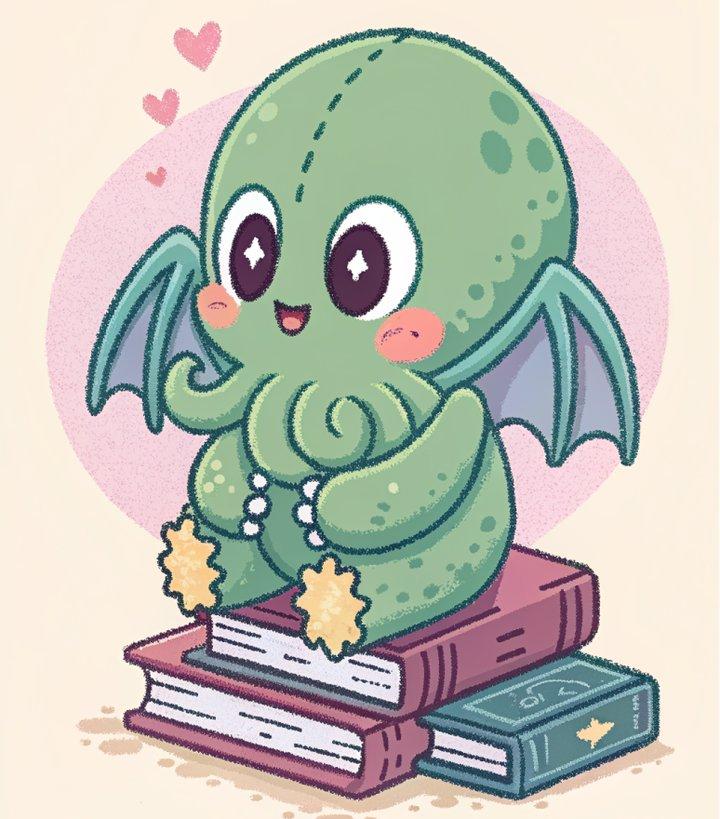
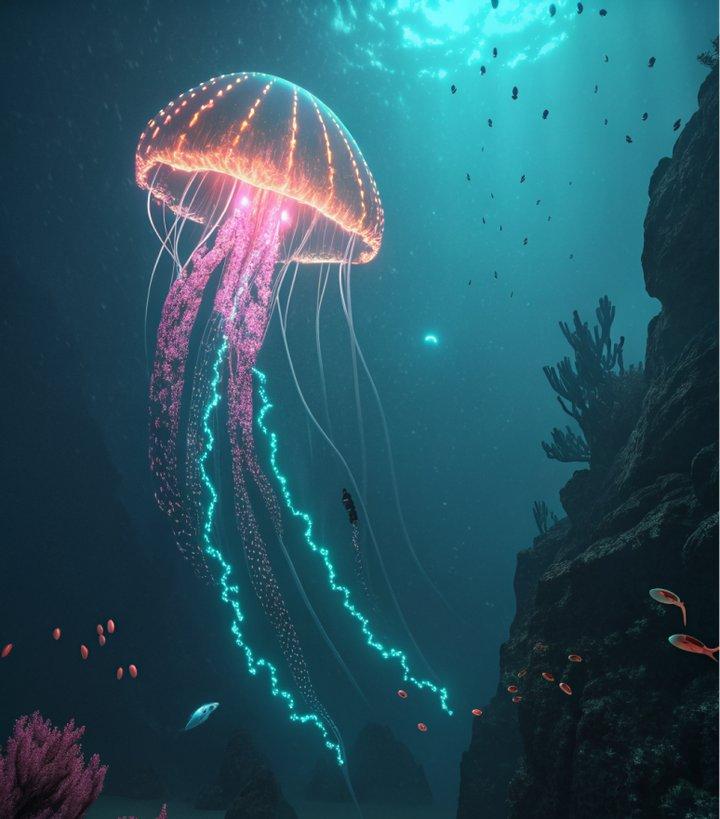
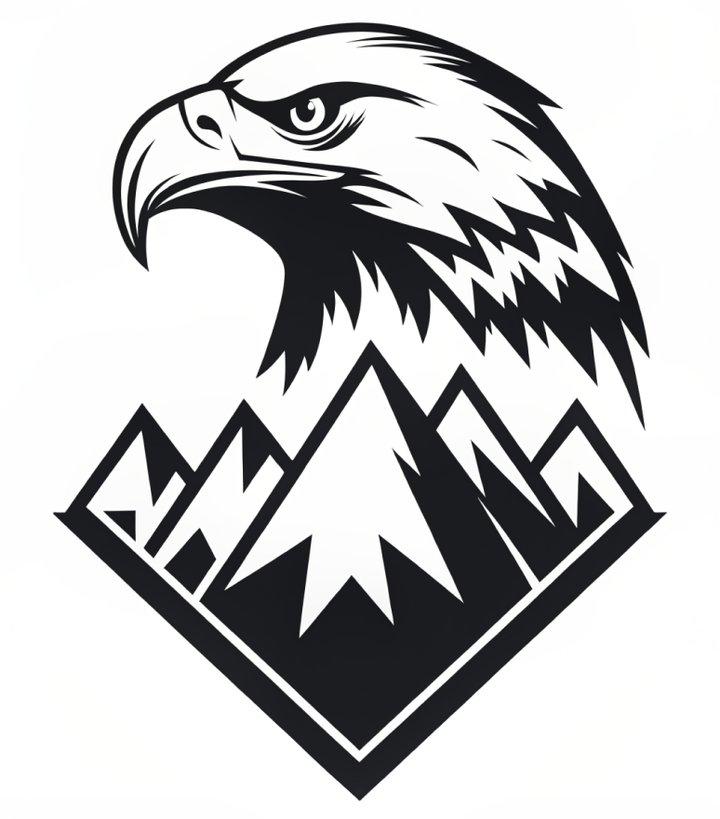
Supported ng Recraft AI ang vector-style generation para sa scalable icons, logos, illustrations, at editable graphic assets, kaya kapaki-pakinabang ito sa brand systems at design production.

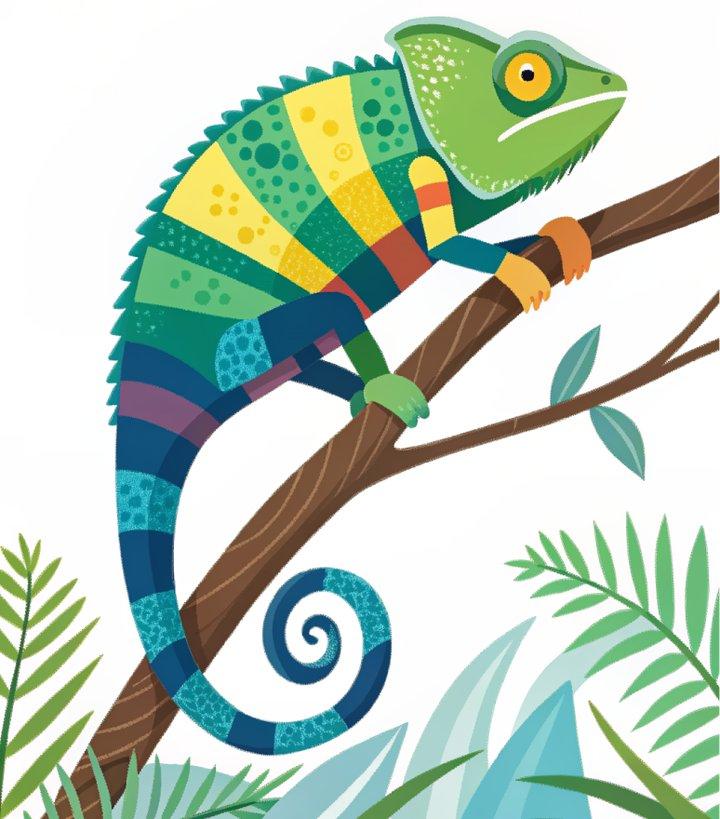
Kayang gumawa ng Recraft AI ng product mockups, packaging previews, branded merchandise, at marketing visuals para mas efficient na maipakita ng teams ang brand concepts.
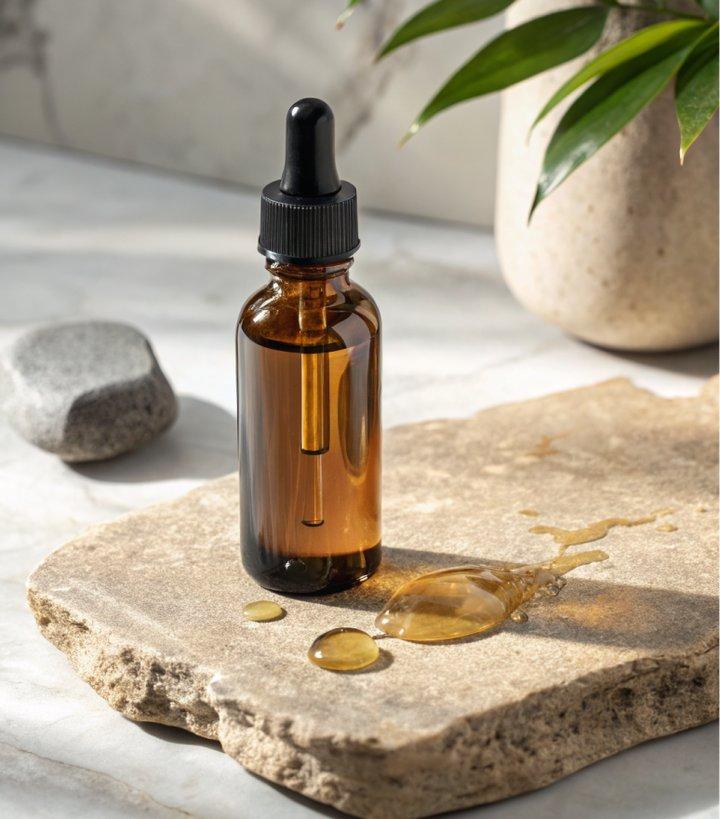
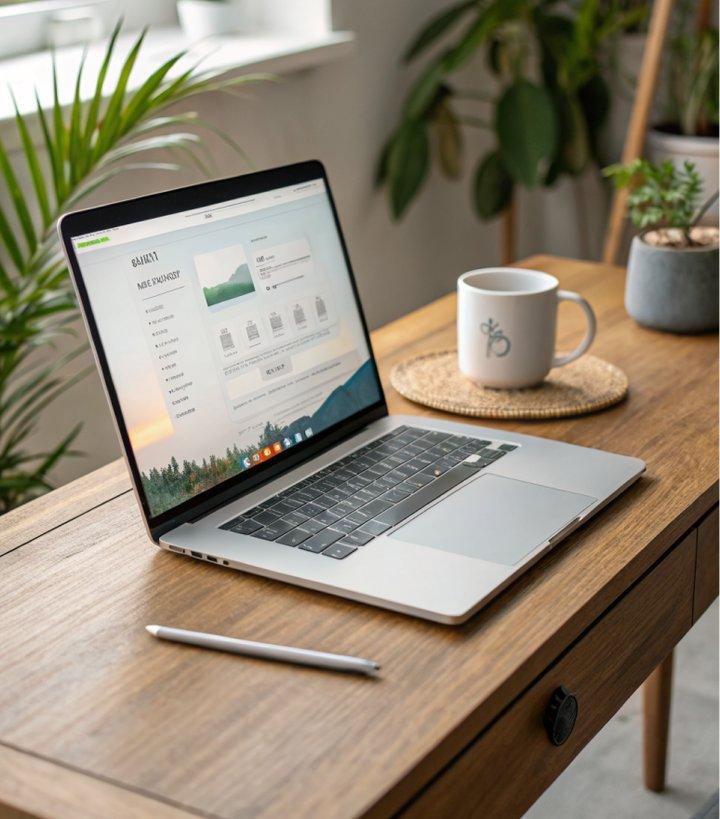
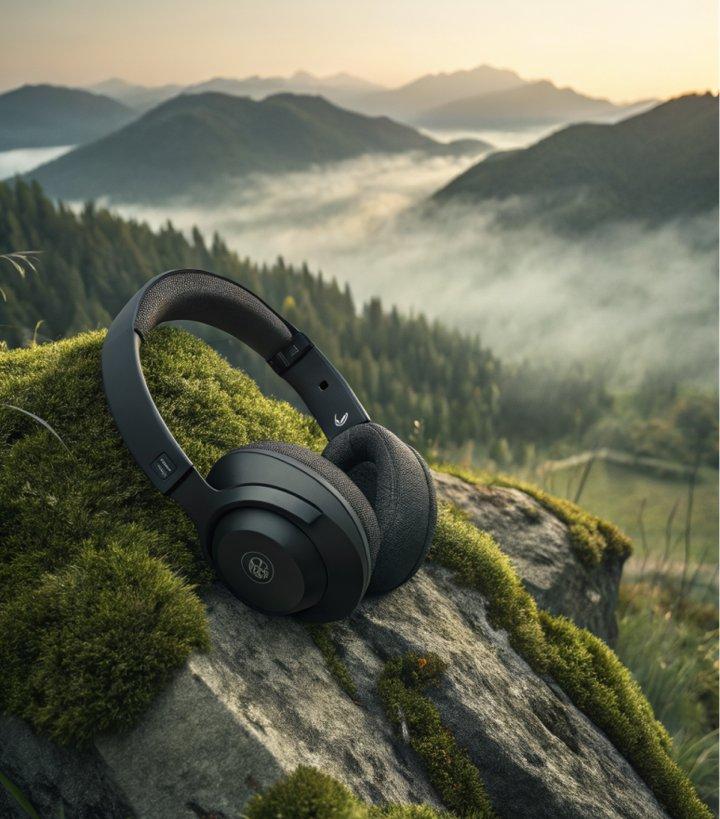
Supported ng Recraft AI ang editing features gaya ng background removal, image enhancement, upscaling, recoloring, at visual refinements para sa mas mabilis na design iteration.
Step 1
Pumunta sa Collart AI image generator at piliin ang Recraft sa model dropdown menu.
Step 2
Ilarawan ang image na gusto mong gawin at i-configure ang customization settings mo.
Step 3
I-click ang 'Generate' at maghintay lang ng ilang segundo para ma-download ang image mo.