ヒント:

見たいものを記述してください — 被写体、スタイル、雰囲気、色、詳細を含めてください。

0/1500
クレジット詳細: 30
1

画像から動画

Kling
Minimax
Wan
PixVerse
Grok

Collart の画像から動画への変換機能で、動きのプロンプトを使って写真を動かせます。動画モデルを選び、利用可能な設定を調整して、ダウンロード前に結果を確認しましょう。ポートレート、商品写真、風景写真から始められます。

主な機能

画像から動画への変換で、静止写真を短い動画にできます。被写体の動きとカメラの追い方を指定し、生成されたアニメーションを確認しましょう。

画像から動画への変換の使い方

  1. 画像をアップロード

    鮮明な JPG または PNG をアップロードして、画像から動画の制作を始めましょう。主な被写体がはっきり見え、意図した動きに十分な余白がある画像を選びます。

    画像をアップロード
  2. 動きを指定して生成

    画像から動画を生成するプロンプトに、被写体の動作とカメラの動きを記述します。モデルを選択し、そのモデルで利用できる長さと解像度を設定します。 画像から動画の生成を始める前に、表示されるクレジット消費量を確認してください。待ち時間はモデルや待機状況によって異なるため、送信前に設定を見直しましょう。

    動きを指定して生成
  3. 確認してダウンロード

    画像から動画への変換結果を最初から最後まで再生します。顔、手、商品の細部、カメラの動きを確認し、納得できたら動画をダウンロードしましょう。

    確認してダウンロード

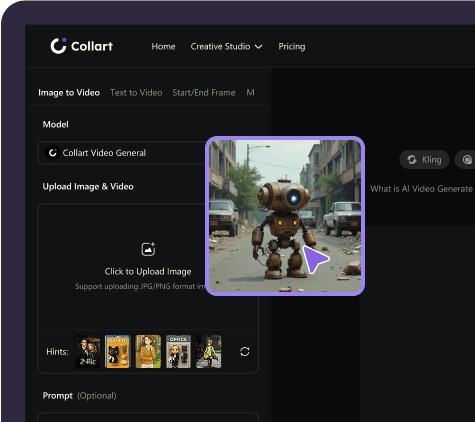
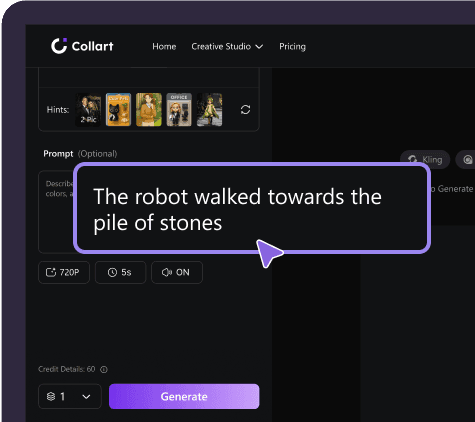
操作画面のイメージです。現在のモデル、設定、クレジット消費はエディターでご確認ください。

画像から動画への変換の実例

全身のターン、商品の水しぶき、海岸の岩のアーチをくぐる飛行という、画像から動画への変換例を比較できます。元画像と生成結果を並べて見た後、元の動作プロンプトを開いてみましょう。

人物:全身のターンとスカートの動き

全身写真がダンス動画に変わります。人物が前に踏み出して回転すると、スカートが大きく広がり、自然に落ち着きます。カメラは全身を捉えながら動きを追います。元画像には動作の余白を設け、生成後は顔、足元、服の変化を通して確認しましょう。
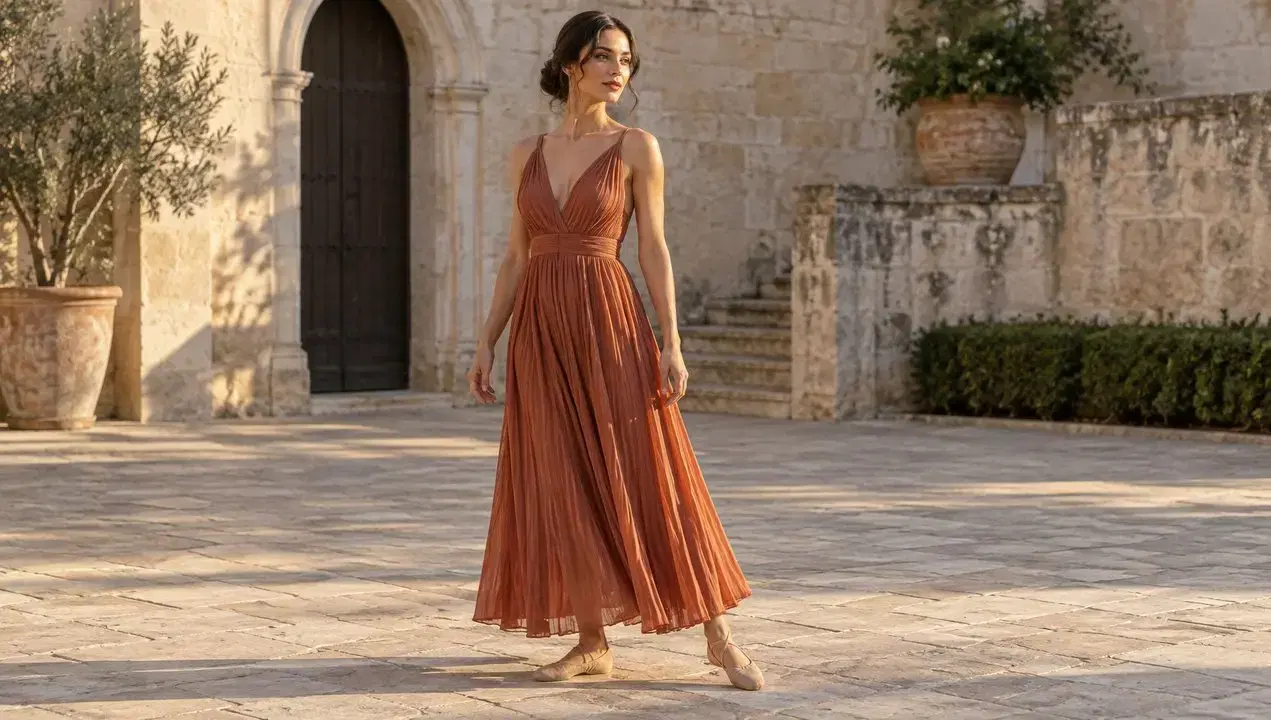
元画像
人物:全身のターンとスカートの動き — 元画像
生成動画
元のプロンプト(英語)

Animate the supplied image into one continuous eight-second fashion dance shot. Keep the same adult woman, dress, courtyard and lighting. During seconds 0–2 she takes two confident steps forward and opens her arms outward below shoulder height. During seconds 2–6 she performs one complete, clearly readable full-body turn, with the pleated skirt opening into a broad flowing shape and the dress fabric following her momentum. During seconds 6–8 she finishes with a balanced step, faces the camera, and lets the fabric settle naturally. Show believable weight transfer and feet contacting the ground. Keep her entire body in frame. The camera tracks slightly backward to preserve headroom and full-body framing, following with a smooth modest arc, without cuts or zoom jumps. Native audio: light footsteps and fabric swishes timed to the movement, quiet courtyard ambience, no speech or music. Preserve her appearance and garment construction; no extra people or limbs.
商品:水しぶきで動きを演出

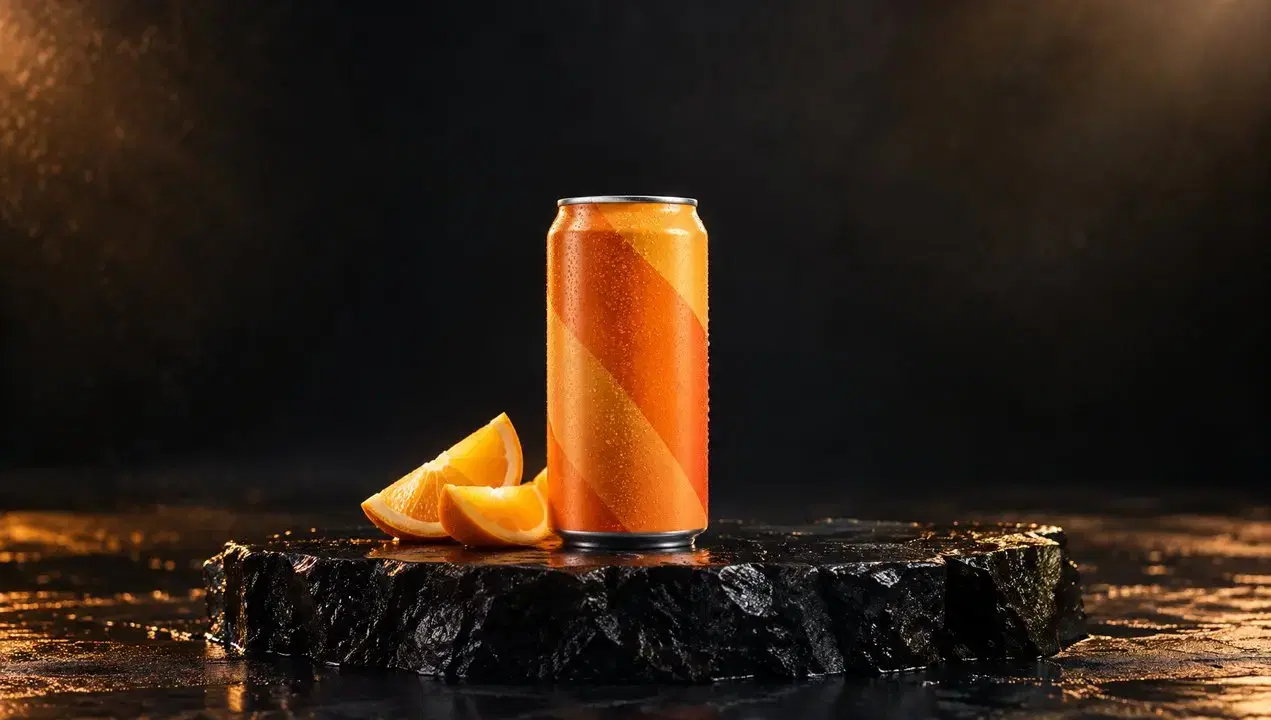
オレンジ色の飲料缶の周りで水がはじけ、しずくが濡れた台に落ちて静まります。缶を視線の中心に保ちながら、水しぶきが映像に躍動感を加えます。商品写真を動画にする際は、主な動きを一つ指定し、公開前にパッケージ、輪郭、水の動きを確認しましょう。

元画像
商品:水しぶきで動きを演出 — 元画像
生成動画
元のプロンプト(英語)

Create one continuous eight-second premium beverage commercial from the supplied image. Keep the exact can shape, orange geometric packaging, upright position and supporting surface. A broad sheet of clear water enters from behind the can during seconds 0–2. During seconds 2–5 it sweeps in one dramatic curved splash behind and around the lower sides of the can; bright droplets separate and fall under gravity. Keep the front of the product readable and its outline visible. During seconds 5–8 the remaining droplets land on the wet plinth and the water settles. The camera makes one smooth approximately sixty-degree orbit and finishes slightly closer to the product. The can stays planted; the orange wedges remain in place. Native synchronized splash and falling-droplet sounds, no speech or music. No cuts, no additional cans, no morphing packaging, no generated text.

風景:海岸の中を飛び抜ける

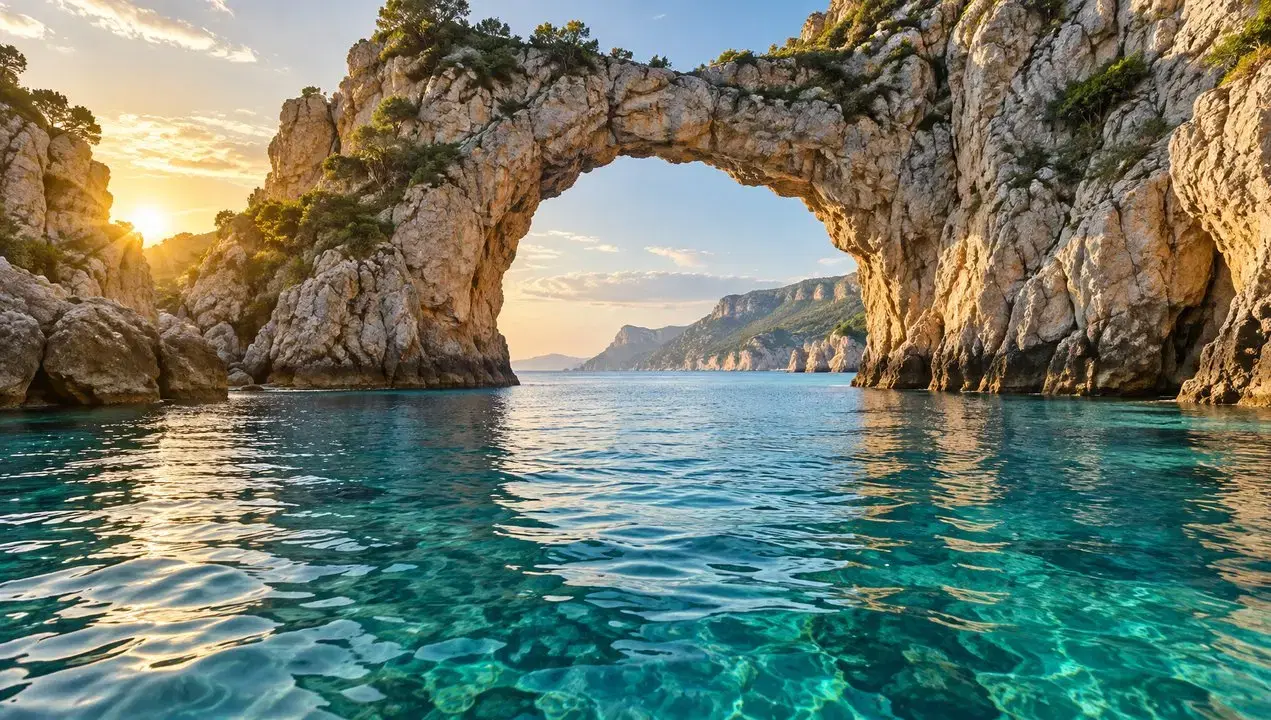
カメラが水面すれすれに進み、岩のアーチをくぐって、広い海岸の景色を映します。手前の岩がレンズのそばを通り、静止画が空間を巡る映像に変わります。進路と奥行きが明確な画像を選び、風景のつながりを確認しましょう。

元画像
風景:海岸の中を飛び抜ける — 元画像
生成動画
元のプロンプト(英語)

Animate the supplied landscape into one continuous eight-second cinematic FPV-style camera journey. Start at the exact viewpoint of the image. During seconds 0–2 accelerate forward just above the water, with ripples moving quickly beneath the camera. During seconds 2–5 fly smoothly through the open natural rock arch, showing strong parallax as the rock edges pass on both sides. During seconds 5–8 gently bank right and rise to reveal the open bay already visible beyond the arch, easing the speed near the end. Preserve the geography and proportions of the arch and coastline throughout. Natural water movement and warm sunlight. Native audio: wind building with speed and soft sea ambience. No cuts, no teleportation, no scene morphing, no drone visible, no speech or music.

その他のクリエイティブなエフェクト

画像から動画を生成するための画像選び

  • 被写体全体を収める

    大きな動きのある動画を画像から生成する場合は、顔、手、動物の足、商品の縁を画面内に収めましょう。ターンや一歩の動作ができるよう、被写体の周囲に余白を残してください。

  • 被写体と背景を見分けやすく

    画像から動画の生成は、写真の細部をもとに始まります。被写体がはっきり見える鮮明な画像を選びましょう。強いぼけ、物体の重なり、複雑な背景は、意図した動きを伝えにくくします。

  • 用途に合った構図にする

    画像から動画を生成する際は、縦型の SNS 動画や横型の商品紹介など、用途に合わせて切り抜き範囲を考えましょう。重要な細部を画面の端から離し、カメラの動きのための余白を確保してください。

Collartを選ぶ理由

Collart では、画像から動画の生成とプレビューを一つのワークスペースで行えます。画像をアップロードし、動きを記述して結果を確認したら、プロンプトを調整するか動画をダウンロードするかを決めましょう。

設定を選択

選択したモデルで利用できる動画の長さと解像度を設定できます。

AI搭載

プロンプトで動きを指定し、画像を映画のような動画に変換します。

インパクト

商品紹介や SNS 投稿向けの短い動画を作成できます。

Collart AIテンプレートからさらにインスピレーションを発見

Helicopter
NO BATIDAO
Chanel Dance
Baby Dance
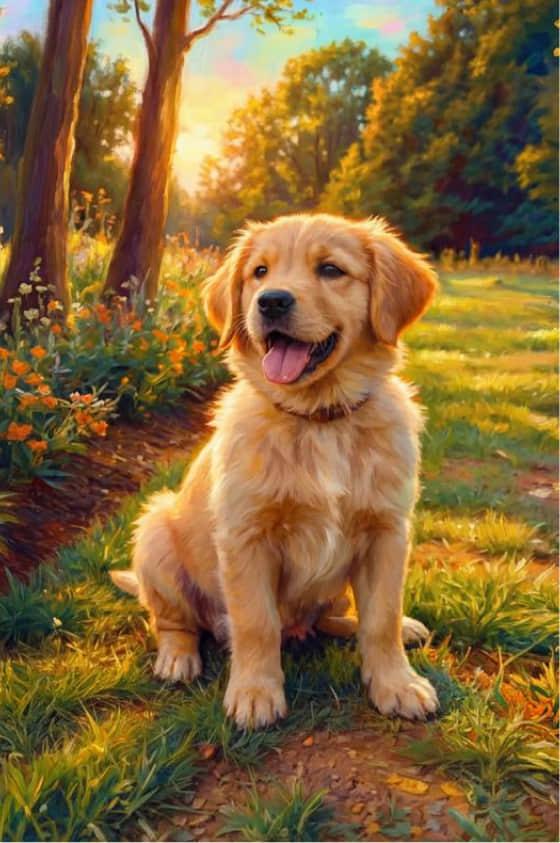
Cartoon Pet
Tender Embrace
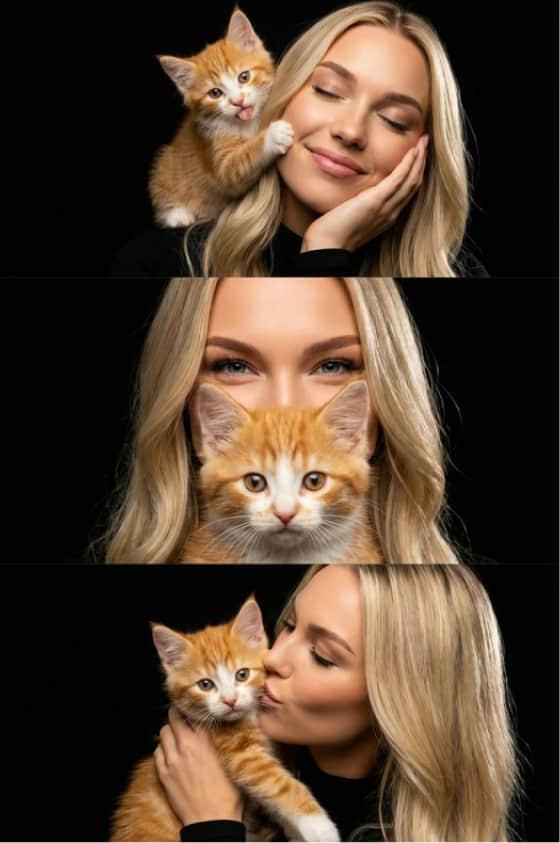
Cat Love
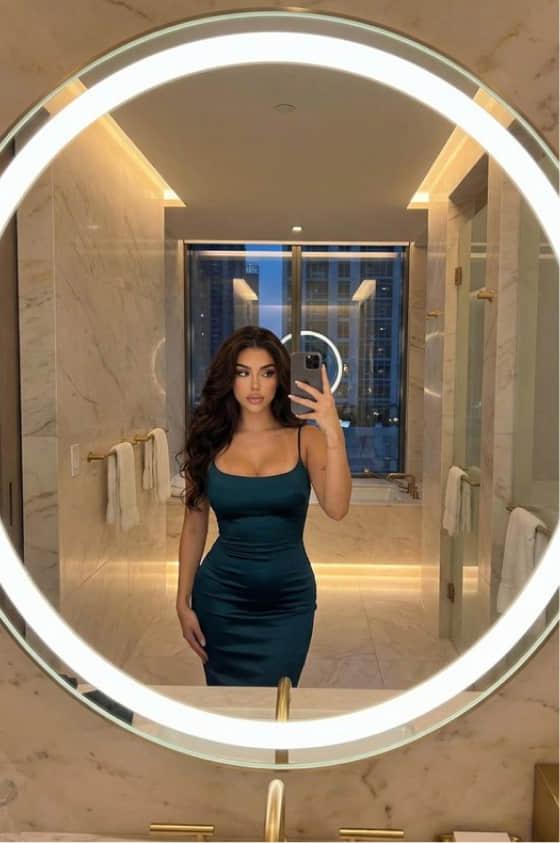
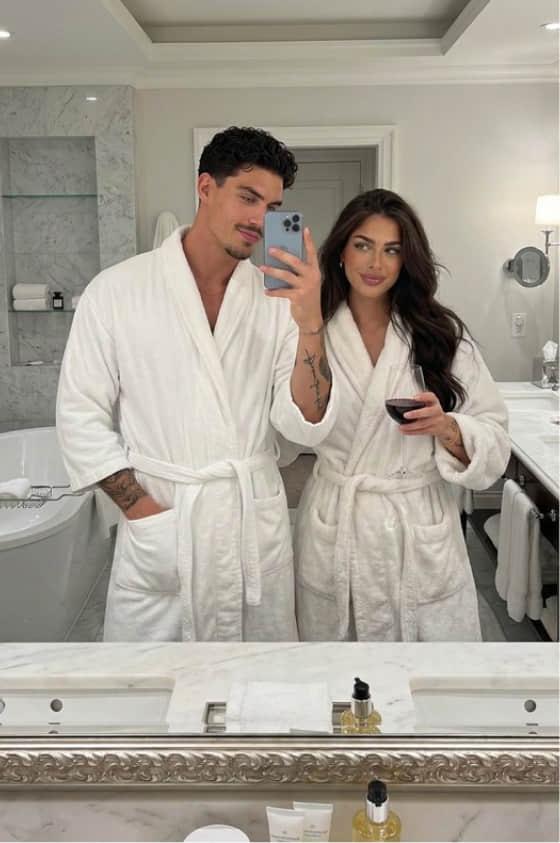
Luxury Hotel
Private Moments
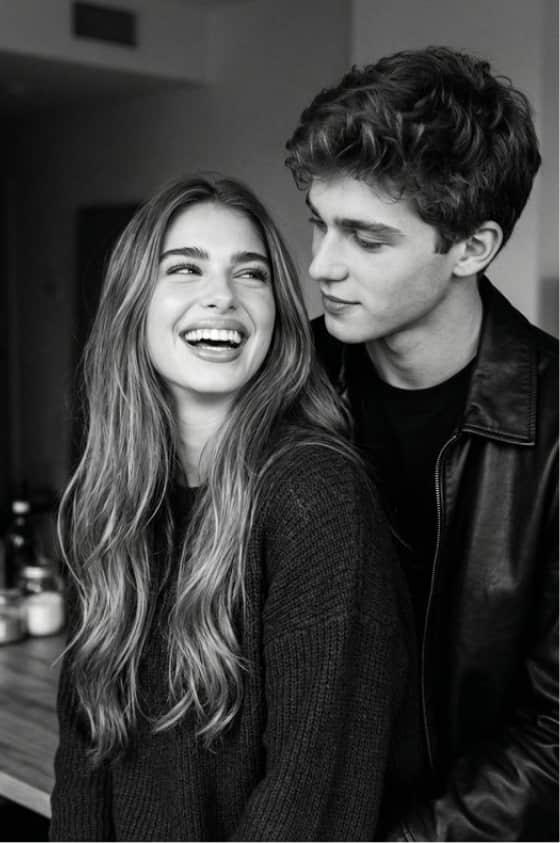
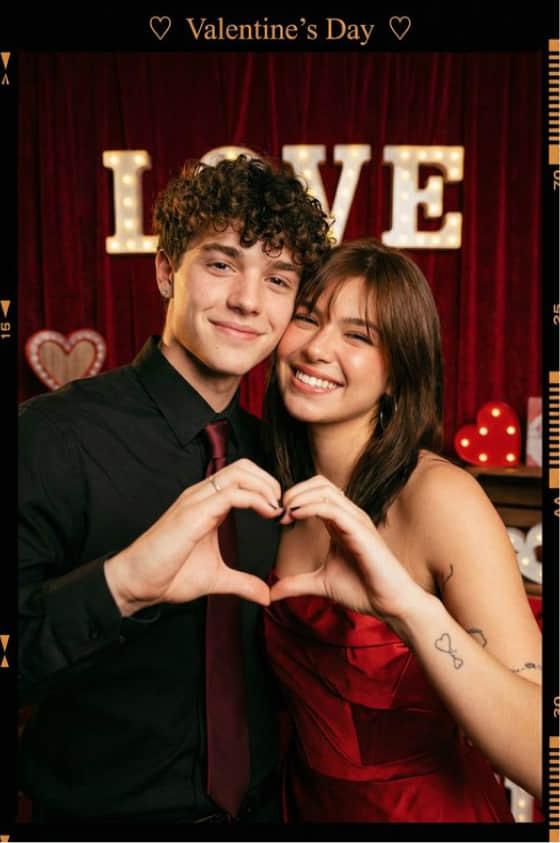
Love on Film
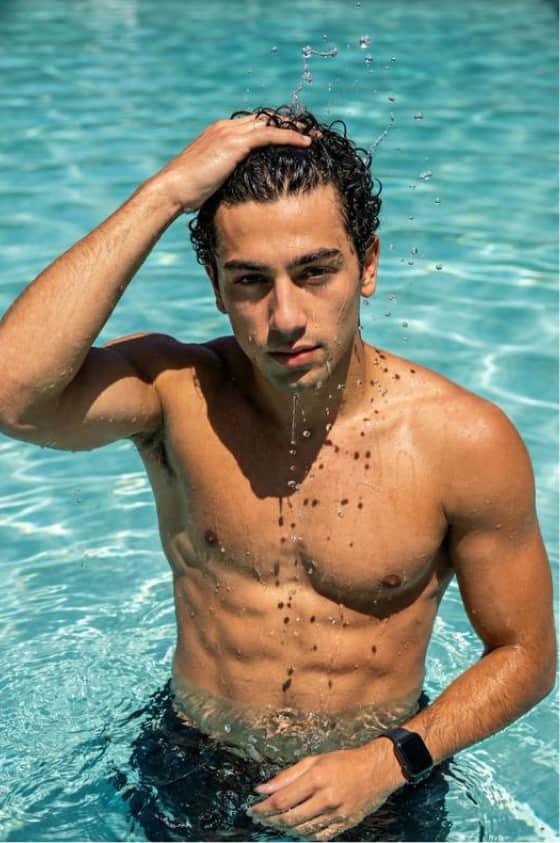
Aqua Flex
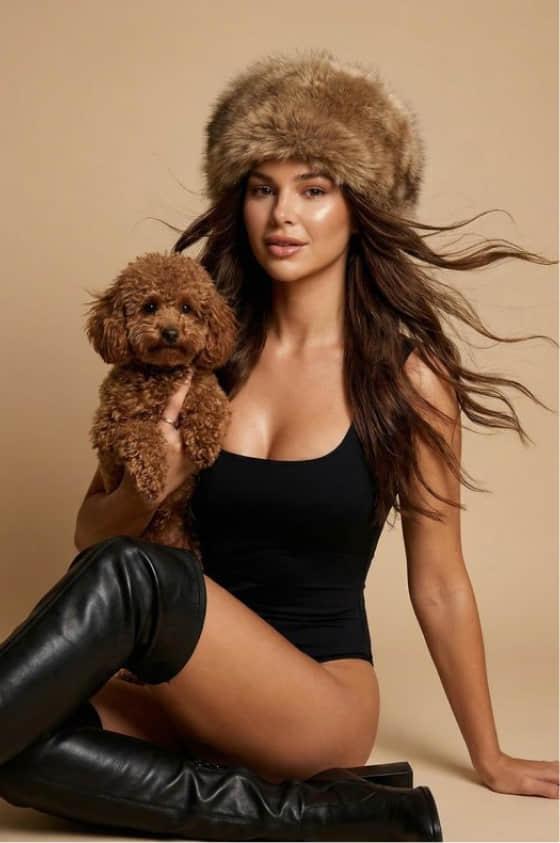
Urban Pup
もっと見る

Collart AIの可能性を最大限に

画像から動画
テキストから動画
開始/終了フレーム
Motion Sync
テキストから画像
画像から画像

よくある質問

アイデアを印象的なビジュアルに変換

今すぐ試す
AI 画像から動画生成 | 写真を動かす | Collart