AI-prompts

Seedance 2.0-prompts

Ontdek Seedance 2.0-prompts voor komedie, acteerwerk van personages en filmische actie, met aanpasbare shotbeschrijvingen.

Seedance 2.0-promptbibliotheek, dagelijks bijgewerkt

16:9
720p
Nu proberen

Alle prompts

Prompts op deze pagina: 21

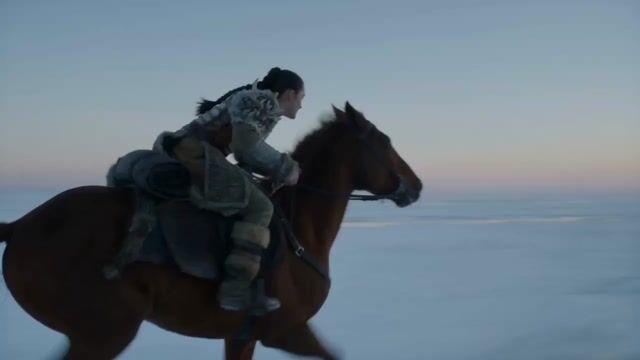
Promptvoorbeeld: Woman Galloping on Horse

Auteur Sharon Riley

Promptvoorbeeld: Epic Fantasy Ice Predator Hunt

Auteur Aria

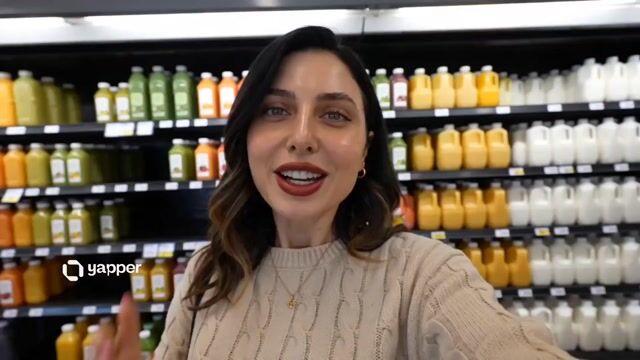
Promptvoorbeeld: UGC Aesthetic Grocery Shopping

Auteur Smiling Khan

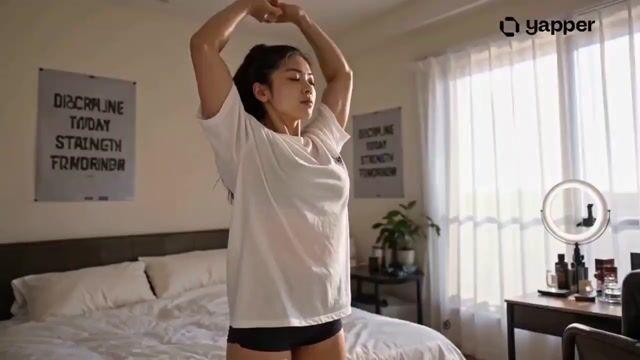
Promptvoorbeeld: Japanese Gym Routine Video Prompt

Auteur WasifAI

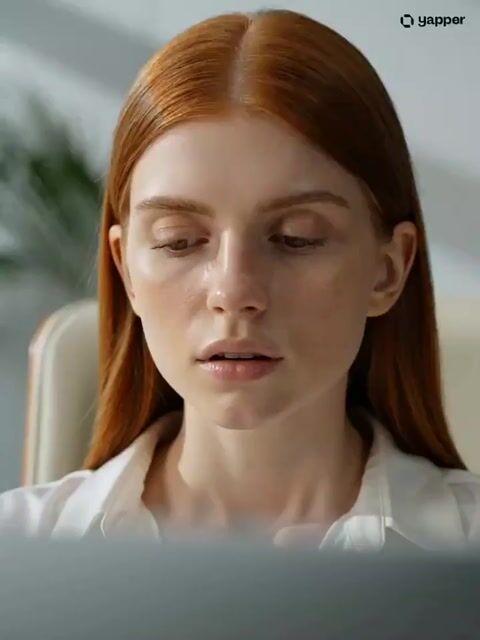
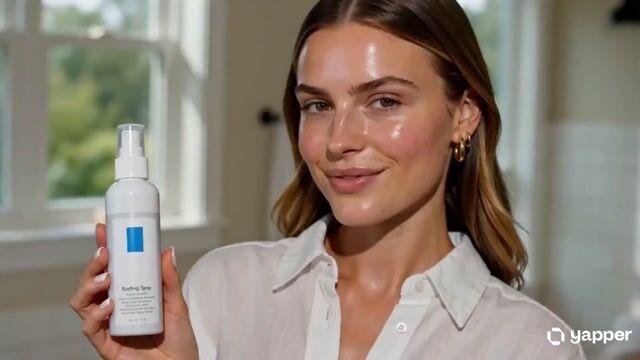
Promptvoorbeeld: Luxury Skincare Commercial Radiance

Auteur Zyro

Promptvoorbeeld: Skincare Commercial Storyboard

Auteur ÀBDŪLLÂH

Promptvoorbeeld: AI Animal Rescue Cinematic Montage

Auteur Waseem Ai

Promptvoorbeeld: Parallel Cat Universe Podcast

Auteur The Anxious Mind

Promptvoorbeeld: Storyboard to Scene Generation

Auteur BMX

Promptvoorbeeld: Skincare UGC Reel

Auteur Shami

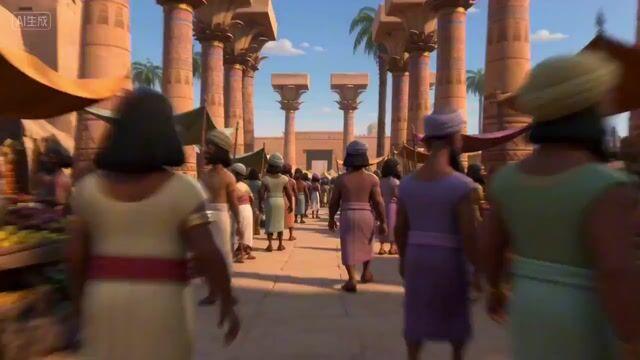
Promptvoorbeeld: Egyptian Bazaar Anubis Merchant Animated Story

Auteur migrok

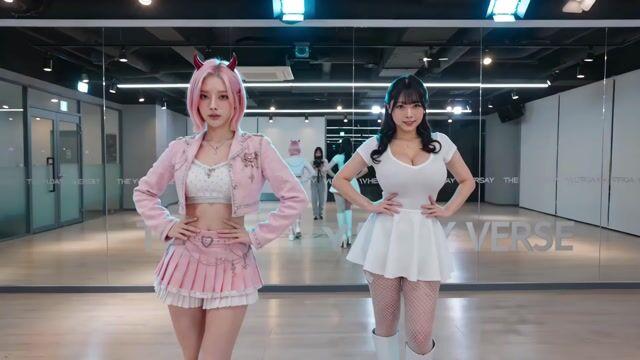
Promptvoorbeeld: K-pop Dance Challenge Studio

Auteur TheYudayVerse

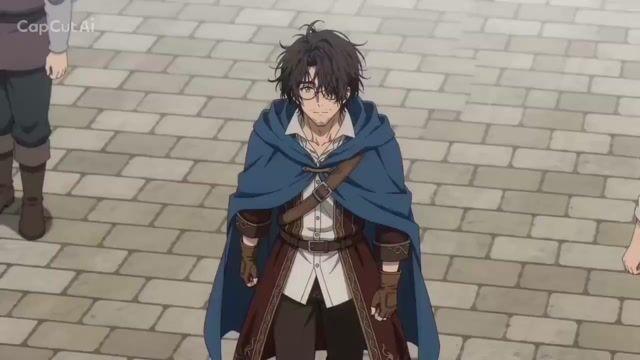
Promptvoorbeeld: Fantasy Isekai Anime Storyboard
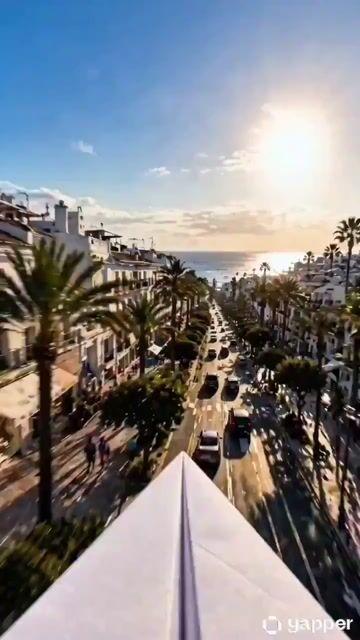
Promptvoorbeeld: Paper Airplane POV Flight

Auteur Rossy

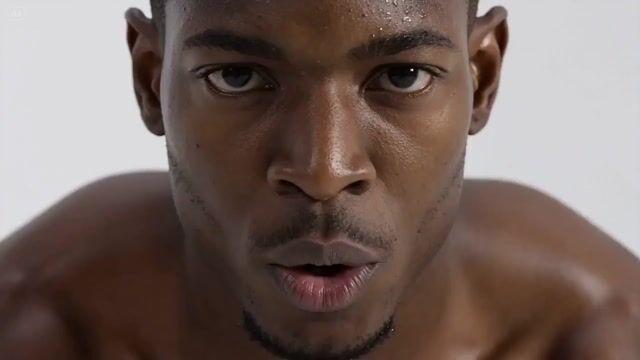
Promptvoorbeeld: Hyperrealistic Fitness Athlete Cinematic

Auteur Keskin

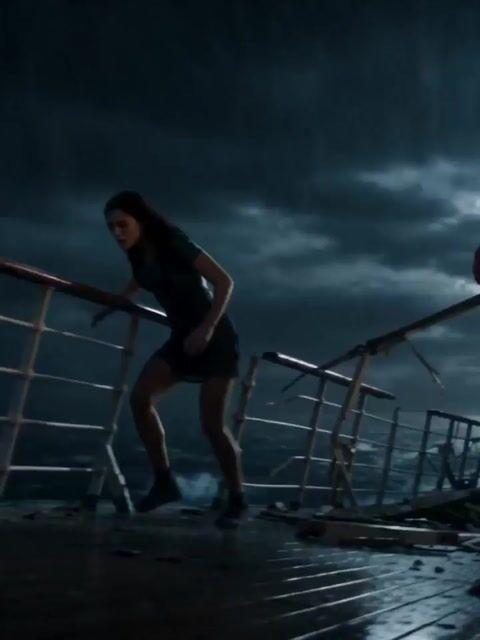
Promptvoorbeeld: Stormy Sea Action Mutation Sequence

Auteur Rahul Nanda

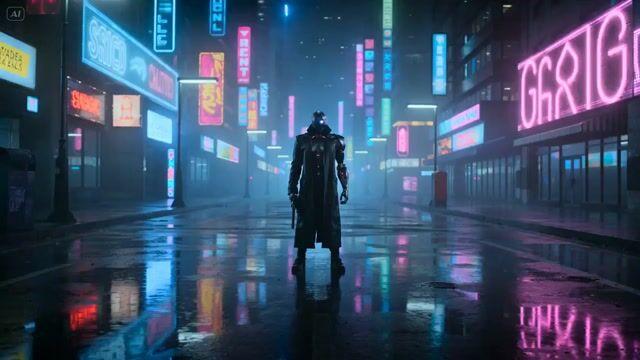
Promptvoorbeeld: Cyberpunk Gunslinger Neon Sequence

Auteur LudovicCreator

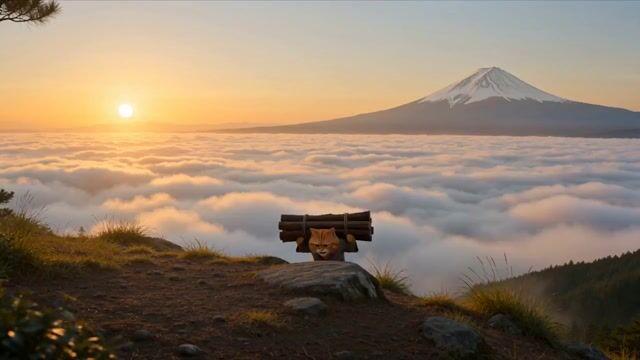
Promptvoorbeeld: Cat Monk Dark Comedy Animation

Auteur The Anxious Mind

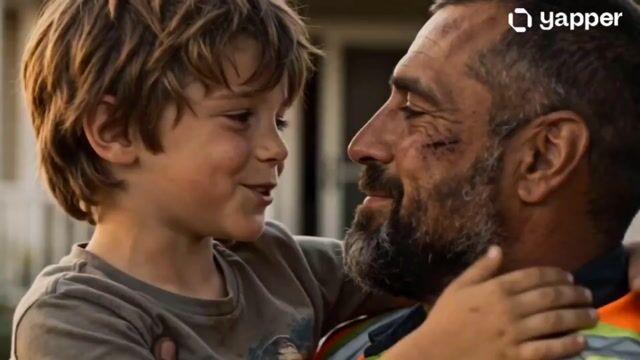
Promptvoorbeeld: Emotional Father and Son Reunion

Auteur Ai Arainz

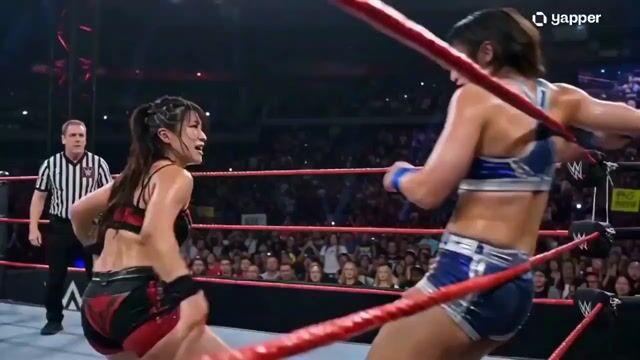
Promptvoorbeeld: WWE Championship Finale Video

Auteur WasifAI

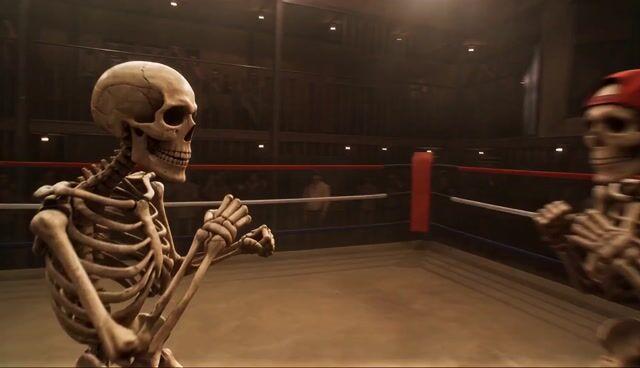
Promptvoorbeeld: Skeleton Underground Wrestling

Auteur Ratul Ali

Over Seedance 2.0-prompts

Bouw een korte reeks op: uitgangssituatie, actie en reactie. Beschrijf gebaren en kadrering zodat het verhaal duidelijk wordt.

Seedance 2.0 gebruiken in Collart

Houd beschrijvingen van personages en locaties consistent tussen shots; geef overgangen bij een nieuwe scène duidelijk aan.

Seedance 2.0ByteDanceVideoprompts
Nu proberen

Veelgestelde vragen

Hoe bouw ik een prompt met meerdere shots op?+

Verdeel de shots in geordende stappen. Geef elke stap één hoofdactie en laat tijd over voor de reactie.

Kan ik deze prompts direct gebruiken?+

Ja. Gebruik ze als startpunt en verfijn ze voor je referentieafbeeldingen, beeldverhouding en gewenste visuele resultaat.