UFC Pre-fight Crowd Cam
Beschrijving
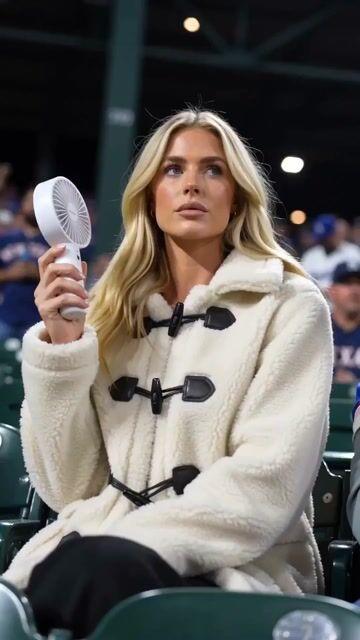
A detailed multi-beat video prompt for a UFC pre-fight broadcast sequence, featuring a crowd-cam montage and interaction with the camera.
Volledige prompt
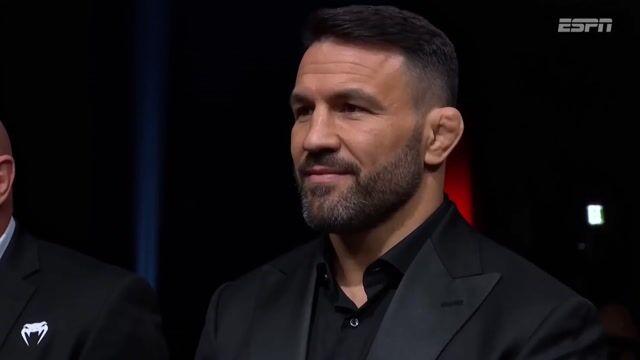
Ultra-realistic UFC pre-fight broadcast video sequence, crowd-cam montage inside a packed arena with dramatic overhead spotlights, deep shadows, and the signature octagon-side electric atmosphere. Handheld broadcast camera feel with subtle motion, moody arena lighting, deep blacks, shallow depth of field, 16:9 composition, authentic live PPV aesthetic.Beat 1 (0:00–0:03): Camera finds a famous MMA fighter sitting cage-side in a sharp suit, nodding approvingly at the action, cage visible behind him. Announcer voice-over begins, casual and energetic: "And look who's in the building tonight — always great to see the champ cage-side..."Beat 2 (0:03–0:05): Smooth camera pan across cheering fans, phone screens glowing, a brief blur of motion as it sweeps to the next subject.Beat 3 (0:05–0:10): Camera settles on a lean, athletic bald man seated in the crowd — fitted black compression shirt with red contrast stitching and a small circular chest logo, thin black cord necklace, closely trimmed salt-and-pepper goatee, piercing light blue-grey eyes, intricate geometric blackwork tattoo sleeves with mandala and sacred-geometry patterns covering both arms. He's mid-conversation, leaning slightly toward another well-known fighter seated next to him, gesturing with one hand, laughing at something, fully unaware of the camera. Announcer continues: "...and right next to him, Ori Silver is here in the house —"Beat 4 (0:10–0:12): Ori catches the camera in his peripheral vision, head turns toward the lens, eyes go wide in a playful "oh — me?" expression, eyebrows shooting up, mouth slightly open in mock surprise. Announcer, perfectly timed with the look: "— looking jacked..."Beat 5 (0:12–0:15): Expression shifts into a confident grin, he raises his right arm and flexes his bicep hard, the compression shirt straining against the muscle, tattoos shifting with the movement. He holds the flex while locking eyes with the camera. Announcer lands the punchline: "...dangerous man, this guy."Broadcast overlay lower-third with fight card graphics, ESPN/UFC-style watermark top-right. Detailed skin texture, sweat-sheen highlights from arena lights, slight zoom-in on the flex beat, natural reaction timing throughout — no rushed cuts, let each beat breathe.