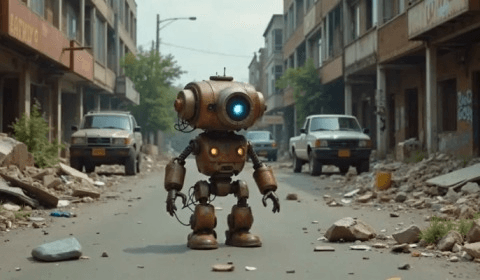
Mag-upload ng Larawan
Mag-upload ng pangunahing photo.
 Kling
Kling Minimax
 Nano Banana
 PixVerse
 Grok
GrokGawing kahanga-hanga at dynamic videos ang static images gamit ang Collart AI. Lagyan ng motion, style, at buhay ang anumang photo sa ilang segundo—hindi kailangan ng editing skills.
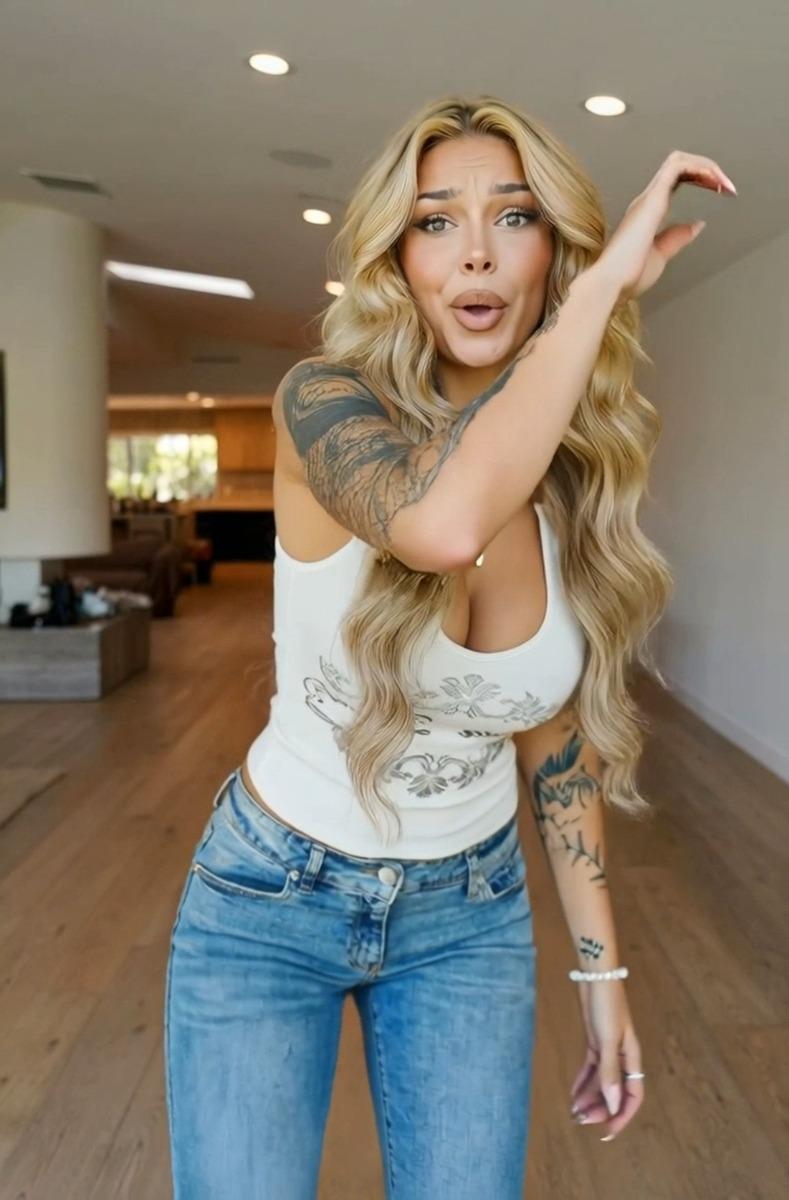
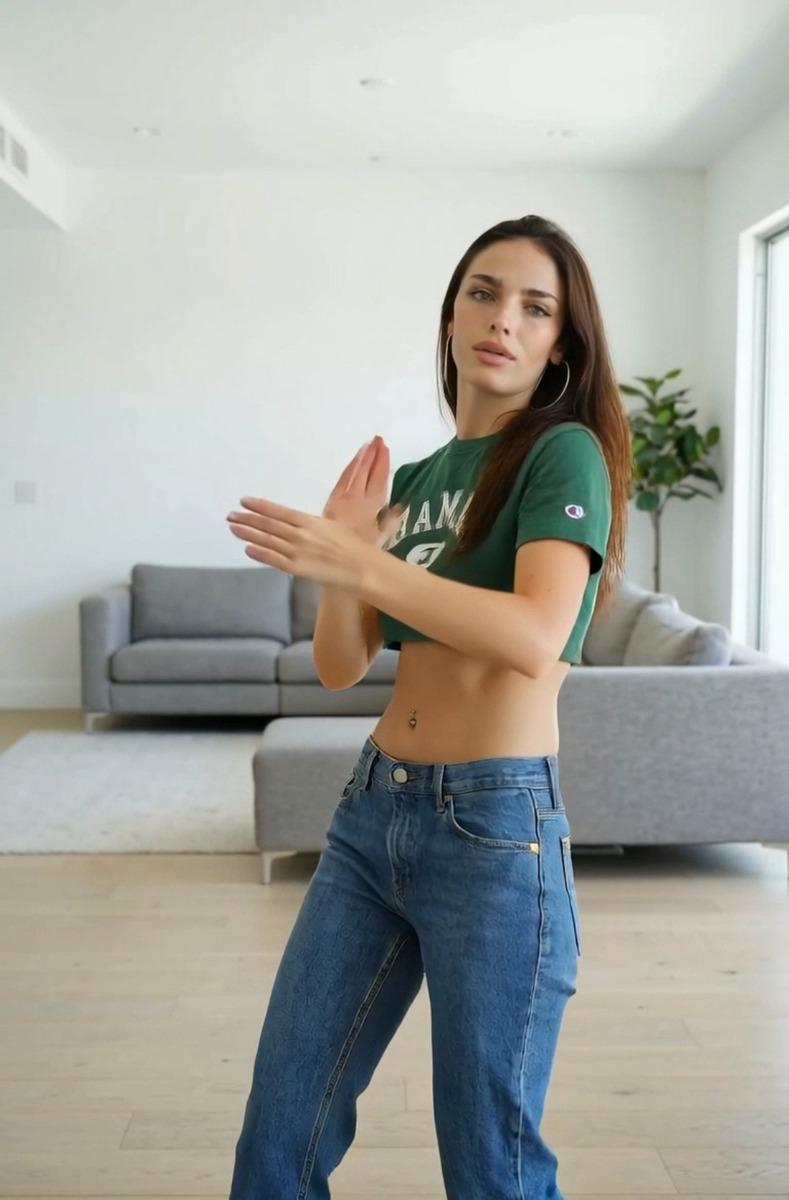
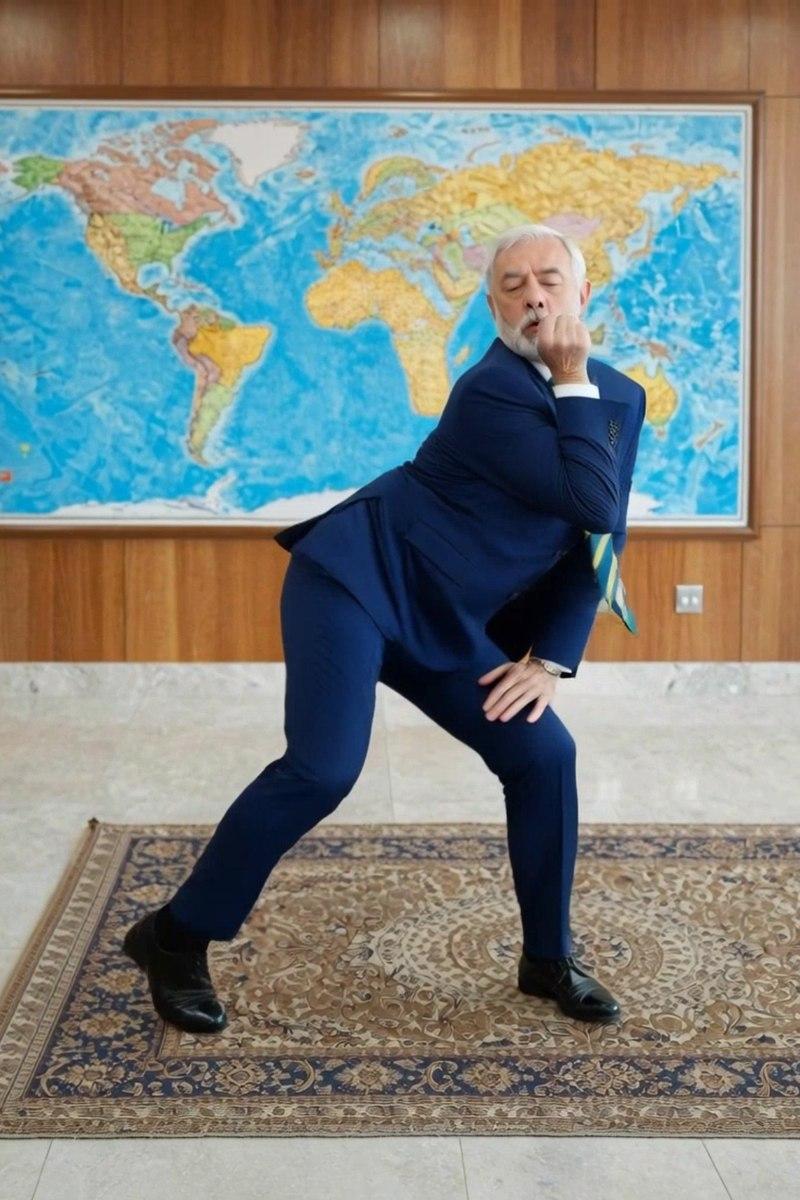
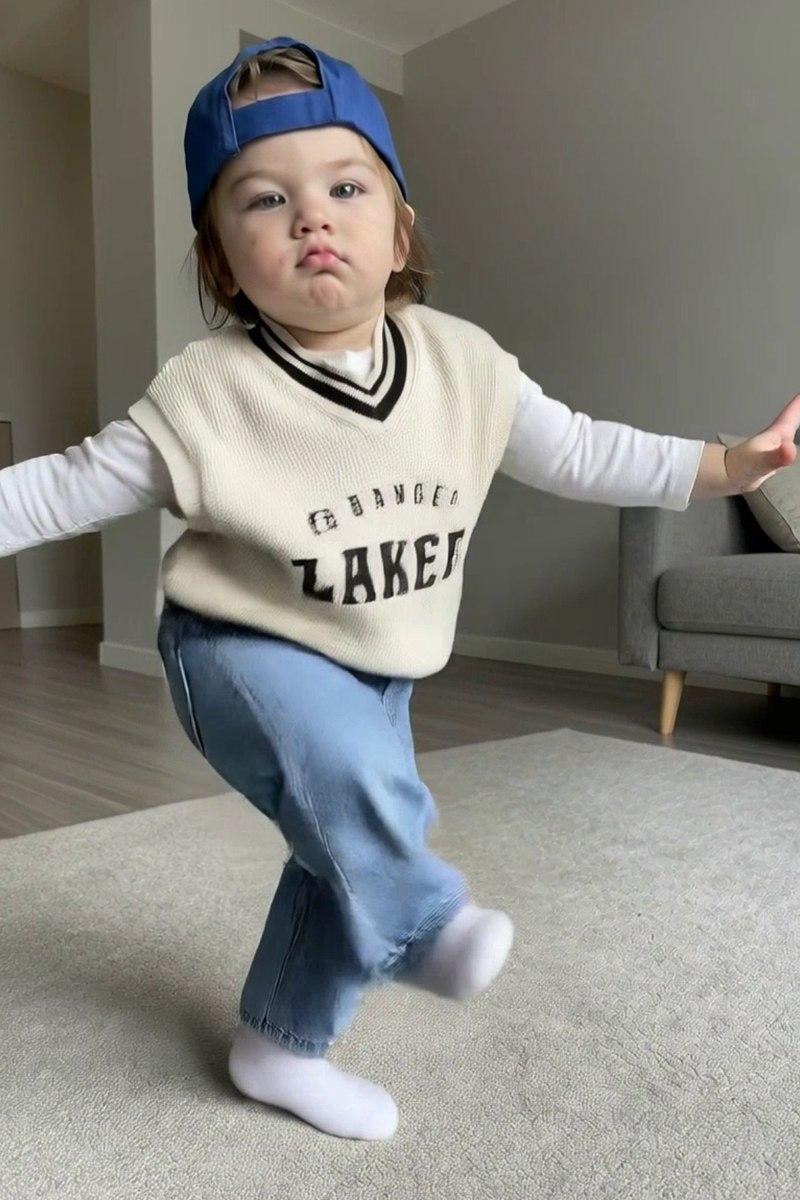
Gawing dynamic AI videos ang anumang larawan na may smooth na motion at lifelike animation.
Gumawa ng kahanga-hangang videos mula sa simpleng text prompts. Ilarawan ang ideya mo at makakuha ng ready-to-watch cinematic video.
Kontrolin ang kuwento ng video sa pagtatakda ng una at huling frame para sa consistent at seamless na resulta.
Panatilihing natural at fluid ang galaw gamit ang AI-powered motion synchronization sa iba't ibang scene.
Mag-upload ng pangunahing photo.
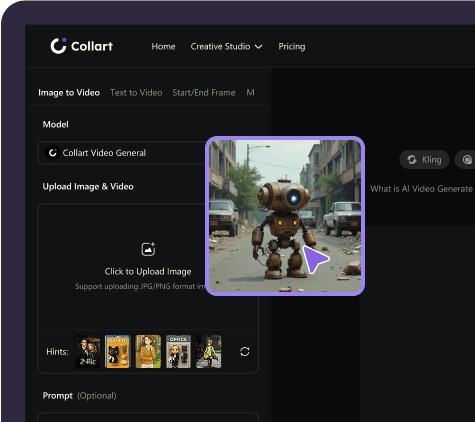
Ilagay ang text prompt mo at itakda ang dagdag na customization settings.
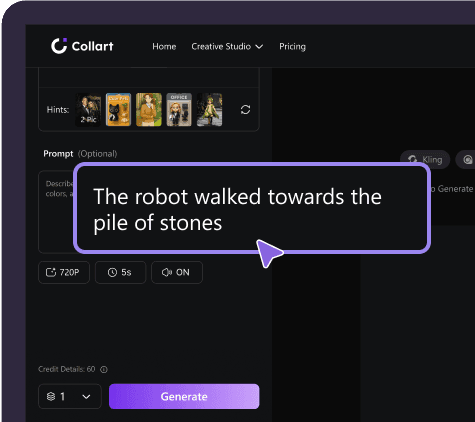
I-save ang video mo at i-share ito kahit saan sa ilang segundo.
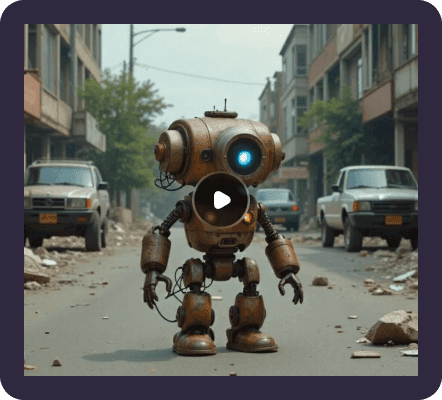
Gamitin ang Collart AI Image to Video para gawing engaging social media content, ads, o storytelling videos ang photos. Bigyang-buhay ang product images, portraits, o designs gamit ang motion na agad nakakakuha ng pansin.
Ginagawang pulido at handa nang i-share na mga video ng Collart AI Image to Video ang mga larawan at artwork sa loob ng ilang segundo. Magdagdag ng natural na galaw habang pinananatiling pare-pareho ang hitsura ng orihinal na larawan.
Bilis
Gumawa ng kahanga-hangang videos sa ilang segundo.
Pinapagana ng AI
Gawing cinematic na video ang mga larawan gamit ang galaw na ginagabayan ng prompt.
Impact
Gumawa ng content na kapansin-pansin at puwedeng mag-viral.
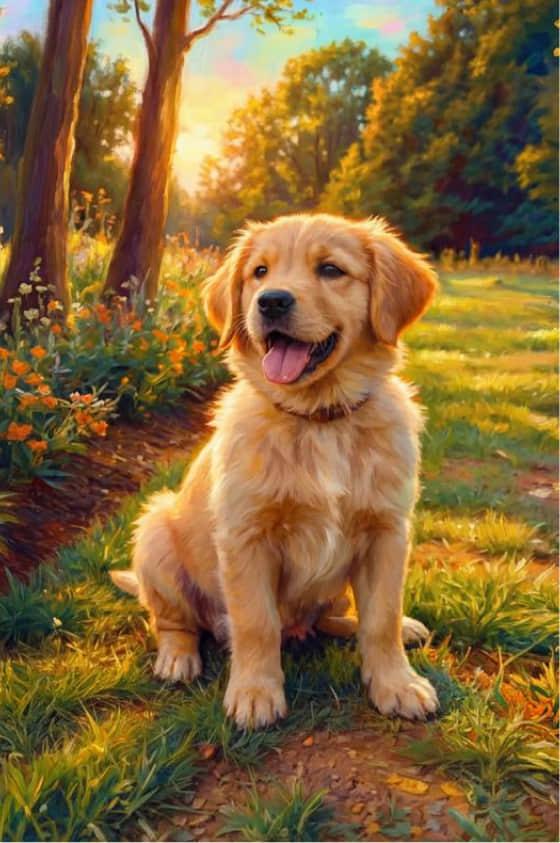
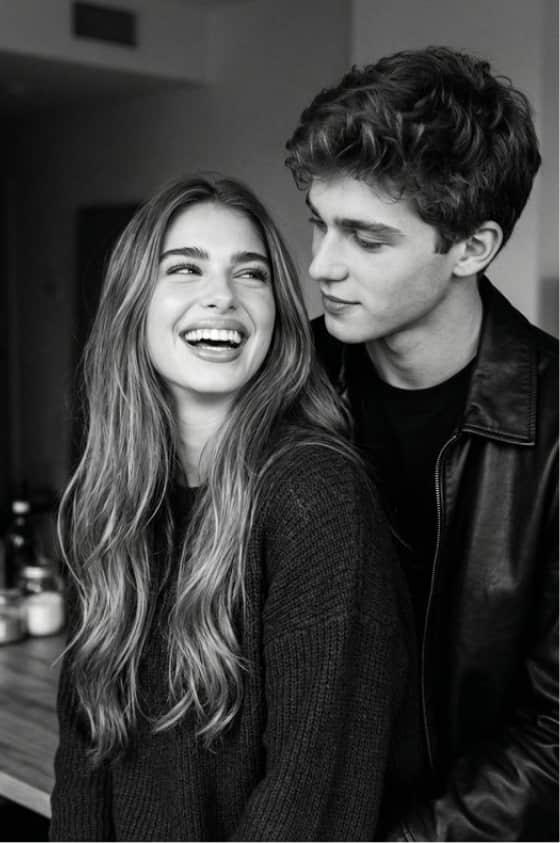
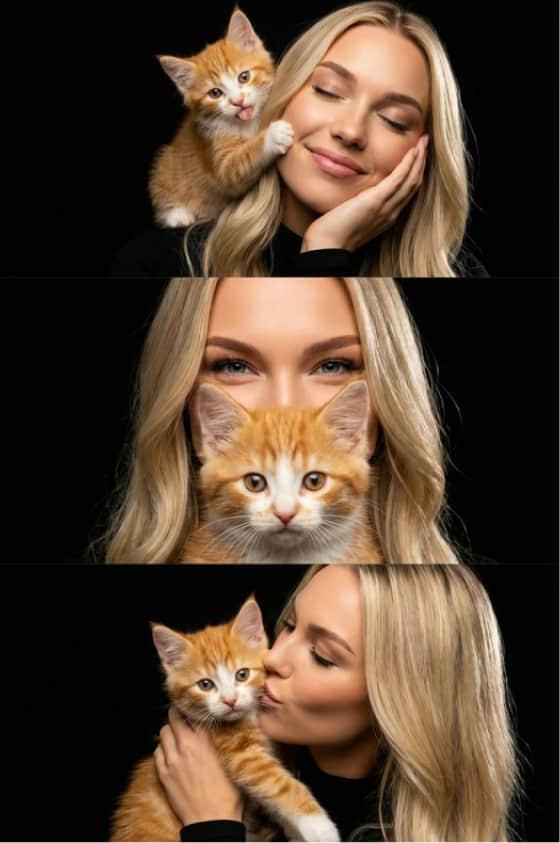
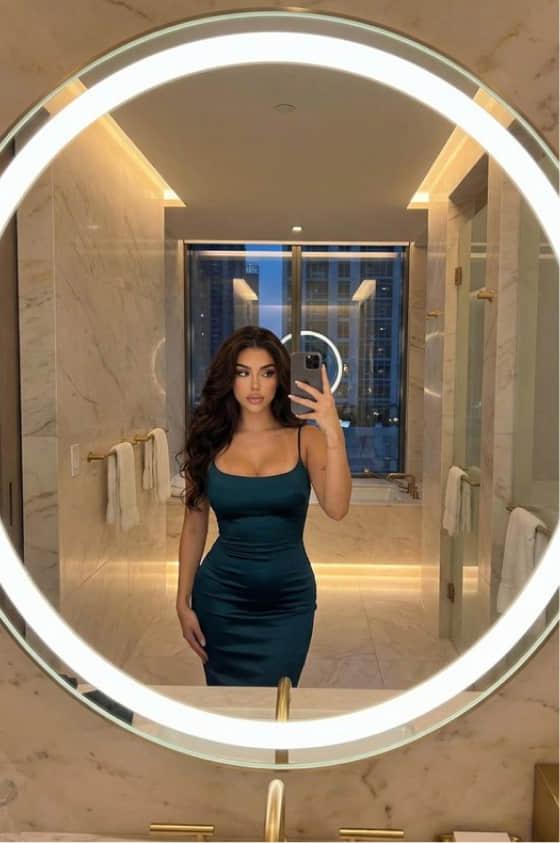
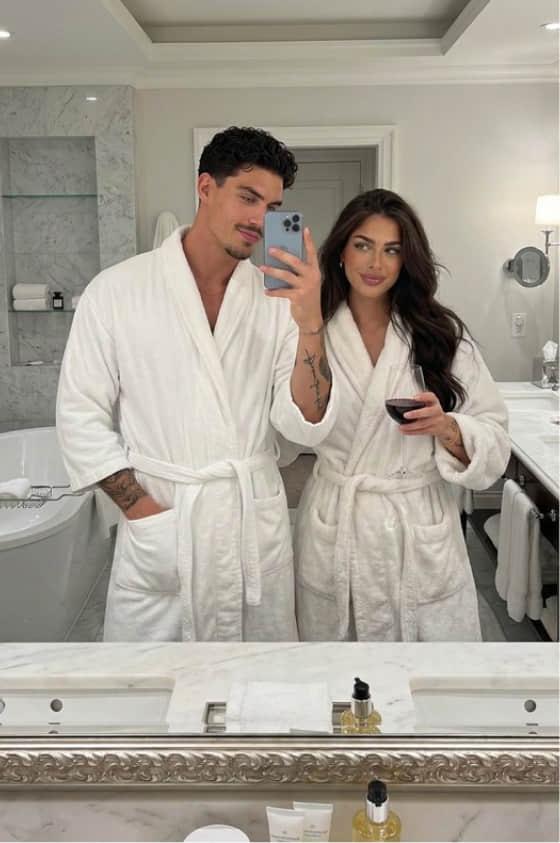
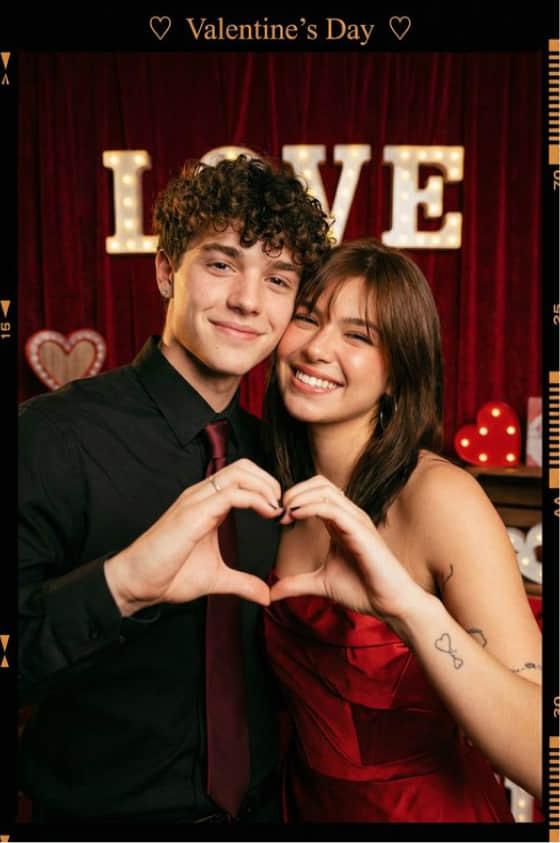
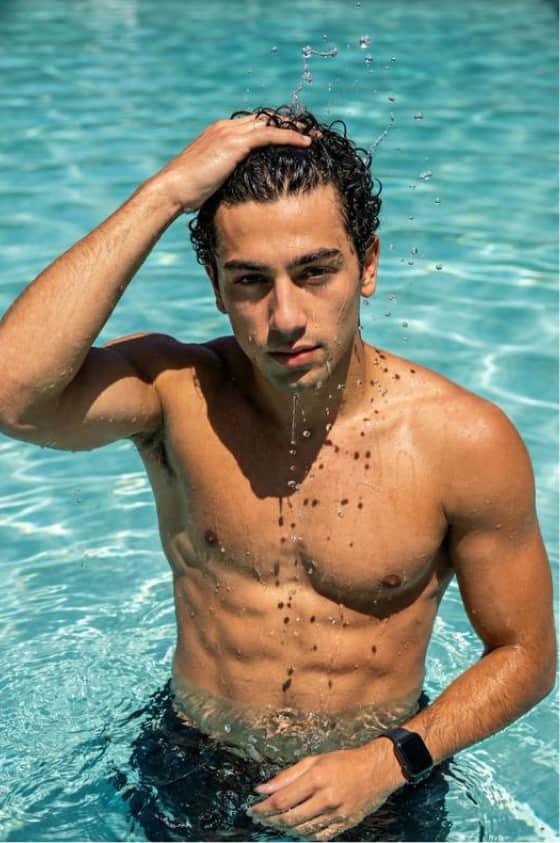
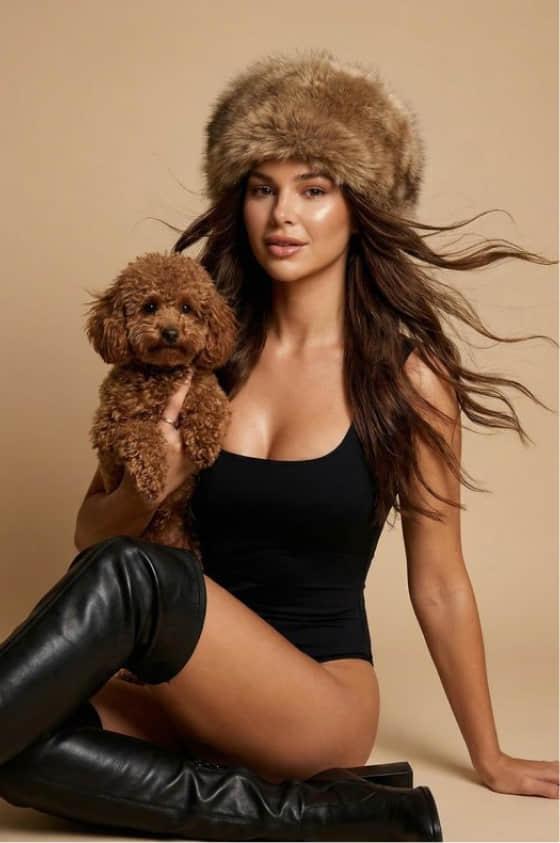
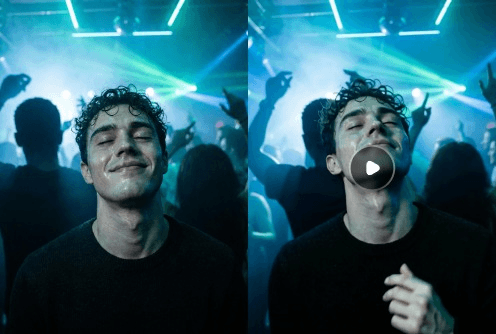
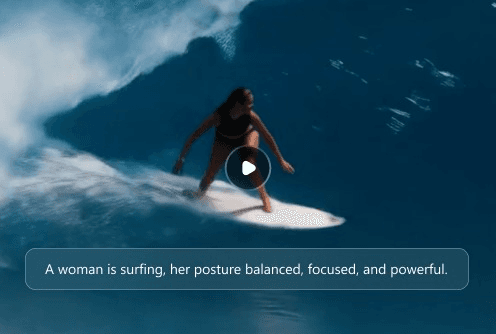
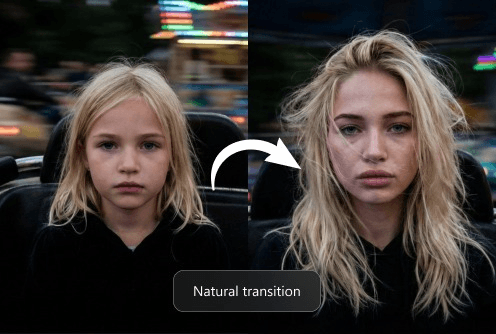
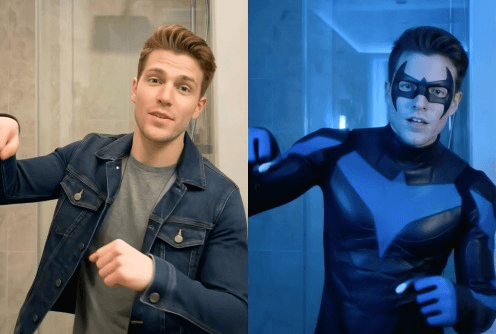
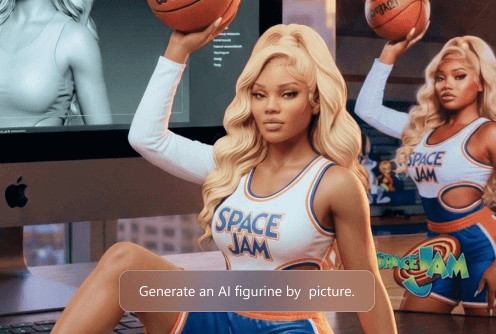
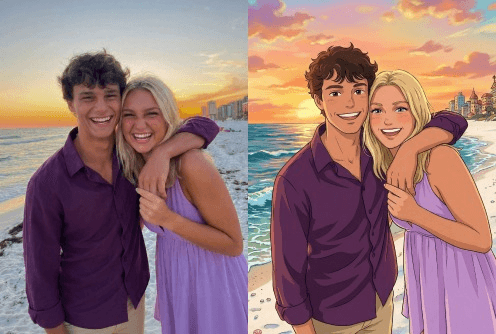
Ang Collart AI Image to Video Generator ay advanced AI-powered tool na ginagawang dynamic videos ang static images gamit ang text prompts at intelligent motion. Binibigyang-buhay nito ang visuals mo gamit ang smooth animation at immersive effects sa ilang segundo.
Pinagsasama ng pinakamahusay na image-to-video AI generator ang high-quality output, flexible customization, at makapangyarihang creative tools. Hatid ng Collart AI ang tatlong ito para madali kang makagawa ng visually stunning at engaging videos mula sa anumang image.
Namumukod-tangi ang Collart AI dahil pinagsasama nito ang makapangyarihang AI video technology at madaling workflow, kaya madali kang makagawa ng realistic videos na may smooth motion mula sa images. Tinitiyak nito ang visual consistency, natural na animation, at high-quality results sa bawat pagkakataon.
Supported ng Collart AI ang popular image formats gaya ng JPG at PNG, kaya madaling i-upload at gawing videos ang photos, designs, o artwork mo.
Oo! May libreng version ang Collart AI para makapagsimula kang gumawa ng image-to-video content nang walang paunang bayad, at may optional upgrades para sa mas advanced na features.
Sa Collart AI, madali kang makakapagdagdag ng audio sa pamamagitan ng pag-enable ng sound generation o pag-customize ng music settings habang gumagawa, para mas immersive at engaging ang videos mo.
Naka-integrate sa Collart AI ang advanced AI video capabilities para maghatid ng high-quality results, at patuloy nitong pinapahusay ang technology para maibigay ang pinakabagong video generation performance at features.
Oo naman! Pagkatapos gawin ang video, puwede mo pa itong i-refine at pagandahin gamit ang editing tools para maperpekto ang content at maging handa itong i-share.